About 2 Clocks
A beautiful fullscreen clock, for the way you actually use one. Set it on your desk, your nightstand, or your kitchen counter — rotate, glance, get on with your day.
2 Clocks turns your iPhone or iPad into a calm, oversized clock face — analog or digital, with a smoothly sweeping second hand. There are no menus to learn and no accounts to make. Swipe to pick a face. Tap the moon to go dark. Tap the gear if you want a widget that watches two time zones at once.
Inside, fifteen carefully tuned designs cover the territory you actually want from a clock: a clean Arabic dial with coloured accents, a quiet Roman-numeral face, a flip-clock, a word clock, an LCD that says THU PM ALM, a green Matrix terminal — and a handful more. Every face fills the screen, sweeps the seconds, and looks great in either orientation.
Free to download with non-personalised banner ads. A single $2.99 in-app purchase — 2 Clocks Pro — removes every ad forever and unlocks all 15 clock designs. Don’t want to buy? Tap Watch ad — 8 hours ad-free in Settings and enjoy a clean screen for the rest of the day. No subscriptions, ever.
Features
Sweeping Seconds
Every face shows a smoothly sweeping seconds hand or digit — not a once-a-second jump. Calming to watch, precise to read.
15 Clock Designs
A mix of analog and digital styles — Modern, Roman, Gold, Minimal, Word, LCD, Matrix, Flip and more. Swipe to switch in a tap.
Light & Dark Mode
One tap on the moon or sun in the corner swaps the entire app. True-black dark mode is perfect for a nightstand on OLED iPhones.
Two-Timezone Widgets
Small widget shows one clock, medium shows two side by side — each with its own label, timezone and analog-or-digital style.
Portrait & Landscape
Looks great upright on iPhone or rotated wide on iPad on a desk stand. Every face scales fluidly — no awkward letterboxes.
Watch Ad — 8 Hours Ad-Free
Don’t feel like an ad? Watch one rewarded video from Settings and banners disappear for the next eight hours. No purchase required.
2 Clocks Pro — $2.99
One simple upgrade: remove all ads forever, unlock every clock design. One-time purchase, no subscription. Pay once, keep forever.
Quietly Private
No account, no sign-up, no analytics. The clock doesn’t know who you are or where you are until you tell a widget.
Fifteen Clock Faces
Fifteen designs, tuned for clarity at a glance and quiet enough to sit in the background. Swipe left or right on the main screen to cycle through them all.
Analog
Digital
…and five more analog and digital faces inside the app. Pro-only designs are marked with the Pro badge and unlock with the one-time $2.99 in-app purchase.
Two-Timezone Home Screen Widgets
Pin 2 Clocks to your Home Screen and never miss a call across time zones. Two widget sizes, each one customised entirely from the app’s Settings — pick a label, a timezone, and whether you want analog or digital.
Configure each widget from Settings
- Clock 1 (small and medium): Label, Timezone, Analog or Digital.
- Clock 2 (medium only): Label, Timezone, Analog or Digital.
Widgets respect light/dark, refresh with the system, and inherit the face style you pick — including Pro-only faces once you’ve upgraded.
Screenshots
Faces, widgets, settings, the paywall — everything in the app, in order:
iPhone 6.7"
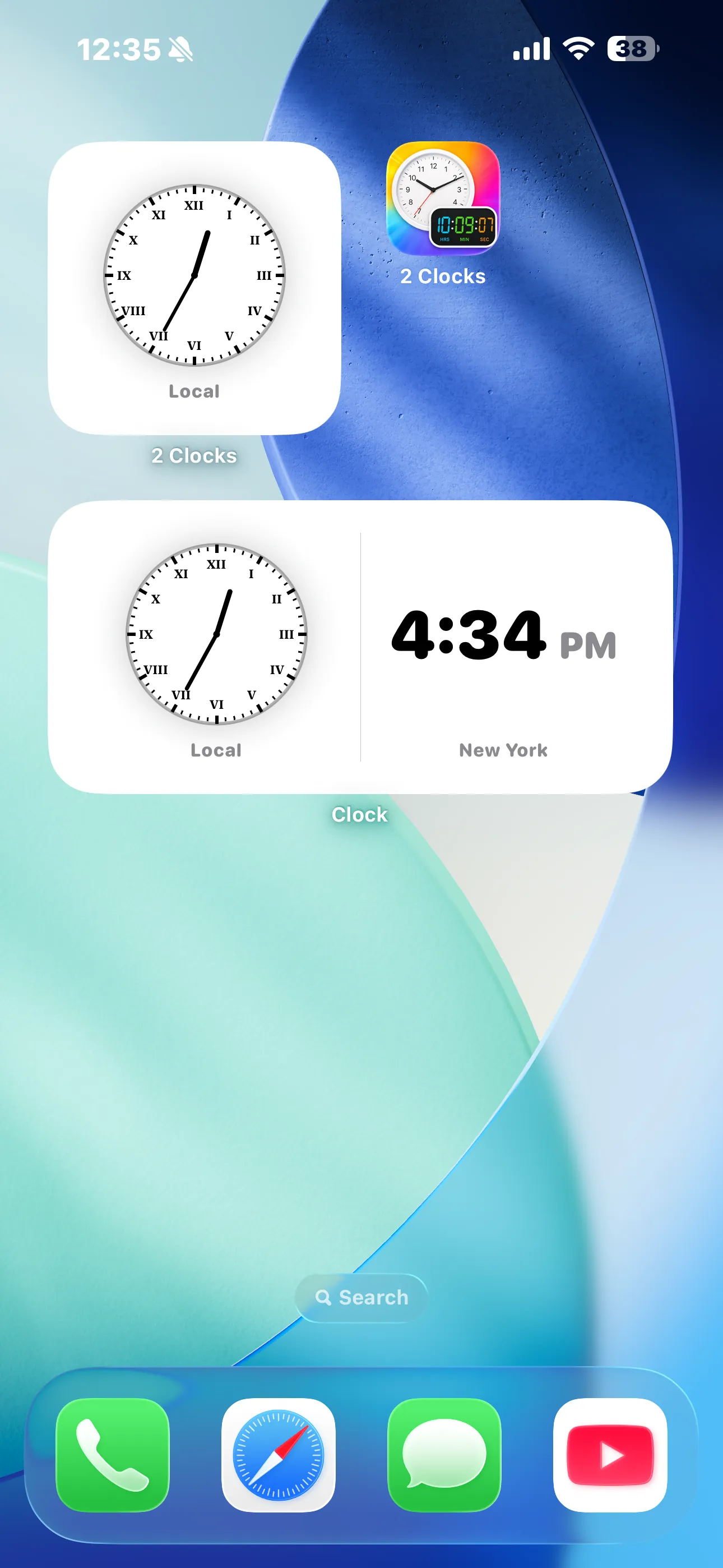
Widgets on Home Screen
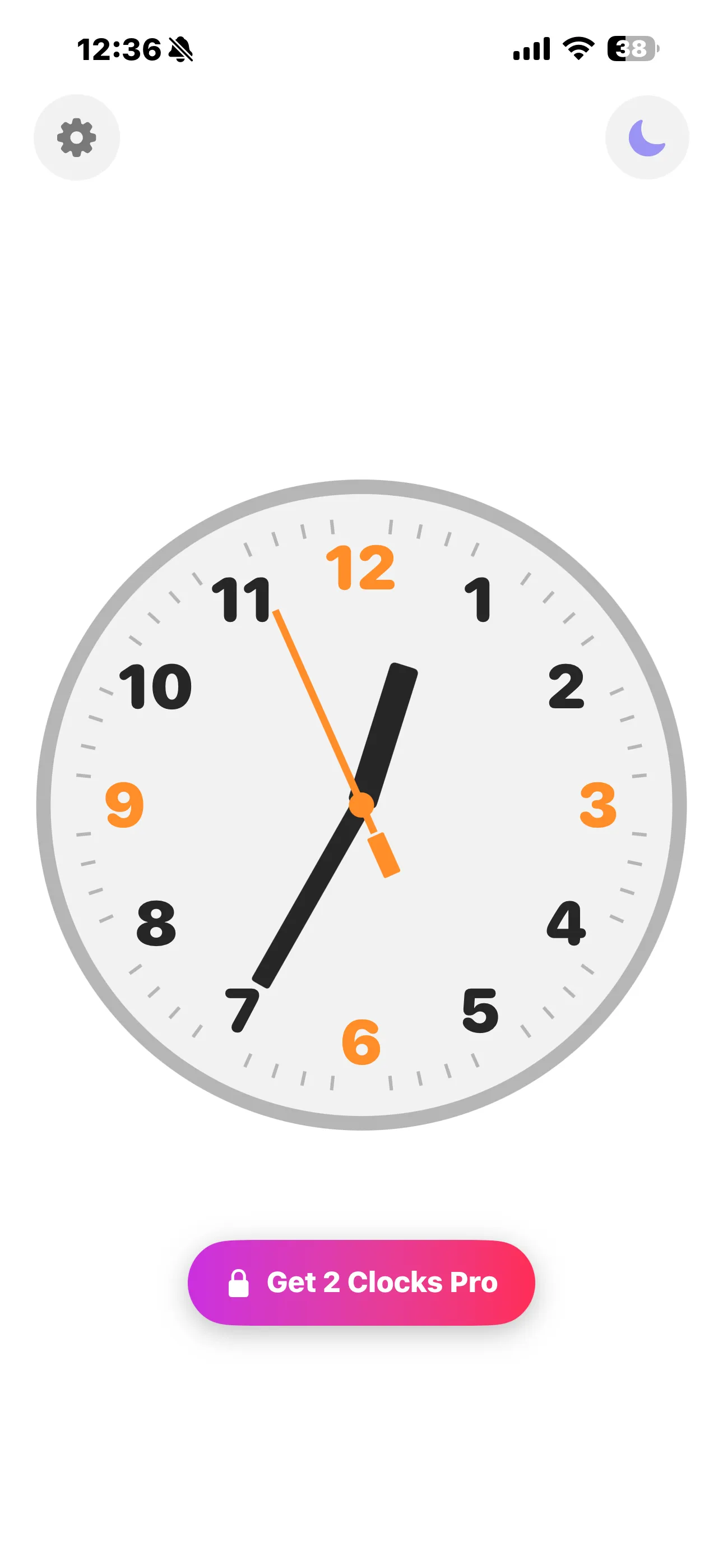
Modern Arabic analog
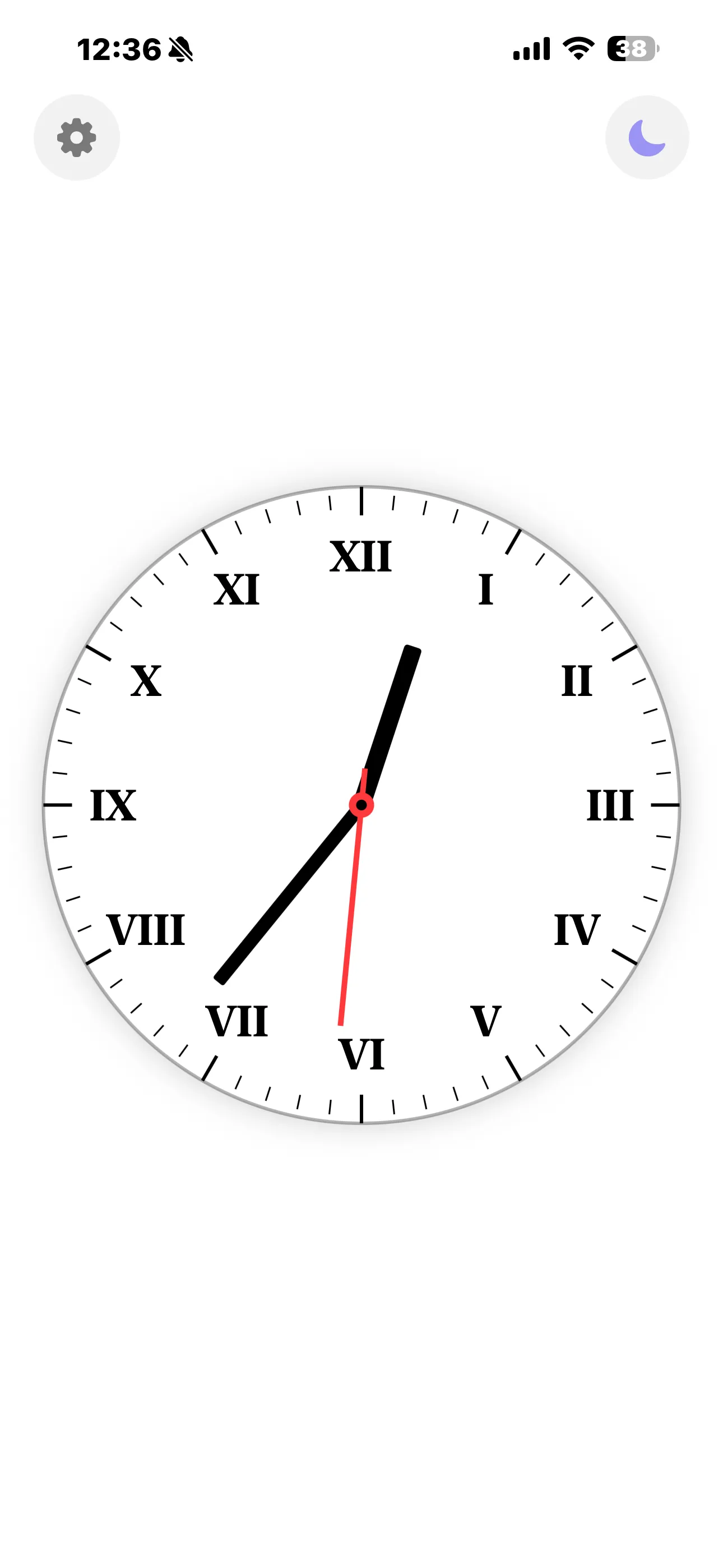
Roman numerals — light
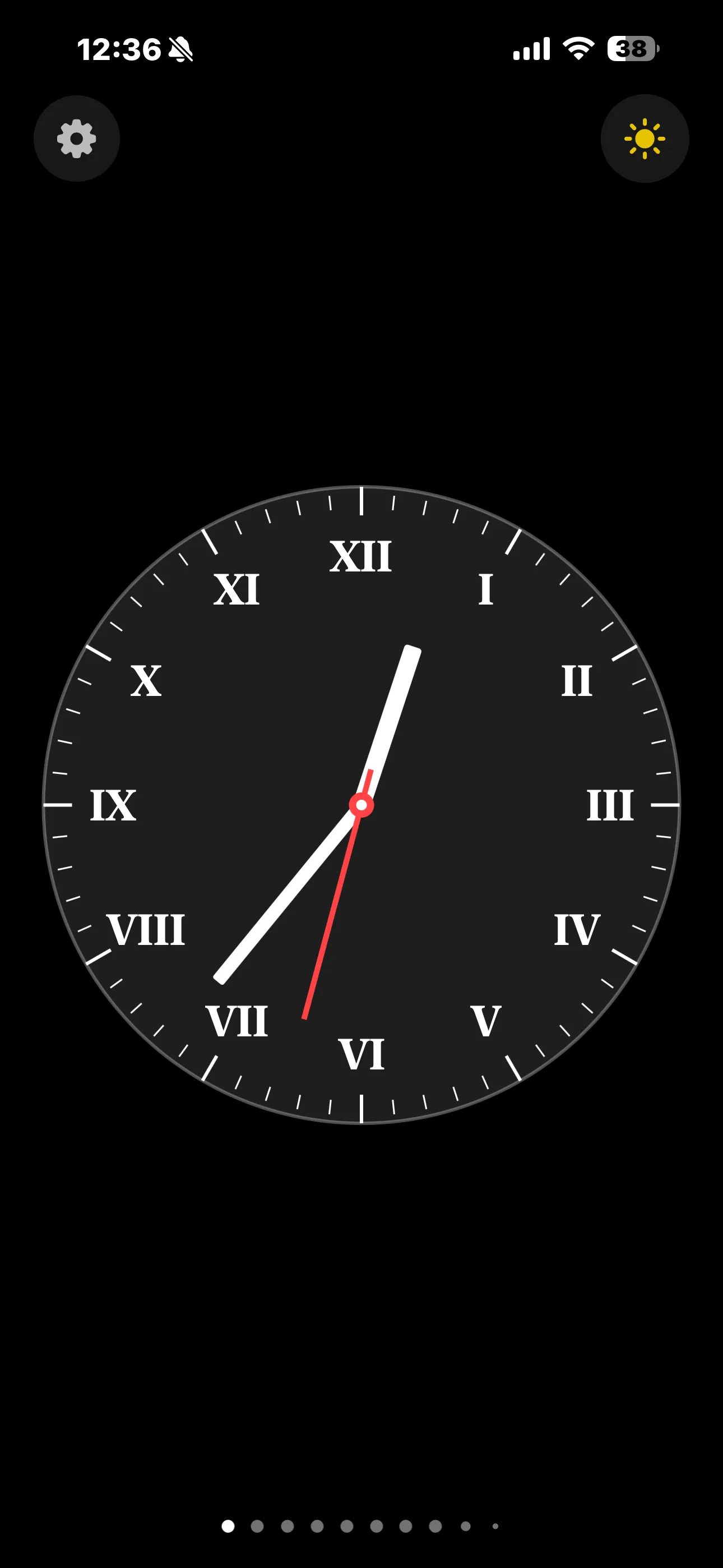
Roman numerals — dark
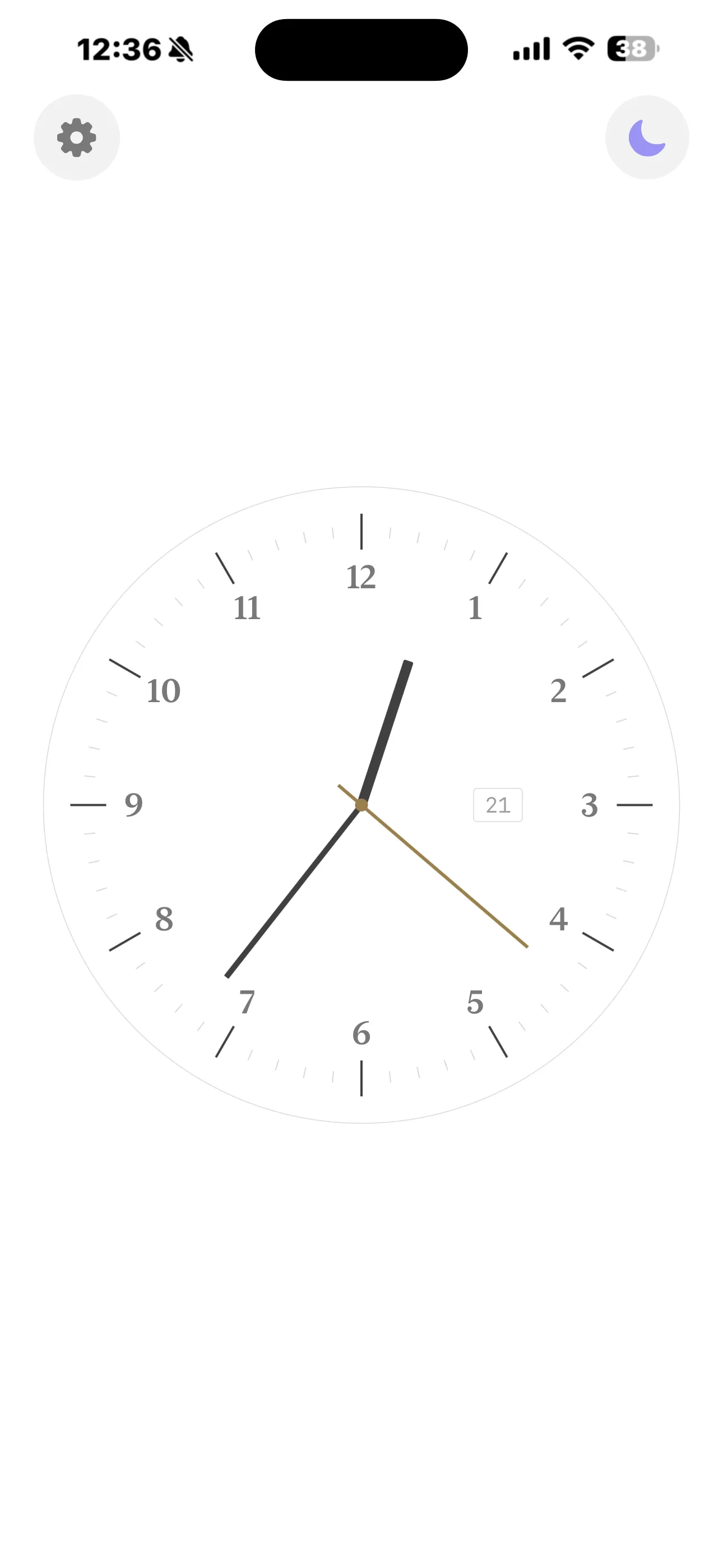
Apple-style minimal
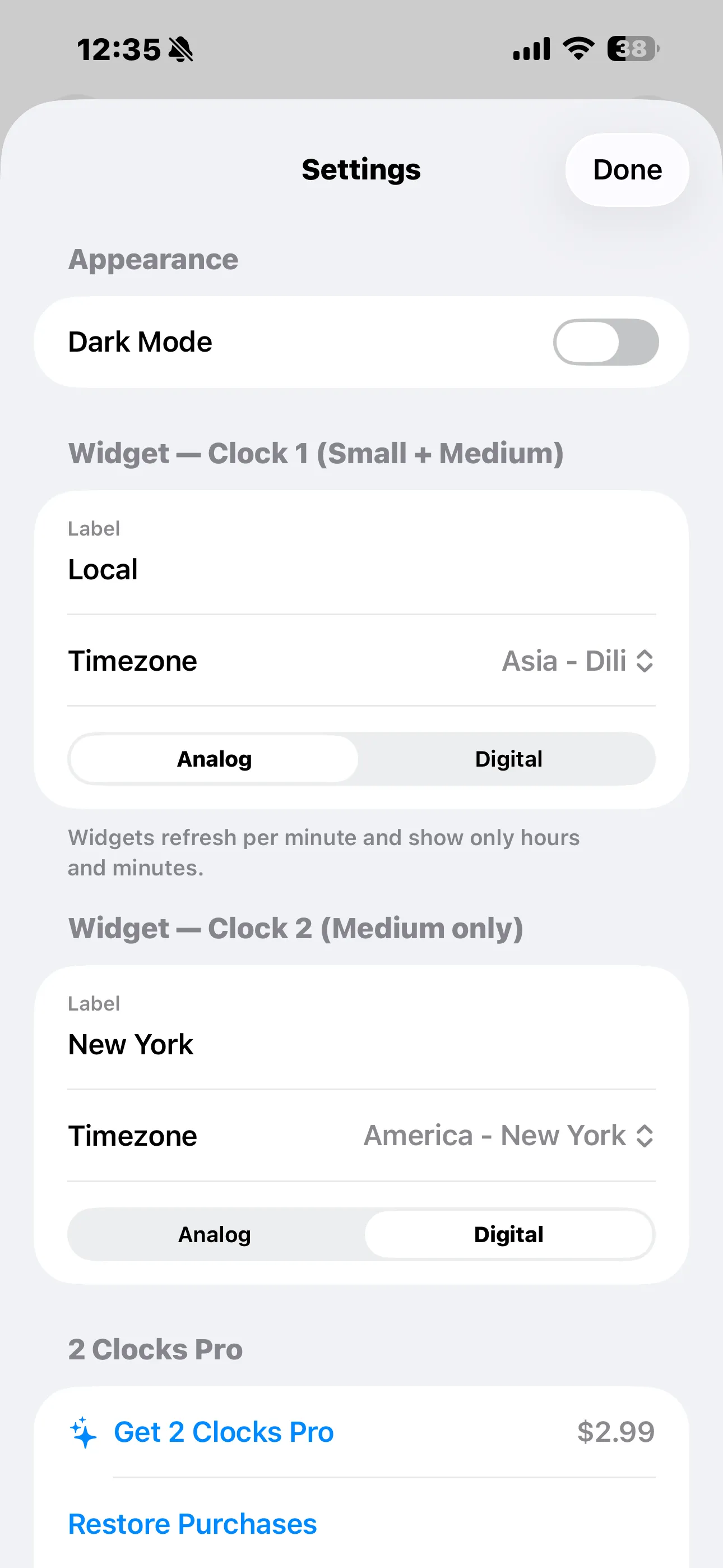
Settings
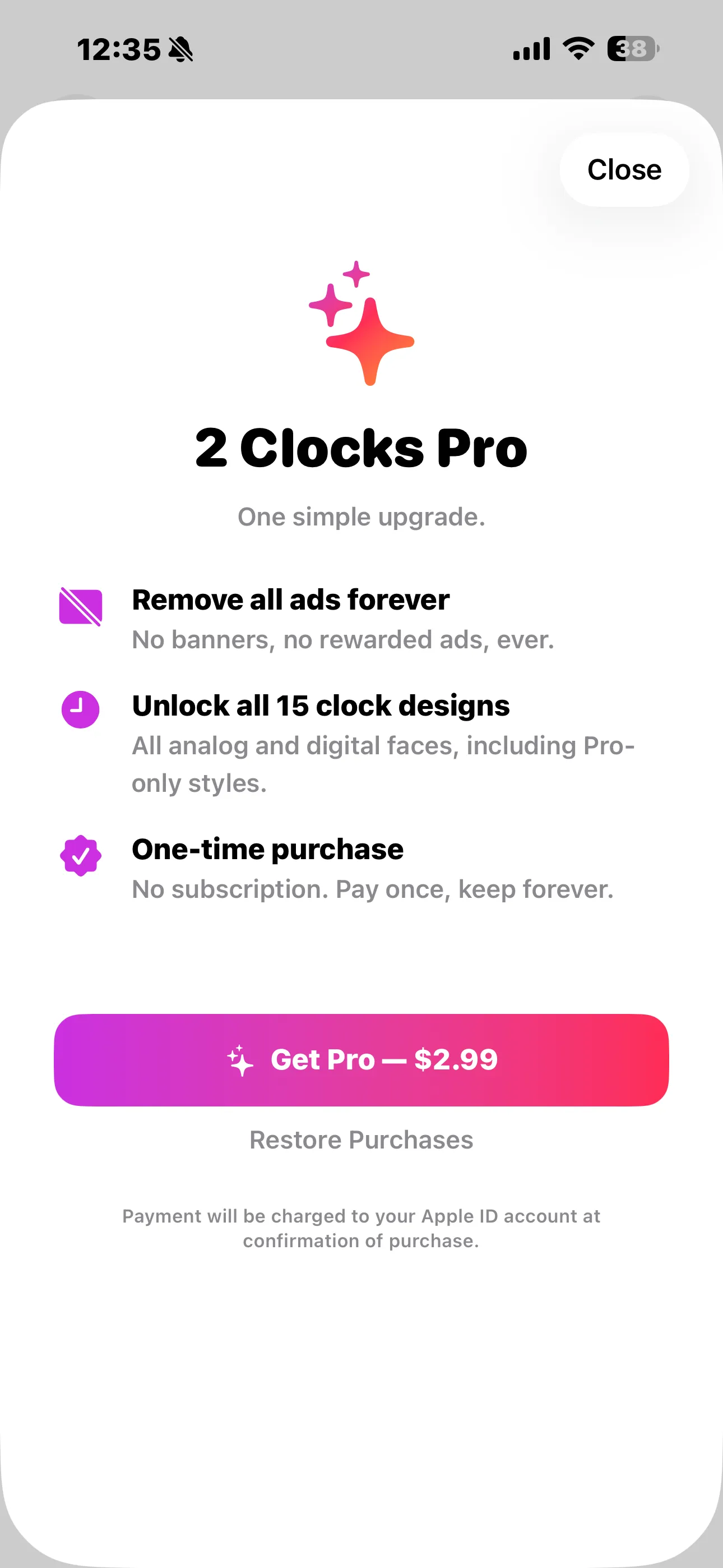
2 Clocks Pro — $2.99, once
iPad 11" / 13"
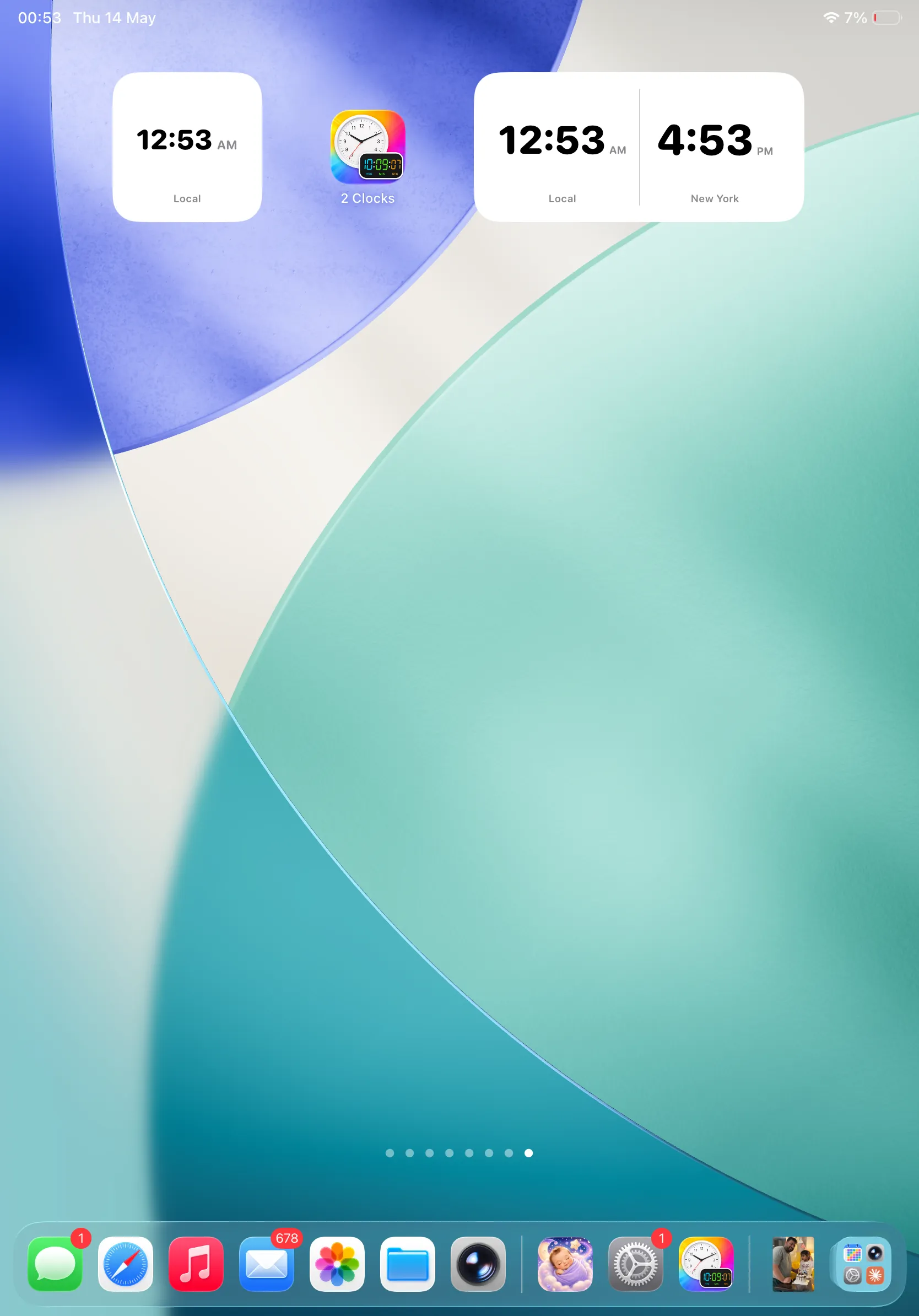
Widgets on iPad
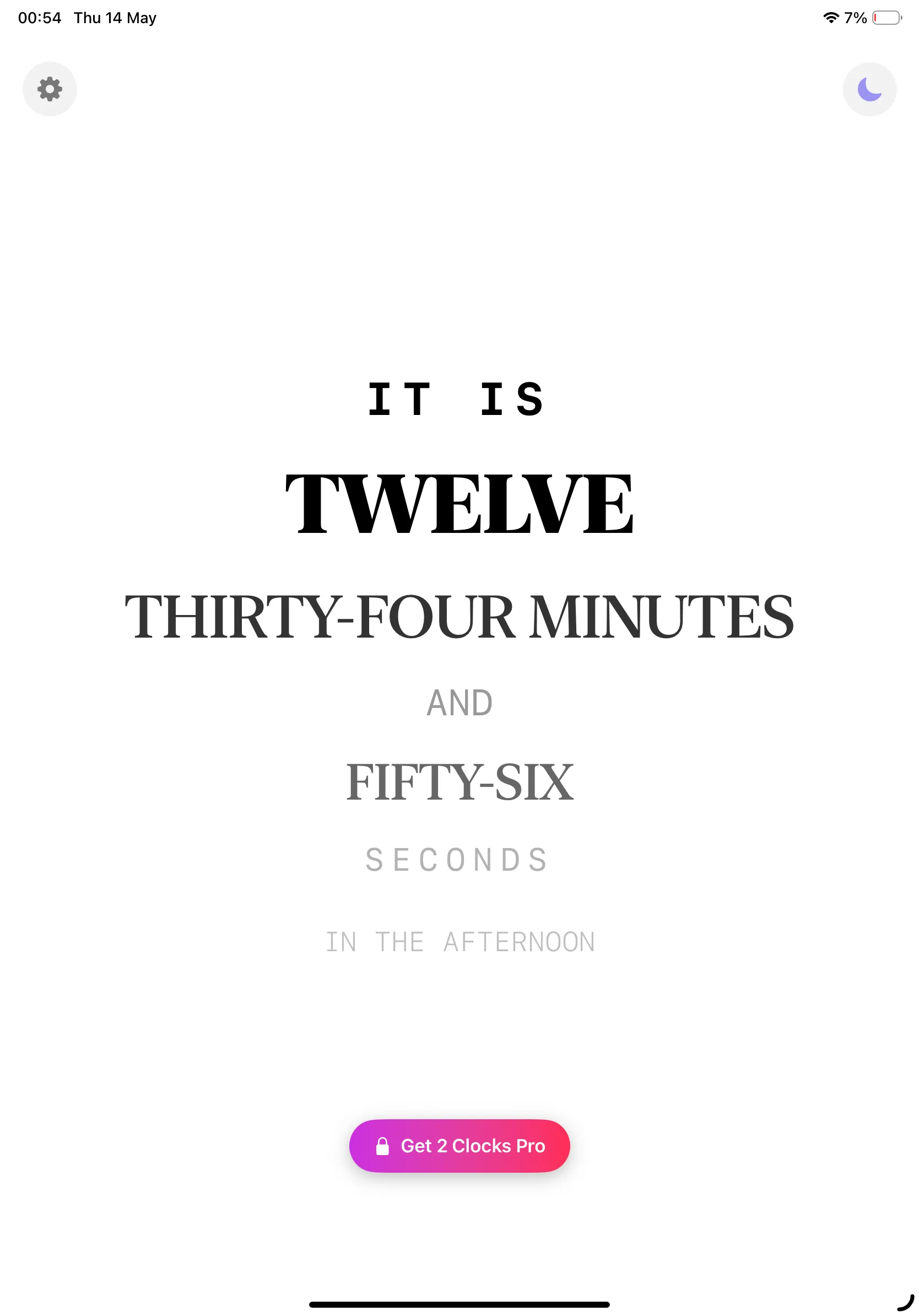
Word clock
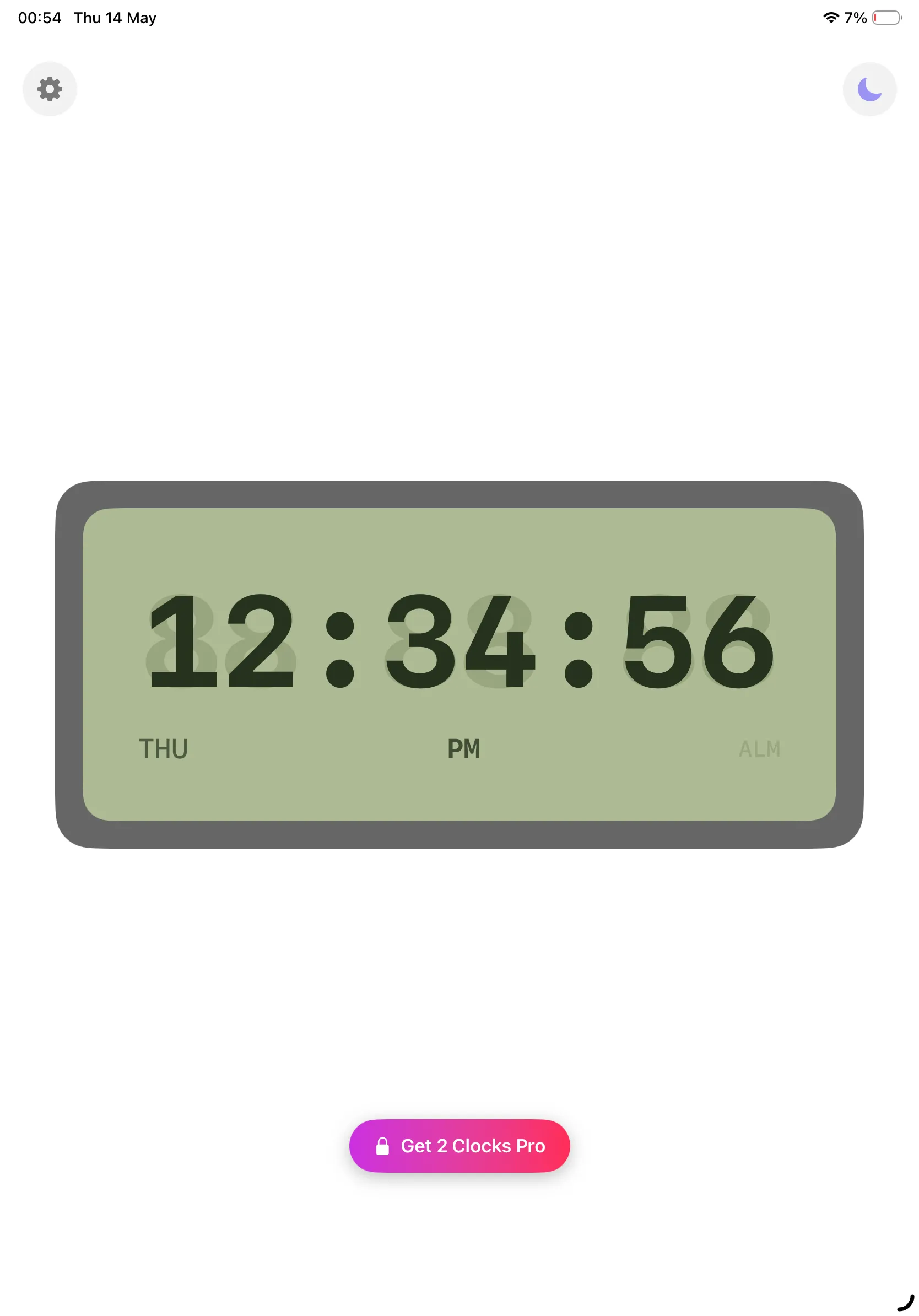
LCD style
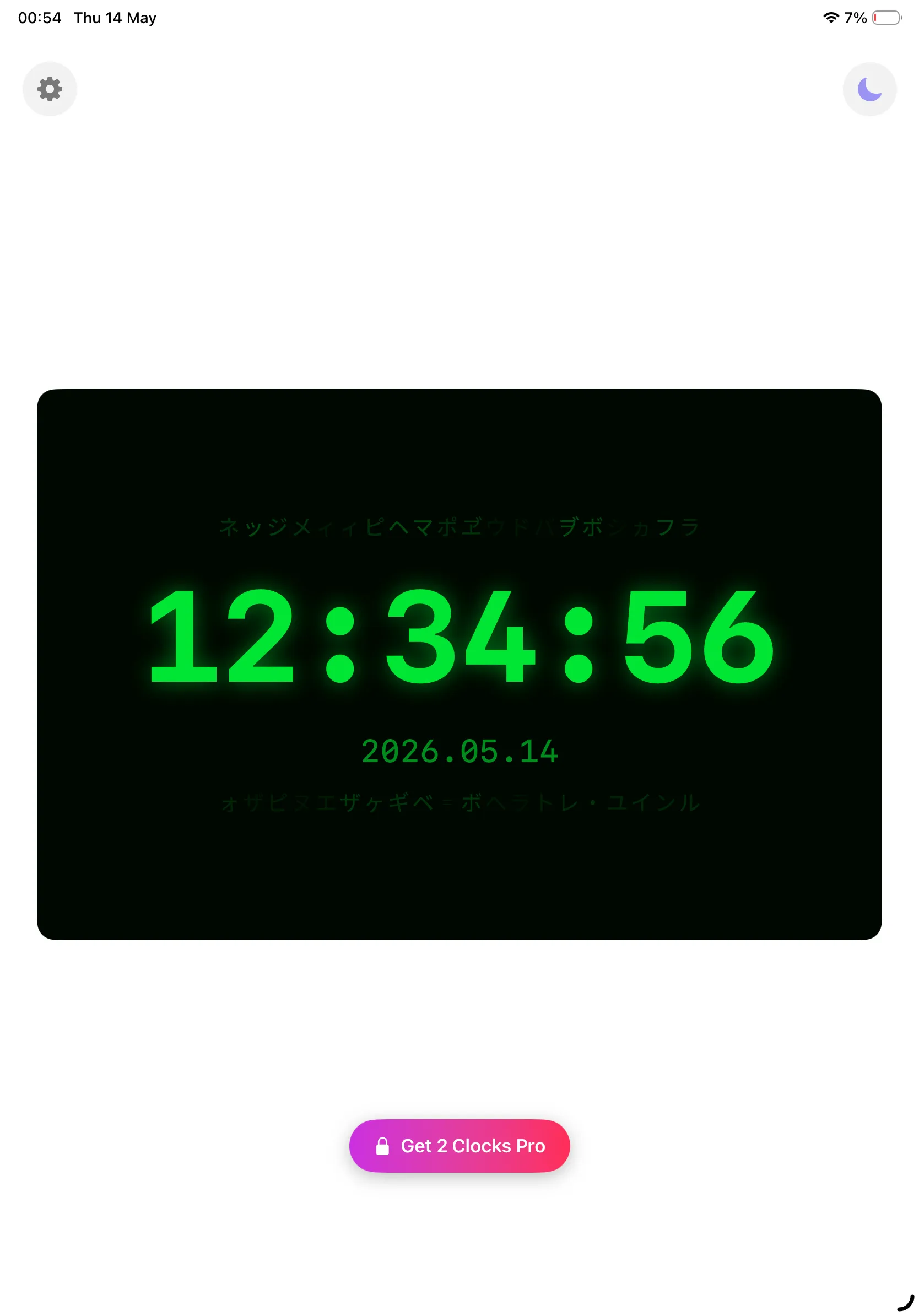
Matrix terminal
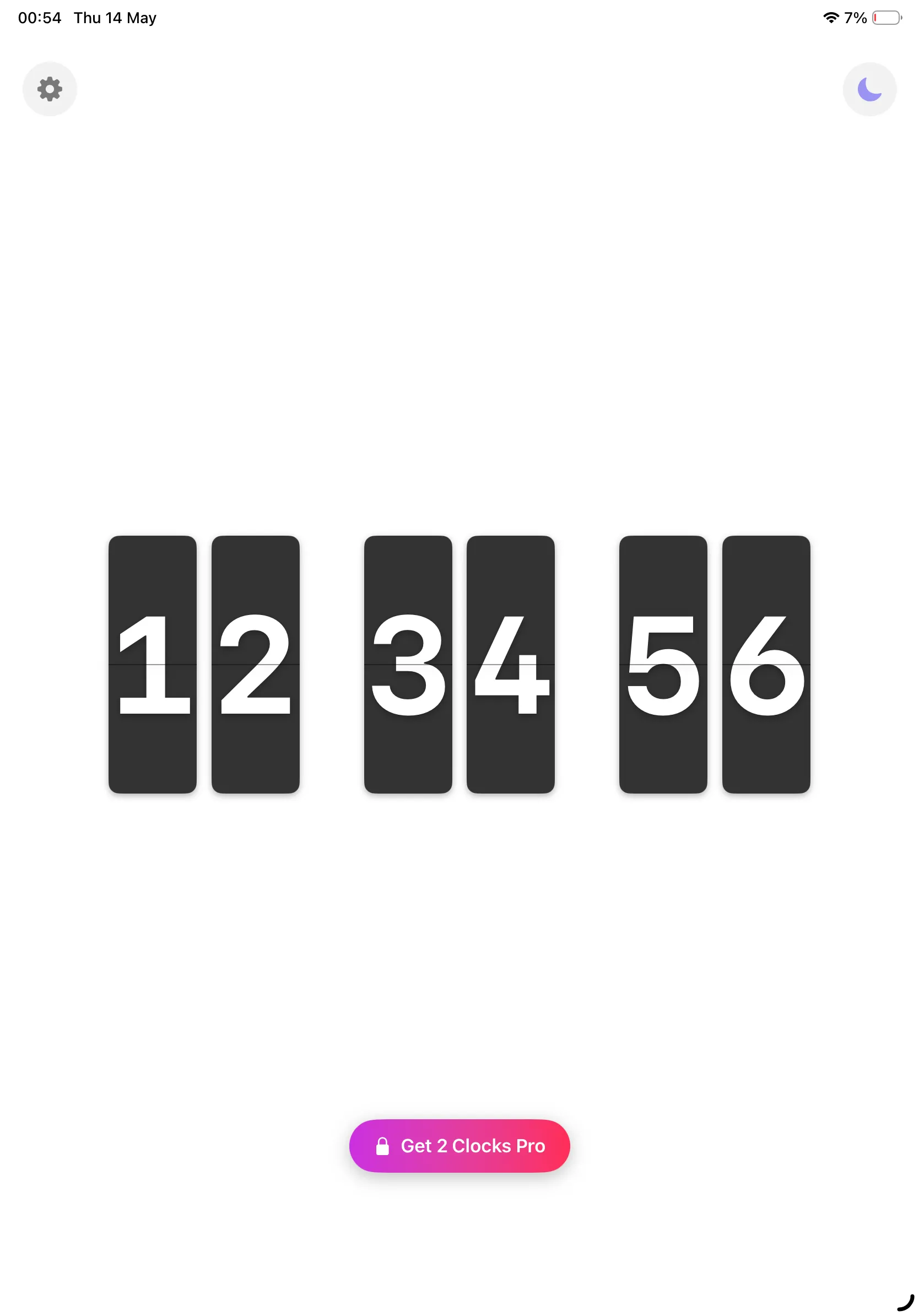
Flip clock
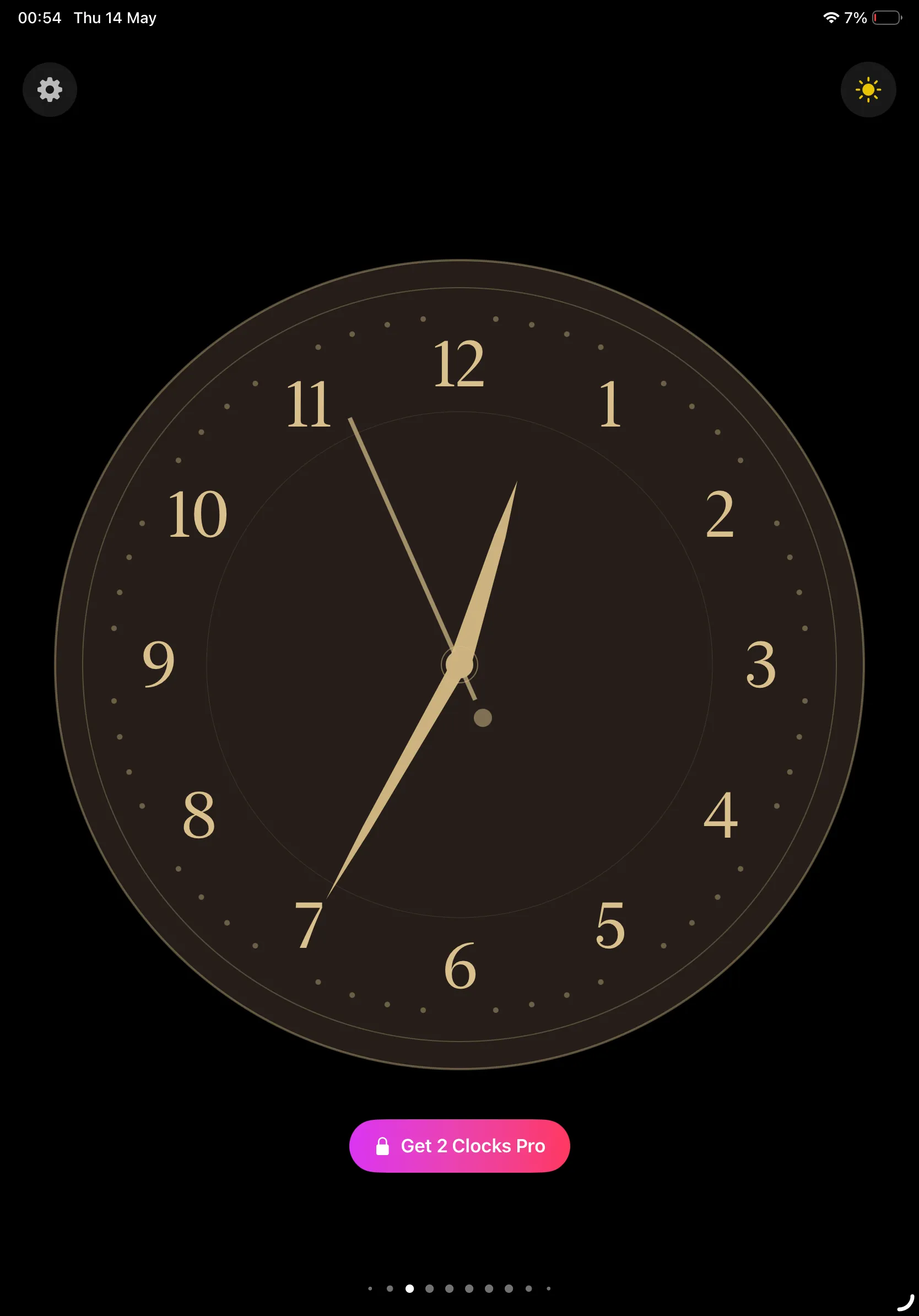
Elegant gold
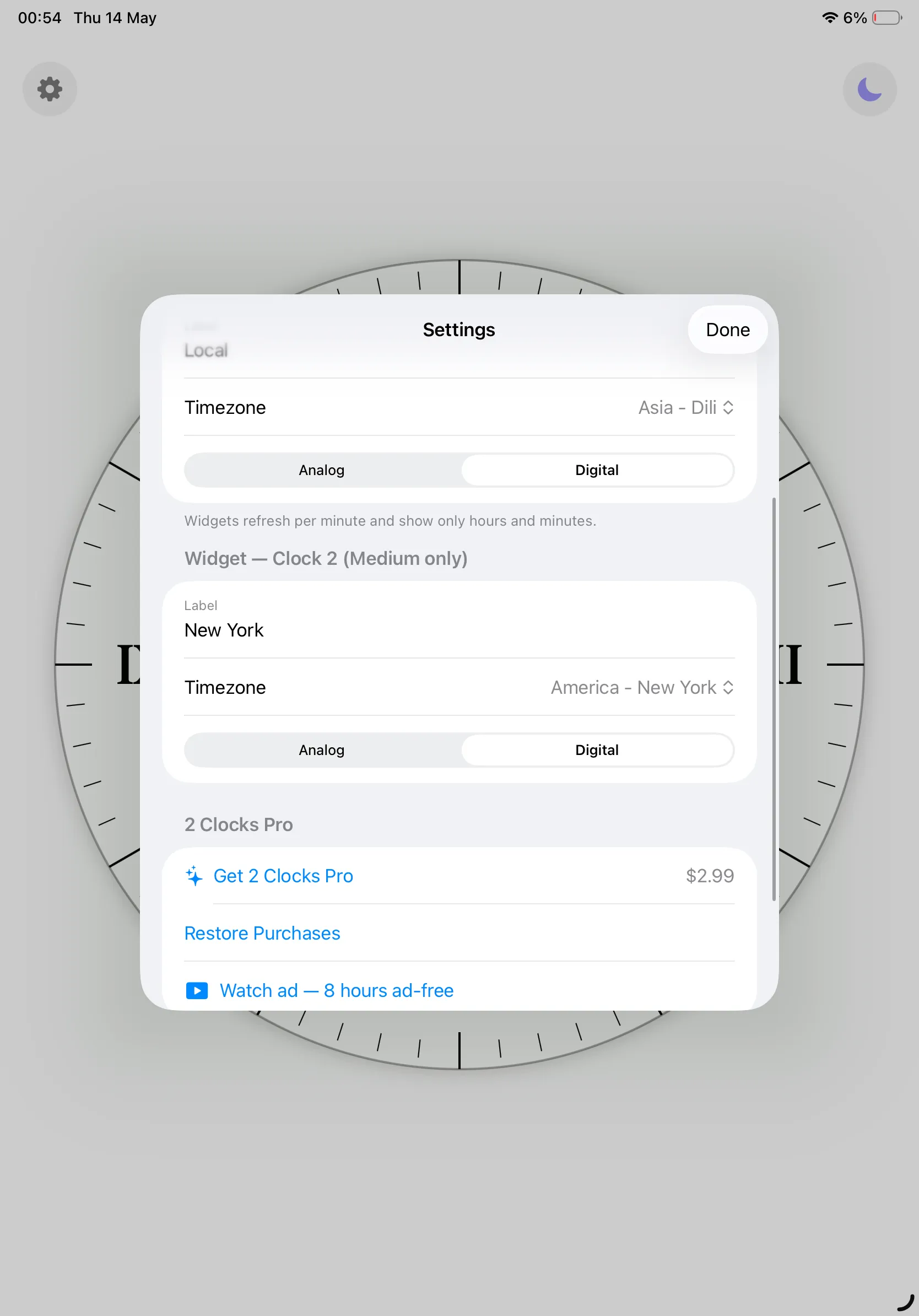
Settings — iPad
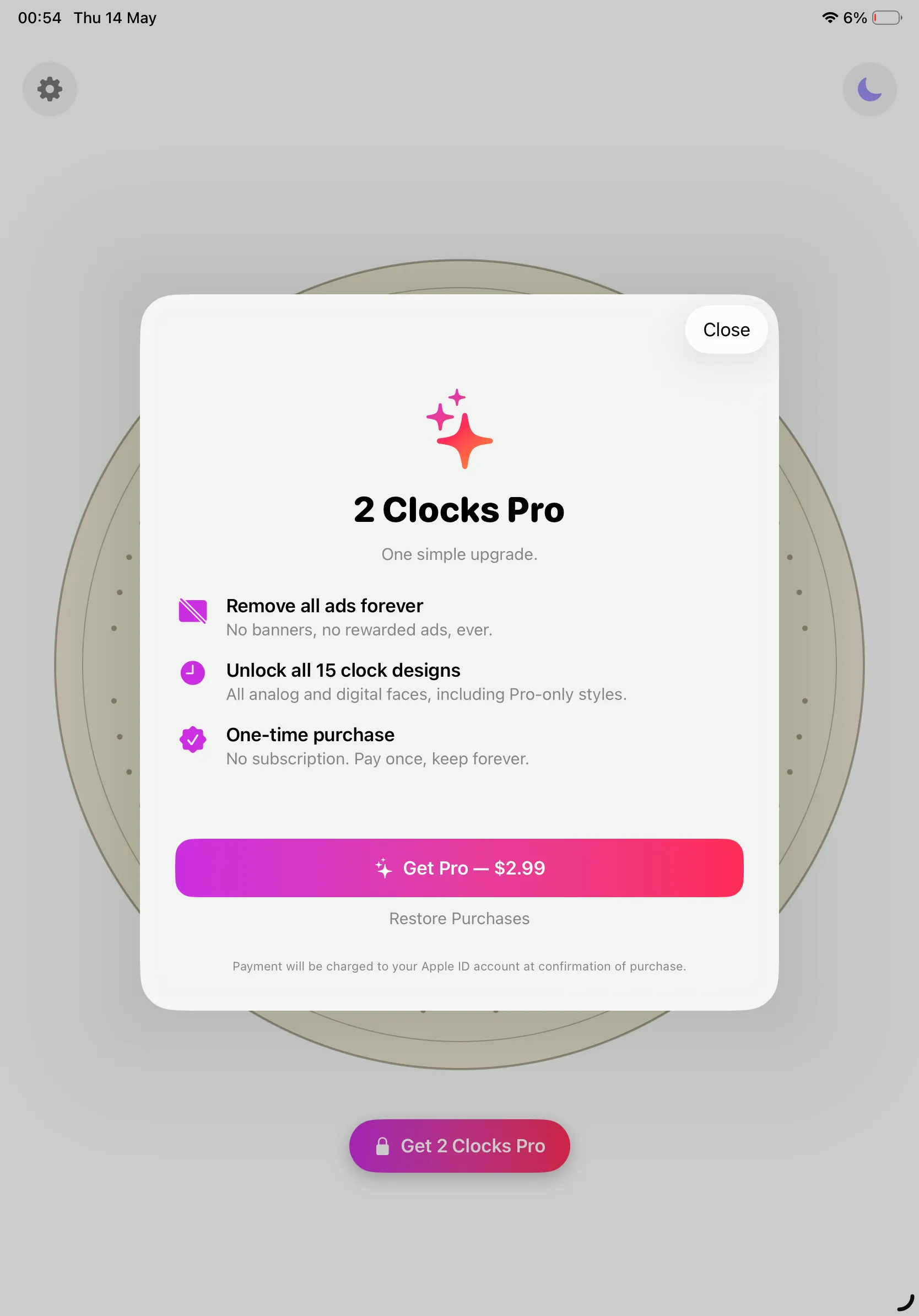
2 Clocks Pro — $2.99
2 Clocks Pro
2 Clocks is free to download and free to use forever. A single in-app purchase — 2 Clocks Pro for $2.99 — removes every ad and unlocks every clock design. There are no subscriptions and no recurring charges.
2 Clocks Pro
One simple upgrade
Remove All Ads Forever
No banners. No rewarded prompts. Ever. The clock face fills the whole screen for as long as you have the app installed.
Unlock All 15 Designs
Every analog and digital face, including Pro-only styles — Elegant Gold, Dark Roman, Matrix and more — in the app and your widgets.
One-Time, Honest Pricing
$2.99 once. Not per month, not per year. Pay it, forget it, and let the clock keep ticking.
Restorable on All Your Devices
Tied to your Apple ID. Reinstall or switch devices and tap Restore Purchases to bring back your unlock at no charge.
Prefer not to buy? Open Settings › 2 Clocks Pro › Watch ad — 8 hours ad-free, watch one rewarded video, and banners disappear for the next eight hours. No account required.
Privacy Policy
Last updated: May 2026
1. Introduction
This Privacy Policy describes how 2 Clocks ("the App," "we," "our," or "us") handles information. The App is a free fullscreen clock app for iPhone and iPad.
We respect your privacy. This policy explains what the App does, and does not do, with information on your device.
2. Information We Collect
We do not collect any personally identifiable information. 2 Clocks does not require an account, does not ask for your name or email, and does not transmit any personal data to our servers (we don’t run any).
- No sign-in, account, or registration.
- No location, contacts, microphone, camera or photo-library access.
- No first-party analytics or crash-reporting SDKs.
- Your widget configuration (labels, timezones, analog/digital choice) is stored locally on your device.
- Your settings (selected clock face, dark-mode preference, 2 Clocks Pro entitlement, rewarded-ad expiry) are stored locally on your device.
3. Advertising (Free Version)
The free version of 2 Clocks shows advertisements served by Google AdMob — a banner at the bottom of the clock screen and the Settings screen. The app may also show an optional rewarded video that the user explicitly chooses to watch from Settings (“Watch ad — 8 hours ad-free”). No interstitial ads are shown during the clock UI itself.
AdMob may collect a limited set of identifiers (such as the iOS Identifier for Advertisers, IDFA) and basic device and ad-interaction data in order to show ads and measure performance.
Before any tracking-based ads can be shown, we present Apple’s App Tracking Transparency prompt. If you choose Ask App Not to Track, AdMob will only serve non-personalised ads, and the IDFA is not shared.
For details on AdMob’s data practices, please review Google’s privacy policy at https://policies.google.com/privacy.
4. Rewarded Ad & Ad-Free Window
When you tap Watch ad — 8 hours ad-free, we record a local timestamp on your device representing the end of the eight-hour ad-free window. This timestamp lives on your device only and is cleared when the window expires or when you reinstall the app.
5. In-App Purchases
The 2 Clocks Pro in-app purchase is processed entirely by Apple via StoreKit. We do not see your payment details. Your purchase entitlement is verified through Apple’s receipt and stored locally on your device, and restored on demand via Restore Purchases.
6. Timezones
Widget timezones you select (e.g. America/New_York, Asia/Dili) are stored only on your device. We never look at your location and we never send timezone data anywhere.
7. Data Sharing
We do not sell, rent, or otherwise share user data. The only third-party data flow is from Google AdMob in the free version, as described above. 2 Clocks Pro removes that flow entirely.
8. Children’s Privacy
The App is suitable for users of all ages and is not directed at children under 13. We do not knowingly collect personal information from children.
9. Changes to This Privacy Policy
We may update this Privacy Policy periodically. Any updates will be reflected on this page with a new "Last Updated" date.
10. Contact Us
If you have any questions or concerns about this Privacy Policy, please contact:
Terms of Use
2 Clocks is offered as a personal-use timekeeping app. By installing the App you agree to Apple’s standard Licensed Application End User License Agreement, which governs all App Store apps.
The 2 Clocks Pro in-app purchase is a one-time, non-consumable unlock tied to your Apple ID. It is not a subscription and does not auto-renew. Refund requests are handled by Apple under their standard refund policy.
Support
Need help with 2 Clocks? We’re here.
For questions, feedback, bug reports, feature requests, restore-purchase issues, or a clock-face suggestion, please email: