
About Simple Pixel Arts Maker
Pixel art, made simple. Tap a square. Pick a color. Build a tiny world — one pixel at a time.
Simple Pixel Arts Maker is a small, focused drawing studio designed for the way pixel art actually works: a precise grid, a tight set of tools, and colors that snap to clean palettes. Open the app, tap the + button, choose a canvas size from 8×8 all the way to 128×128, and start drawing.
Every project shows up on the home screen as a thumbnail, so your gallery looks the way a sketchbook should — full of little finished things. Tap one to keep working on it. Long-press to rename, duplicate, or delete.
Free to download with non-personalised banner and interstitial ads. A single $2.99 in-app purchase — Pixel Pro — removes every ad, unlocks unlimited projects, and unlocks unlimited layers. No subscriptions, ever.
Features
Pencil, Eraser & Fill
The three tools you actually use, with one-pixel precision and an adjustable brush size from 1 to 8 pixels.
Layers
Build sky, mountains, and the cactus on separate layers. Hide, lock, and reorder them as you sketch.
Curated Color Palettes
Swipe through Basics, Beach, Forest, Sunset, Retro and more. Or use the eyedropper to grab any pixel you’ve already placed.
Mirror Mode
Horizontal, vertical or both. Perfect for sprites, faces, and symmetrical icons — every stroke mirrors instantly.
Lines, Rectangles & Circles
Drop pixel-perfect shapes when you need a horizon line, a mountain, or a UI frame — no shaky strokes.
Unlimited Undo & Redo
Tap with confidence. Step back as far as you need and forward again at any time.
Export PNG up to 8×
Save your art to the Photo Library at 1×, 2×, 4× or 8× size, with optional transparent background.
Remove Ads — Once
The one-time $2.99 Pixel Pro purchase removes every banner and interstitial, and lifts the 4-project limit. No subscriptions, ever.
The Drawing Toolbar
One row of tools. No menus inside menus. Everything you need to draw a sprite or a sunset is one tap away:
Screenshots
From the project gallery to the canvas, the paywall, and the export sheet — everything in the app, in order:
iPhone 6.7"
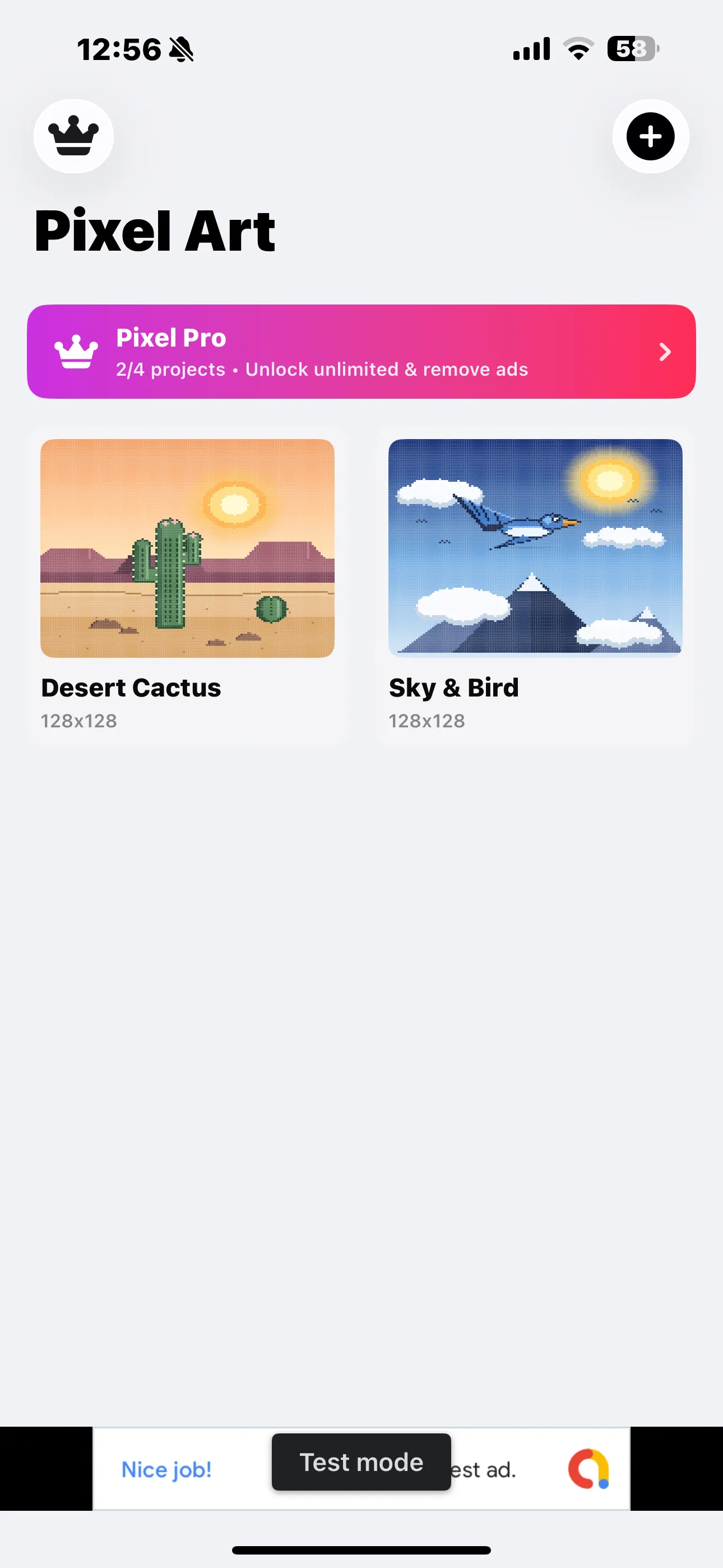
Project gallery
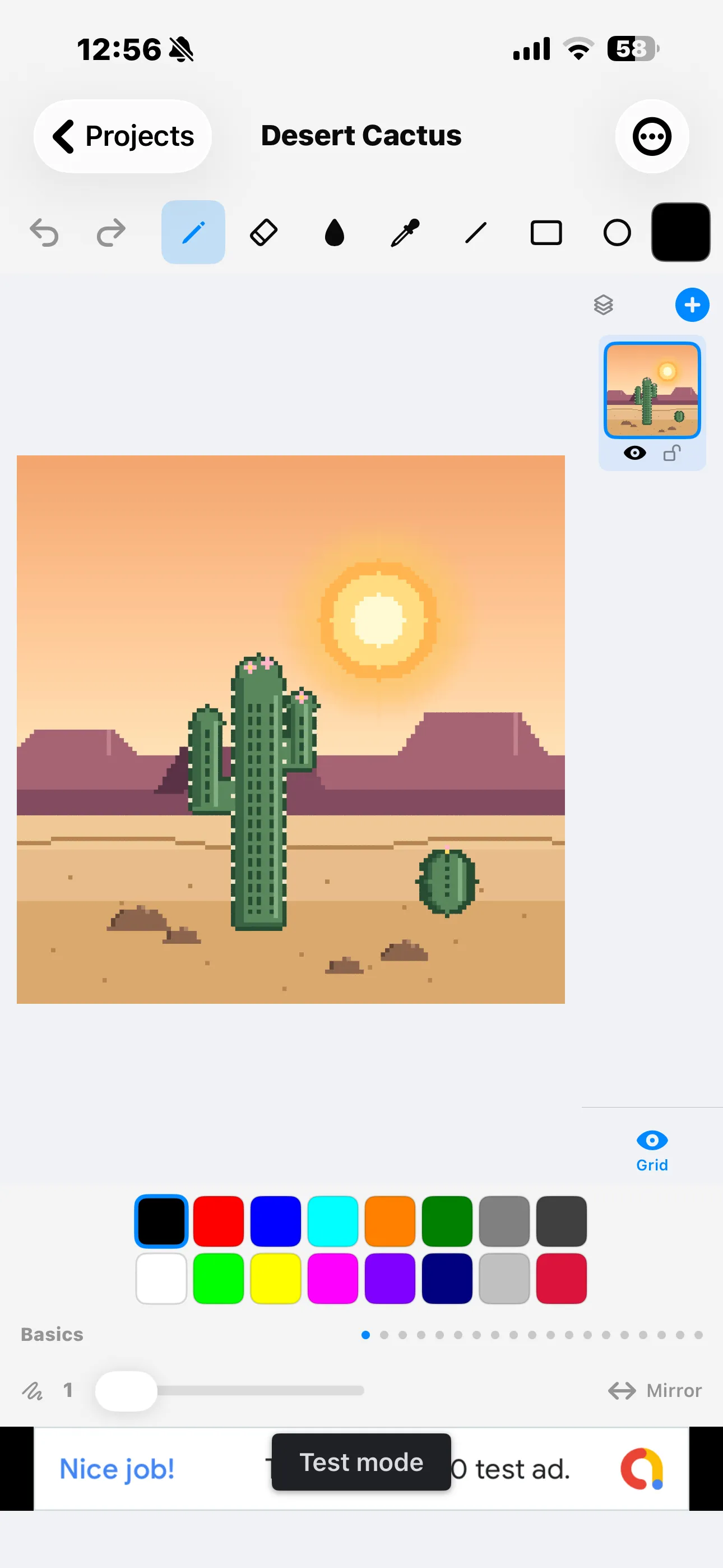
Drawing canvas
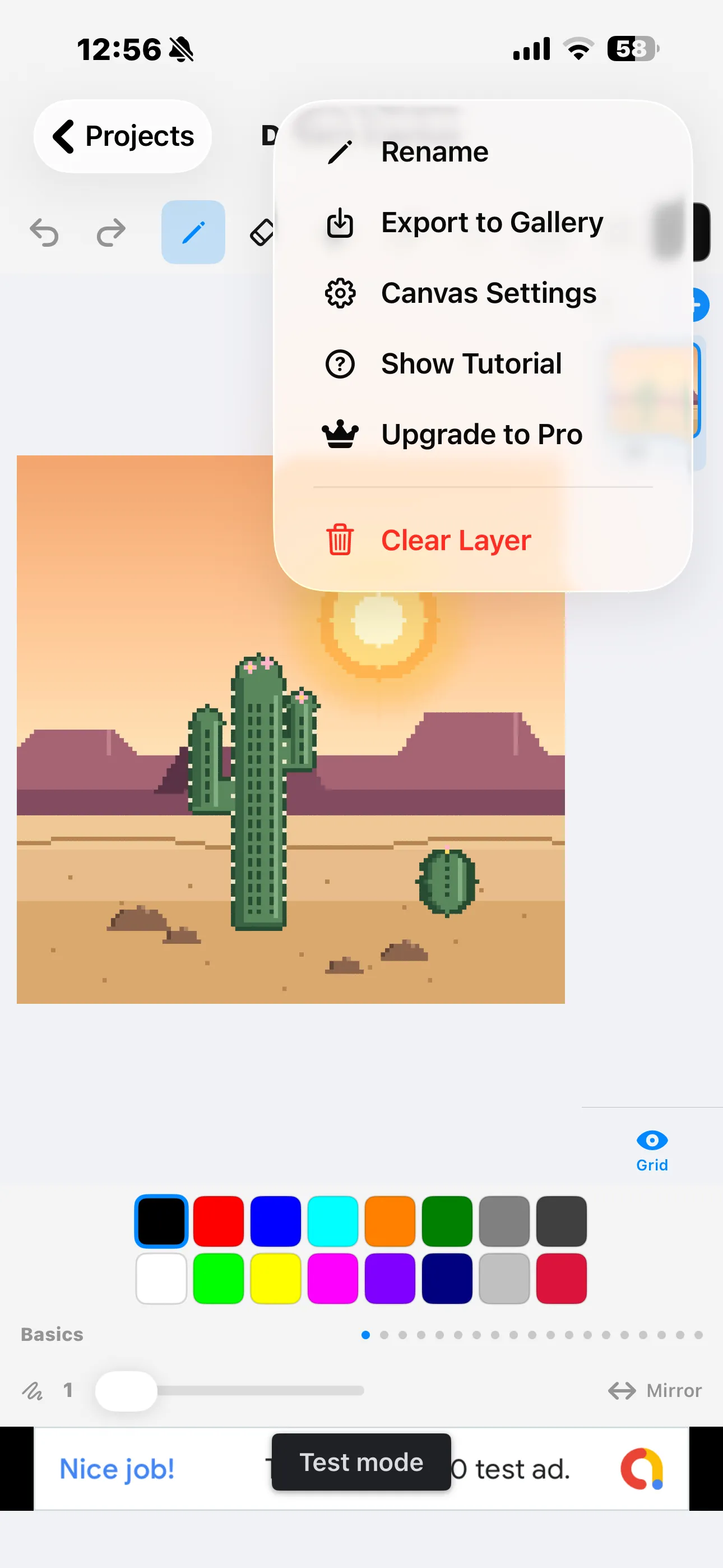
Project menu
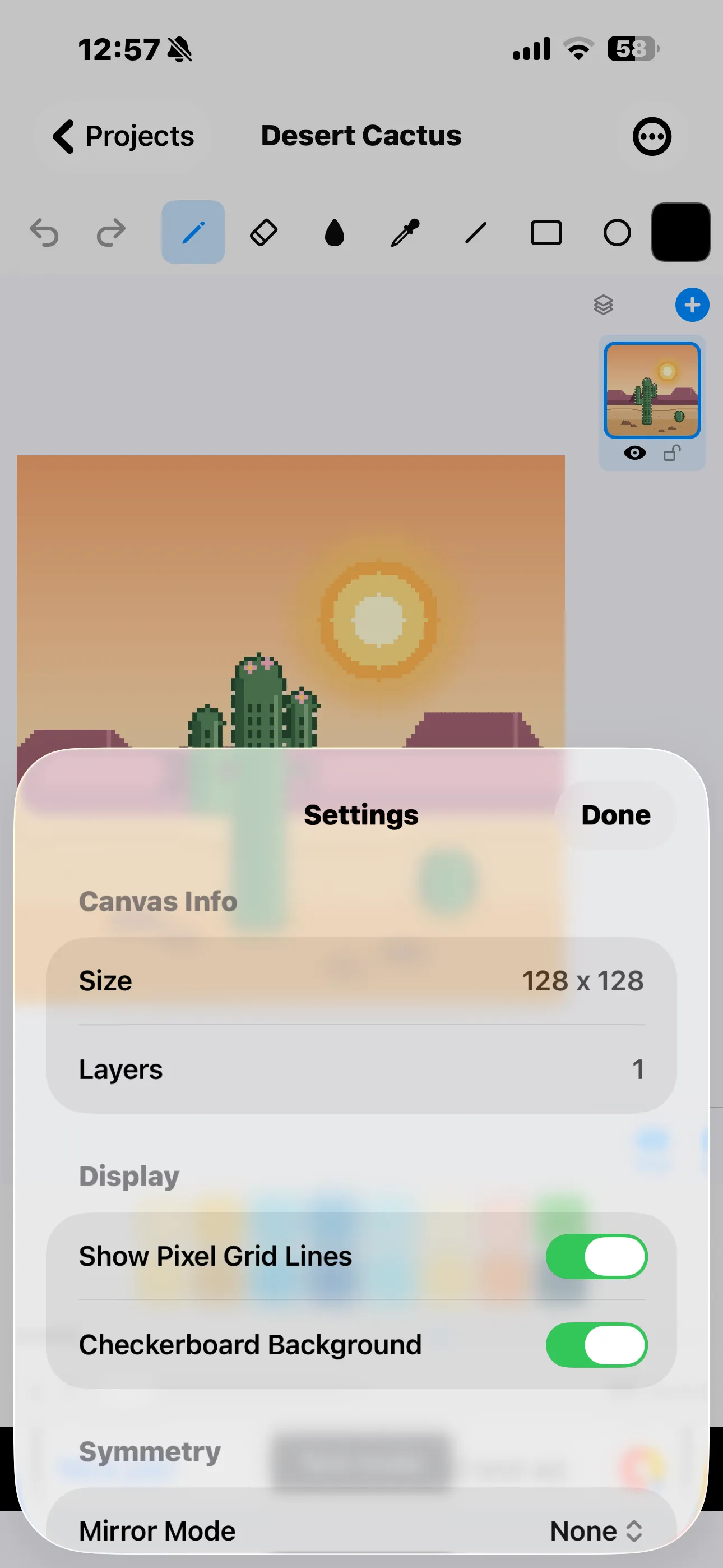
Canvas settings
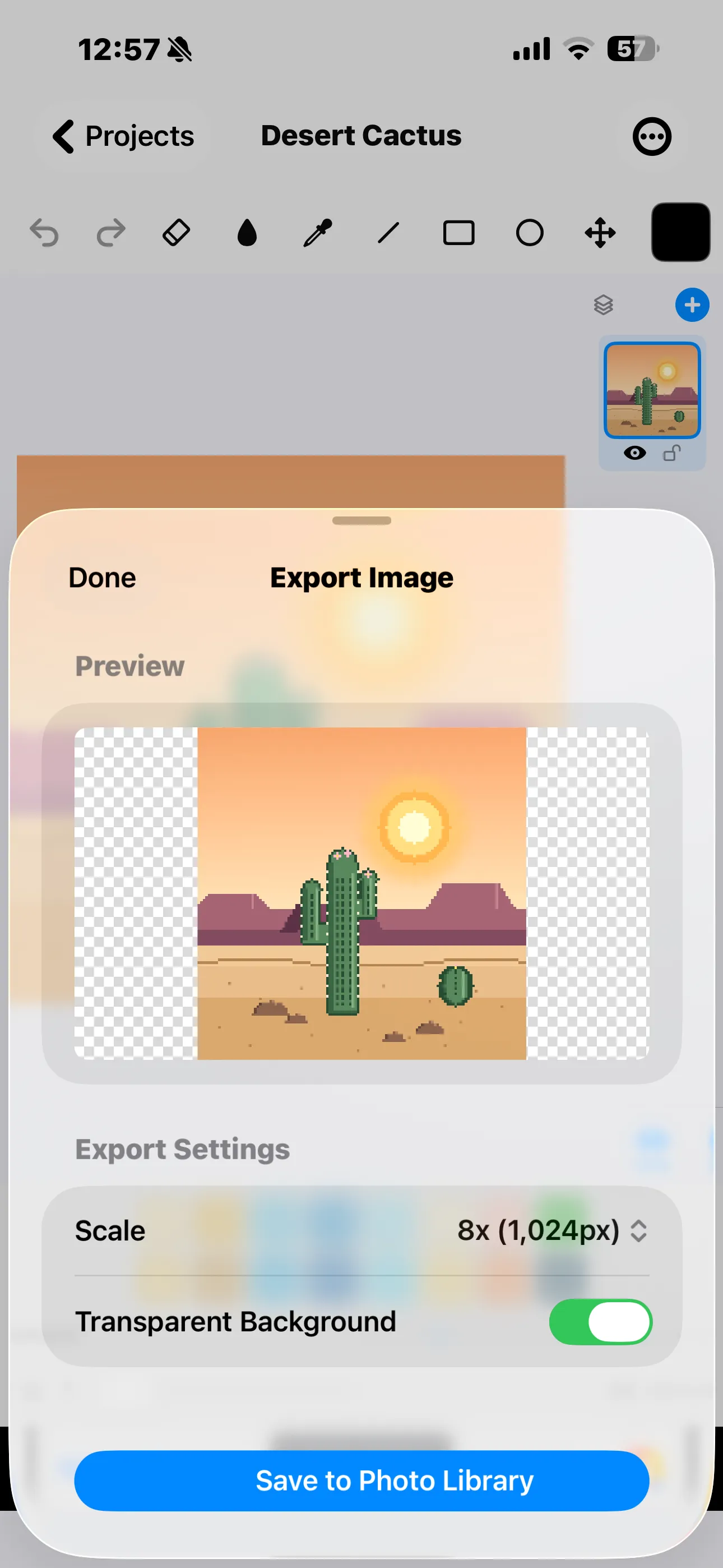
Export to PNG
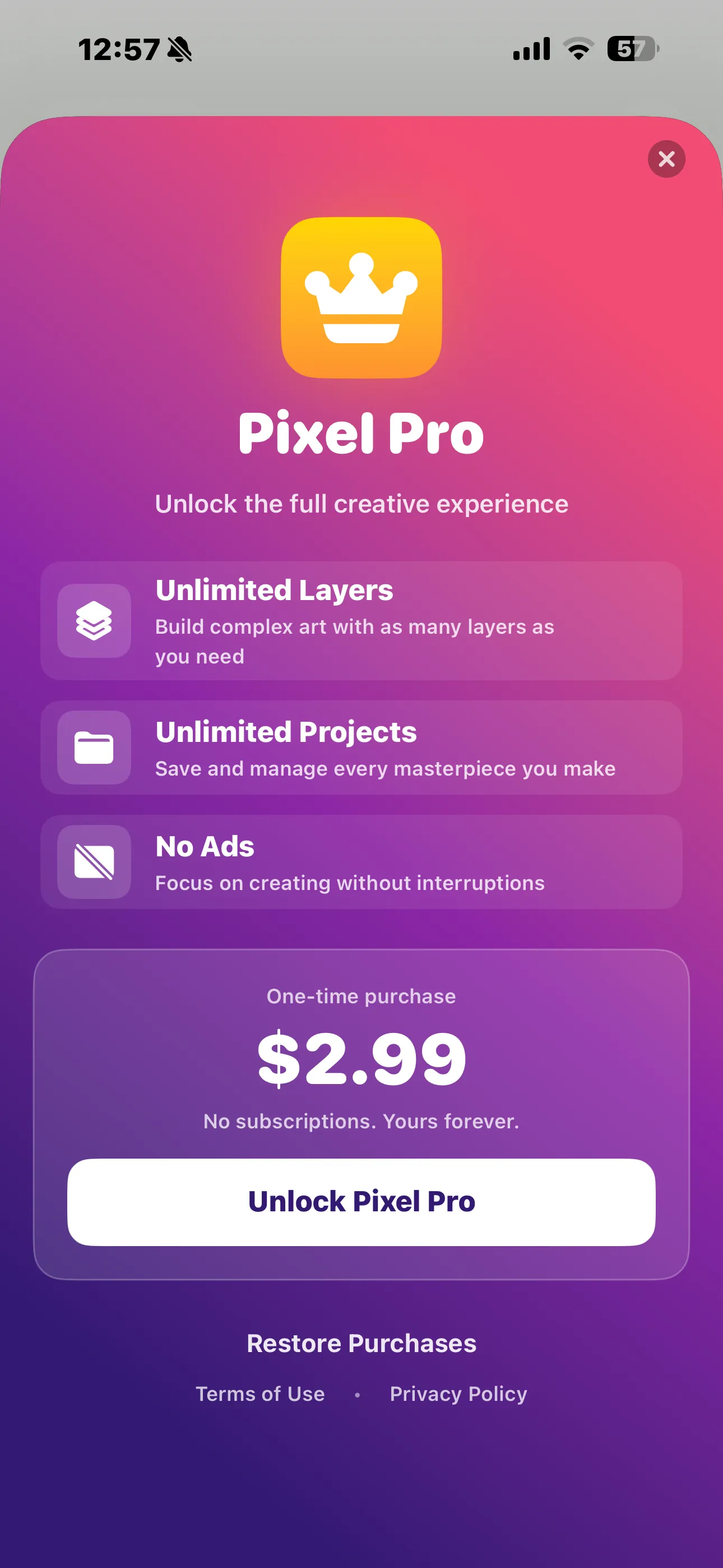
Pixel Pro — $2.99, once
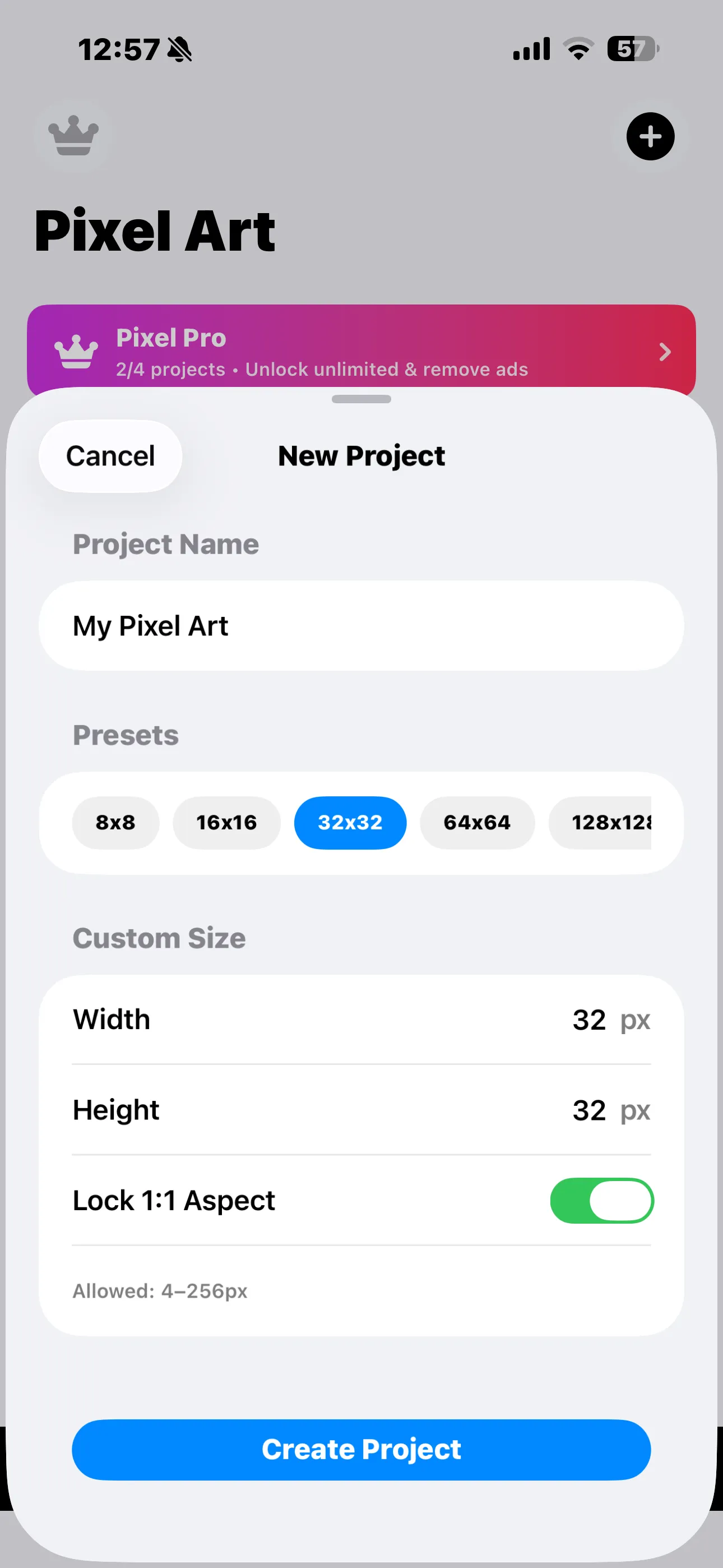
New project
iPad 11" / 13"
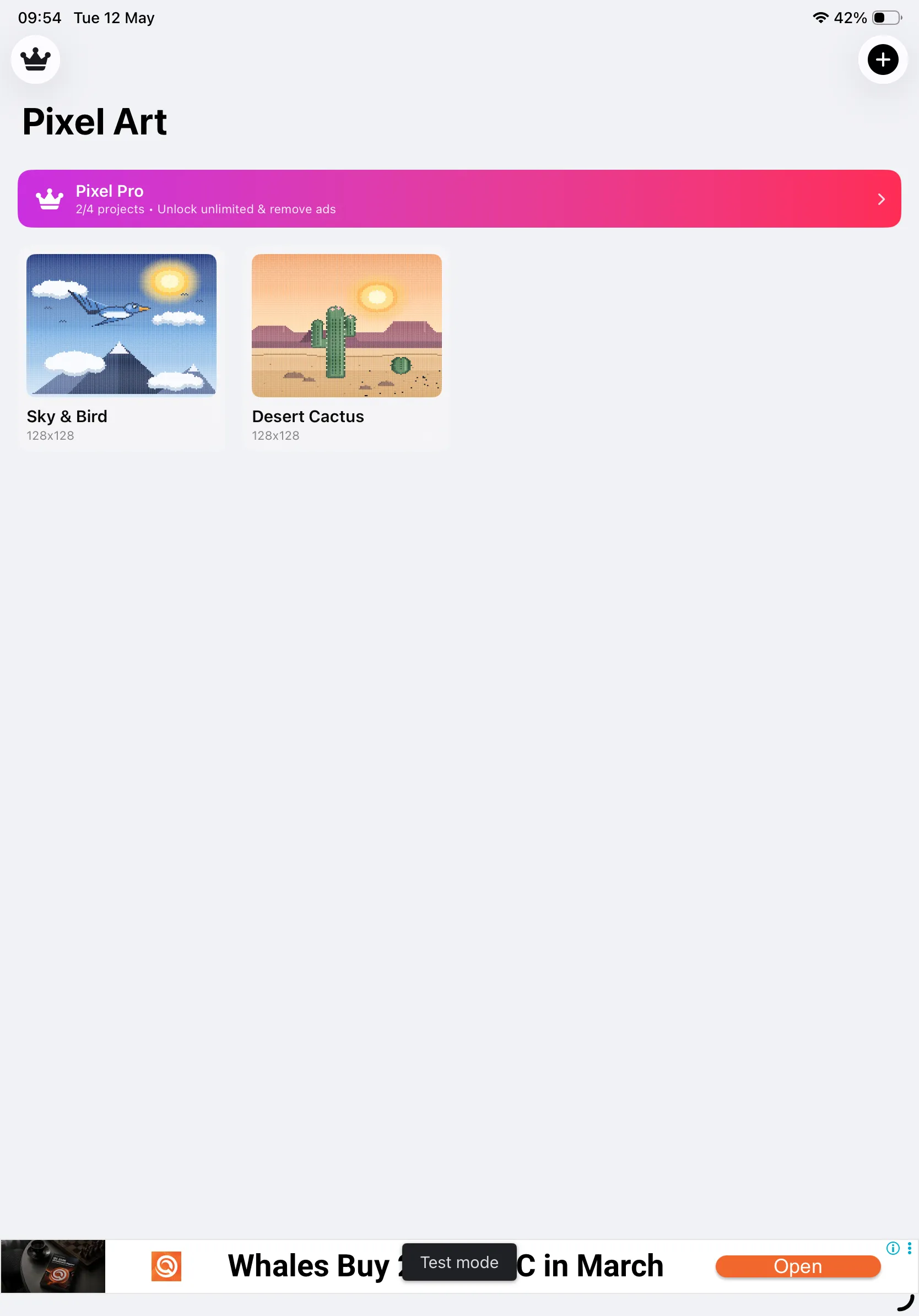
Project gallery — iPad
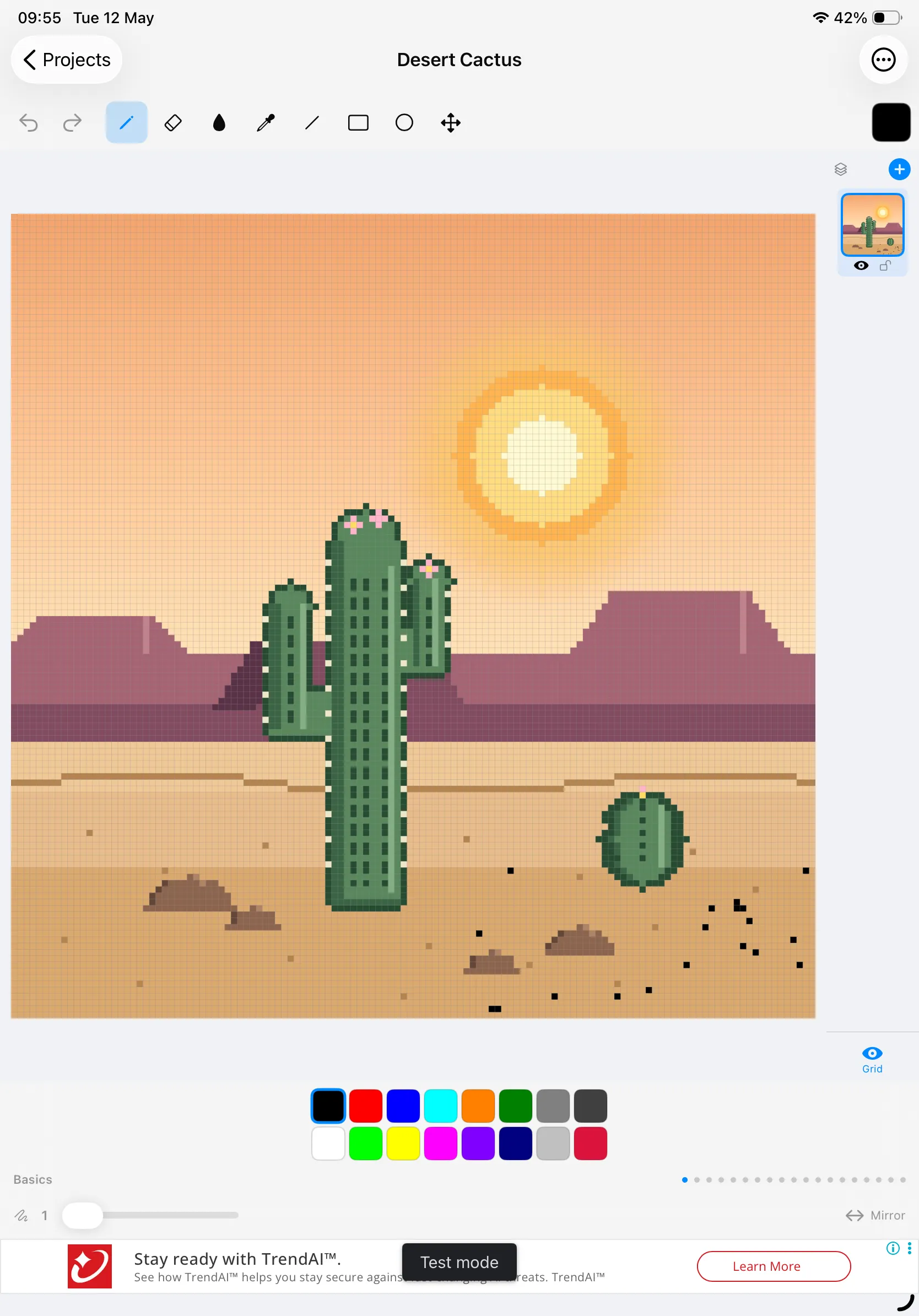
Drawing canvas — iPad
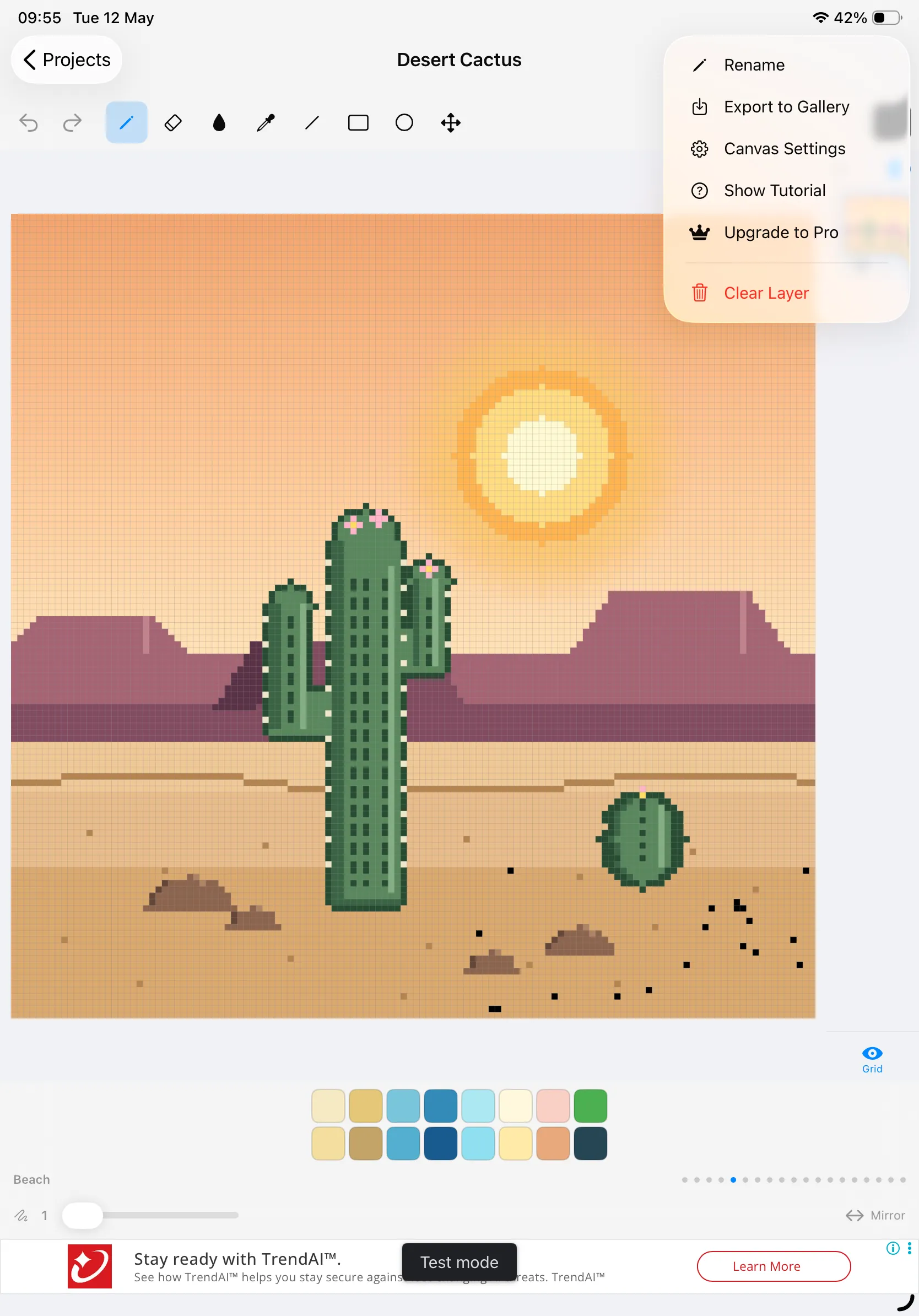
Project menu
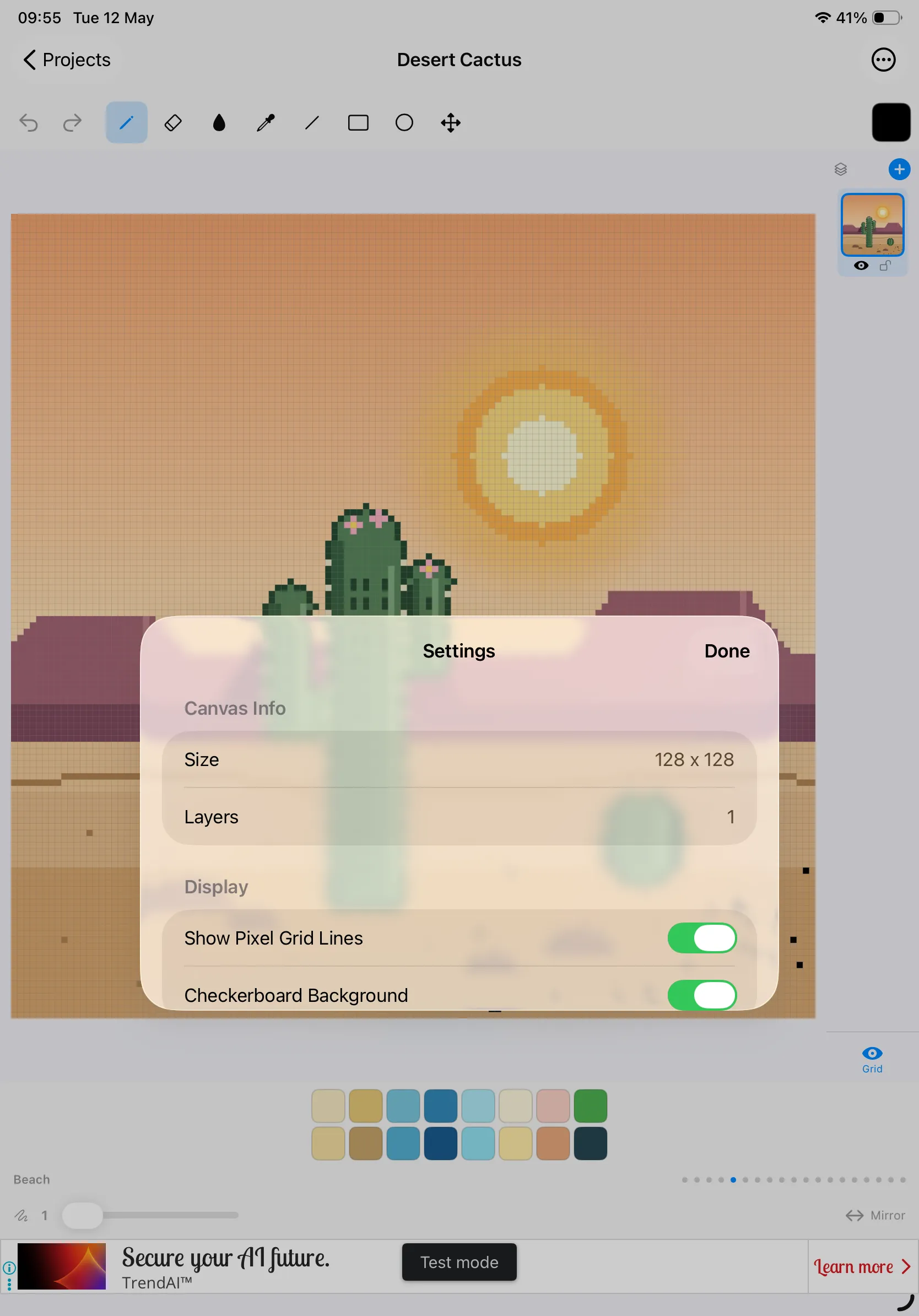
Canvas settings
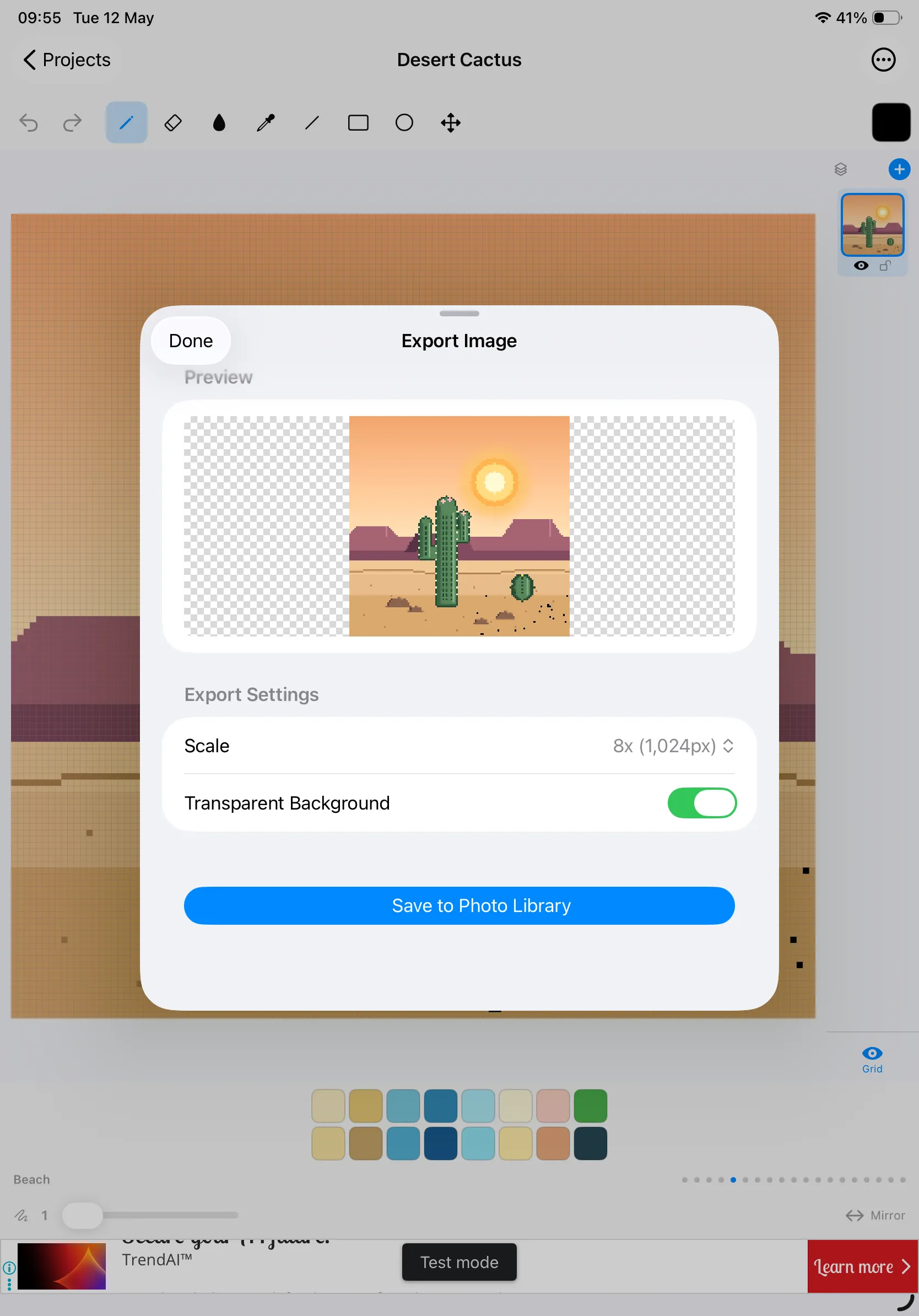
Export to PNG
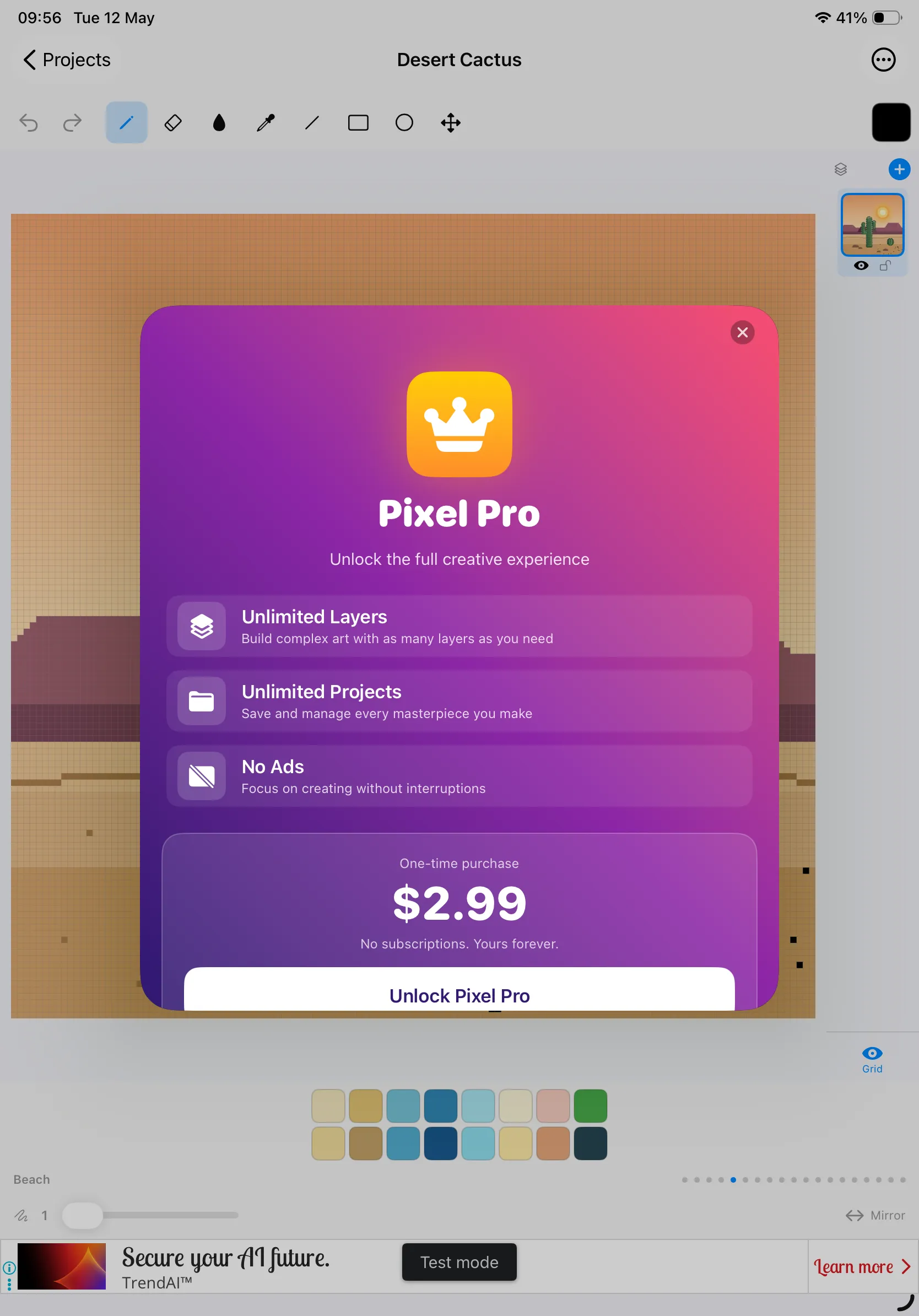
Pixel Pro — $2.99
Pixel Pro
Simple Pixel Arts Maker is free to download and free to use forever. A single in-app purchase — Pixel Pro for $2.99 — removes ads and lifts every soft limit in the app. There are no subscriptions and no recurring charges.
Pixel Pro
Unlock the full creative experience
Unlimited Layers
Build complex scenes with as many layers as you need — sky, terrain, sprite, foreground, UI — all separable.
Unlimited Projects
The free version keeps your 4 most recent projects. Pixel Pro removes that ceiling so your gallery can hold every masterpiece you make.
No Ads
No more banner ads at the bottom of the screen, and no more interstitials between project switches. Focus on creating without interruptions.
One-Time, Honest Pricing
$2.99 once. Not per month, not per year. Pay it, forget it, and keep drawing.
Restore Purchases: If you reinstall Simple Pixel Arts Maker or use it on another device signed in with the same Apple ID, tap Restore Purchases on the paywall to bring back your unlock at no charge.
Privacy Policy
Last updated: May 2026
1. Introduction
This Privacy Policy describes how Simple Pixel Arts Maker ("the App," "we," "our," or "us") handles information. The App is a free pixel-art drawing studio for iPhone and iPad.
We respect your privacy. This policy explains what the App does, and does not do, with information on your device.
2. Information We Collect
We do not collect any personally identifiable information. Simple Pixel Arts Maker does not require an account, does not ask for your name or email, and does not transmit any personal data to our servers (we don’t run any).
- No sign-in, account, or registration.
- No location, contacts, microphone, camera, or photo-library access (apart from the one-shot save-to-Photos when you tap Export).
- No first-party analytics or crash reporting SDKs.
- Your pixel-art projects are stored locally on your device and are never uploaded anywhere.
- Your settings (Pixel Pro entitlement, last canvas, palette preferences) are stored locally on your device.
3. Advertising (Free Version)
The free version of Simple Pixel Arts Maker shows advertisements served by Google AdMob — a banner above the toolbar and occasional interstitial ads between project switches. AdMob may collect a limited set of identifiers (such as the iOS Identifier for Advertisers, IDFA) and basic device and ad-interaction data in order to show ads and measure performance.
Before any tracking-based ads can be shown, we present Apple’s App Tracking Transparency prompt. If you choose Ask App Not to Track, AdMob will only serve non-personalised ads, and the IDFA is not shared.
For details on AdMob’s data practices, please review Google’s privacy policy at https://policies.google.com/privacy.
4. In-App Purchases
The Pixel Pro in-app purchase is processed entirely by Apple via StoreKit. We do not see your payment details. Your purchase entitlement is verified through Apple’s receipt and stored locally on your device, and restored on demand via Restore Purchases.
5. Photo Library Access
When you tap Export to Gallery, iOS will ask permission to save the rendered PNG to your Photo Library. We only write the single exported image; we never read your existing photos. You can decline or revoke this permission at any time from iOS Settings.
6. Data Sharing
We do not sell, rent, or otherwise share user data. The only third-party data flow is from Google AdMob in the free version, as described above. Pixel Pro removes that flow entirely.
7. Children’s Privacy
The App is suitable for users of all ages and is not directed at children under 13. We do not knowingly collect personal information from children.
8. Changes to This Privacy Policy
We may update this Privacy Policy periodically. Any updates will be reflected on this page with a new "Last Updated" date.
9. Contact Us
If you have any questions or concerns about this Privacy Policy, please contact:
Email: cnmallawa@gmail.com
Terms of Use
Simple Pixel Arts Maker is offered as a personal creative tool. By installing the App you agree to Apple’s standard Licensed Application End User License Agreement, which governs all App Store apps.
The Pixel Pro in-app purchase is a one-time, non-consumable unlock tied to your Apple ID. It is not a subscription and does not auto-renew. Refund requests are handled by Apple under their standard refund policy.
Support
Need help with Simple Pixel Arts Maker? We’re here.
For questions, feedback, bug reports, feature requests, or restore-purchase issues, please email:
Email: cnmallawa@gmail.com