About Days Timetable
Days Timetable is a beautifully simple weekly planner built for the way classrooms actually run. Drag a colour-coded subject into a slot, watch your week fill up, and you have a clean visual schedule you can read at a glance — from the back row of class or the front of the staff room.
Every screen is designed for landscape so you get the full grid: days across, periods down, every subject vibrant and easy to spot. Add your own subjects with custom colours, rearrange periods on the fly, and when it’s perfect, export the whole thing as a clean PDF to print, share, or stick on the fridge.
Free to download. A single $1.99 in-app purchase unlocks unlimited timetables, beautiful PDF export, and removes every ad — permanently. No subscriptions, ever.
Features
Vibrant Colour-Coded Subjects
Ten ready-made subjects in distinct colours, plus unlimited custom subjects with the colour picker of your choice.
Drag-to-Fill Weekly Grid
Tap a subject, tap a slot. Build a whole week in under a minute. Empty slots show a soft dashed outline so the grid stays readable.
Landscape-First, iPhone & iPad
Locked to landscape on every device so you always get the full week visible — no awkward portrait scroll, no half-visible Friday.
Export Beautiful PDFs
One tap turns your timetable into a print-ready PDF you can AirDrop, message, or save to Files. Pro feature.
Unlimited Timetables (Pro)
Keep one for school, one for after-school clubs, one for the new term. Free version supports a single timetable.
Add Periods & Days Anytime
Need a 7-day timetable, an 8-period day, or split classes? Add or remove periods and days from the menu in two taps.
Rename, Clear, Restart
Rename any timetable, clear the board to start over, or delete it entirely. No menu spelunking — everything sits behind one button.
Remove Ads — Forever
The one-time $1.99 Pro purchase removes every banner and interstitial ad. No subscriptions, no recurring charges, ever.
Three taps to a finished timetable
1. Pick your subjects. Start with the ten built-in subjects, or tap the + next to Subjects to add your own with any colour you like.
2. Fill the grid. Tap a subject, tap a slot. The cell fills with the subject’s colour. Tap again to clear it.
3. Share it. Open the menu and choose Export PDF — AirDrop to a teacher, message it to a study group, or print it for your locker.
Screenshots
Days Timetable runs in landscape on every iPhone and iPad so the whole week is always on screen.
iPad 11" / 13"
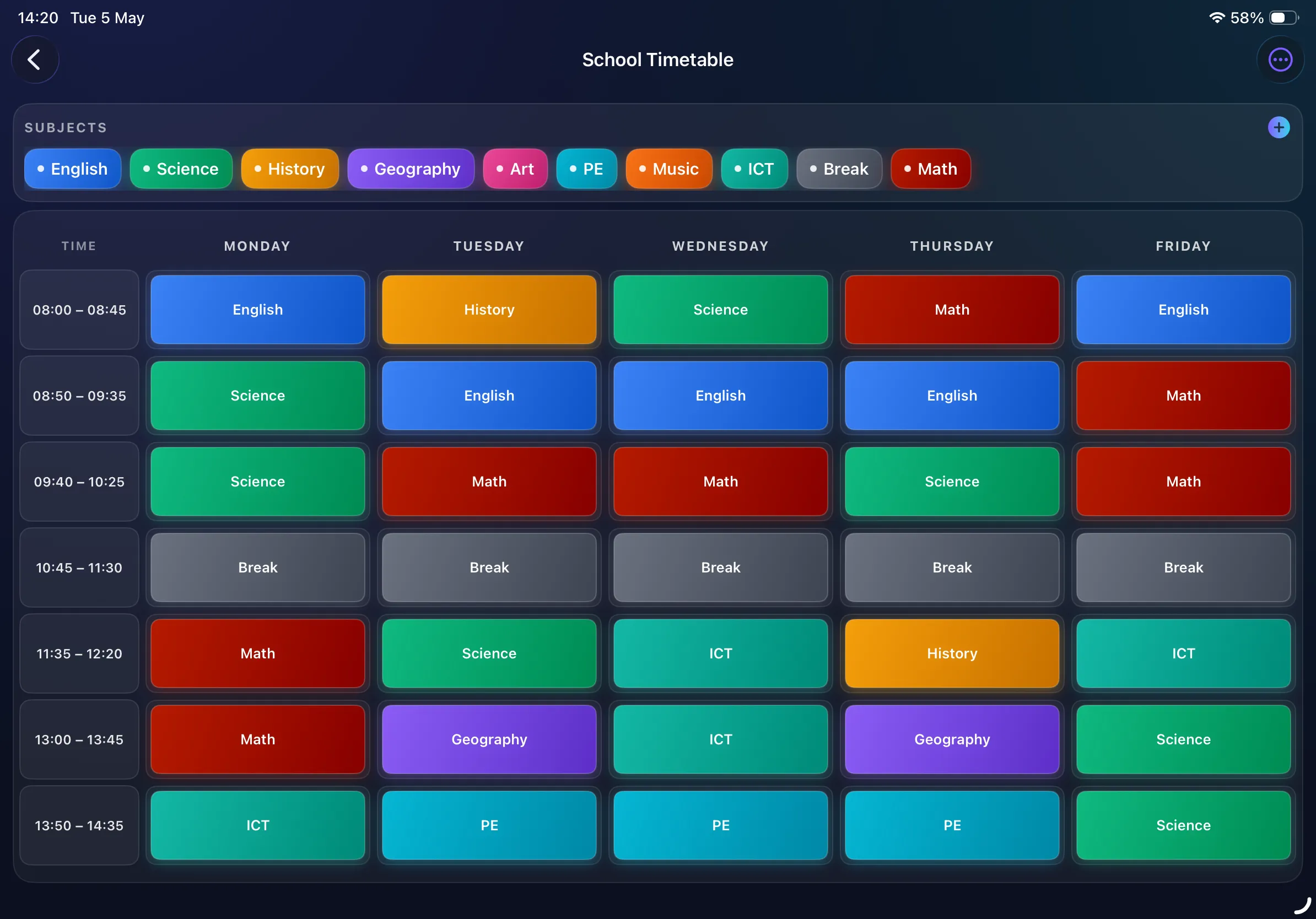
A finished weekly schedule, colour-coded
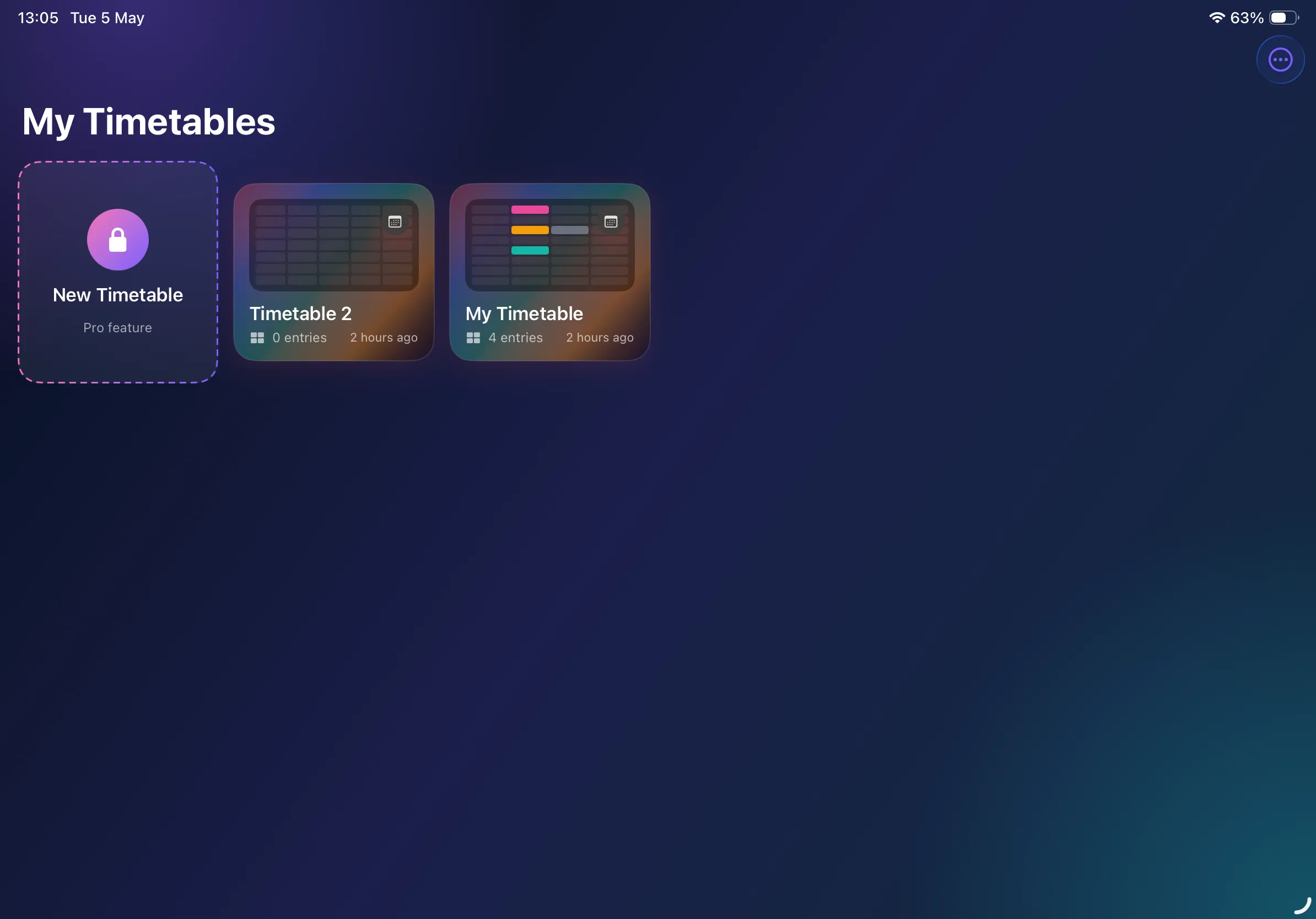
Manage every timetable from one home
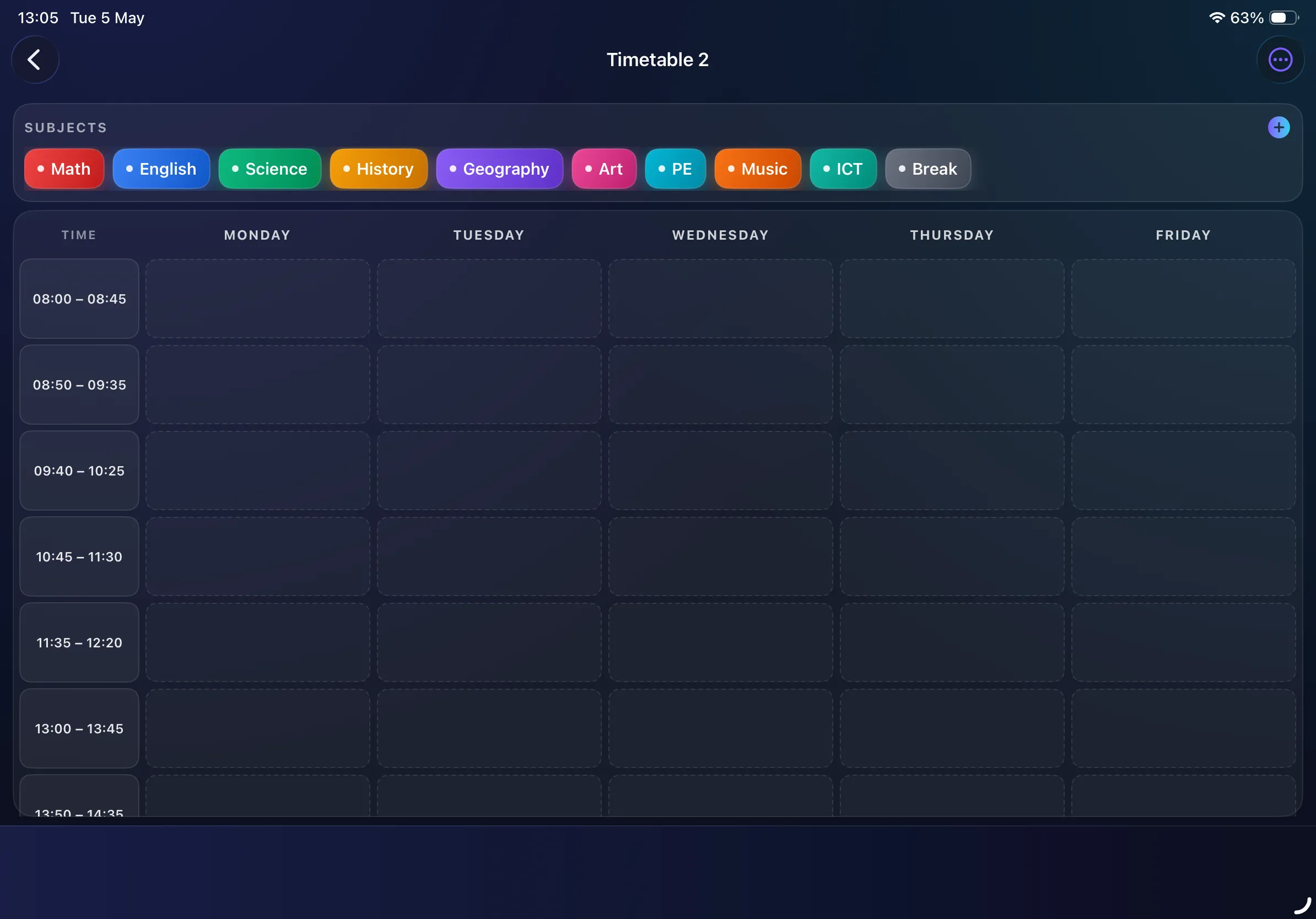
Subjects palette — pick & place
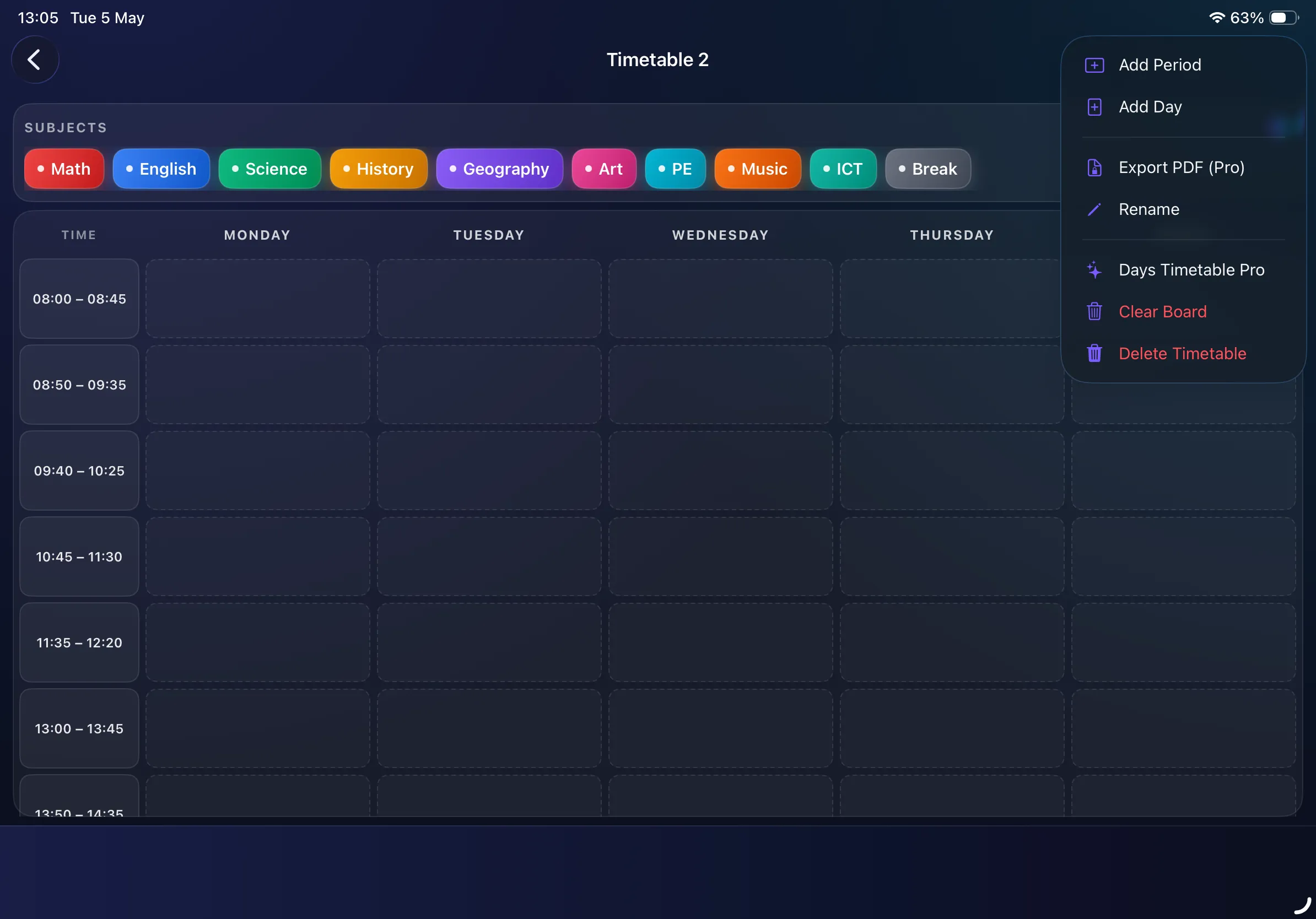
One menu, every action
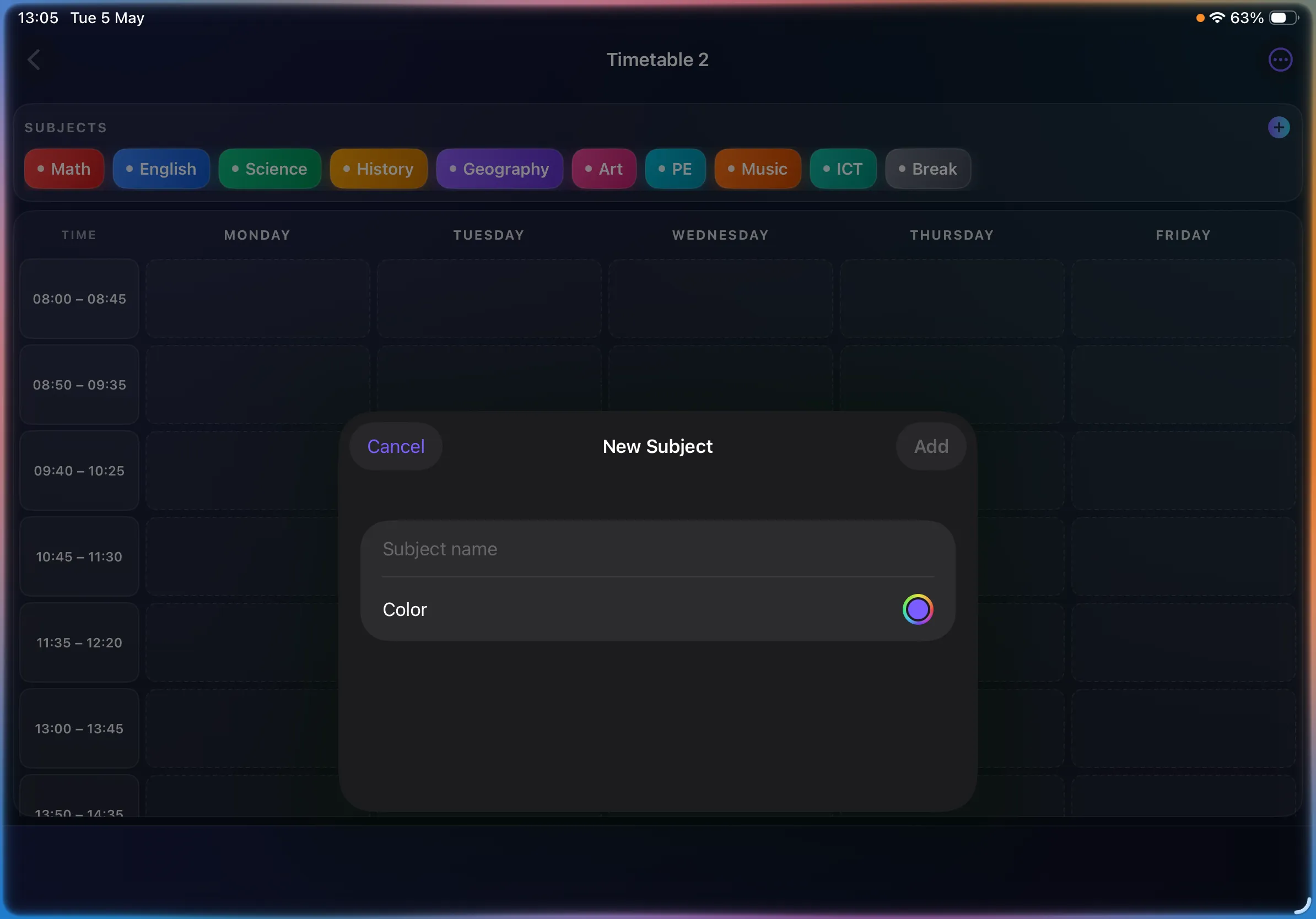
Custom subjects, any colour
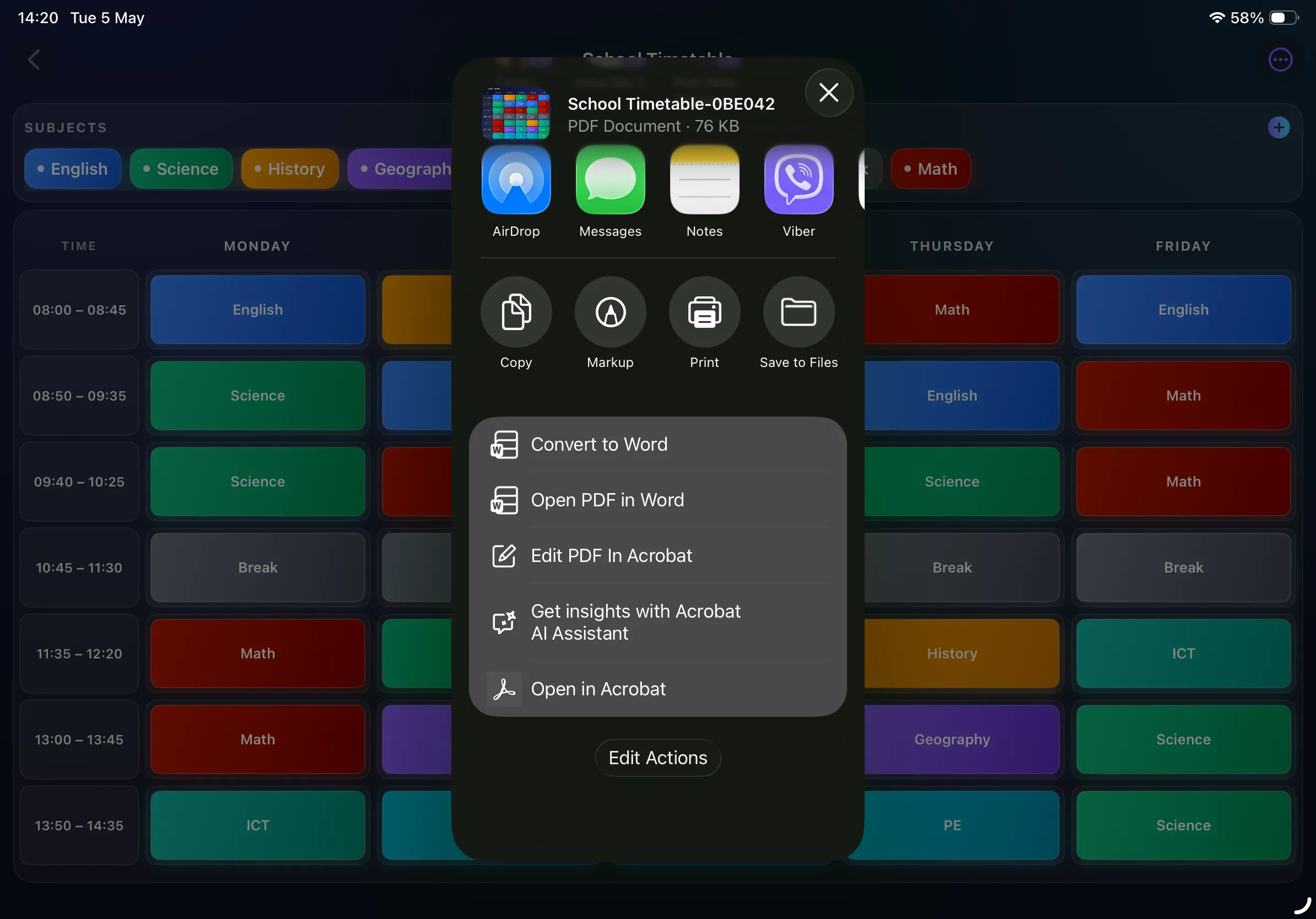
Export beautiful PDFs (Pro)
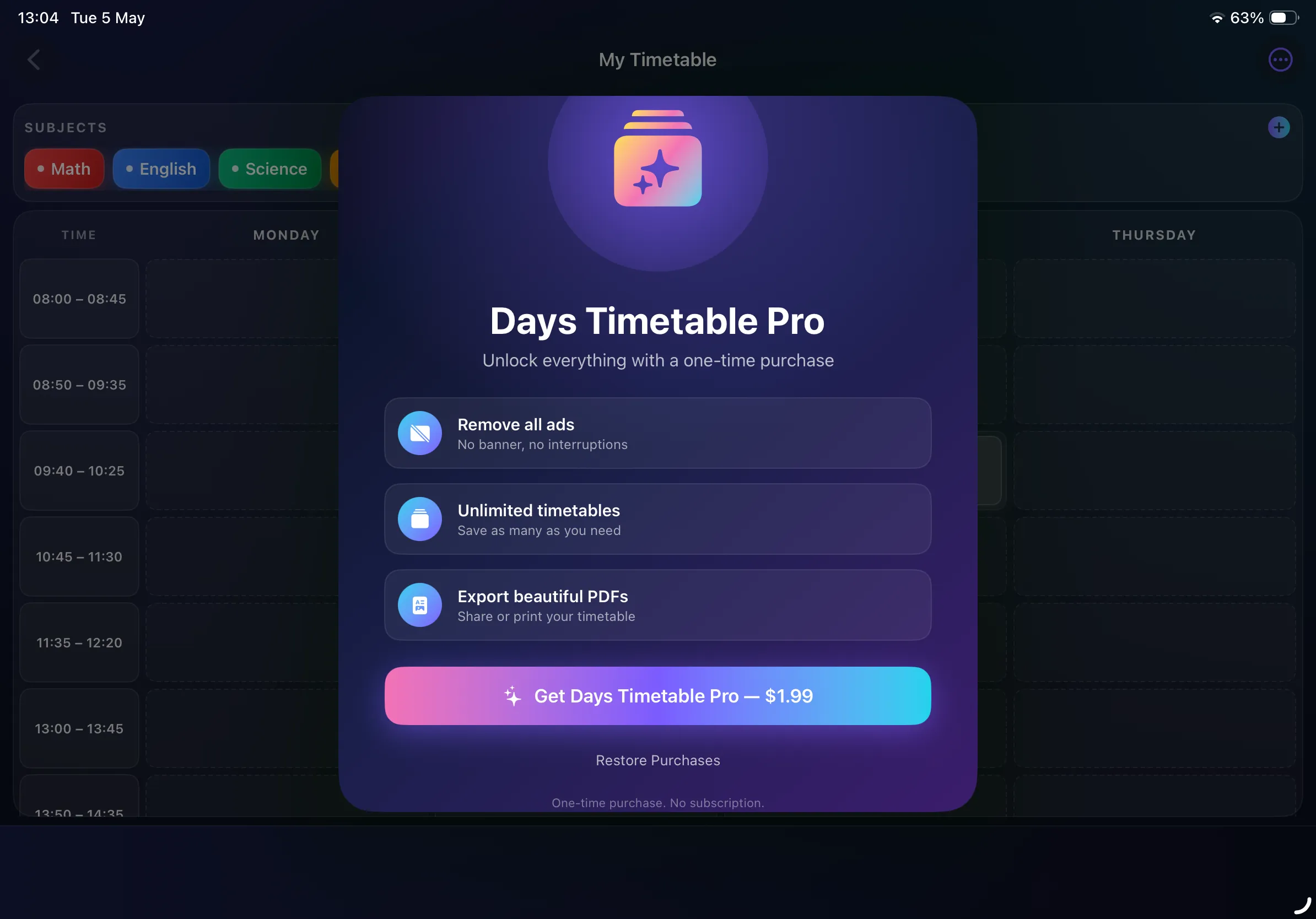
Days Timetable Pro — $1.99
iPhone Landscape
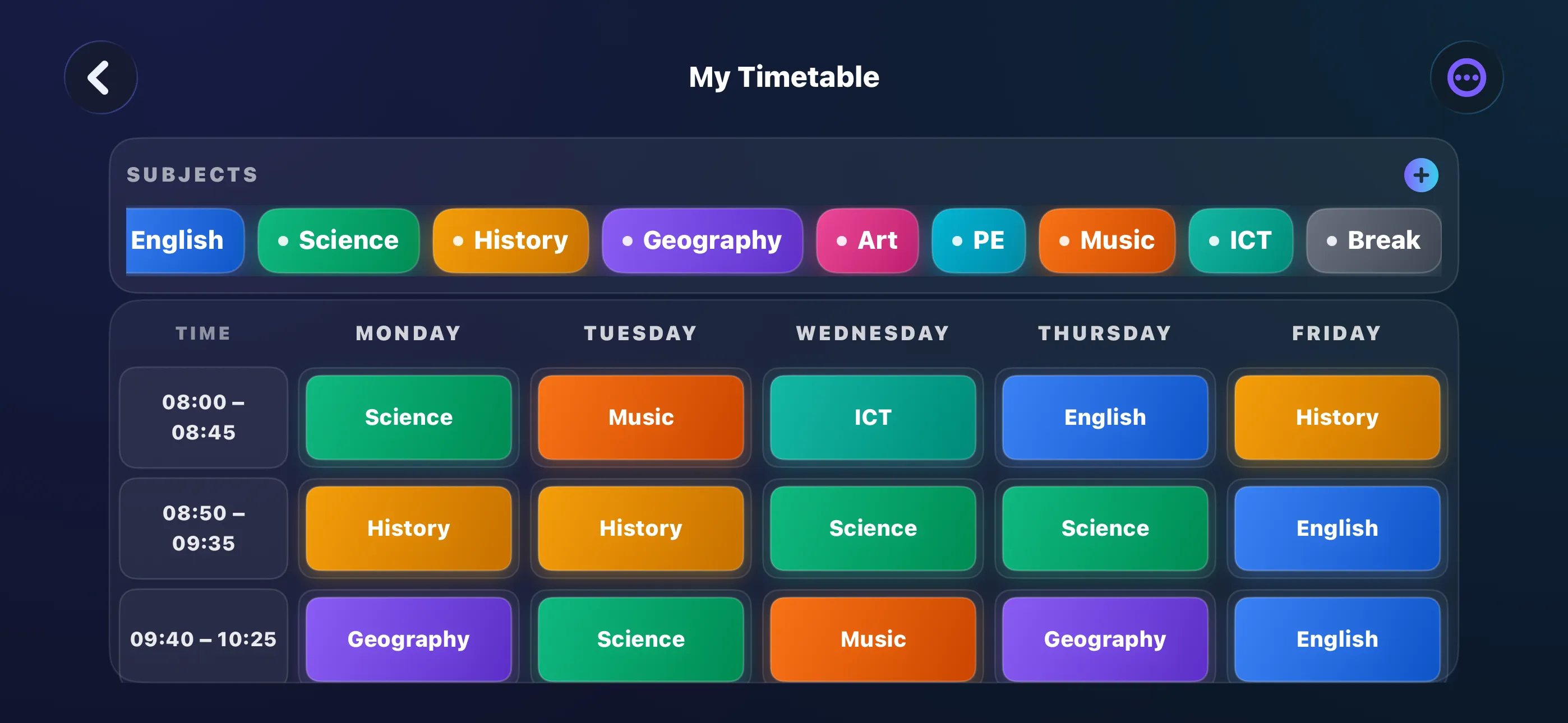
Filled weekly schedule on iPhone
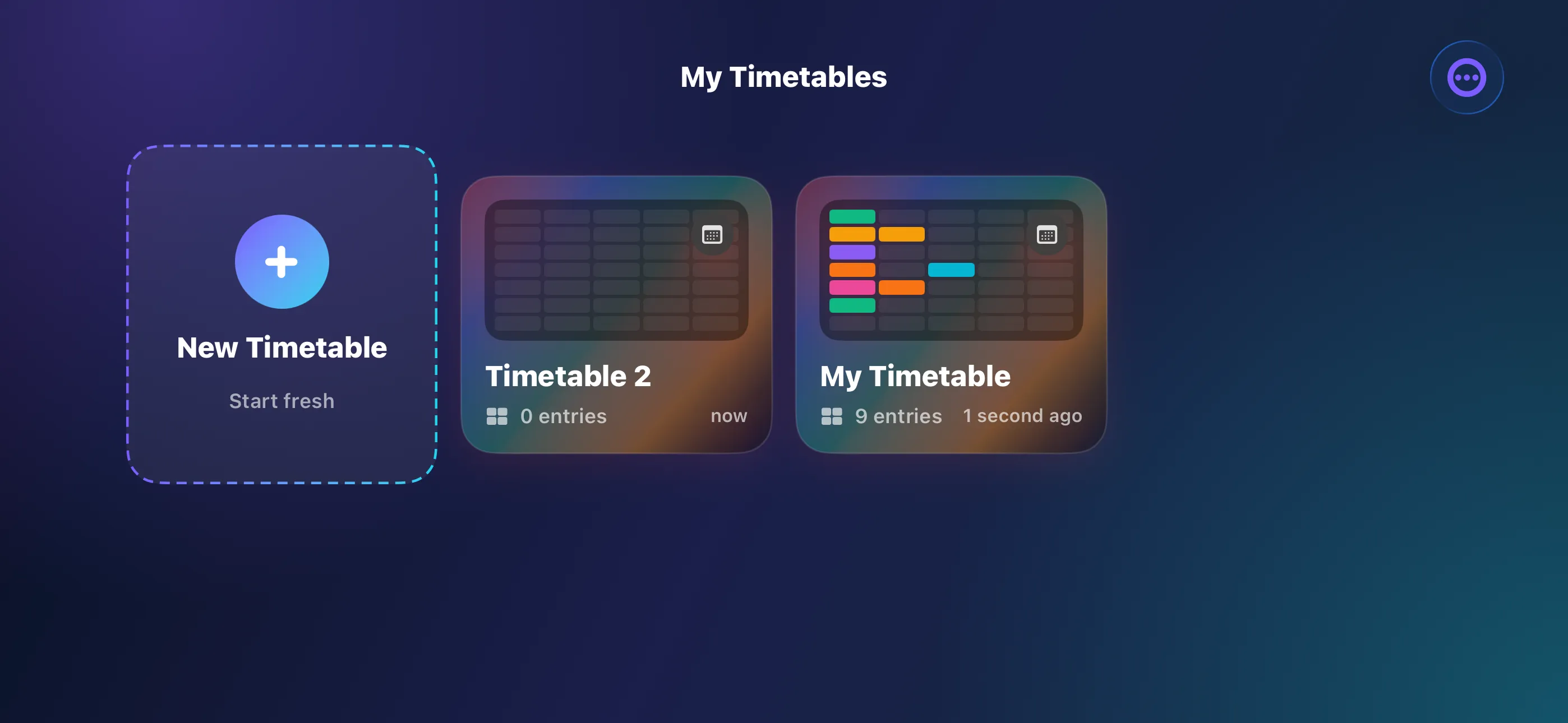
All your timetables, one screen
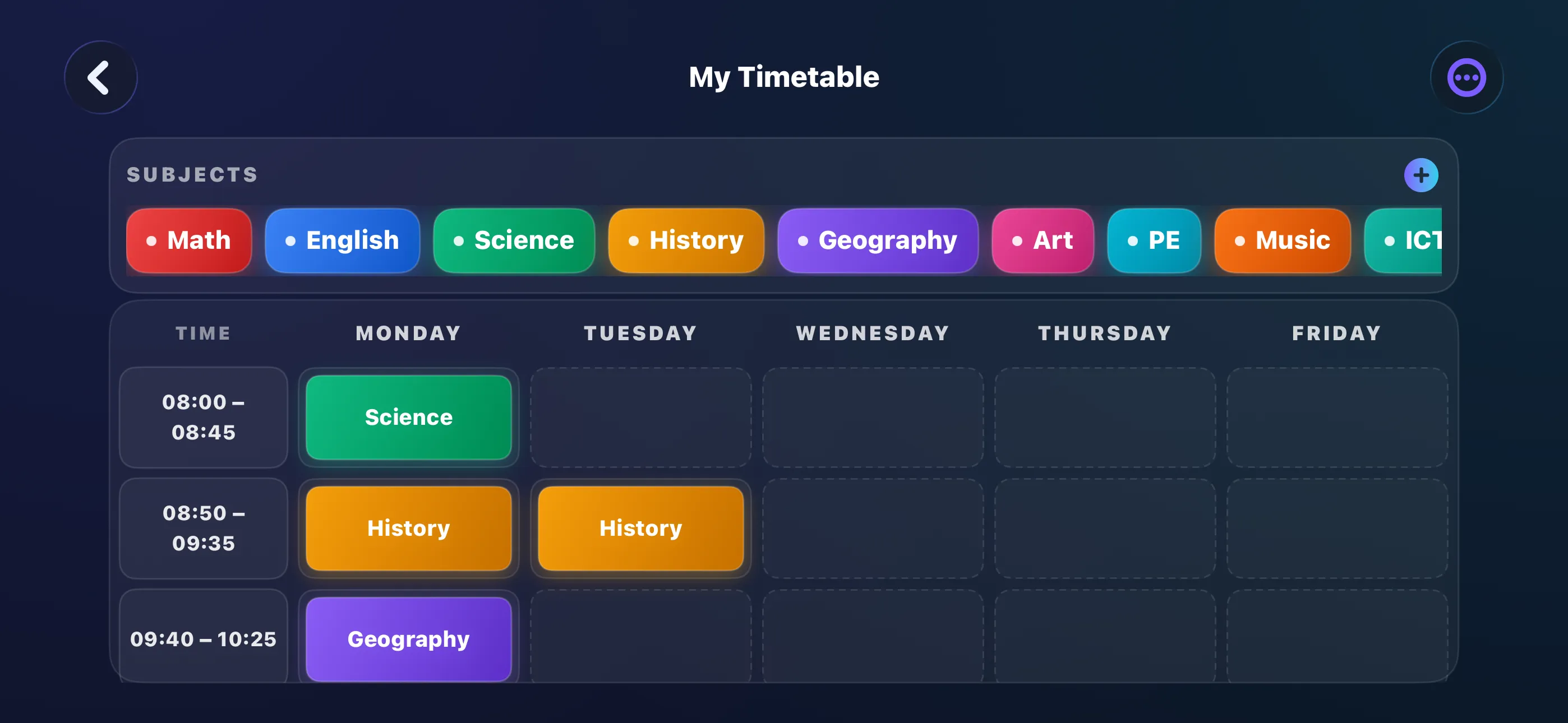
Same palette, every device
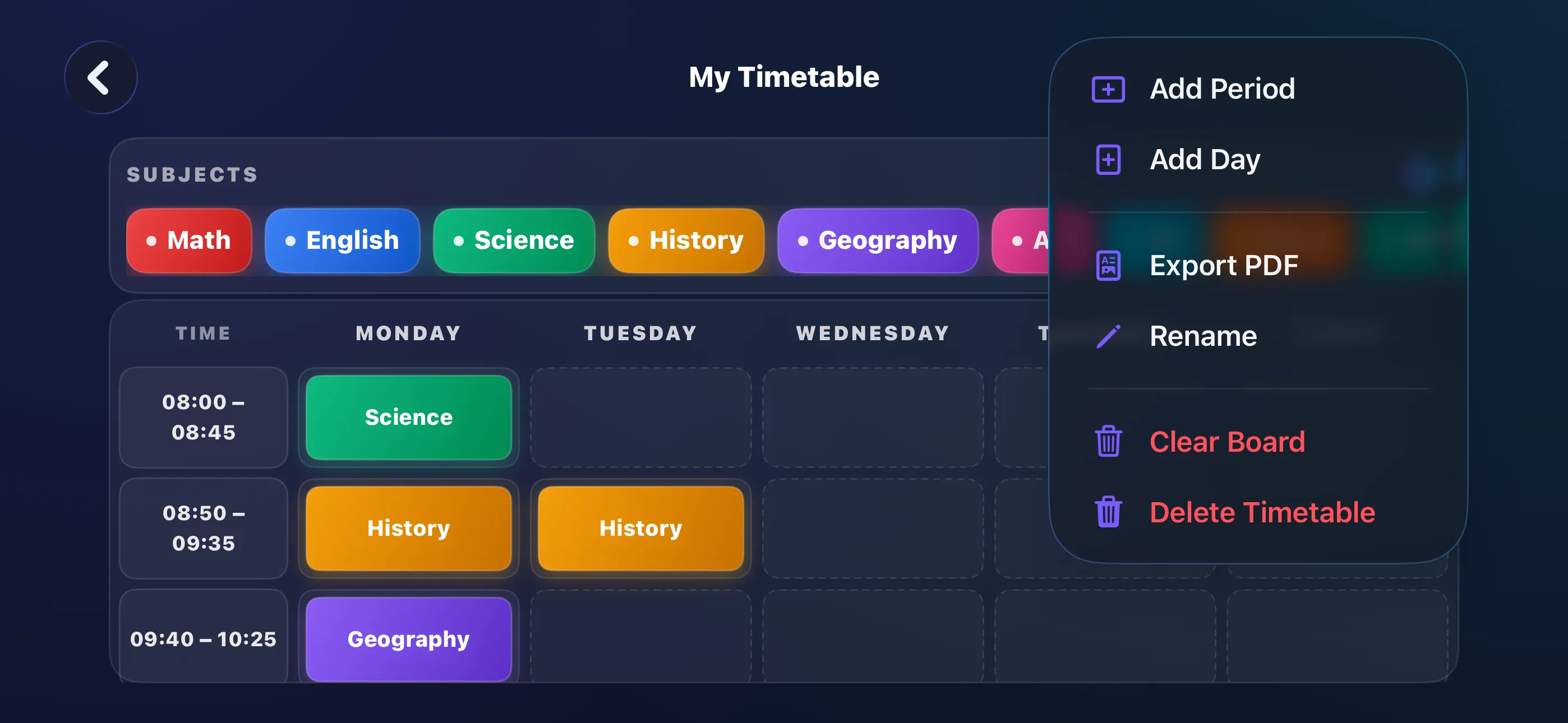
Add periods, add days, export
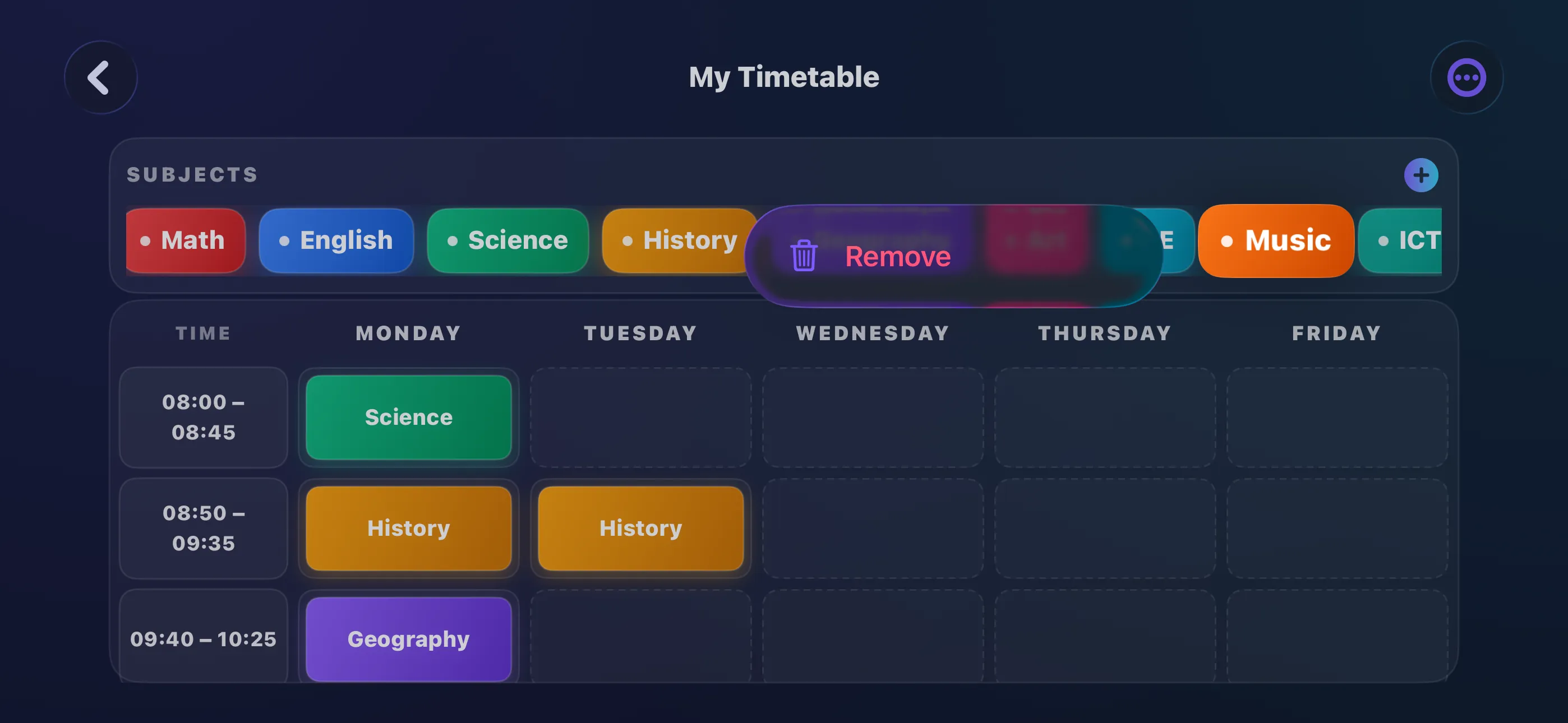
Long-press to remove a subject
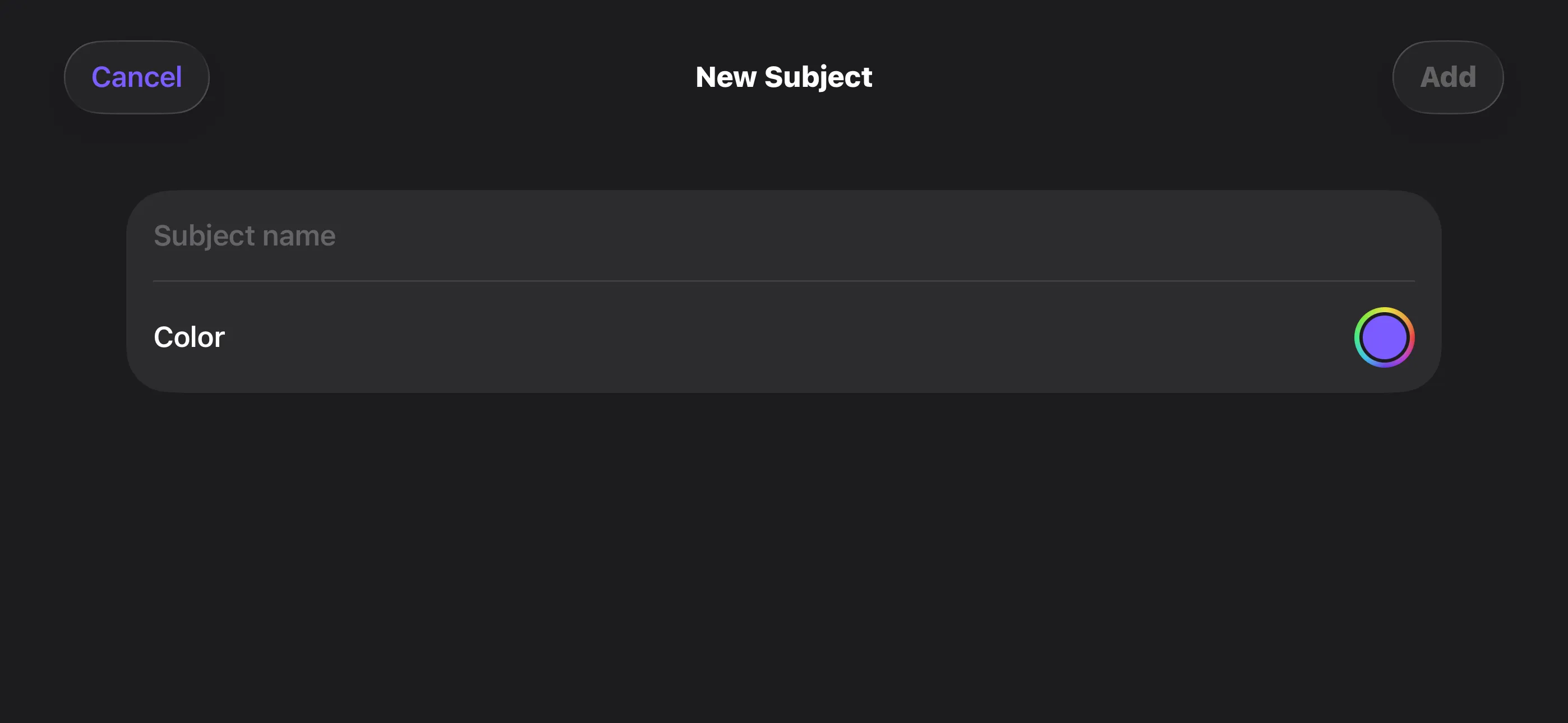
Add any subject, any colour
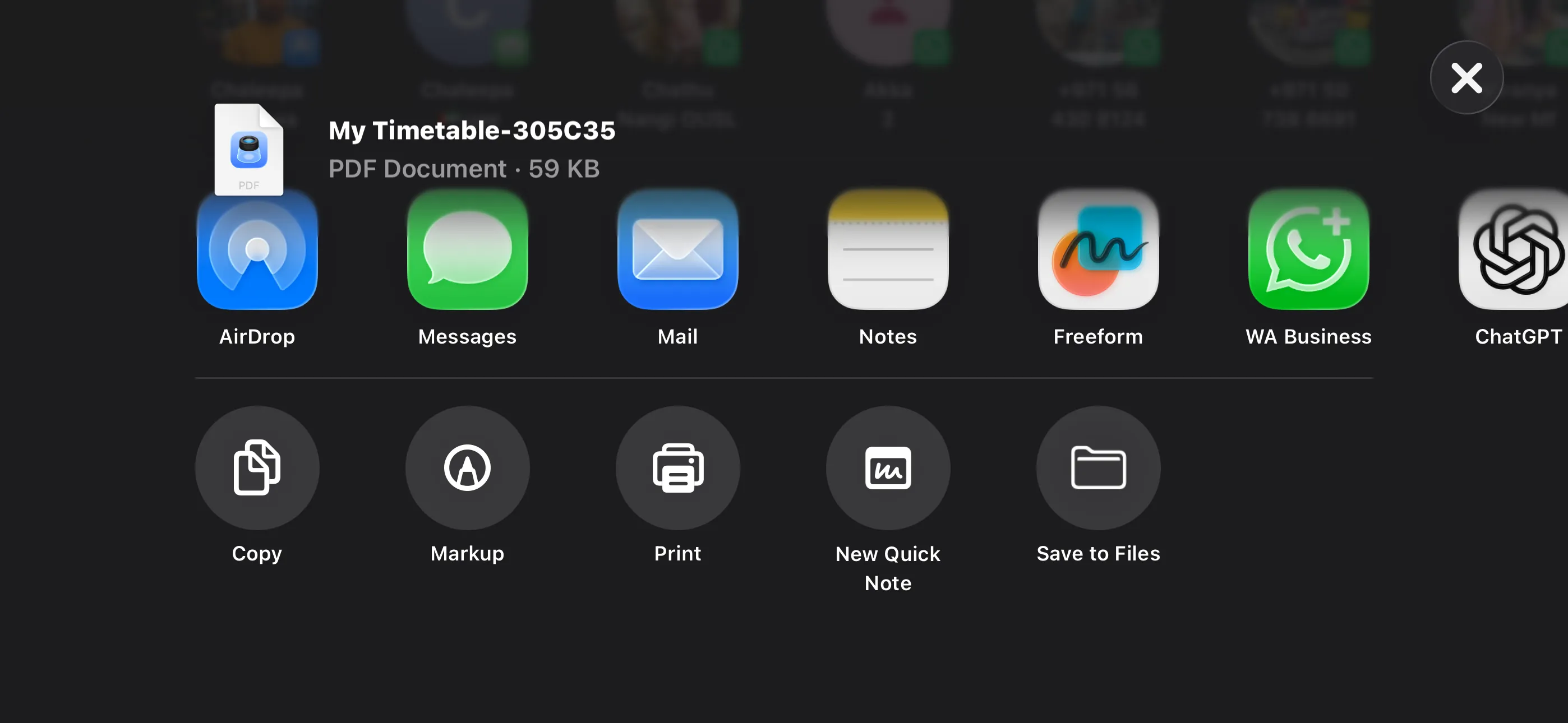
Share or print as a PDF
Days Timetable Pro
Days Timetable is free to download and use. A single in-app purchase — Days Timetable Pro for $1.99 — unlocks everything. There are no subscriptions and no recurring charges.
Free
- One saved timetable
- All ten built-in subjects
- Unlimited custom subjects with colour picker
- Add or remove periods & days
- Banner ads on the home screen
Pro — $1.99 once
- Unlimited timetables
- Beautiful PDF export & print
- All ads removed — permanently
- One-time purchase, no subscription
- Restore on any device with the same Apple ID
Restore Purchases: If you reinstall the app or use it on another device signed in with the same Apple ID, tap Restore Purchases on the Pro screen to bring back your unlock at no charge.
Privacy Policy
Last updated: May 2026
1. Introduction
This Privacy Policy describes how Days Timetable ("the App," "we," "our," or "us") handles information. The App is a free landscape-only weekly timetable planner for iPhone and iPad.
We respect your privacy. This policy explains what the App does and does not do with information on your device.
2. Information We Collect
We do not collect any personally identifiable information. Days Timetable does not require an account, does not ask for your name or email, and does not transmit any personal data to our servers (we don’t run any).
- No sign-in, account, or registration.
- No location, contacts, camera, microphone, or photo-library access.
- No first-party analytics or crash reporting SDKs.
- Your timetables, subjects, colours and Pro entitlement are stored locally on your device.
- If iCloud is signed in, your timetables and Pro unlock can sync between your own devices via iCloud Key-Value Store. We never see the contents of your iCloud container.
3. Advertising (Free Version)
The free version of Days Timetable shows advertisements served by Google AdMob. AdMob may collect a limited set of identifiers (such as the iOS Identifier for Advertisers, IDFA) and basic device and ad-interaction data in order to show ads and measure performance.
Before any tracking-based ads can be shown, we present Apple’s App Tracking Transparency prompt. If you choose Ask App Not to Track, AdMob will only serve non-personalised ads, and the IDFA is not shared.
For details on AdMob’s data practices, please review Google’s privacy policy at https://policies.google.com/privacy.
4. In-App Purchases
The Days Timetable Pro in-app purchase is processed entirely by Apple via StoreKit. We do not see your payment details. Your purchase entitlement is verified through Apple’s receipt and stored locally on your device.
5. PDF Export
PDF export is generated entirely on-device. The exported file is handed to the iOS share sheet so you can save, AirDrop, message, or print it. We do not upload PDFs to any server.
6. Notifications
Days Timetable may ask permission to send a small number of local notifications — for example, gentle reminders to plan next week’s schedule. These are scheduled entirely on-device. We do not run a push server and never send remote notifications. You can decline or revoke notification permission at any time from iOS Settings.
7. Data Sharing
We do not sell, rent, or otherwise share user data. The only third-party data flow is from Google AdMob in the free version, as described above.
8. Children’s Privacy
The App is suitable for users of all ages and is not directed at children under 13. We do not knowingly collect personal information from children.
9. Changes to This Privacy Policy
We may update this Privacy Policy periodically. Any updates will be reflected on this page with a new "Last Updated" date.
10. Contact Us
If you have any questions or concerns about this Privacy Policy, please contact:
Terms of Use
Days Timetable is provided as a personal productivity tool for students and educators. By installing the App you agree to Apple’s standard Licensed Application End User License Agreement, which governs all App Store apps.
The Pro in-app purchase is a one-time, non-consumable unlock tied to your Apple ID. It is not a subscription and does not auto-renew. Refund requests are handled by Apple under their standard refund policy.
Support
Need help with Days Timetable? We’re here.
For questions, feedback, bug reports, or restore-purchase issues, please email: