
About Money Gazelle
Money Gazelle Expense Tracker is a clean, native macOS app for staying on top of your money. Add an expense or income in a couple of clicks, watch your spending against a monthly budget, set savings goals with target dates, and let the app surface simple, useful tips about where your money is going.
Everything lives in one tidy window with a sidebar: a Dashboard overview, a searchable Transactions list, Analytics charts, Budgets, savings Goals, Smart Tips, and a monthly Summary you can export. No setup wizard, no account, no waiting.
One-time purchase. No ads, no analytics, no third-party trackers, no SDKs phoning home. Your financial data stays on your Mac and is never shared.
Track expenses & income, budget by category, save toward goals, and read on-device smart tips — with charts that make your spending obvious at a glance. Pay once, $12.99. No subscription, ever.
Features
Dashboard at a Glance
See monthly spend vs. budget, income, a category breakdown ring, your daily spending chart, and recent transactions — all on one screen.
Quick Add
Log an expense or income in seconds: pick a type, type the amount and title, tap a category. Quick Add is always one click away.
Transactions, Grouped & Searchable
Every transaction grouped by day, with search and filters for period, type, and category. Recurring items are clearly marked.
Analytics Charts
This-month vs. last-month, daily average, and month-over-month change — with spending-trend, category, income-vs-expense, and day-of-week views.
Budgets by Category
Set a limit per category and watch live progress bars fill as you spend. A total overview shows how much of your month is left.
Savings Goals
Create goals with a target amount and date — emergency fund, a new laptop, a trip — and add to them as you go. Watch each one hit 100%.
Smart Tips
On-device insights flag overspending, subscription bloat, and how much to set aside monthly to reach each goal — ranked by priority.
Monthly Summary & Export
A clean monthly report: totals, net savings, spending by category, top expenses, and recurring charges — with an Export button to take it with you.
Your Currency
Pick the currency that matches your accounts and the whole app formats to it — from the dashboard headline figure to every transaction.
Private by Default
No accounts, no analytics, no ad SDKs, no third-party trackers, no servers we run. Your money data stays on your Mac and is never shared.
Built-in Categories
Money Gazelle ships with a full set of everyday categories, each with its own icon and colour so your charts and lists read at a glance. Assign one when you add a transaction or budget:
Income is tracked too — tag salary, freelance, and other inflows so your income-vs-expense view and net-savings figure stay accurate.
Screenshots
One window, seven views: Dashboard, Transactions, Analytics, Budgets, Goals, Smart Tips, and Summary — plus a one-click Quick Add.
macOS 14.0+
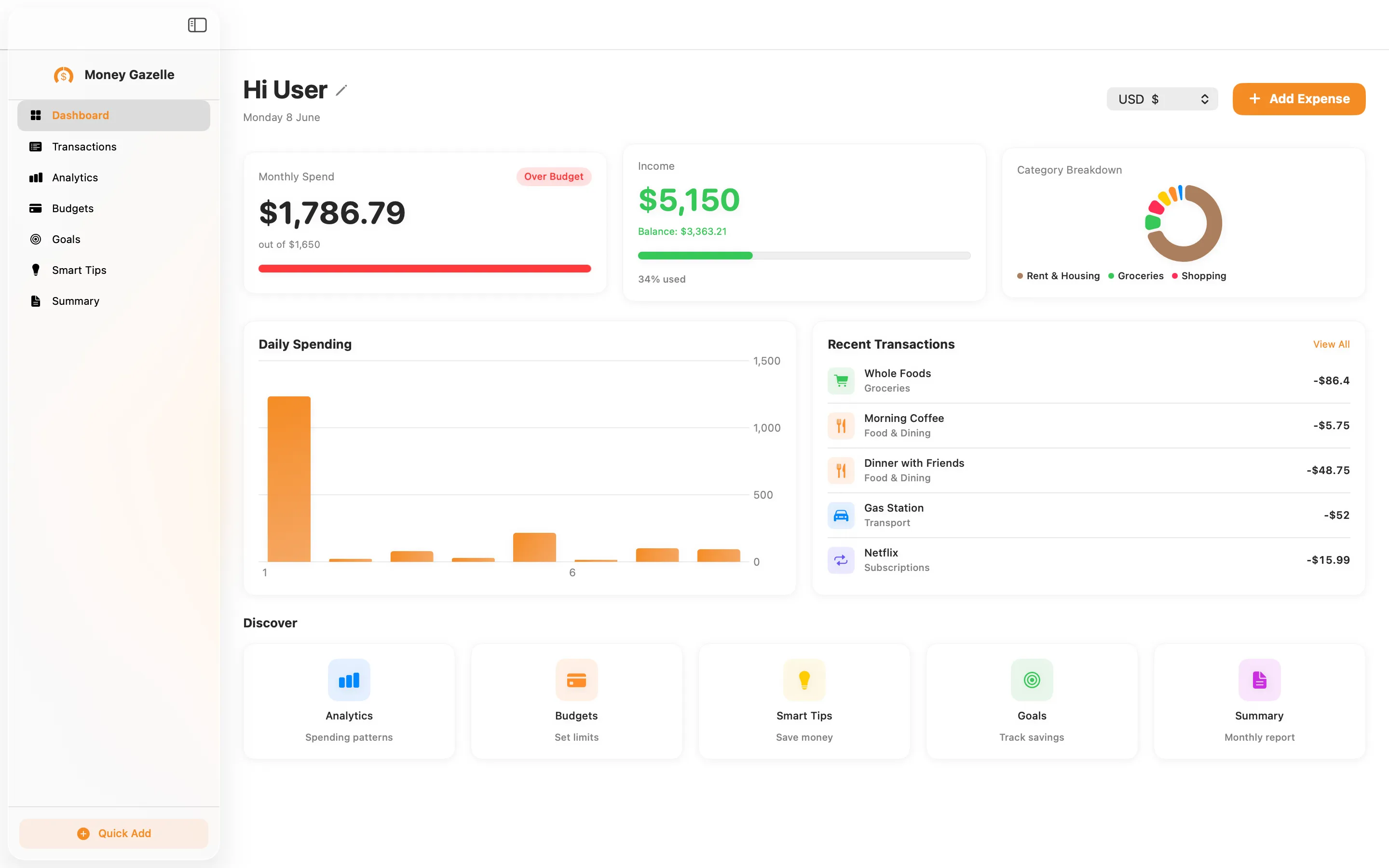
Dashboard: spend, income, and recent activity at a glance
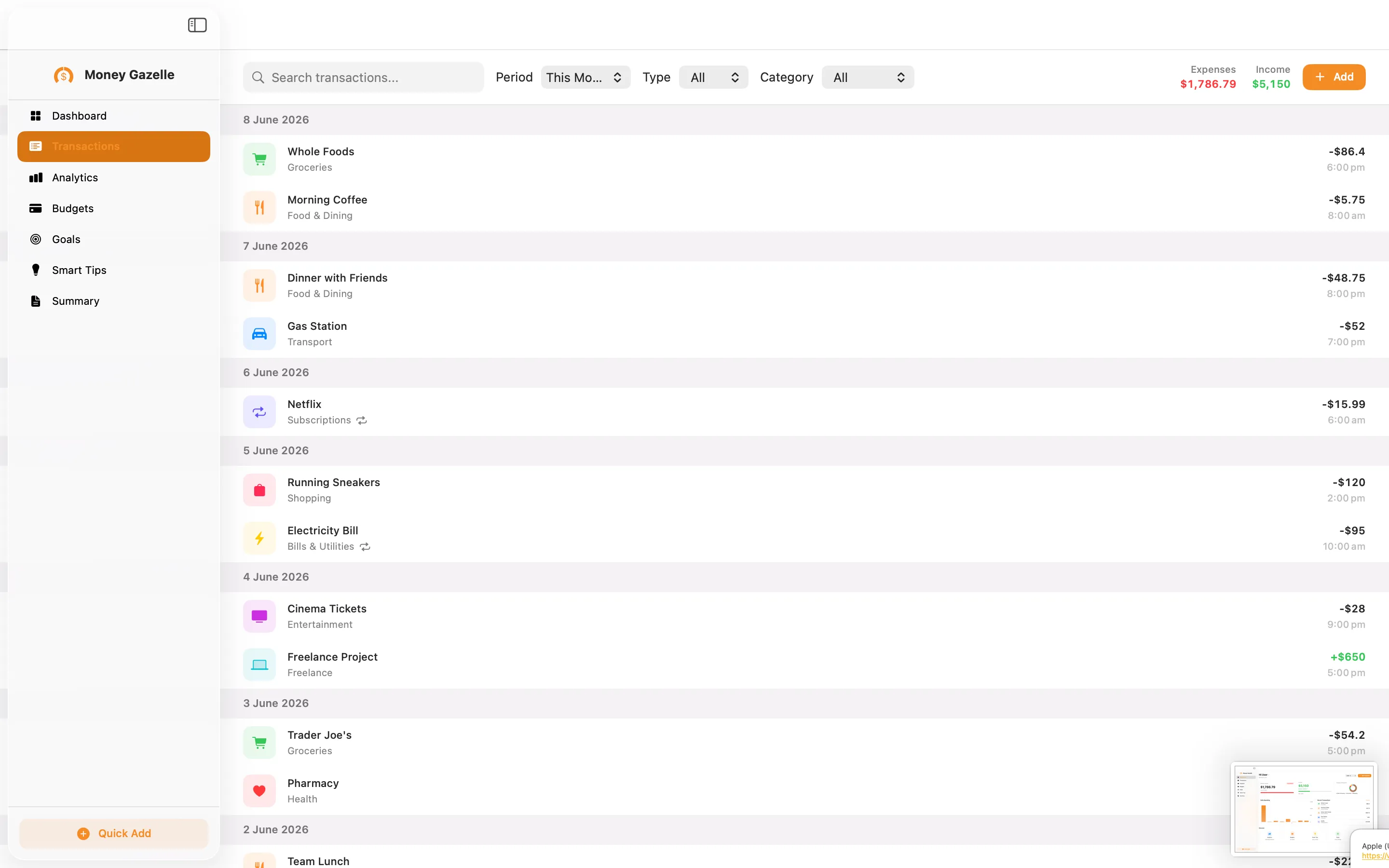
Transactions grouped by day, with search and filters
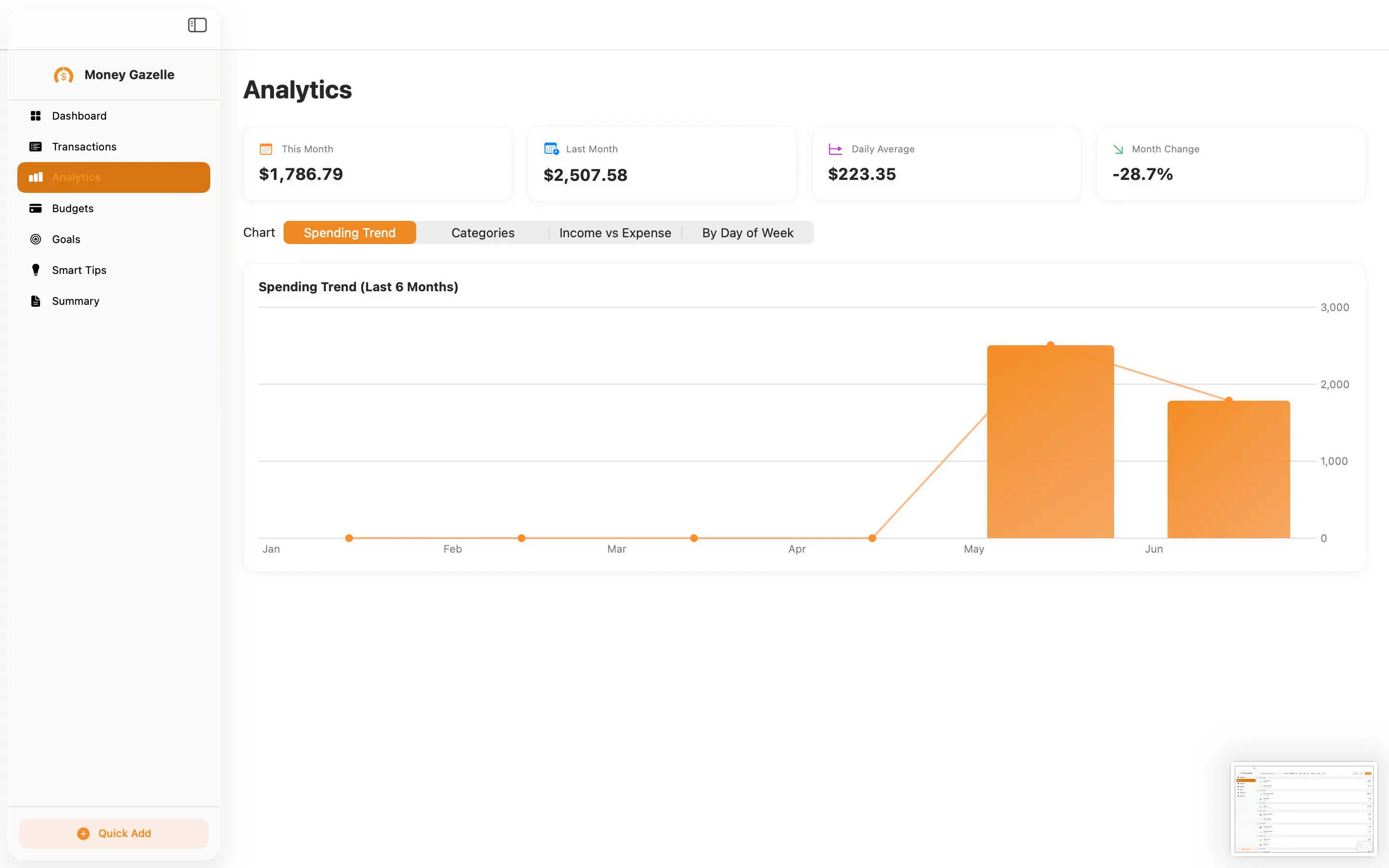
Analytics: spending trend over the last six months
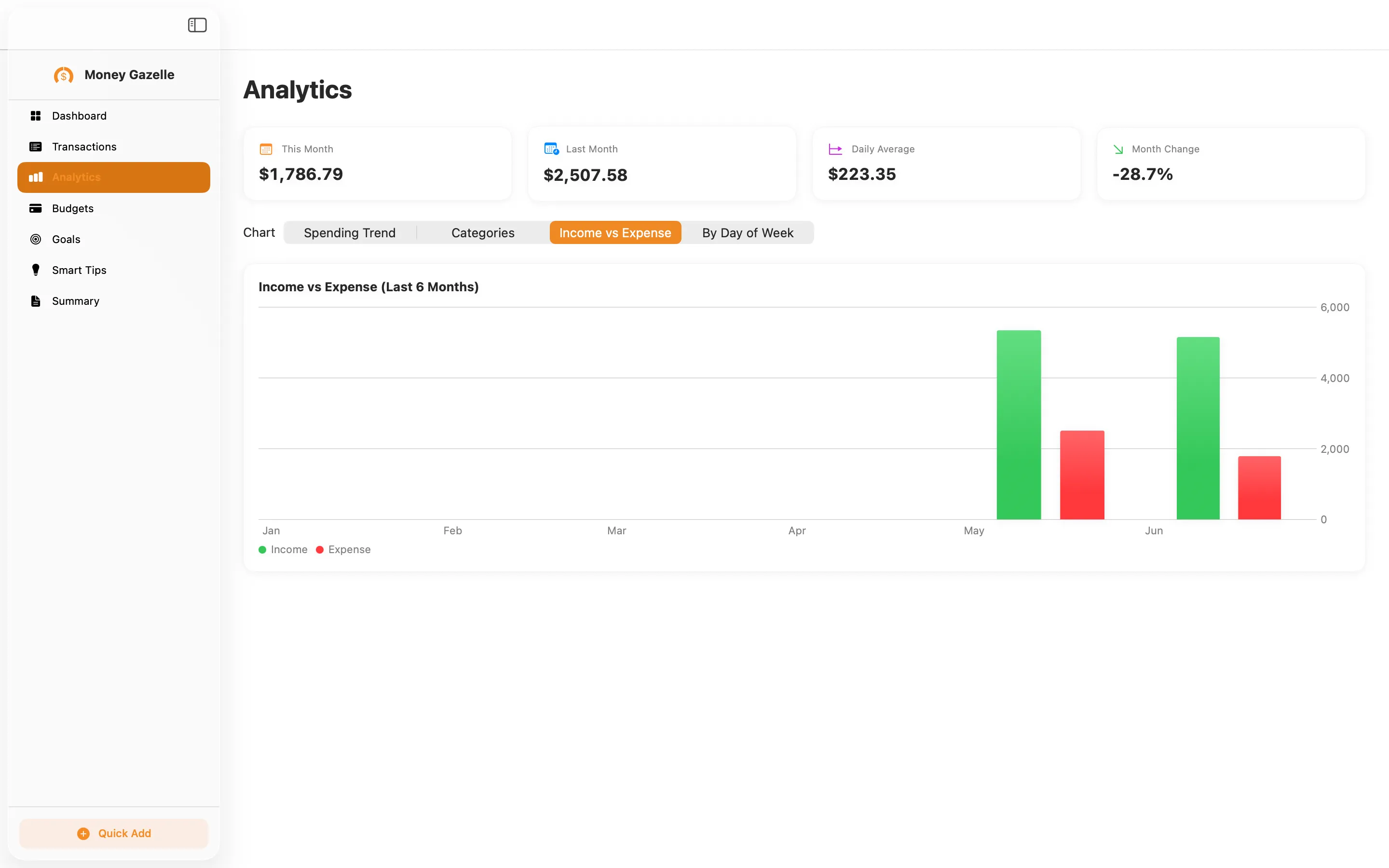
Compare income vs. expense month by month
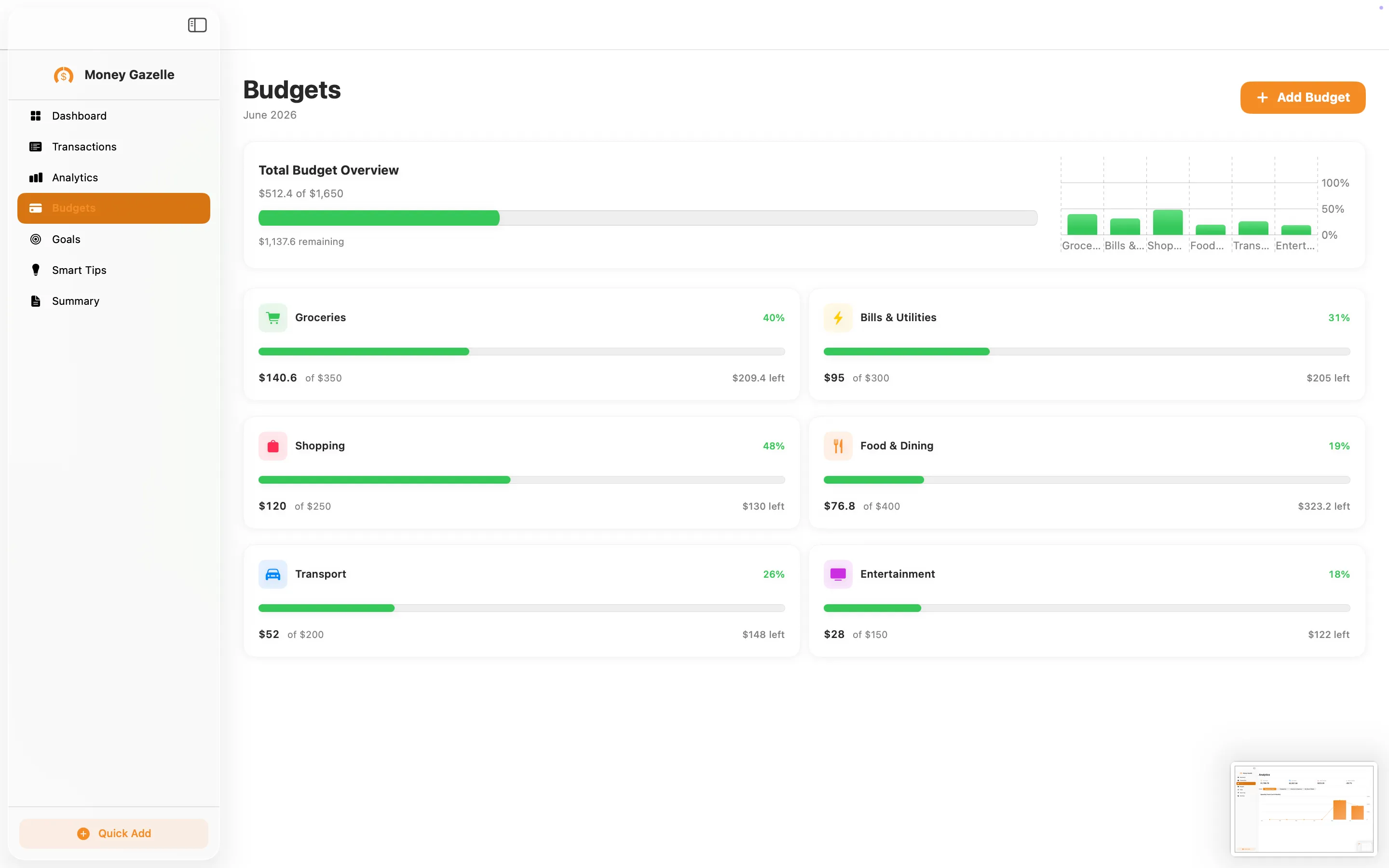
Budgets with live per-category progress
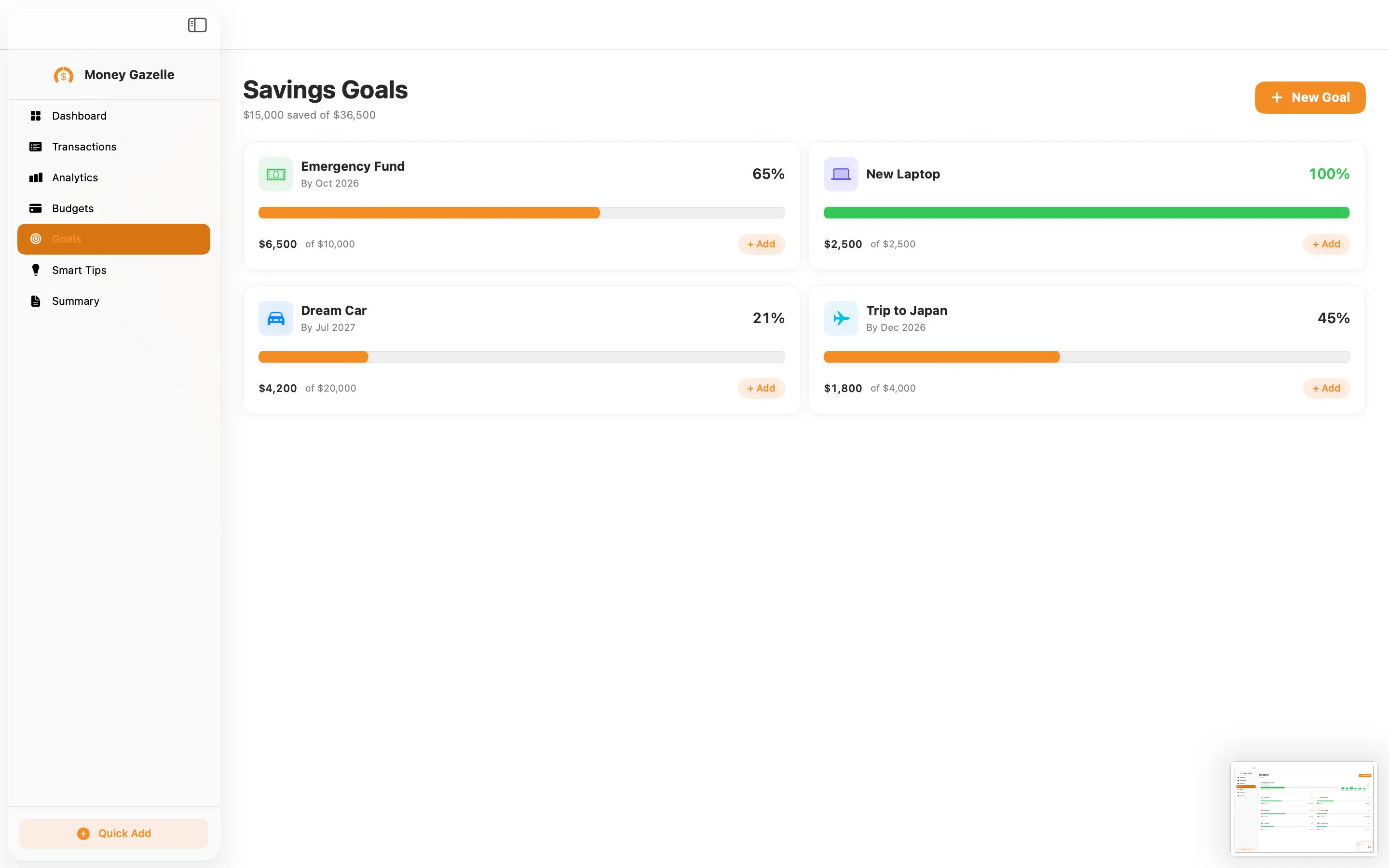
Savings goals with target amounts and dates
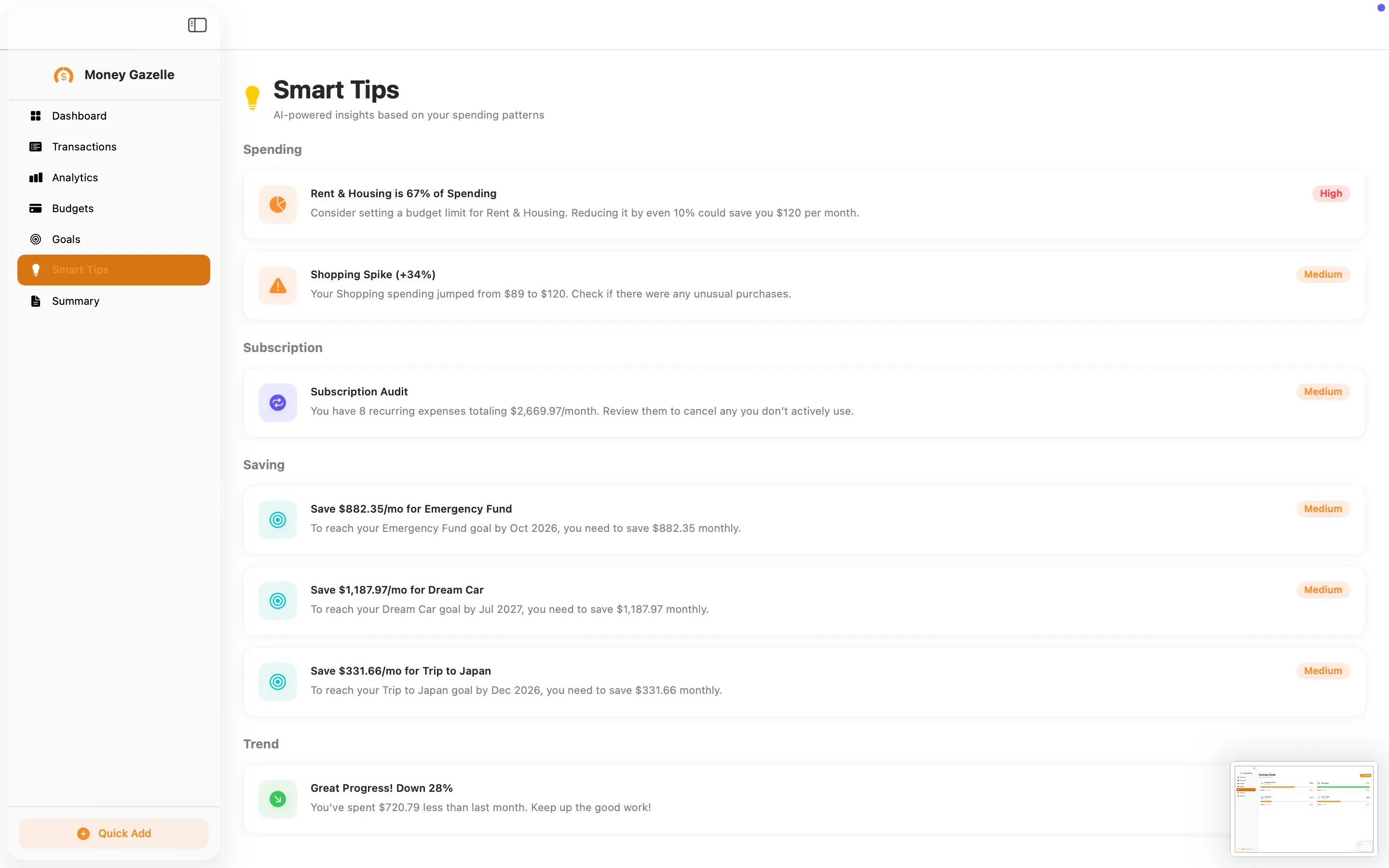
Smart Tips: on-device insights, ranked by priority
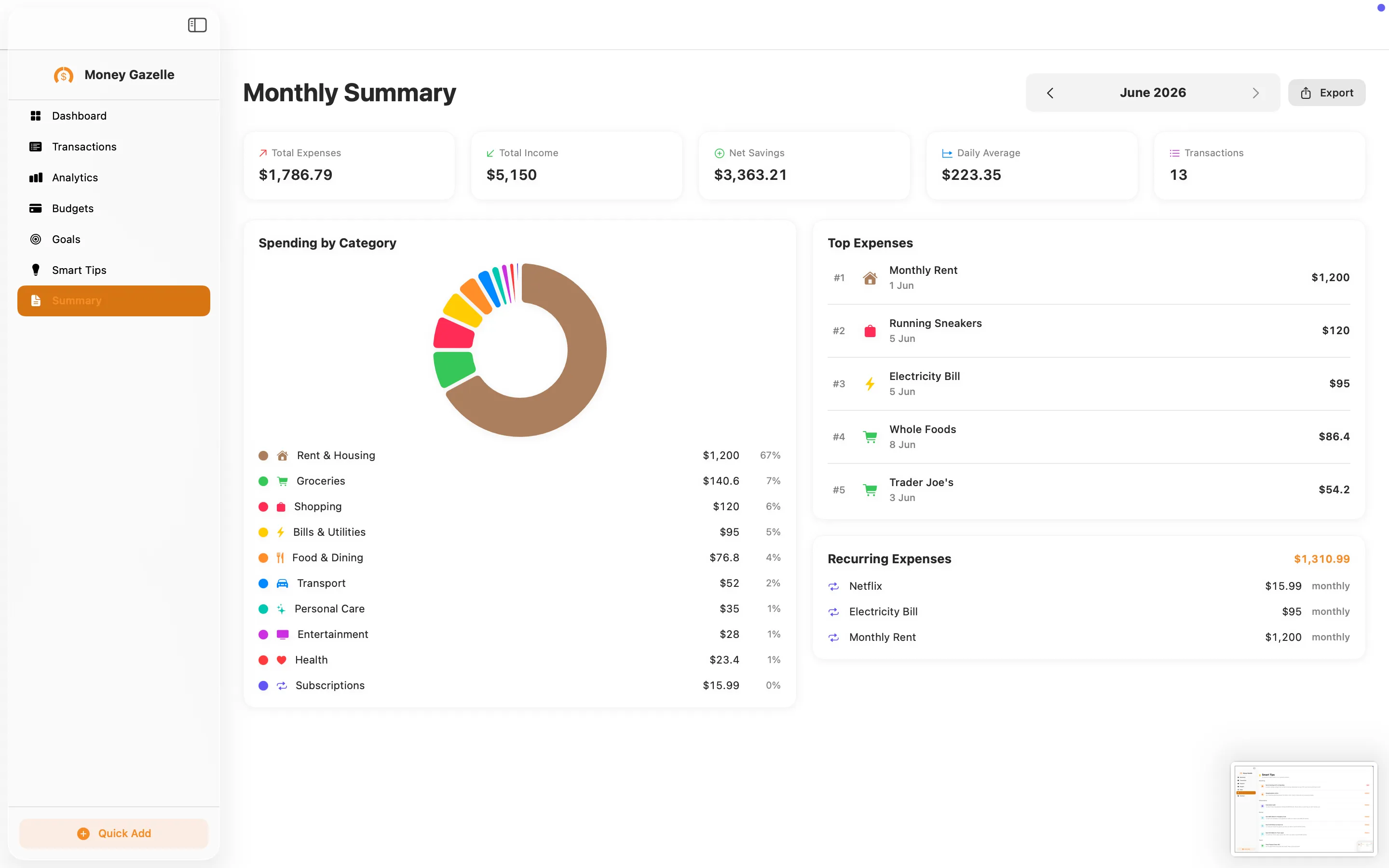
Monthly Summary you can export
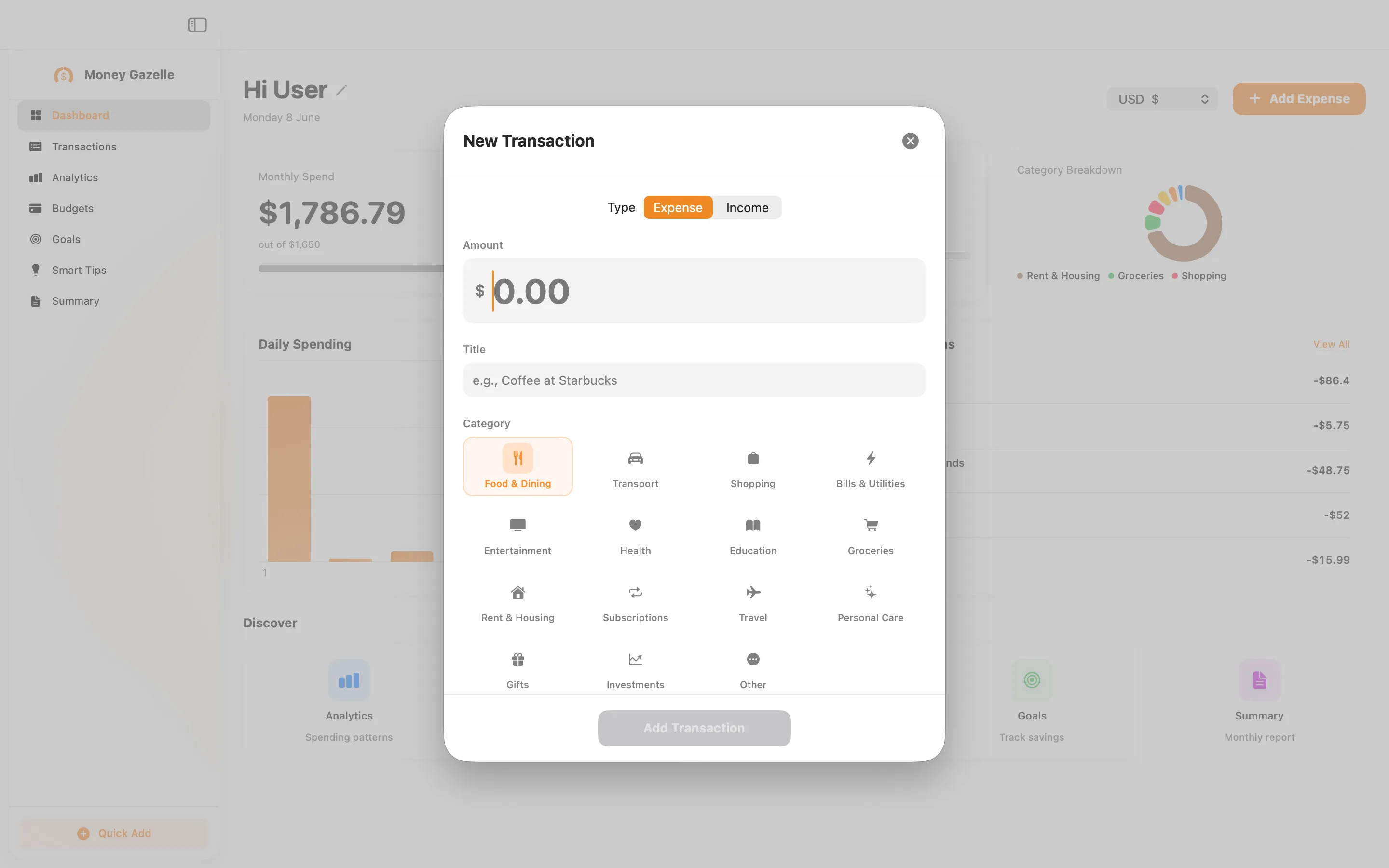
Add an expense or income in seconds
Privacy Policy
Last updated: June 2026
1. Introduction
This Privacy Policy describes how Money Gazelle Expense Tracker ("the App," "we," "our," or "us") handles information. The App is a macOS personal-finance utility that stores your transactions, budgets, goals, categories, and related settings locally on your Mac.
We respect your privacy. This policy explains exactly what the App does and does not do with information on your device.
2. Information We Collect
We do not collect any personally identifiable information. Money Gazelle does not require an account, does not ask for your name or email, and does not transmit any data to servers operated by us — we don’t run any.
- No sign-in, account, or registration.
- No analytics or crash reporting SDKs.
- No advertising SDKs of any kind.
- No tracking, no fingerprinting, no third-party SDKs at all.
- No bank, card, or financial-account linking. You enter what you choose, by hand.
- Your finance data (transactions, amounts, titles, categories, budgets, goals, timestamps) is stored locally in the App’s sandboxed container.
3. Network Activity
The App makes no network requests. All charts, budgets, and smart tips are computed on your Mac. There is no telemetry, no auto-update beacons, and no third-party servers contacted by Money Gazelle.
4. App Store Purchase
Money Gazelle is a paid app sold through the Mac App Store for a one-time price of $12.99. The purchase is processed entirely by Apple. We do not see your payment details. There are no in-app purchases, no subscriptions, and no recurring charges.
5. Exporting Your Data
When you use the Summary Export feature, a report file is created only where you choose to save it. The App does not upload exports anywhere; what you do with an exported file afterwards is entirely up to you.
6. Data Sharing
We do not sell, rent, or share user data — we don’t have any to share. There are no third-party SDKs in Money Gazelle.
7. Children’s Privacy
The App is suitable for users of all ages and is not directed at children under 13. We do not knowingly collect personal information from children.
8. Changes to This Privacy Policy
We may update this Privacy Policy periodically. Any updates will be reflected on this page with a new "Last Updated" date.
9. Contact Us
If you have any questions or concerns about this Privacy Policy, please contact:
Terms of Use
Money Gazelle Expense Tracker is provided as a personal-finance utility for personal use. The App stores the figures and labels you enter; it does not analyse, scan, or transmit your data off your device. Figures, budgets, and tips are estimates to help you reflect on your spending and are not financial advice. By installing the App you agree to Apple’s standard Licensed Application End User License Agreement, which governs all App Store apps.
Money Gazelle is a one-time paid app sold through the Mac App Store and tied to your Apple ID. There are no subscriptions and no in-app purchases. Refund requests are handled by Apple under their standard refund policy.
Support
Questions, bug reports, or feature requests? Drop us a line.