About Magnet Meter
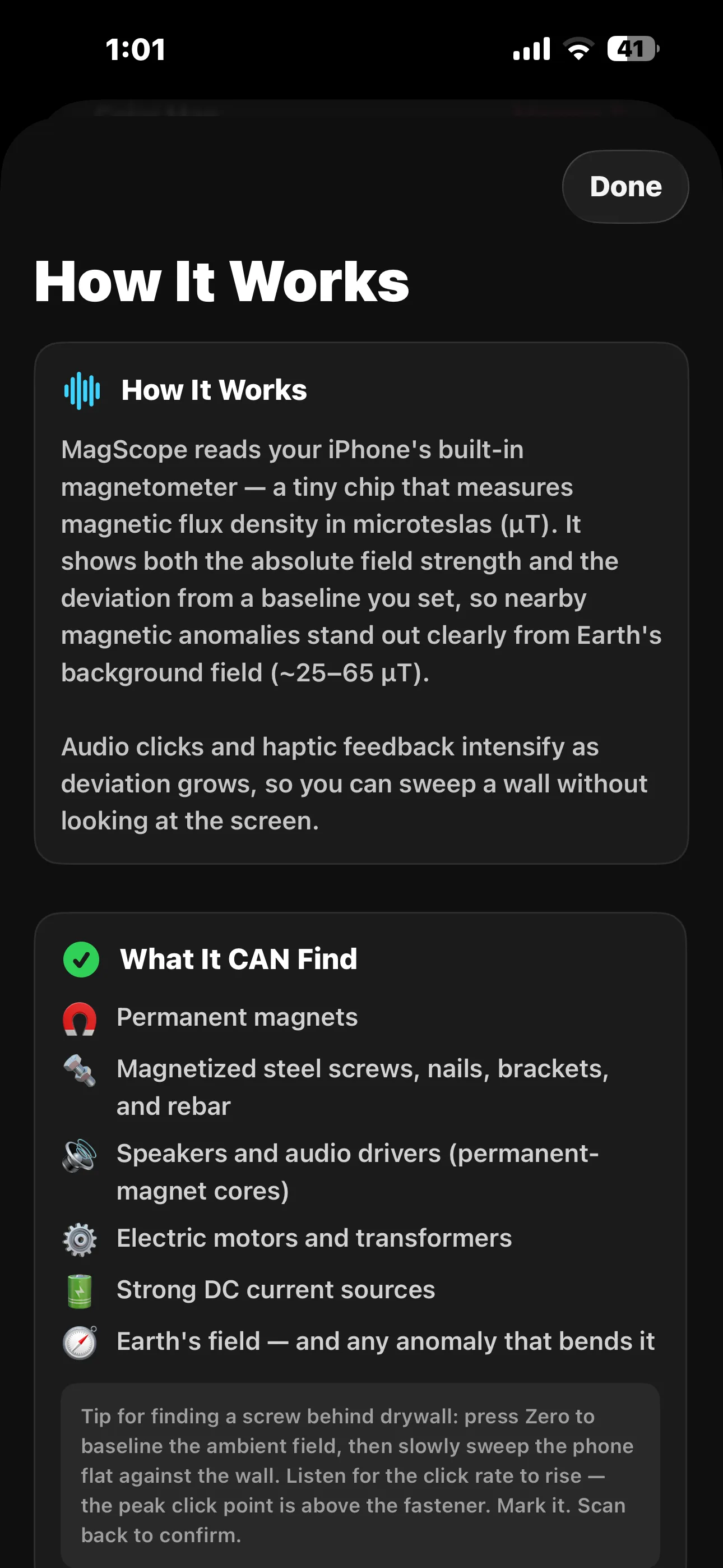
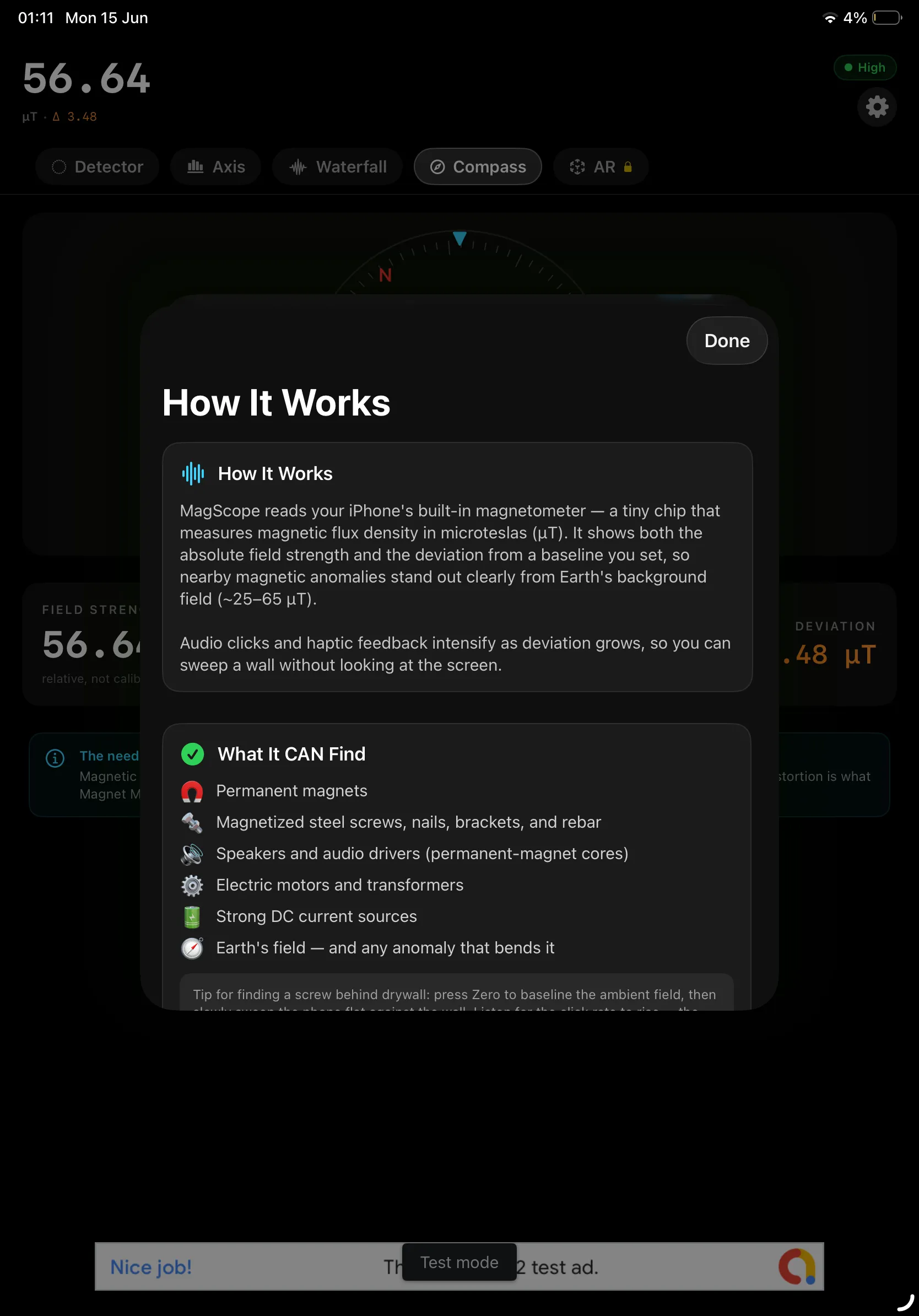
Magnet Meter reads your iPhone or iPad's built-in magnetometer — the same tiny sensor your Compass uses — and turns it into a precise magnetic field detector. It shows the magnetic flux density around you in real time, measured in microteslas (µT), so you can find magnets, magnetized metal, and electrical sources hiding in walls, furniture, and gear.
Set a baseline with a single tap and the app highlights the deviation from the ambient field, so a nearby screw, bracket, or speaker magnet stands out clearly against Earth's background field. Audio clicks and haptic feedback ramp up as the reading climbs, letting you sweep a surface without staring at the screen.
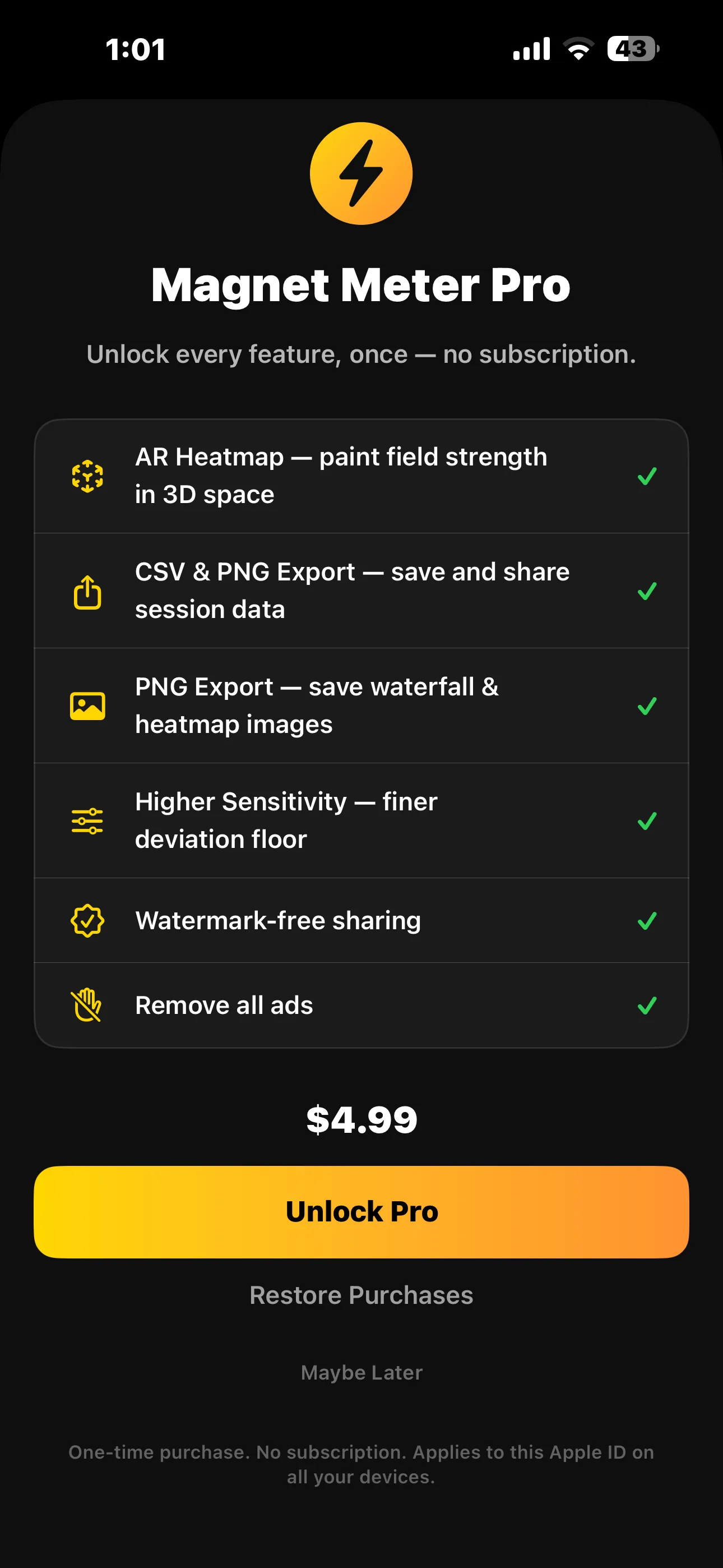
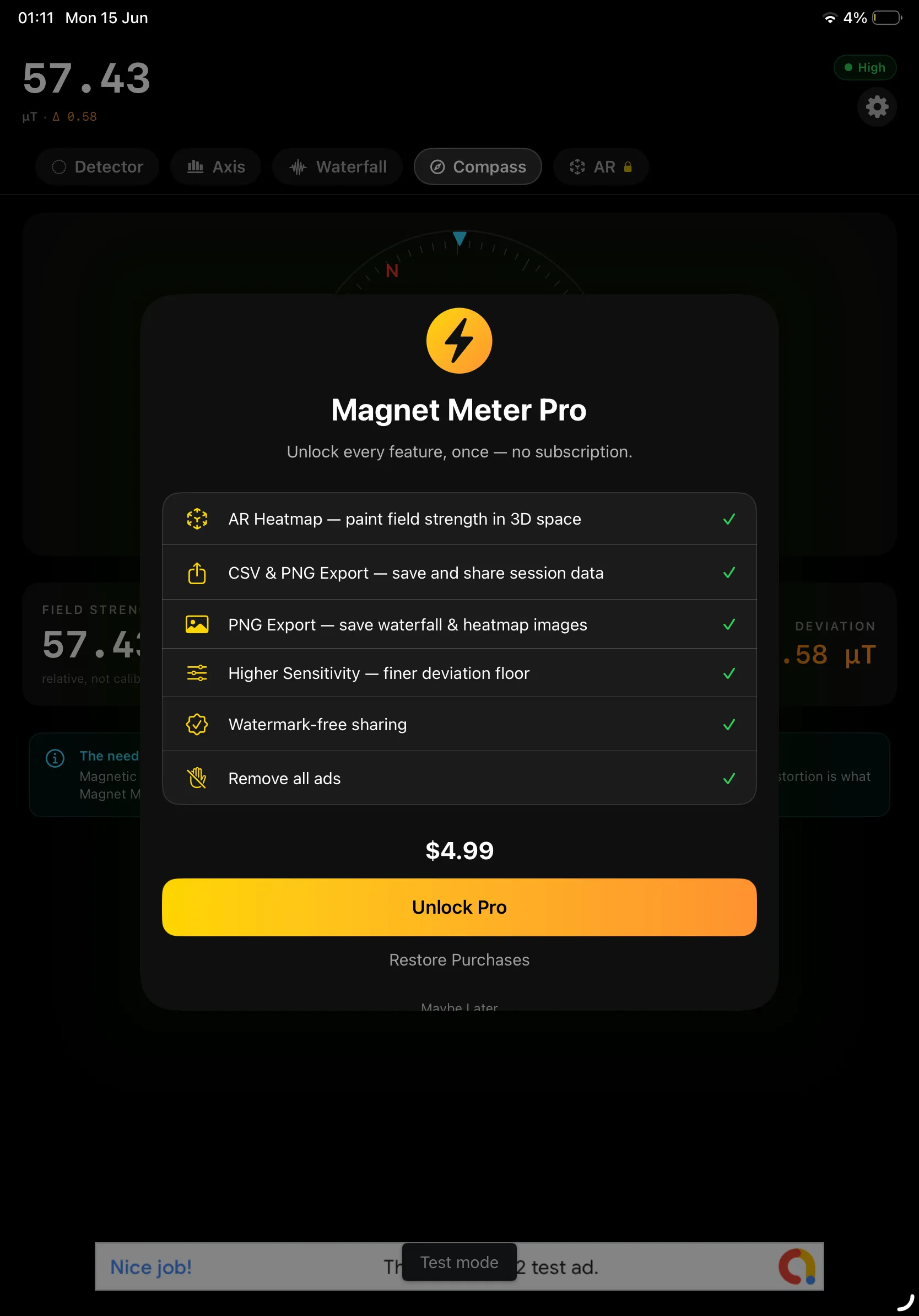
🧲 Free to use, Pro when you want more: Every core detector mode is free. Unlock Magnet Meter Pro once for $4.99 to remove ads and add AR heatmaps, data export, and higher sensitivity — no subscription, ever.
Five views let you read the field your way: a sweeping needle Detector gauge, an Axis breakdown showing X/Y/Z direction, a scrolling Waterfall history, a distortion-aware Compass, and an AR Heatmap that paints field strength in 3D space.
How It Works
Finding a magnet or a steel fastener takes just a few taps:
Open the Detector
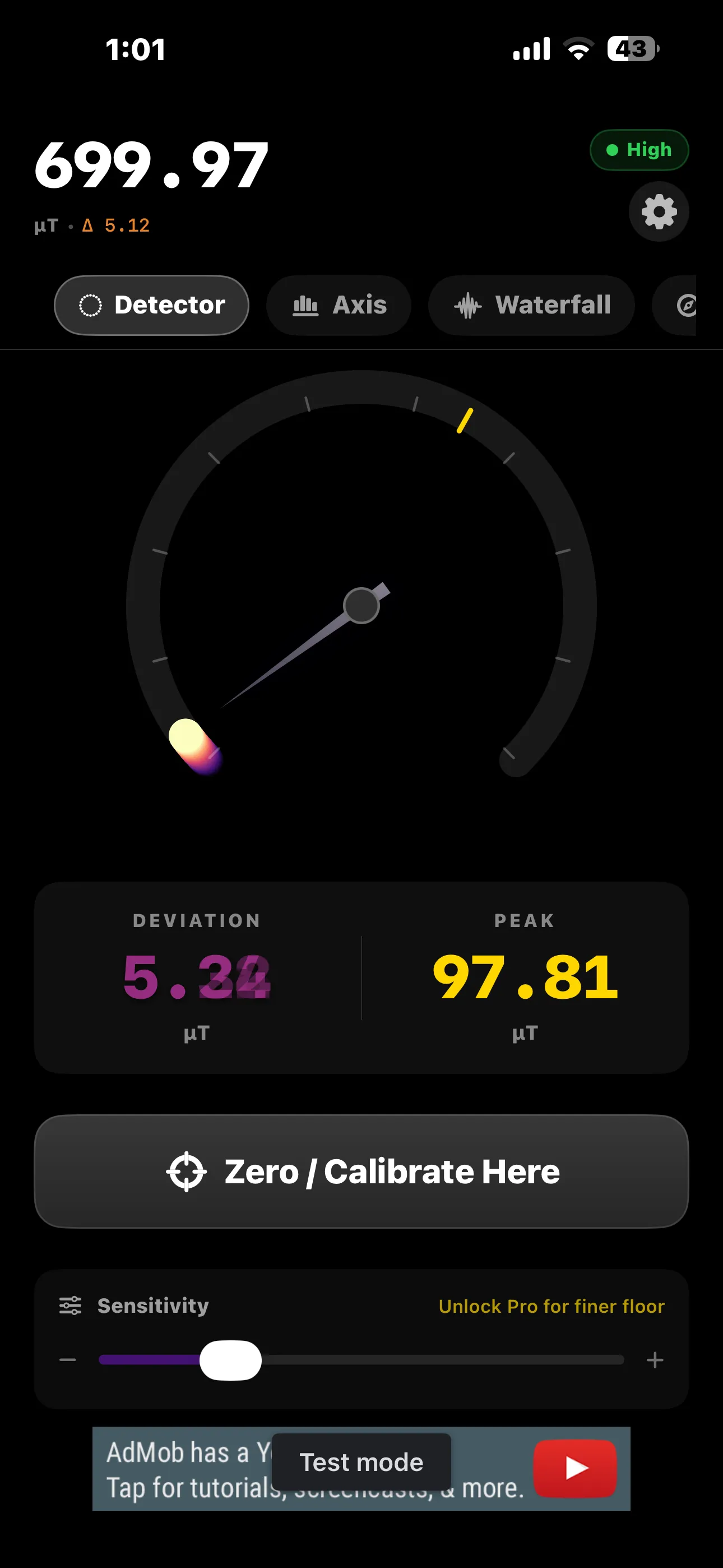
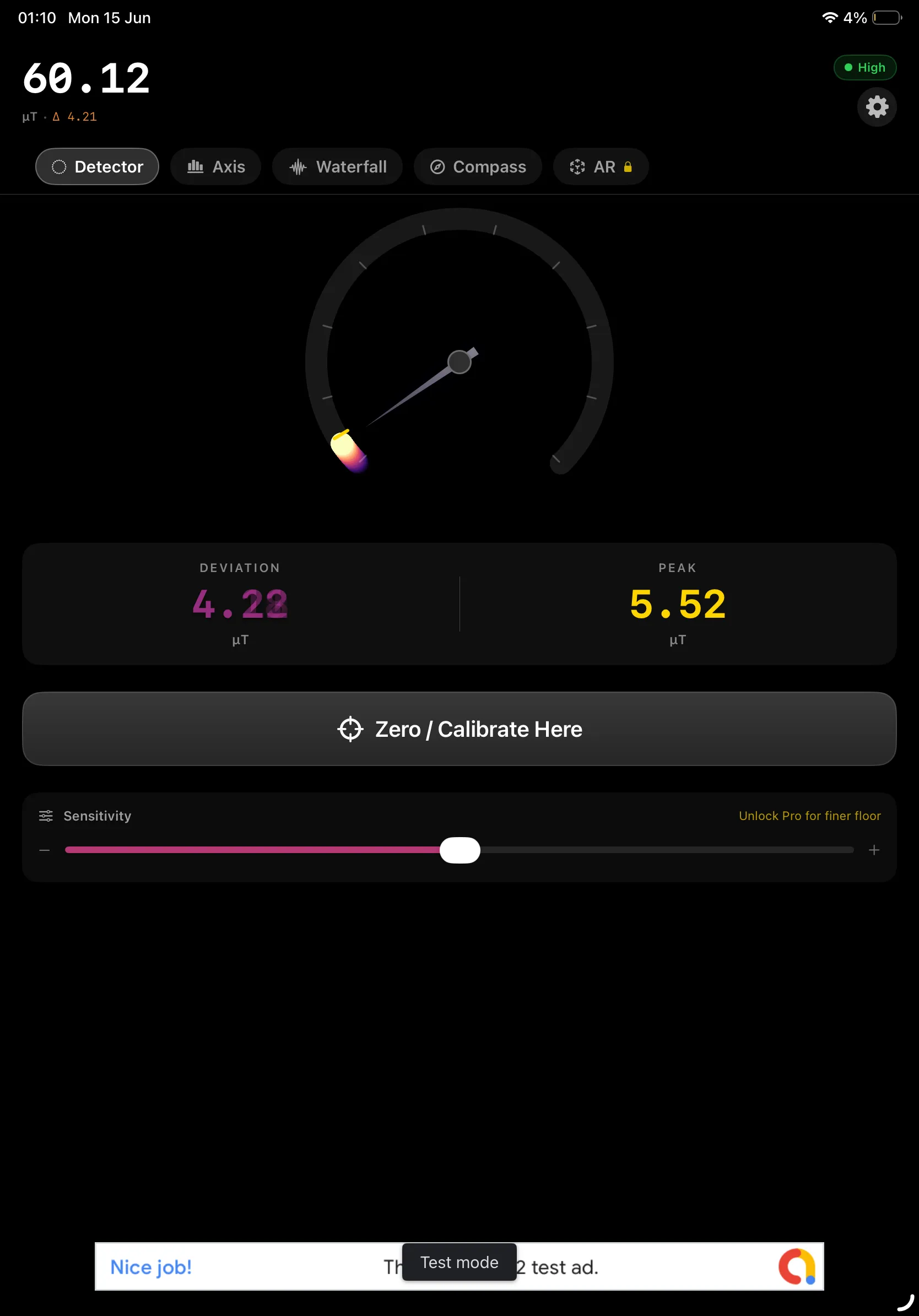
The gauge shows the live field strength in µT plus a color status badge, so you instantly see how strong the magnetic field around you is.
Zero / Calibrate Here
Tap to baseline the current ambient field. Now only nearby anomalies register, so a hidden screw or magnet pops against the background.
Sweep the Surface
Move your device slowly across the wall or object. Geiger-style clicks and haptics intensify as the deviation grows — no need to watch the screen.
Pinpoint & Confirm
The peak click point sits right over the target. Mark it, scan back to confirm, and check the Waterfall or AR Heatmap to map the hotspot.
Features
🎯 Detector Gauge
A sweeping needle dial shows live field strength, current deviation, and a peak-hold reading you can reset any time.
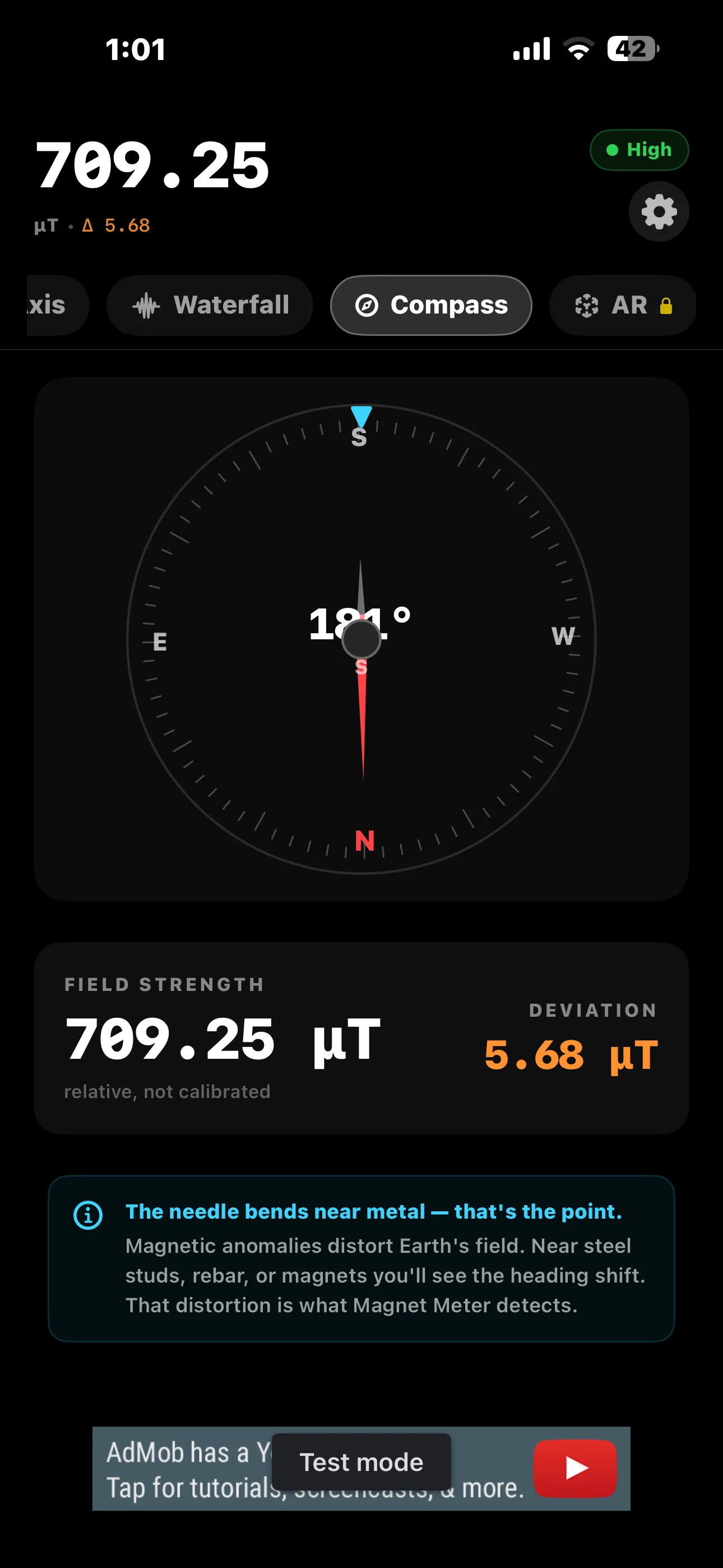
🧭 Distortion Compass
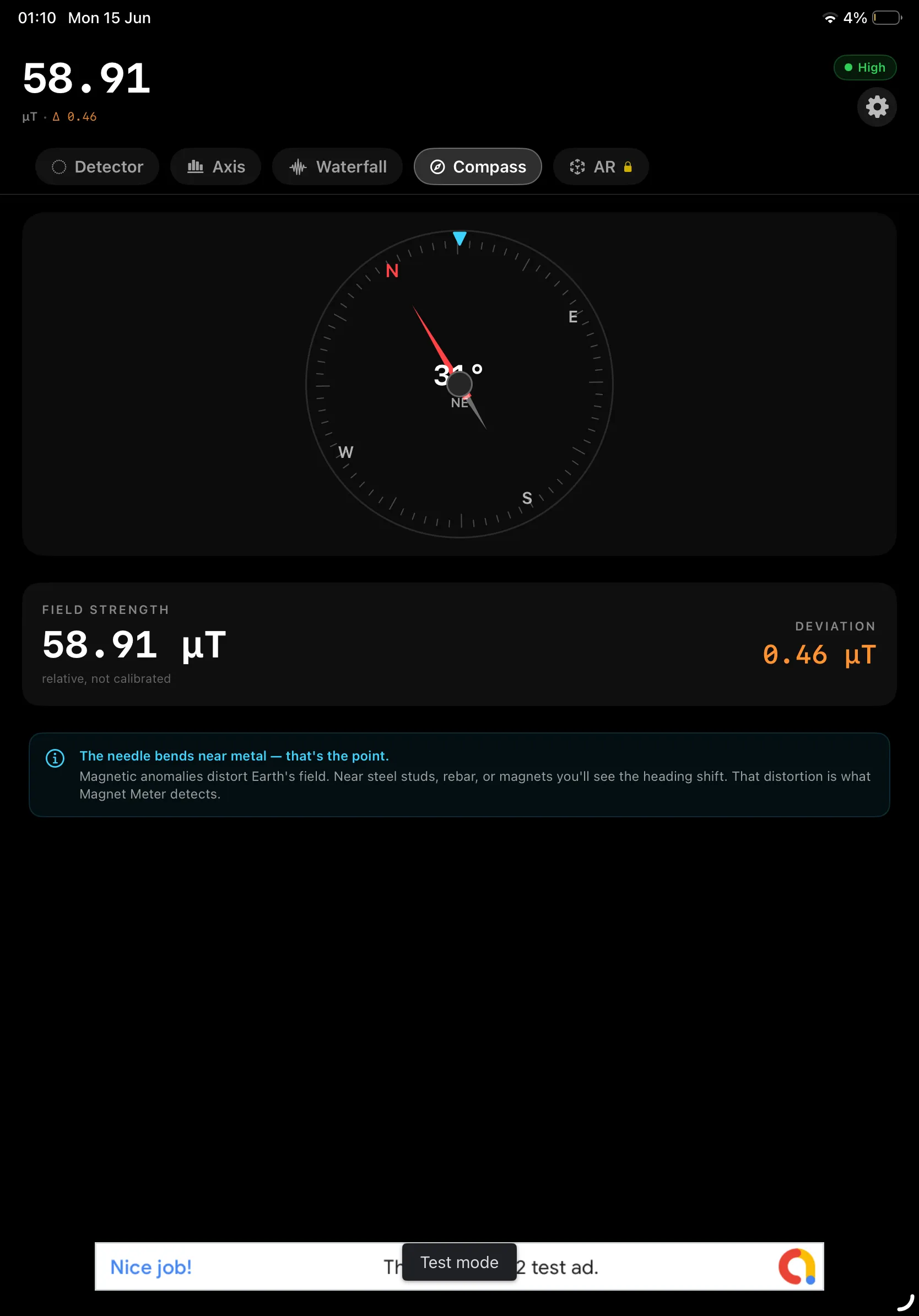
A magnetic compass that visibly bends near metal — the heading shift reveals exactly where the anomaly is.
📊 Axis View
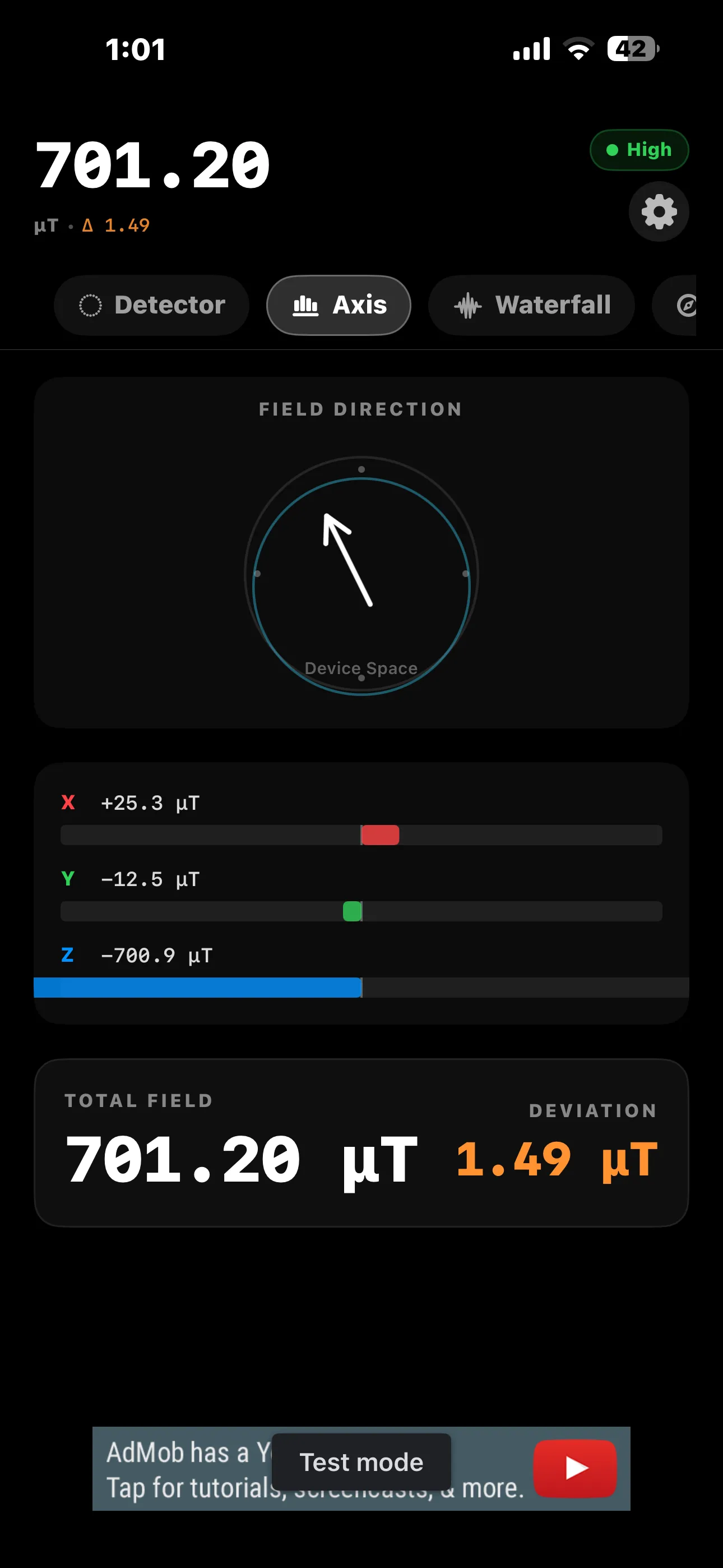
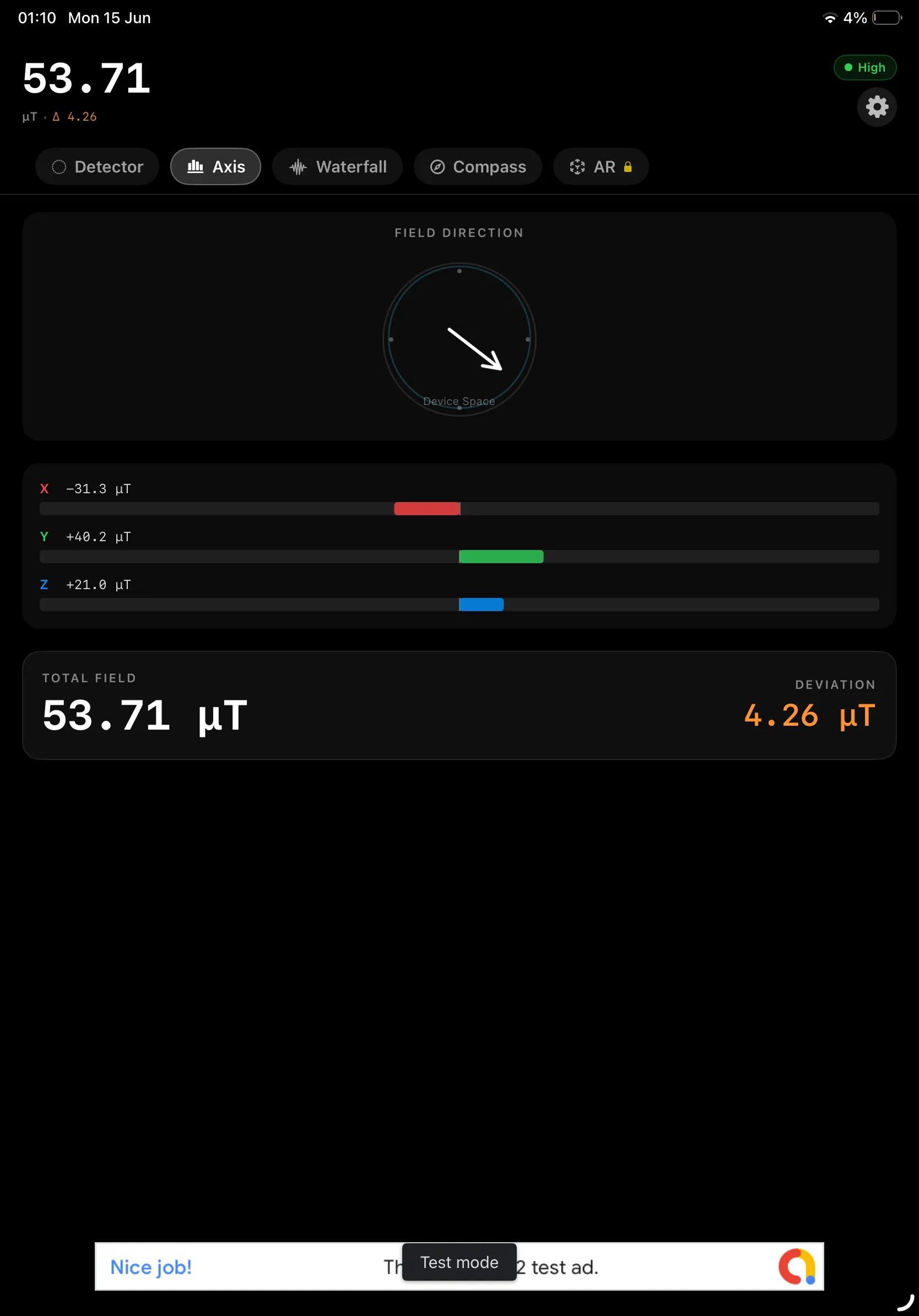
See the field broken into X, Y, and Z components with a 3D direction arrow and total field strength.
🌊 Waterfall History
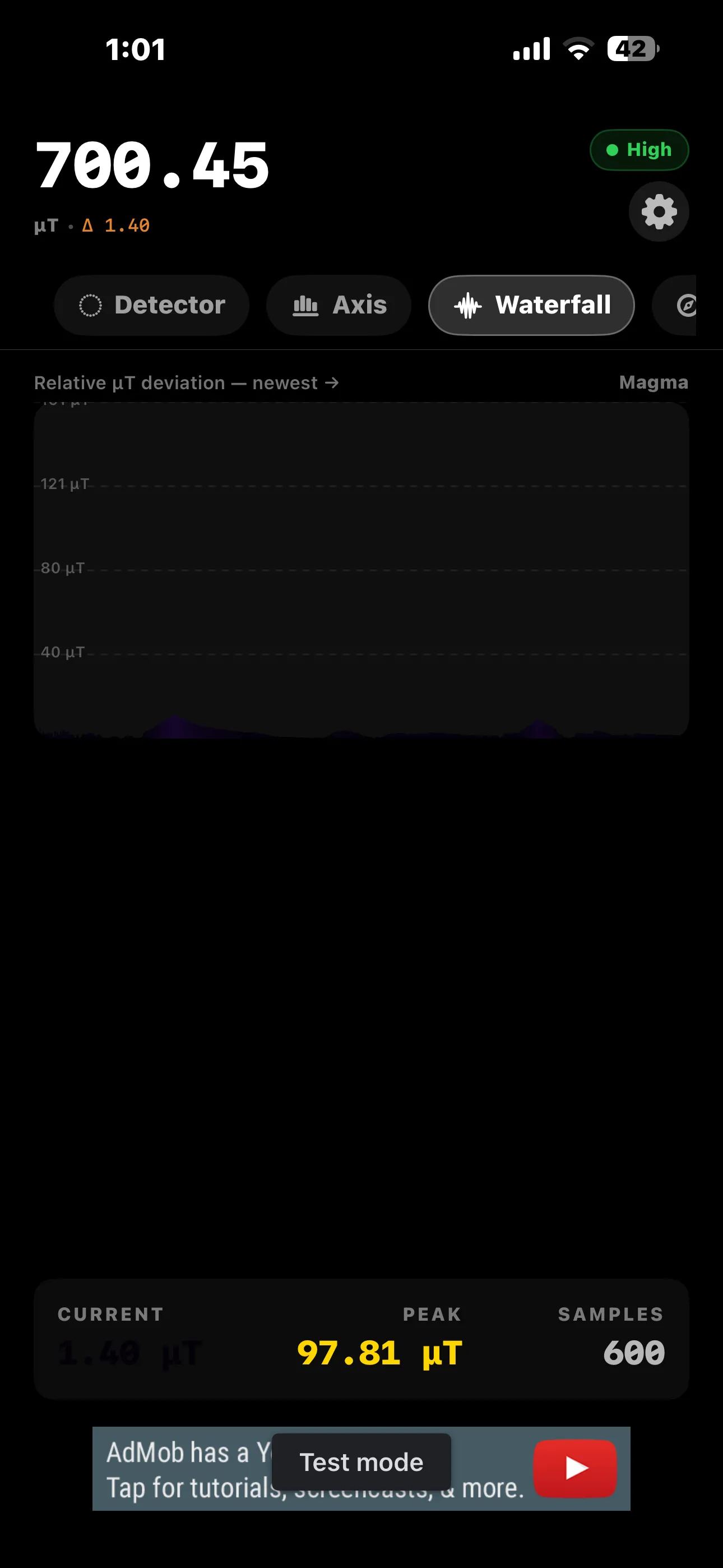
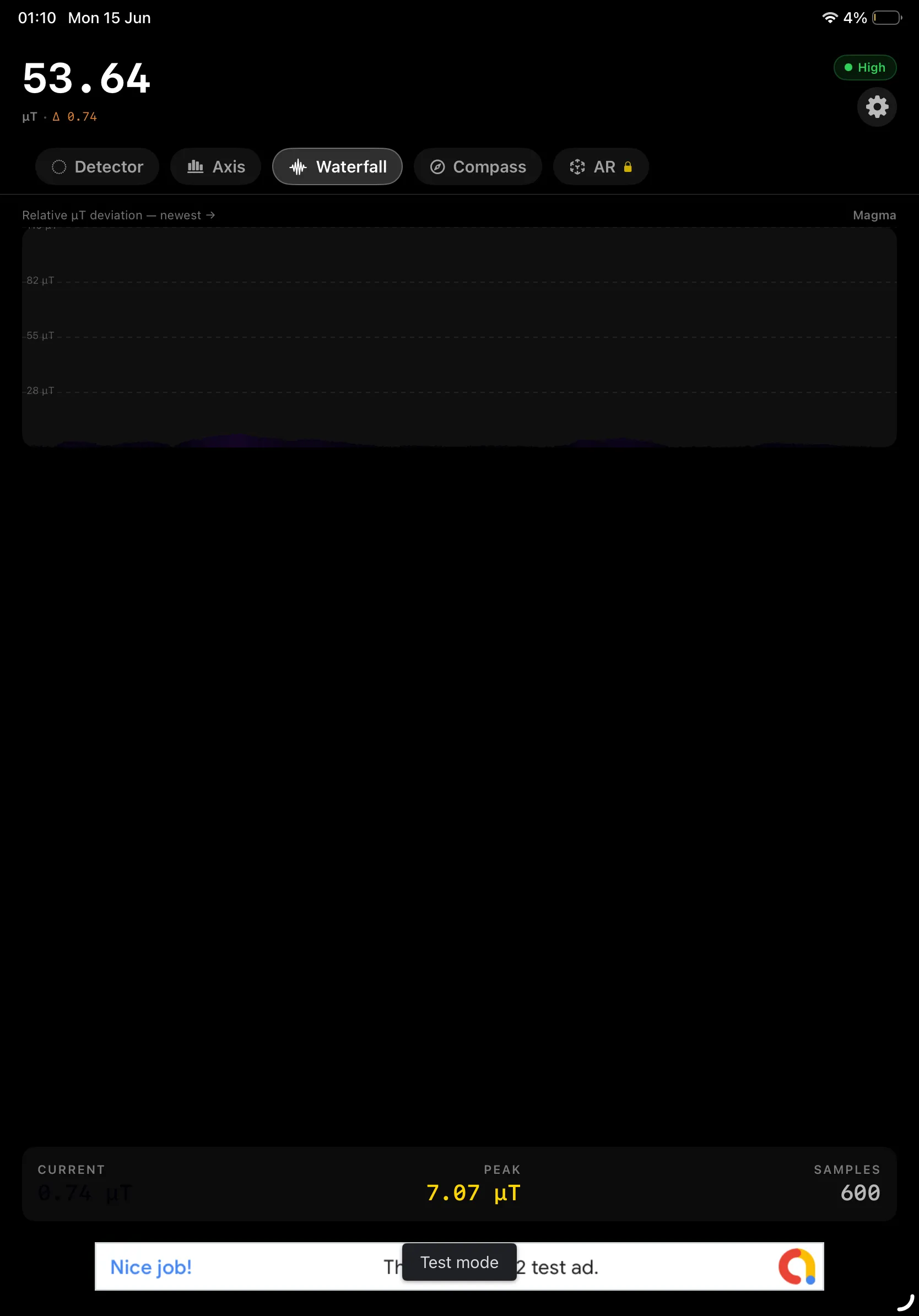
A scrolling graph of relative µT deviation over the last 600 samples, rendered with the Magma color map.
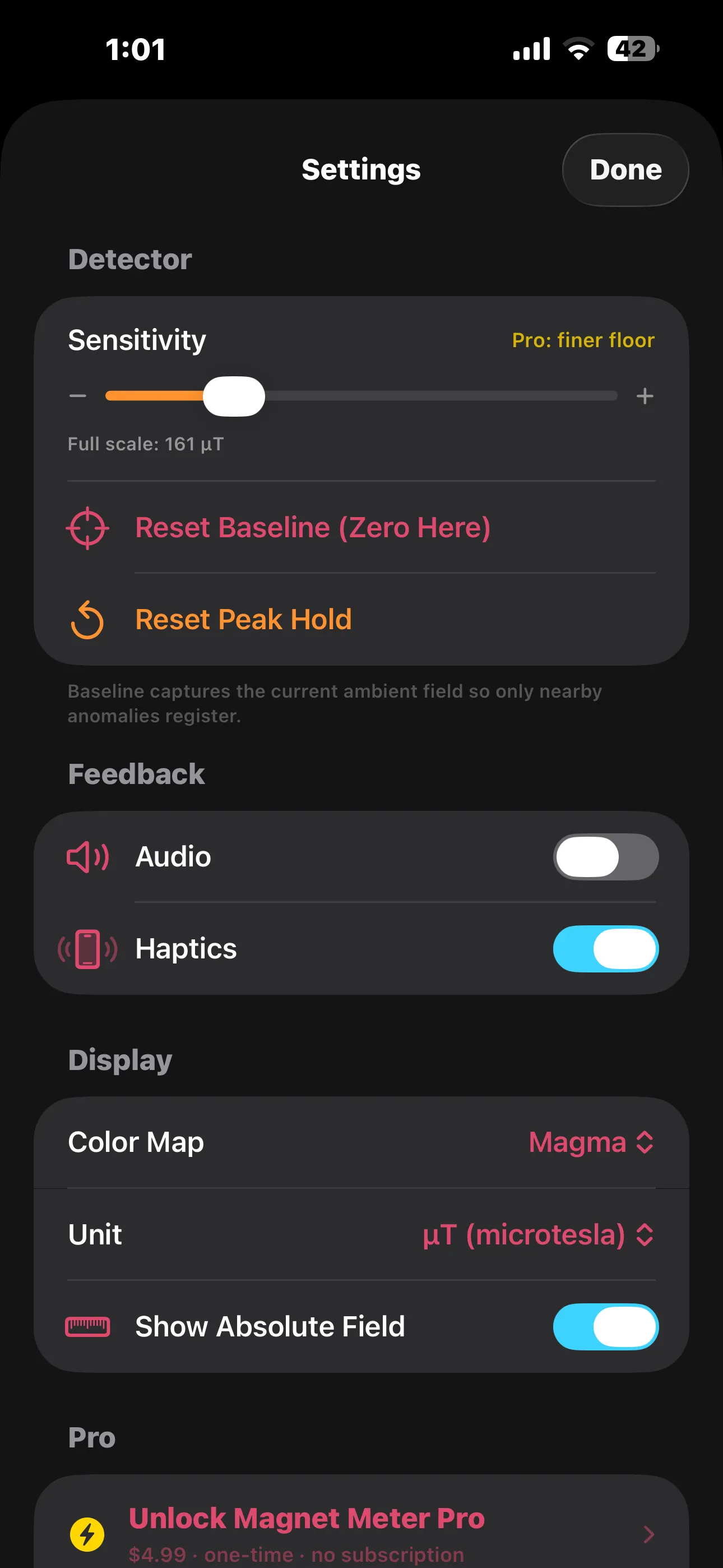
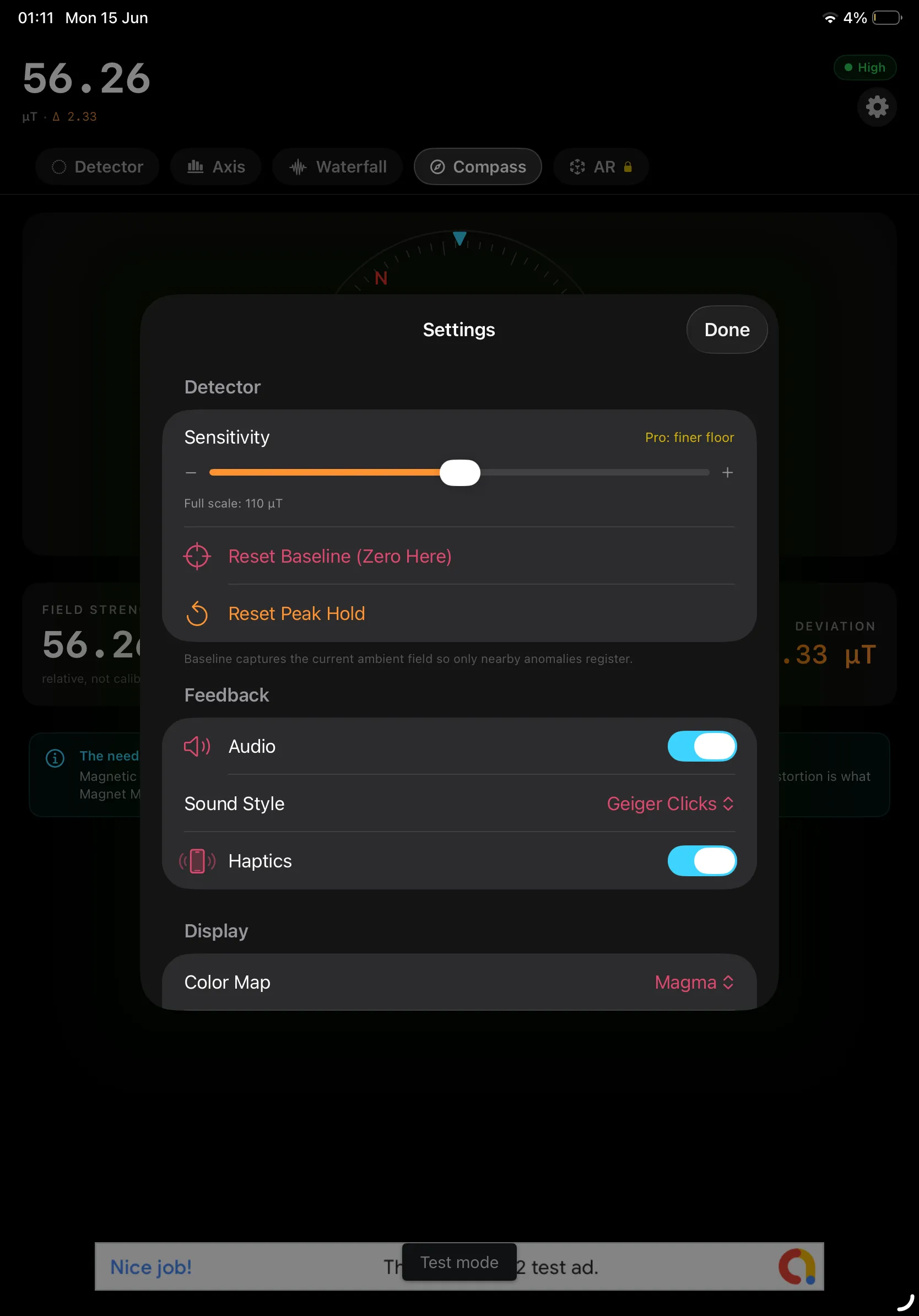
🔊 Audio & Haptics
Geiger-style clicks and vibration intensify with the reading, so you can sweep hands-free without looking.
🎚️ Zero & Sensitivity
Baseline the ambient field and dial in sensitivity to make faint anomalies stand out from Earth's field.
🧱 AR Heatmap (Pro)
Paint magnetic field strength directly into 3D space and watch hotspots light up around real objects.
📤 Export (Pro)
Save and share your session as CSV data or export waterfall and heatmap images as PNG — watermark-free.
What Magnet Meter Can Find
Anything magnetic, or anything that bends Earth's magnetic field:
Perfect For
- DIY & Home Repair — Locate metal studs, screws, nails, and rebar before you drill or hang something heavy.
- Curious Minds & Students — Explore Earth's magnetic field and see how everyday objects distort it.
- Makers & Hobbyists — Test magnet strength, check speaker and motor magnets, and verify magnetized tools.
- Ghost & EMF Enthusiasts — Track magnetic anomalies and field fluctuations in any room.
Screenshots
See Magnet Meter in action. Tap any screenshot to view it full size:
Magnet Meter Pro
Magnet Meter is free to use with every core detector mode included. Unlock Pro once to go further — it's a one-time purchase, not a subscription, and it applies to your Apple ID across all your devices.
- ✓ AR Heatmap — paint field strength in 3D space
- ✓ CSV & PNG Export — save and share session data
- ✓ PNG Export — save waterfall & heatmap images
- ✓ Higher Sensitivity — a finer deviation floor
- ✓ Watermark-free sharing
- ✓ Remove all ads
One-time purchase — $4.99. No subscription. No recurring fees. Unlock once and keep it forever.
Privacy Policy
Last updated: June 2026
1. Introduction
This Privacy Policy describes how Magnet Meter ("the App," "we," "our," or "us") handles information. The App turns your iPhone or iPad's built-in magnetometer into a magnetic field detector.
We respect your privacy. This policy explains what data the App and its service providers process, and what stays on your device.
2. Sensor Data Stays on Your Device
All magnetic field readings, calibration baselines, waterfall history, and AR sessions are processed entirely on your device. We do not collect, upload, or store your sensor measurements on any server.
- The App does not require an account or registration.
- Magnetometer, motion, and camera (AR) data are used only on-device for the detector features and are not transmitted to us.
- Any data you choose to export (CSV or PNG) is saved or shared only where you direct it.
3. Advertising
The free version of Magnet Meter displays ads through Google AdMob. To serve ads, AdMob may collect and process certain information, such as a device advertising identifier, general device and usage data, and approximate location derived from your IP address.
You can review Google's practices here: Google Ads & Privacy. Purchasing Magnet Meter Pro removes all ads.
4. App Tracking Transparency
Where required, the App asks for your permission via Apple's App Tracking Transparency prompt before any data is used to deliver personalized ads. If you decline, ads remain non-personalized. You can change this choice any time in Settings → Privacy & Security → Tracking.
5. In-App Purchases
The Pro upgrade is processed by Apple through the App Store. We do not receive or store your payment details. Purchase validation and restoration are handled by Apple's StoreKit.
6. Children's Privacy
The App is not directed at children under 13 and does not knowingly collect personal information from them. The advertising described above is provided by third parties subject to their own policies.
7. Changes to This Privacy Policy
We may update this Privacy Policy periodically. Any updates will be reflected on this page with a new "Last Updated" date.
8. Contact Us
If you have any questions or concerns about this Privacy Policy, please contact:
Support
Need help with Magnet Meter? We're here to assist you.
For any questions, feedback, or support requests, please reach out to us at: