About PDF - Crop Mark Sign
PDF - Crop Mark Sign is a focused, native PDF editor for macOS. Open any PDF, crop pages to standard sizes, highlight text in multiple colours, and add your signature by drawing or importing — all from one clean window.
Every edit happens on your Mac. There are no servers, no accounts, no cloud sync, and no trackers. Whether you’re signing a contract, marking up a research paper, or tidying up a scan, your document stays private from open to save.
No ads. No tracking. No analytics. No accounts. No cloud sync. All PDF editing happens locally on your Mac — your documents never leave your computer. Pay once, use forever.
Features
Crop to Preset Sizes
Crop pages to A4, A5, Letter, Legal, or B5 with one click. Apply to the current page or all pages, with an option to preserve content.
Multi-Colour Highlights
Highlight selected text in yellow, green, blue, orange, or red. Remove highlights from the current page or the whole document instantly.
Draw or Import a Signature
Draw your signature with adjustable stroke width and colour, or import an image. Save a library of signatures for future documents.
Background Removal
When you import a photo of your signature, the app can remove the white background automatically — leaving only the ink.
Precise Placement
Set signature width and height in points, then drop it exactly where it needs to go on any page of the document.
Page Info & Word Count
See page dimensions, page and total word counts, and live annotation and highlight counts while you work.
Undo, Redo, Save As
Every edit is undoable. Save back over the original, or Save As to export a clean new PDF without touching the source file.
Native macOS App
Drag and drop to open. A thumbnail sidebar on the left and a tool sidebar on the right. Light and dark mode supported.
Screenshots
See PDF - Crop Mark Sign in action — a clean, native macOS PDF editor built for speed and privacy:
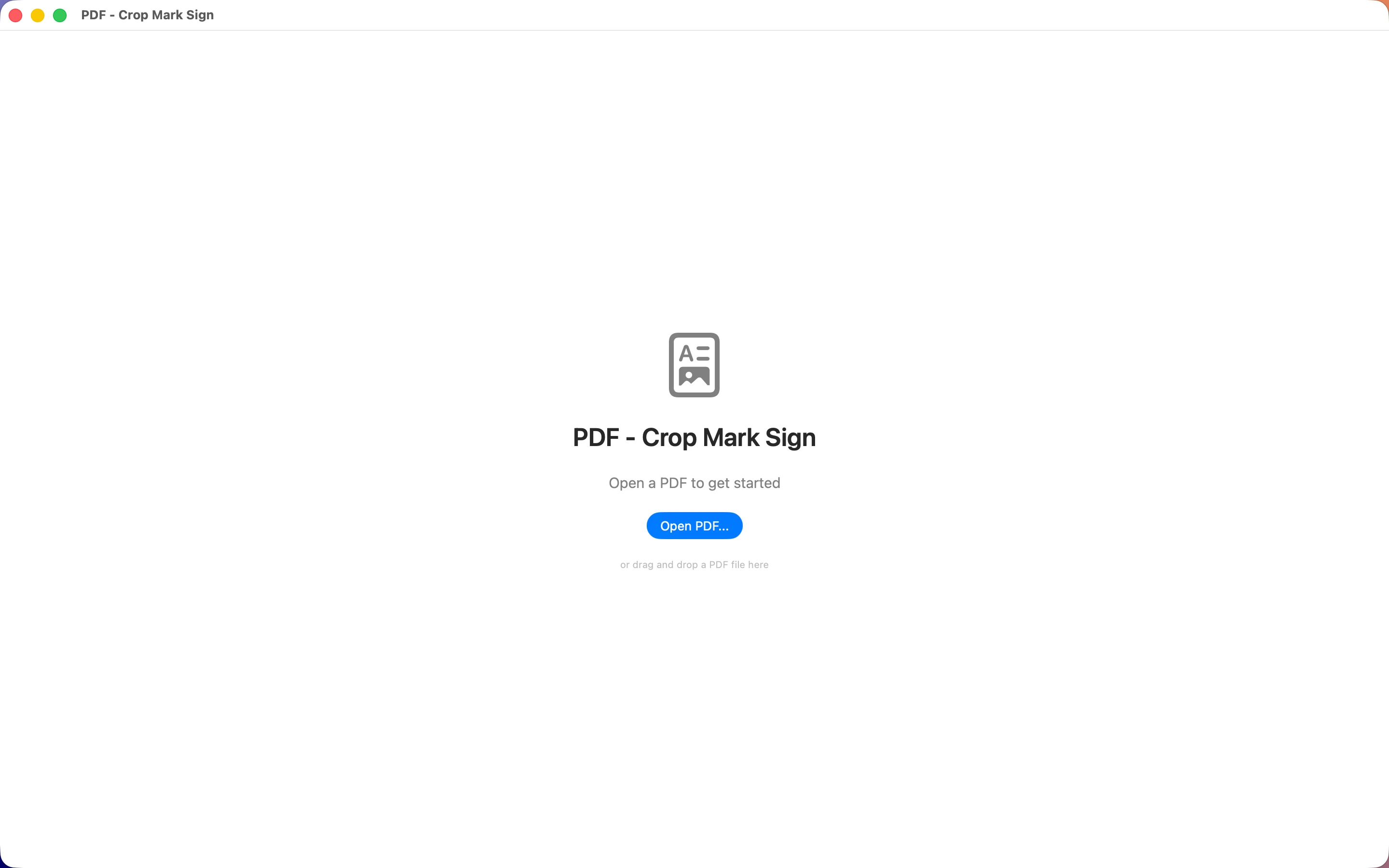
Drag and drop to open a PDF
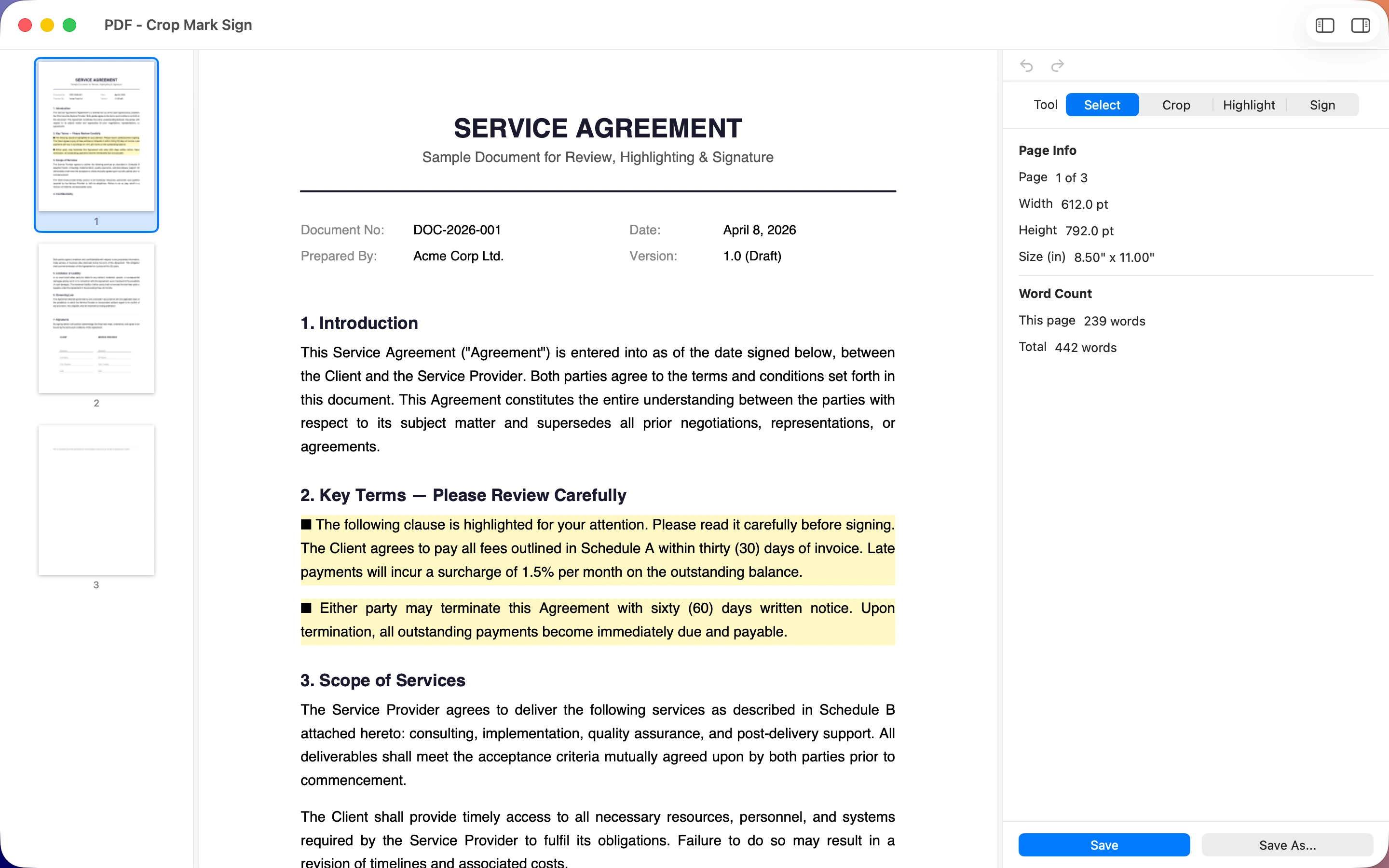
Select tool with page info and word count
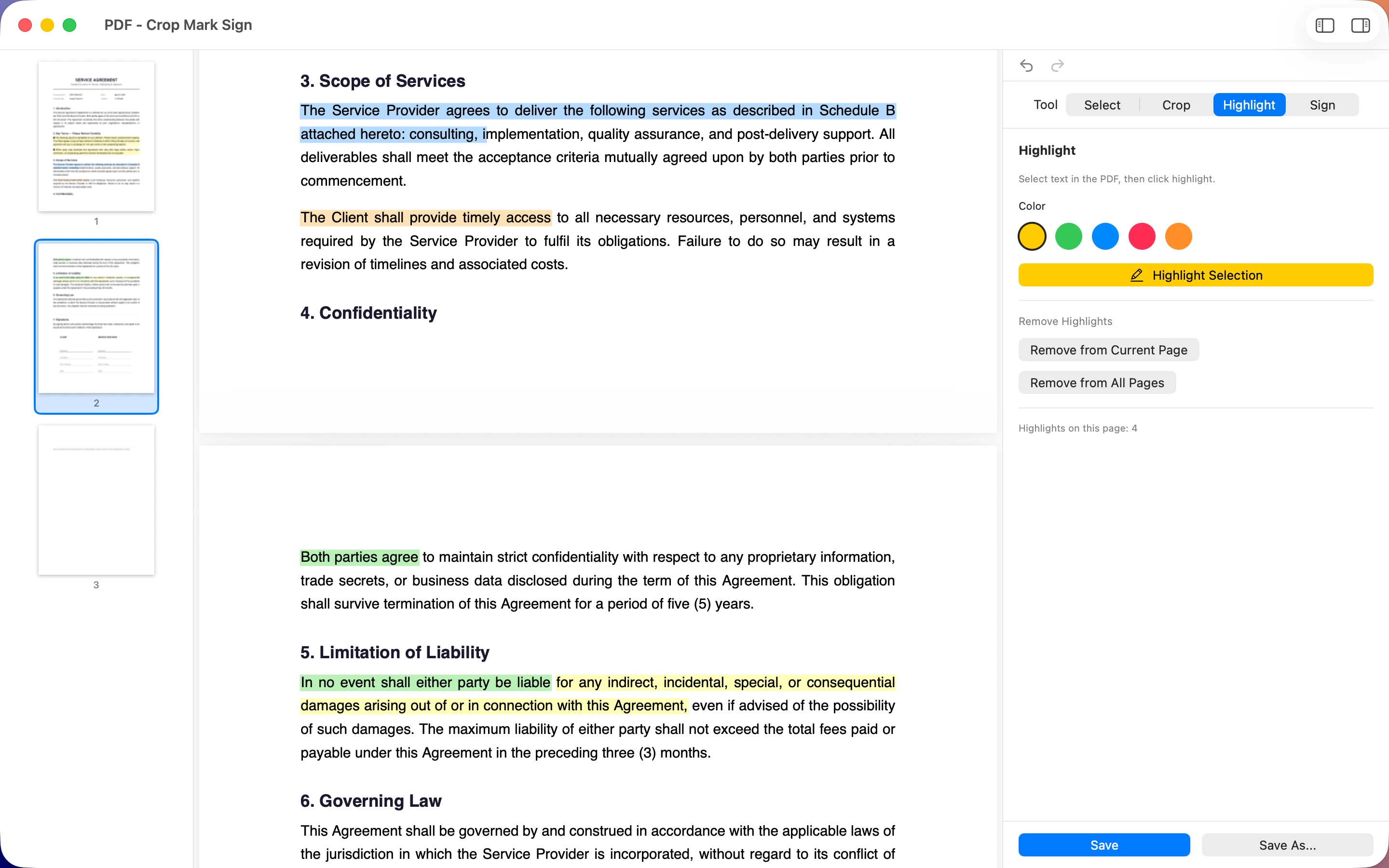
Multi-colour highlighting
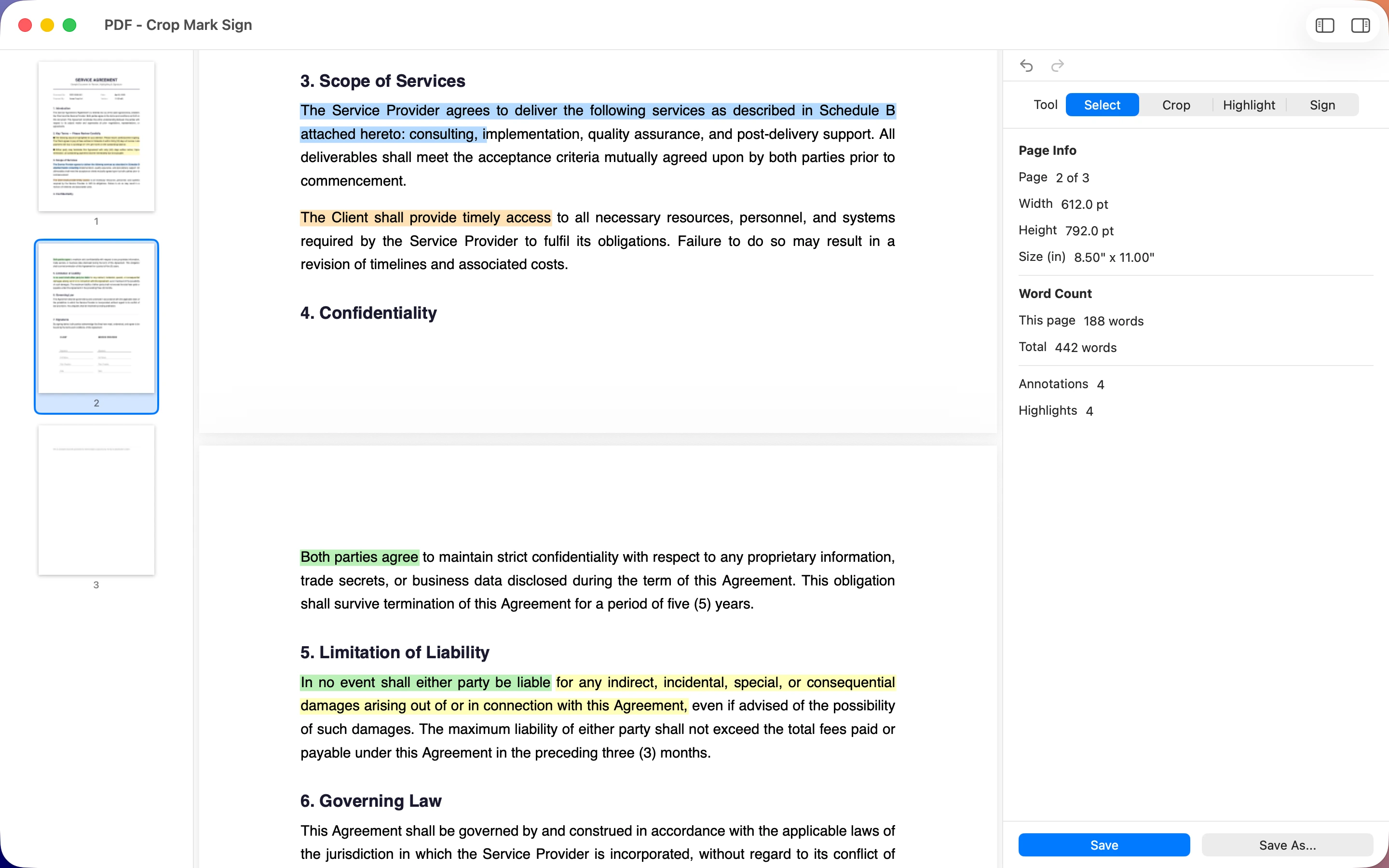
Live annotation and highlight counts
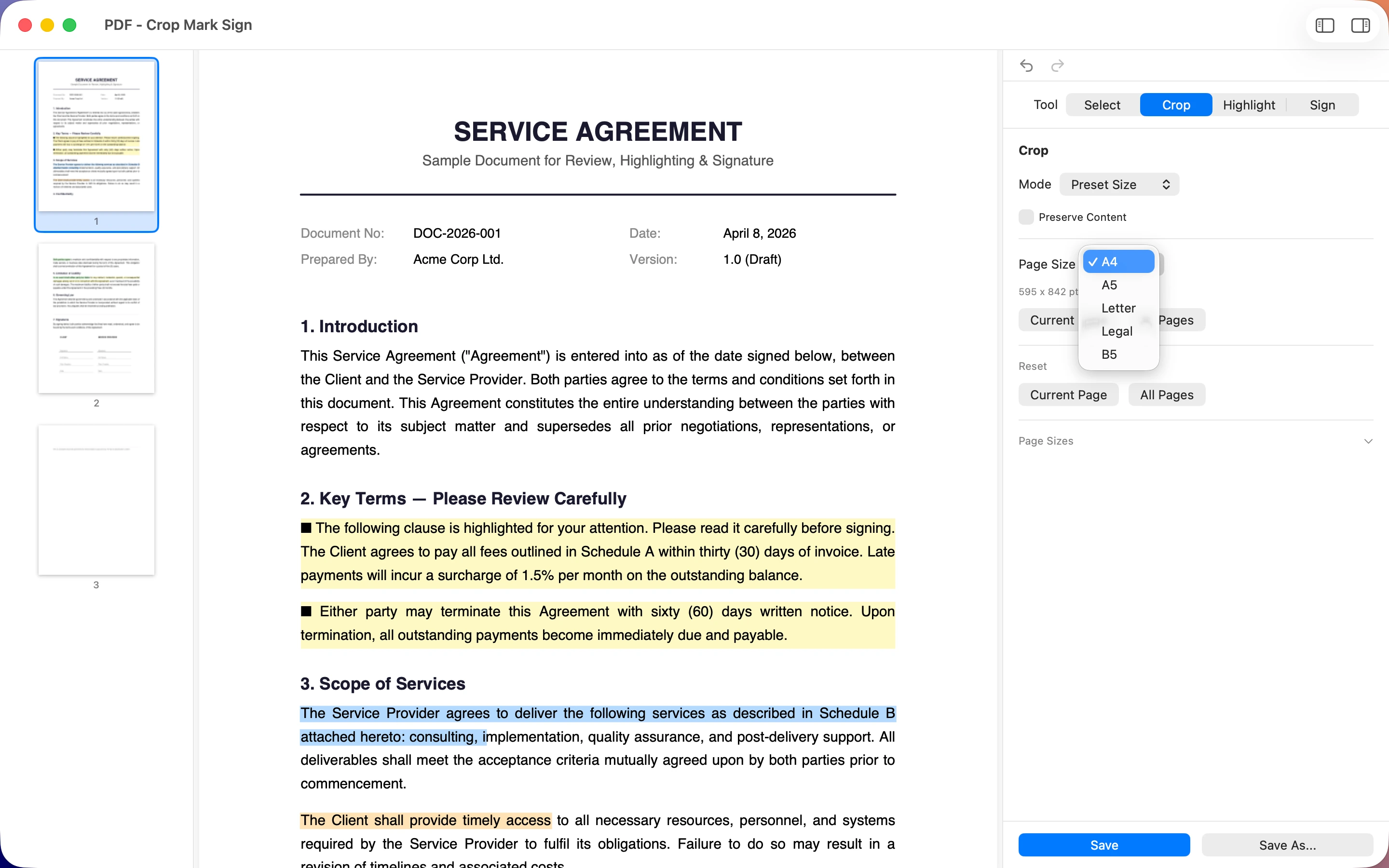
Crop to A4, Letter, Legal, B5 & more
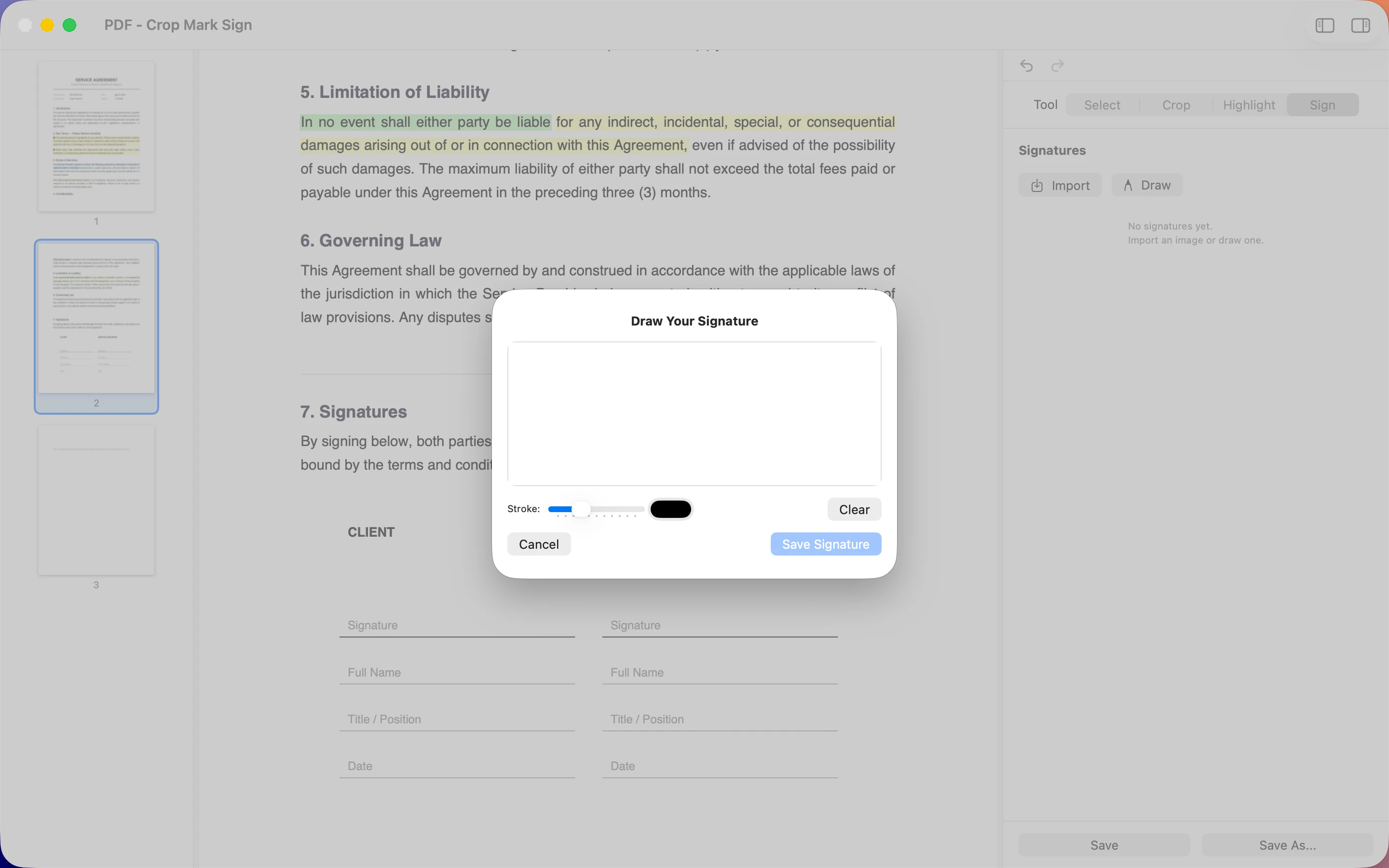
Draw a signature with custom stroke
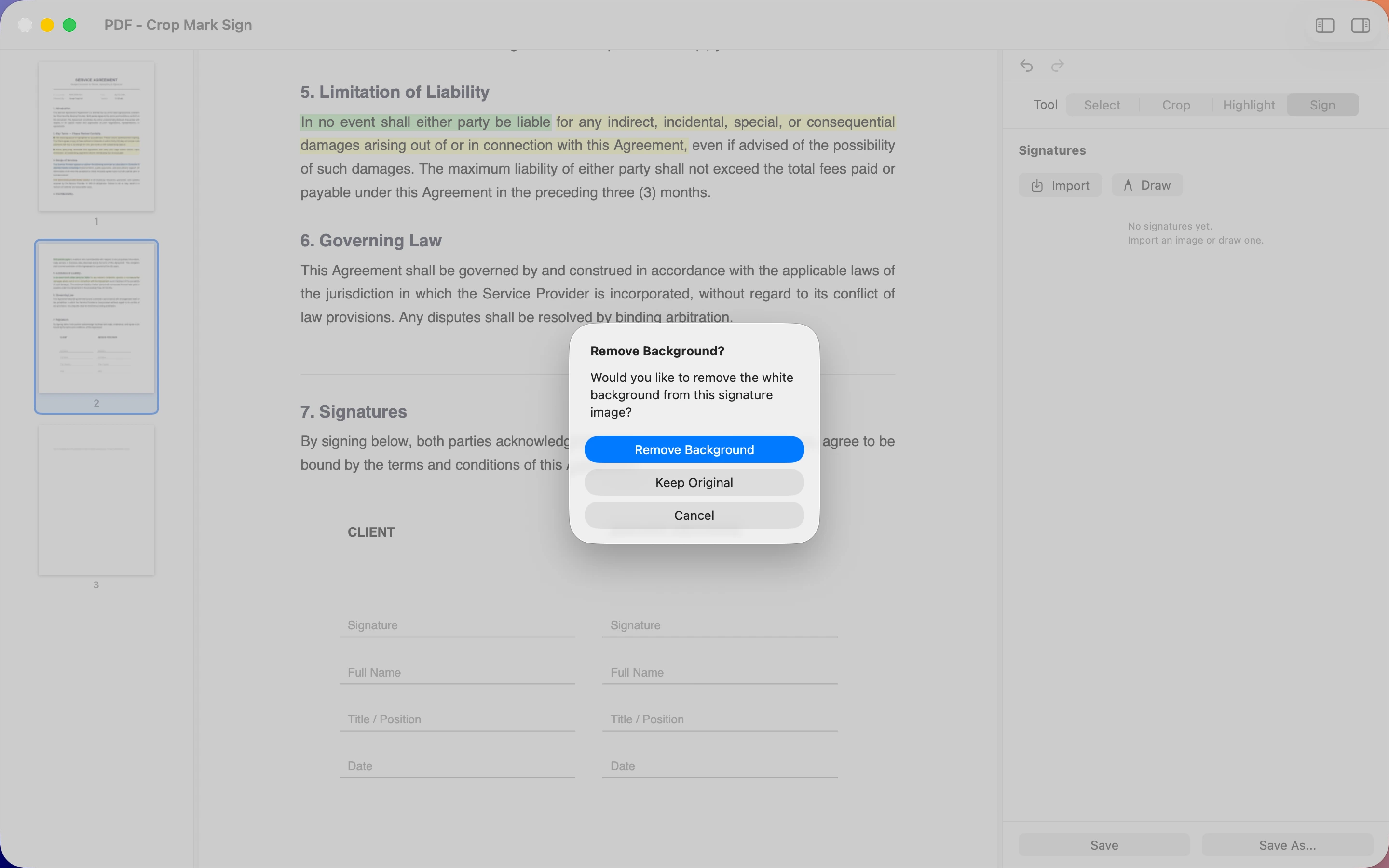
Auto-remove background from imported signatures
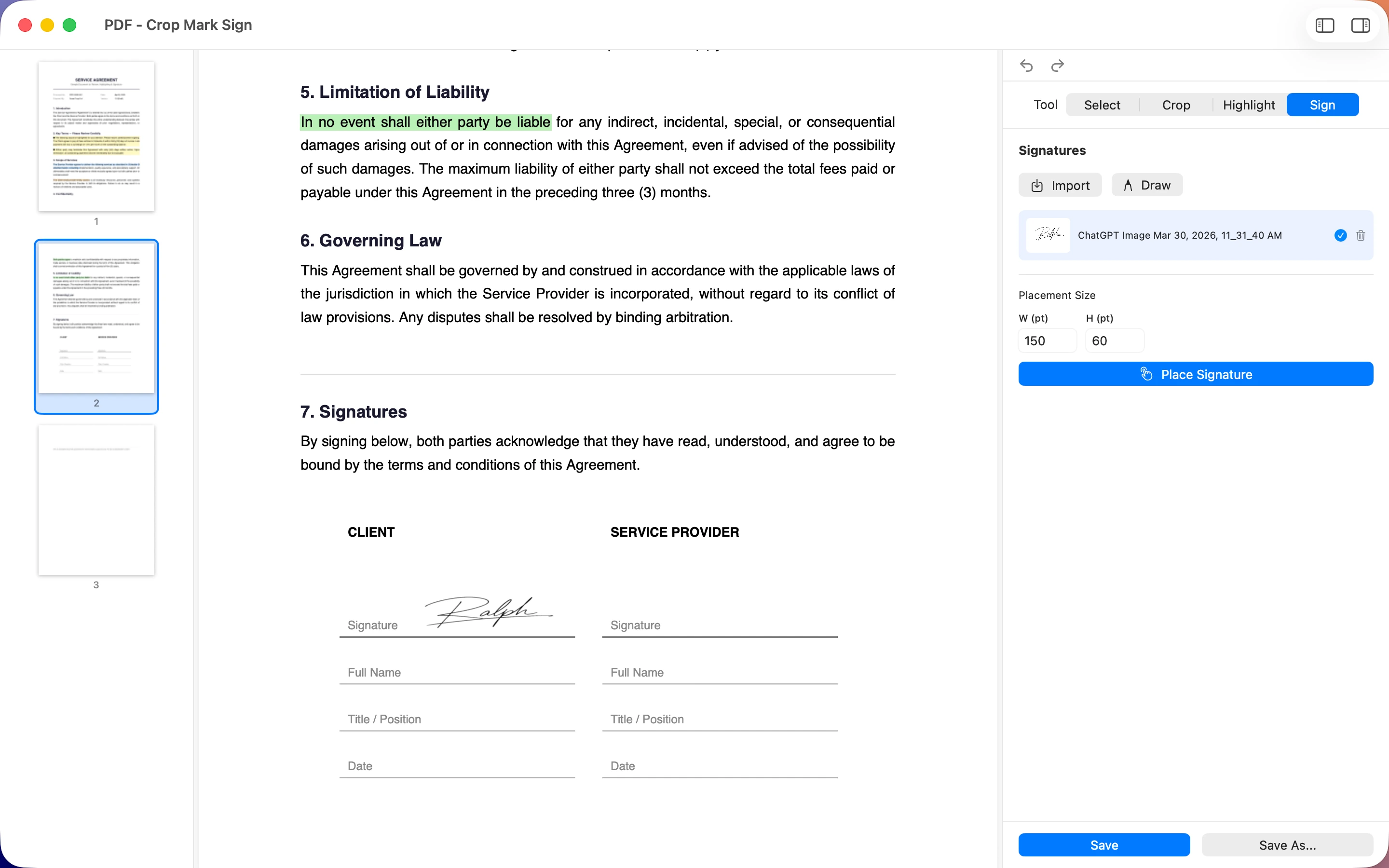
Place signatures precisely on the page
Privacy Policy
Last updated: April 2026
1. Introduction
This Privacy Policy describes how PDF - Crop Mark Sign ("the App," "we," "our," or "us") handles information. The App is a PDF editor for macOS that lets you crop pages, highlight text, and sign documents.
We respect your privacy and are committed to protecting it. This policy explains our approach to data handling.
2. Information We Collect
We do not collect any data.
PDF - Crop Mark Sign operates entirely on your device. We do not collect, store, transmit, or share any personally identifiable information (PII) or any other data from users. Your PDFs and any edits you make never leave your Mac.
- The App does not require user registration or accounts.
- The App does not upload, transmit, or back up your PDF files anywhere.
- The App does not track usage, crashes, or analytics.
- The App does not access your contacts, location, or personal data.
- All PDFs, signatures, and preferences are stored locally on your Mac and never leave your device.
3. Advertising
PDF - Crop Mark Sign contains no advertisements. There are no ads, no third-party advertising SDKs, and no ad-related data collection of any kind.
4. Data Sharing
Since we do not collect any data, we have nothing to share. Your documents and signatures stay on your device and are never transmitted to us or any third parties.
5. Third-Party Services
PDF - Crop Mark Sign does not integrate with any third-party services, analytics platforms, or external servers. The App does not make network requests while you edit or save PDFs.
6. Children’s Privacy
The App is suitable for users of all ages. Since no data is collected, there are no privacy concerns related to children using the app.
7. Changes to This Privacy Policy
We may update this Privacy Policy periodically. Any updates will be reflected on this page with a new "Last Updated" date.
8. Contact Us
If you have any questions or concerns about this Privacy Policy, please contact:
Support
Need help with PDF - Crop Mark Sign? We’re here to assist you.
For any questions, feedback, or support requests, please reach out to us at: