About Prism Audio
Prism Audio turns your iPhone's microphone into a real-time audio spectrogram and frequency analyzer. Point your phone at any sound and see it — a smooth, scrolling waterfall paints every frequency as it happens, so you can find the source of a hum, spot a piercing high-pitched whine, or simply watch the shape of your own voice.
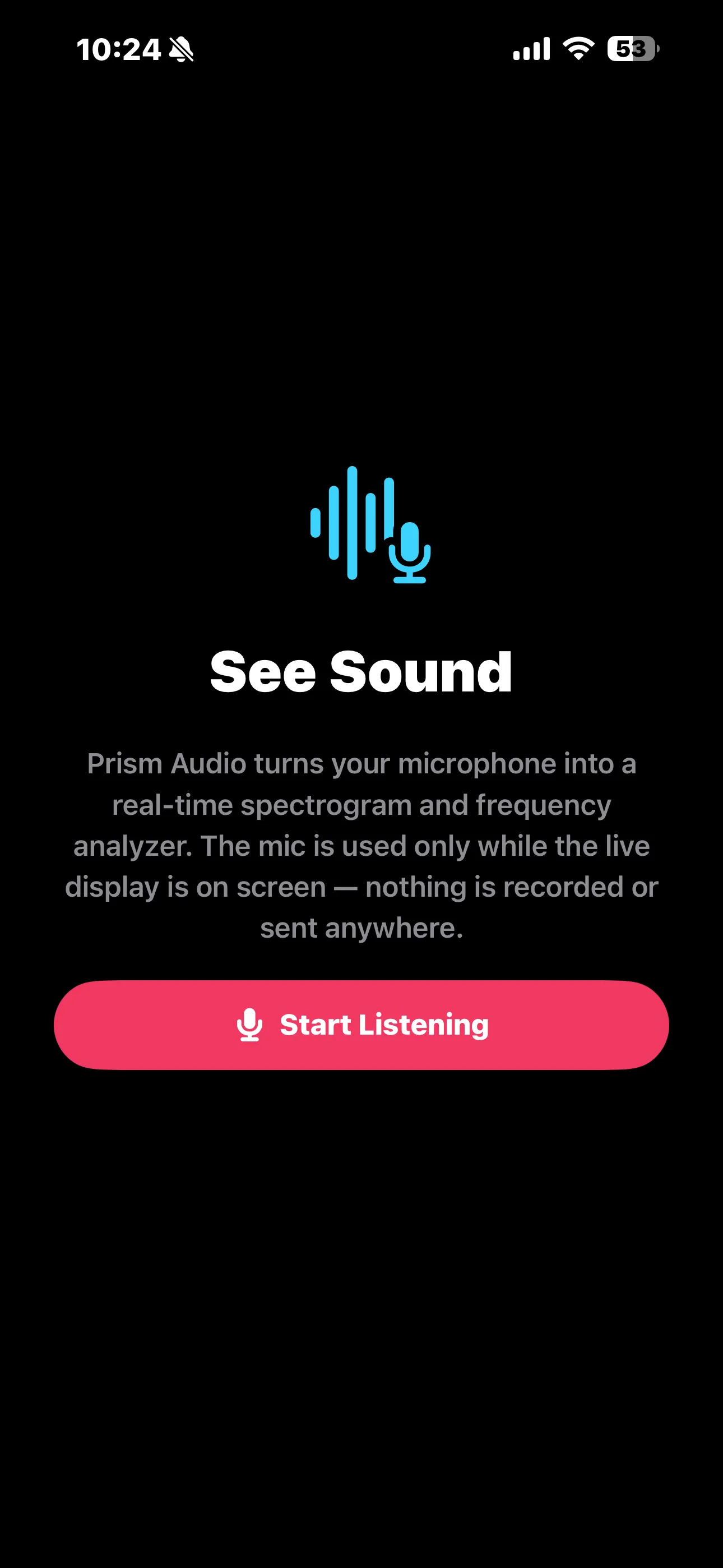
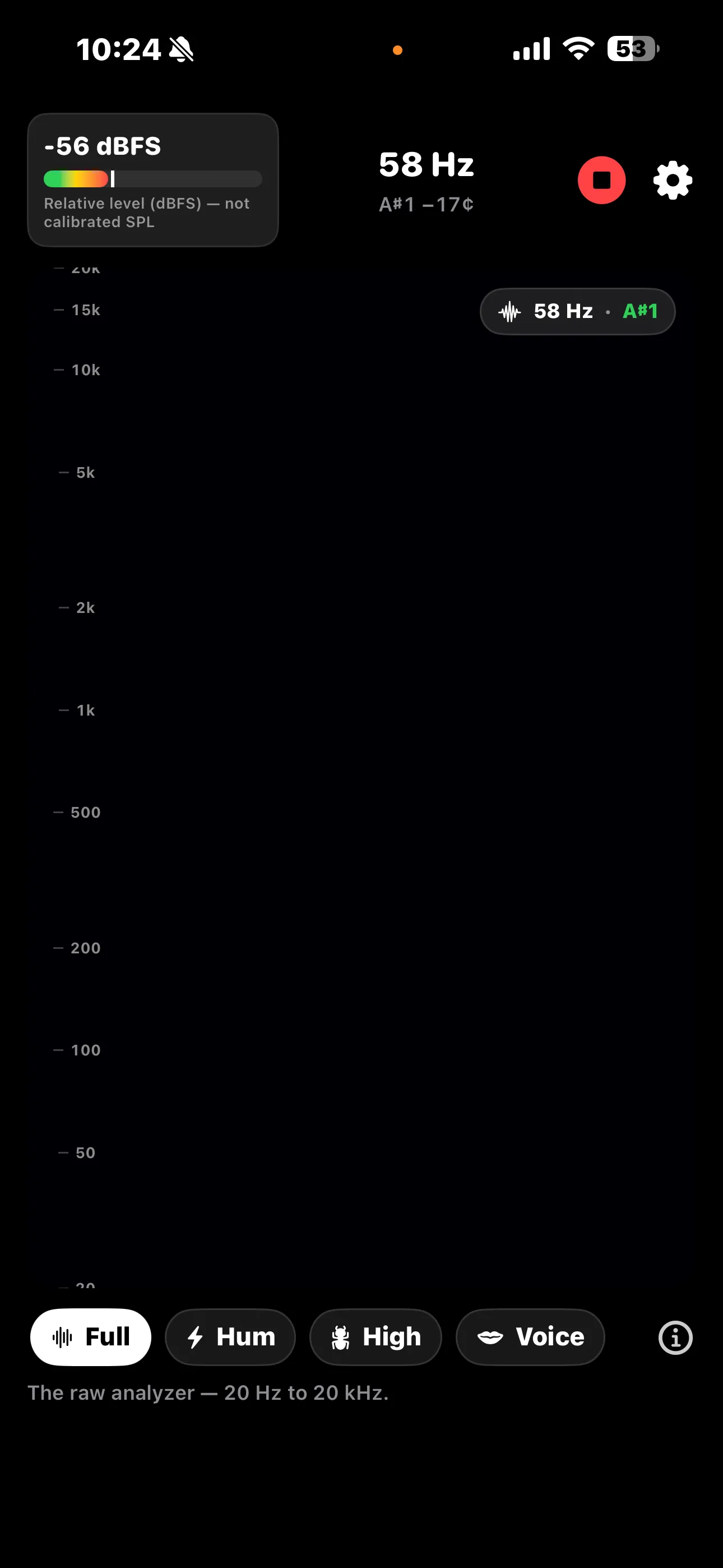
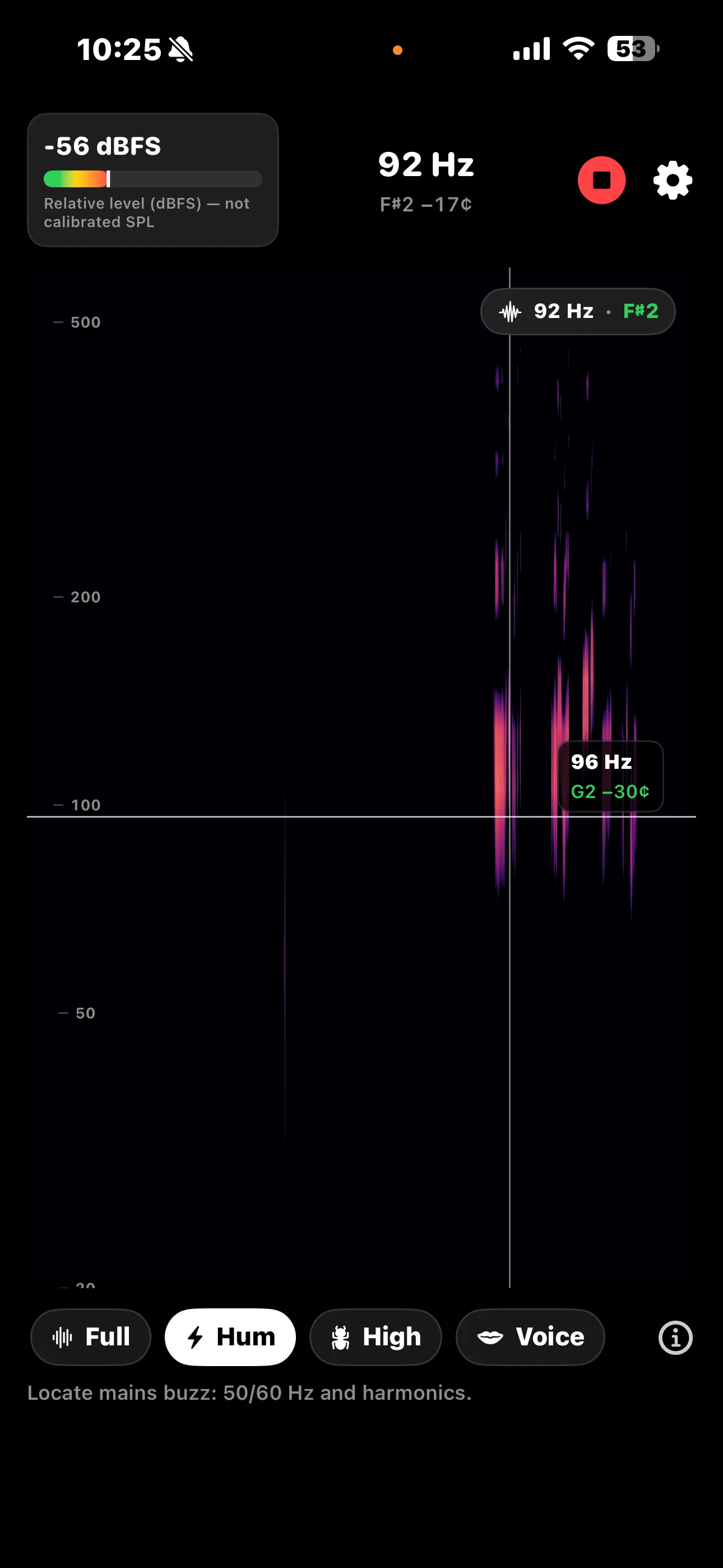
A big live readout shows the dominant frequency in hertz alongside its nearest musical note (for example, 58 Hz · A#1), and a level meter tracks loudness in real time. Tap or drag anywhere on the spectrogram to drop a crosshair and read the exact frequency and note at that point.
🔒 Private by design: The microphone is used only while the live display is on screen. Nothing is recorded, saved, or sent anywhere — the audio is analyzed on your device and discarded frame by frame.
Guided presets reframe the display for what you're actually hunting: Full for the raw 20 Hz – 20 kHz analyzer, Hum for mains buzz at 50/60 Hz and its harmonics, High-Pitch Finder for narrowband whines from 2–15 kHz, and Voice for speech and singing. Each preset includes a built-in "What am I looking at?" guide that explains how to read the screen.
How It Works
Seeing a sound takes just a couple of taps:
Start Listening
Tap once to grant microphone access. The live spectrogram begins scrolling immediately — newest sound at the leading edge, frequency from low (bottom) to high (top).
Pick a Preset
Switch between Full, Hum, High-Pitch Finder, and Voice to zoom the display to the frequency band you care about, with a helper note for each mode.
Read the Frequency & Note
The large readout shows the dominant frequency in Hz plus its musical note and cents offset. Touch the spectrogram to inspect any point with a crosshair.
Tune the View
Open Settings to switch between logarithmic and linear frequency axes, pick a color map, adjust brightness, and set a calibration offset for the level meter.
Features
🌊 Live Spectrogram
A smooth, scrolling waterfall renders every frequency in real time, with brightness mapped to loudness using the Magma color palette.
🎵 Frequency & Note Readout
See the dominant frequency in hertz alongside its nearest musical note and cents offset — great for tuning, pitch-spotting, and learning.
🎚️ Level Meter
A real-time dBFS meter shows relative loudness, honestly labeled — iPhone mics aren't calibrated SPL meters, so it's for comparison, not lab numbers.
🎯 Tap to Inspect
Touch or drag anywhere on the spectrogram to drop a crosshair and read the exact frequency and musical note at that point.
📐 Log / Linear Axis
Switch the frequency axis between logarithmic (best for music and voice) and linear, and choose your color map and brightness.
🔒 Nothing Recorded
The mic runs only while the display is on screen. Audio is analyzed on-device and discarded — no recordings, no uploads.
🔬 Higher Resolution (Pro)
Step the FFT size up to 4,096 or 8,192 samples for finer frequency resolution when you need to separate close tones.
📤 Record & Export (Pro)
Capture a session and export a clean, watermark-free spectrogram image (PNG) or audio, plus freeze & pan the live view.
Guided Presets
Each preset is a frequency window tuned to what people actually look for:
Perfect For
- Curious Minds & Students — See what sound actually looks like and connect frequency to musical pitch.
- Musicians & Tuners — Read the exact Hz and note of any tone, instrument, or string.
- DIY & Troubleshooting — Track down a buzzing transformer, ground-loop hum, or a high-pitched whine from electronics.
- Makers & Tinkerers — Visualize alarms, fans, motors, and ultrasonic-ish "mosquito" tones at the top of the band.
Screenshots
See Prism Audio in action. Tap any screenshot to view it full size:
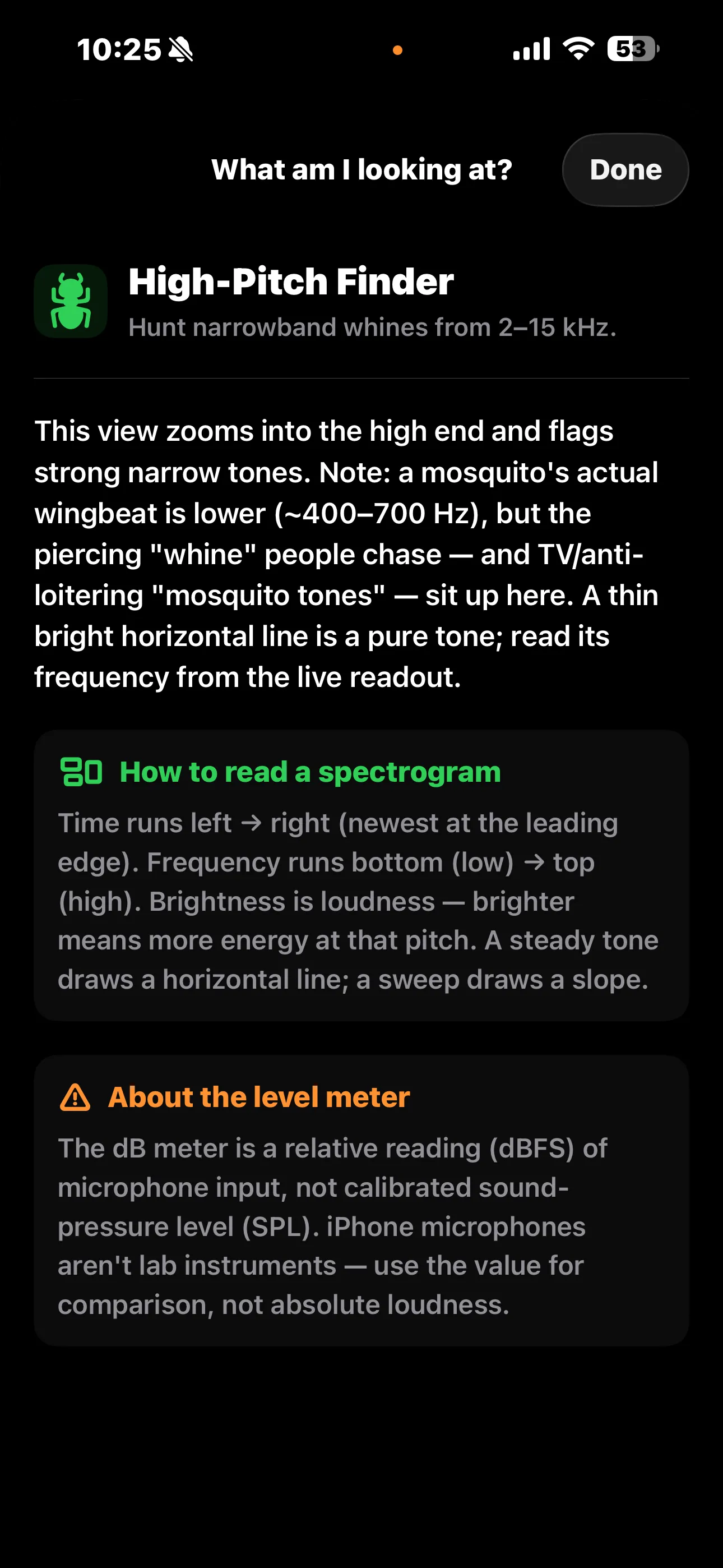
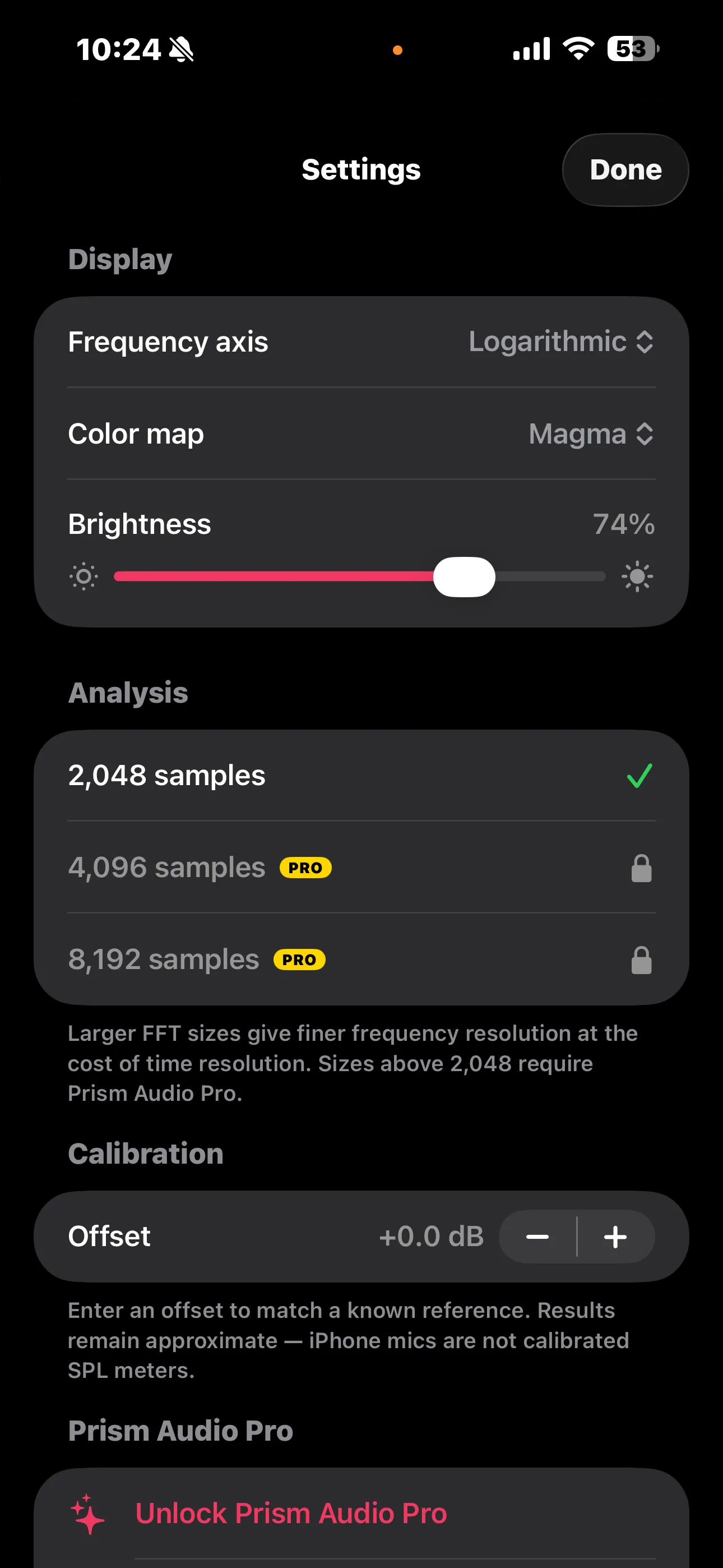
Prism Audio Pro
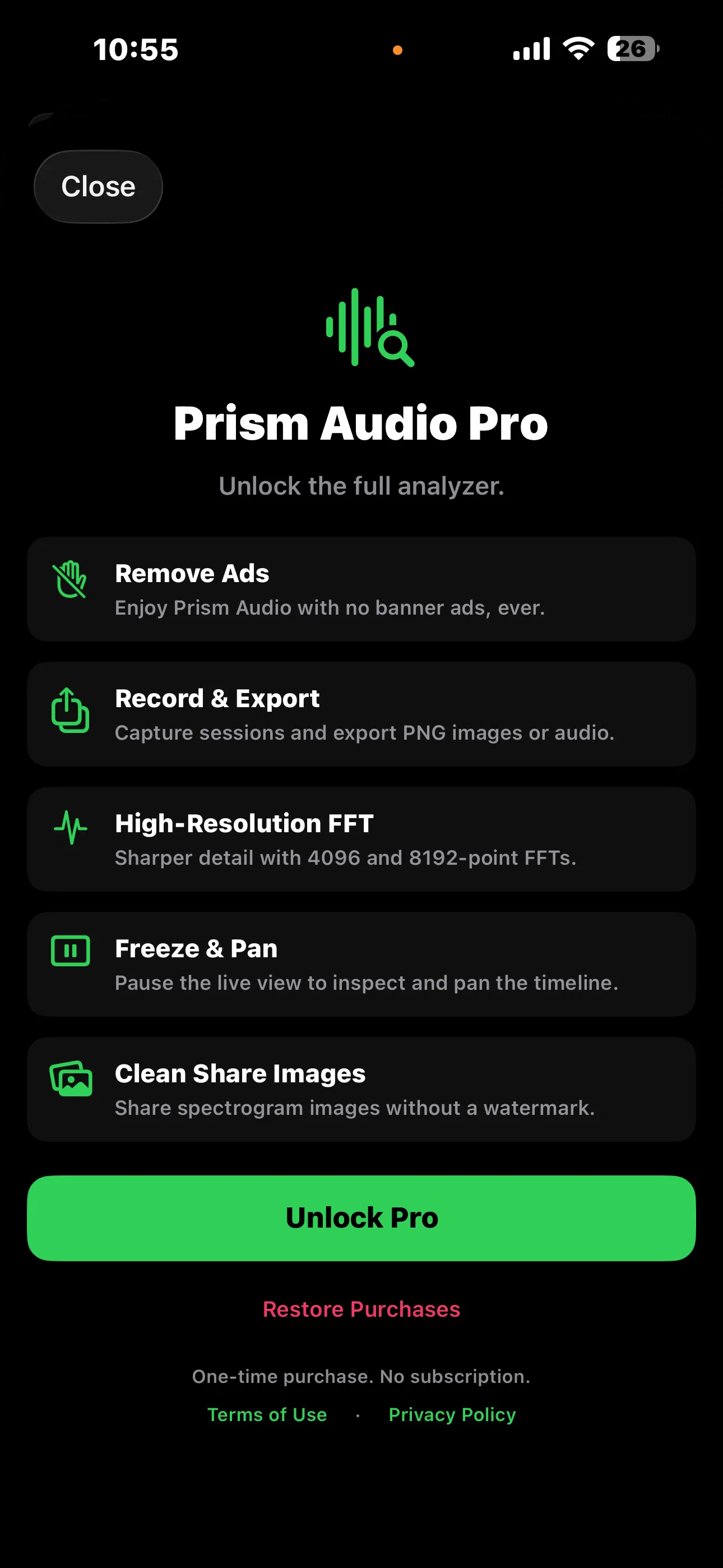
Prism Audio is free to use — the live spectrogram, frequency and note readout, level meter, crosshair inspection, and all four presets are included. Unlock Prism Audio Pro once to go further. It's a one-time purchase, not a subscription, and it applies to your Apple ID across all your devices.
- ✓ Remove Ads — enjoy Prism Audio with no banner ads, ever
- ✓ Record & Export — capture sessions and export PNG images or audio
- ✓ High-Resolution FFT — sharper detail with 4,096 and 8,192-point FFTs
- ✓ Freeze & Pan — pause the live view to inspect and pan the timeline
- ✓ Clean Share Images — share spectrogram images without a watermark
One-time purchase — $4.99. No subscription. No recurring fees. Unlock once and keep it forever, on every device signed in to your Apple ID. Already purchased? Use Restore Purchases in Settings.
Privacy Policy
Last updated: June 2026
1. Introduction
This Privacy Policy describes how Prism Audio ("the App," "we," "our," or "us") handles information. The App turns your iPhone's microphone into a real-time spectrogram and frequency analyzer.
We respect your privacy. This policy explains what data the App and its service providers process, and what stays on your device.
2. Microphone Audio Stays on Your Device
The microphone is used only while the live analyzer is on screen, solely to compute the spectrogram, frequency, and level readouts in real time.
- Audio is processed entirely on your device and discarded frame by frame — it is never recorded, stored, or transmitted to us or anyone else.
- The App does not require an account or registration.
- Any spectrogram image you choose to export is saved or shared only where you direct it.
3. Advertising
The free version of Prism Audio displays ads through Google AdMob. To serve ads, AdMob may collect and process certain information, such as a device advertising identifier, general device and usage data, and approximate location derived from your IP address.
You can review Google's practices here: Google Ads & Privacy. Purchasing Prism Audio Pro removes all ads.
4. App Tracking Transparency
Where required, the App asks for your permission via Apple's App Tracking Transparency prompt before any data is used to deliver personalized ads. If you decline, ads remain non-personalized. You can change this choice any time in Settings → Privacy & Security → Tracking.
5. In-App Purchases
The Pro upgrade is processed by Apple through the App Store. We do not receive or store your payment details. Purchase validation and restoration are handled by Apple's StoreKit.
6. Children's Privacy
The App is not directed at children under 13 and does not knowingly collect personal information from them. The advertising described above is provided by third parties subject to their own policies.
7. Changes to This Privacy Policy
We may update this Privacy Policy periodically. Any updates will be reflected on this page with a new "Last Updated" date.
8. Contact Us
If you have any questions or concerns about this Privacy Policy, please contact:
Support
Need help with Prism Audio? We're here to assist you.
For any questions, feedback, or support requests, please reach out to us at: