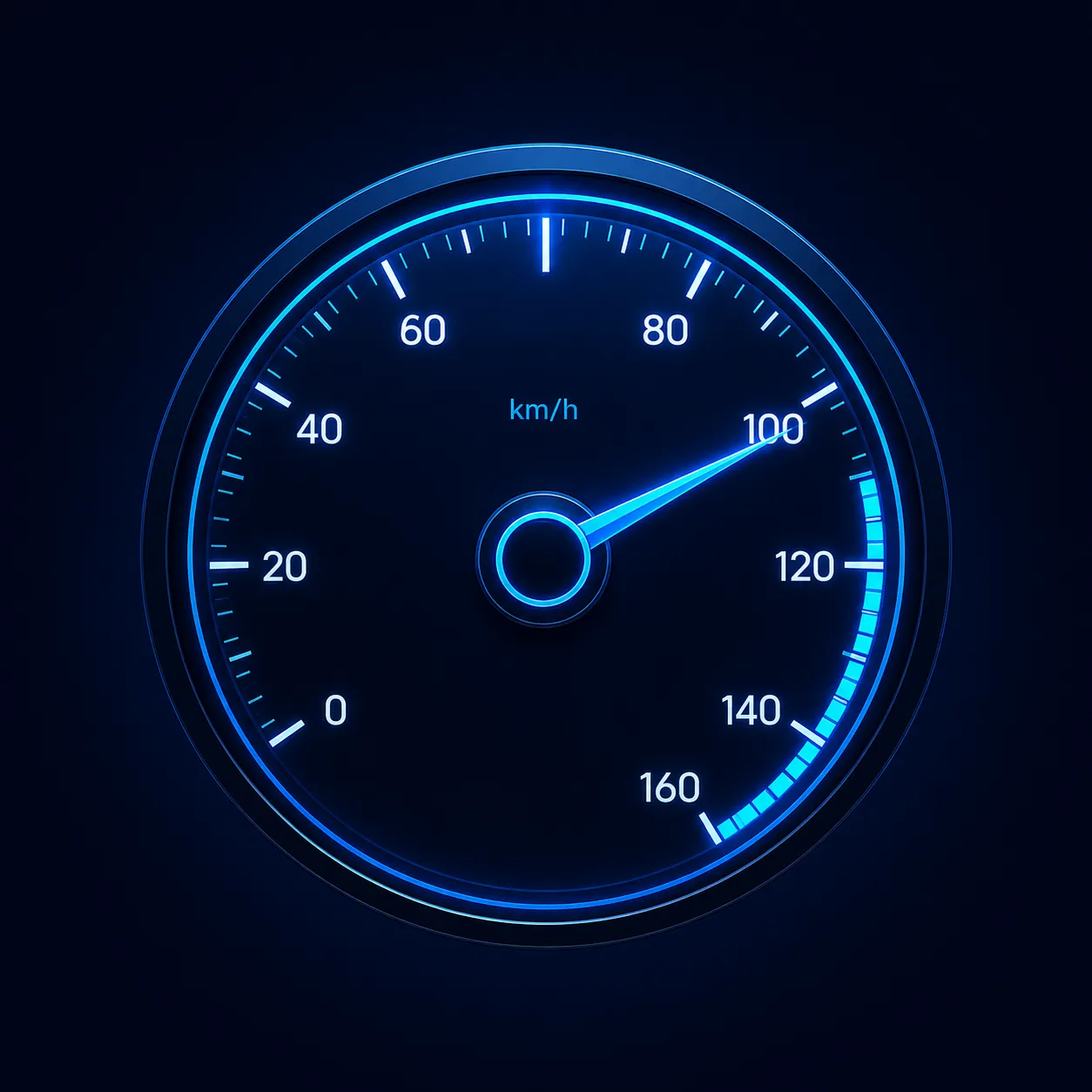
About Speedometer
Speedometer turns your iPhone into a clean, glanceable dashboard. A big, easy-to-read gauge shows your current GPS speed the moment you start moving, while three companion gauges round out the picture: a live G-force meter, your current altitude, and a compass pointing the way — all on a single dark screen designed to be readable at a glance.
Whether you're a passenger curious how fast the train is going, a cyclist checking your pace, or you just love seeing the numbers behind everyday motion, Speedometer gives you an instant, no-setup read on speed, elevation, heading and the forces you feel — using your device's built-in GPS and motion sensors.
⚡ One tidy dashboard: a large central speedometer in km/h or mph, an altitude readout in metres, a G-force meter with a live trace, and a compass — no accounts, no clutter, just the numbers.
Speedometer is free to download and supported by ads. A single one-time Remove Ads purchase clears every ad for good — no subscription. Please read the Accuracy & Safety notice below: this app is intended for informational and entertainment purposes and should never be relied on where accuracy matters, or used while driving.
Everything on One Screen
Open the app and the whole dashboard is right there — no menus to dig through:
Speedometer
A large 0–300 dial with a bold numeric readout shows your current GPS speed in real time. Switch between km/h and mph in Settings.
Altitude
The central badge shows your current elevation in metres, updated as you climb or descend — handy on hikes, drives and flights.
Compass
A live compass shows your heading with clear N / S / E / W markings, so you always know which way you're facing.
G-Force Meter
A live G-force gauge with an X/Y trace visualises the acceleration forces from your device's motion sensors as you speed up, slow down and turn.
Grant location access when prompted so the speedometer, altitude and compass can read from GPS. Everything updates continuously while the app is open.
Features
⏱️ GPS Speedometer
A large, high-contrast dial and numeric readout show your live speed the instant you start moving, powered by your iPhone's GPS.
🔀 km/h or mph
Choose the units you think in. Speedometer displays your speed in kilometres or miles per hour with a single tap in Settings.
⛰️ Altitude Readout
See your current elevation in metres, front and centre, so you can watch it change as you go up and down.
🧭 Live Compass
A built-in compass with N / S / E / W markings shows your heading at a glance alongside your speed.
📊 G-Force Meter
Visualise acceleration and cornering forces with a live G value and an X/Y plot driven by the motion sensors.
🌙 Dark Dashboard
A calm, dark interface with glowing gauges that's easy on the eyes and readable day or night.
🚫 One-Tap Remove Ads
Tap Remove Ads for a single $2.99 purchase that clears the banner and full-screen ads forever — no subscription.
📱 Built for iPhone
A focused single-screen layout that shows speed, altitude, heading and G-force together without any setup.
Great For
- Passengers & the curious — see how fast a train, bus, boat or car is moving.
- Cyclists & runners — glance at your current pace and the elevation you're gaining.
- Hikers & travellers — check your altitude and heading on the trail or the road.
- Gadget fans — enjoy watching real-time speed, G-force and compass data from your phone's sensors.
Screenshots
Take a look at Speedometer — tap any screenshot to view it full size:
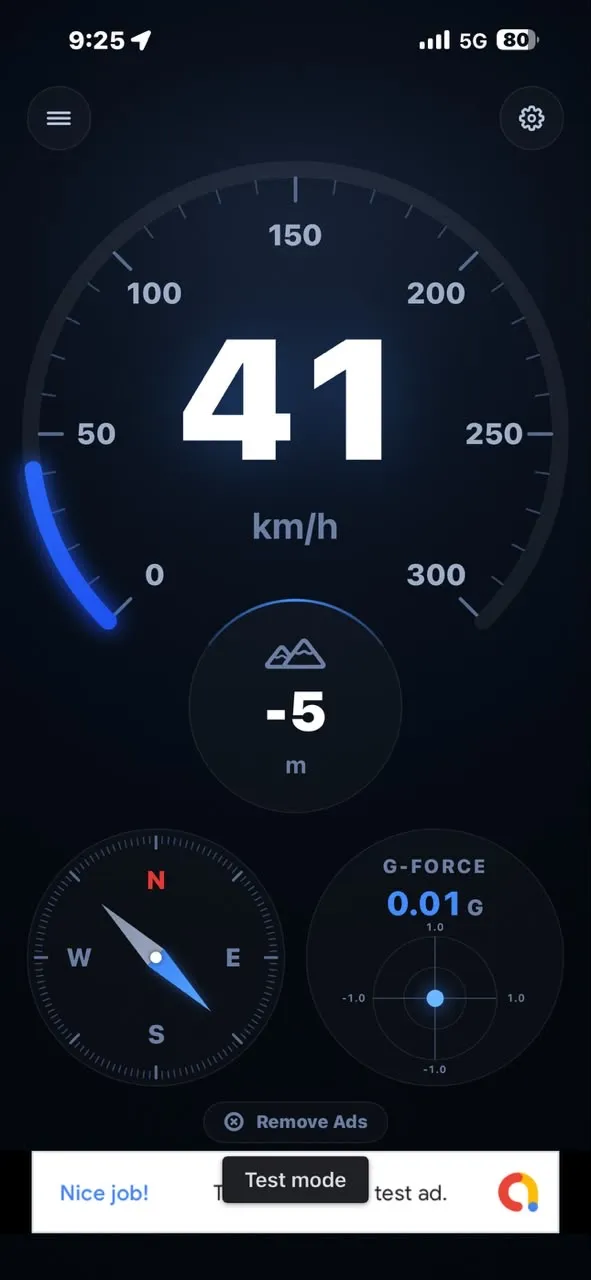
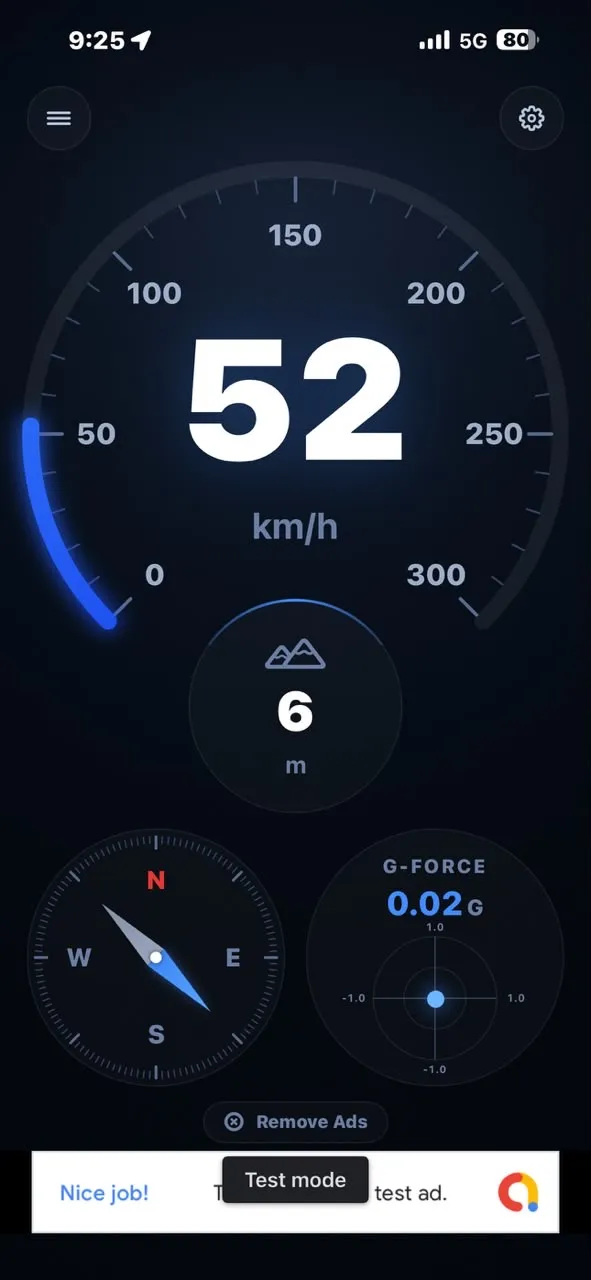
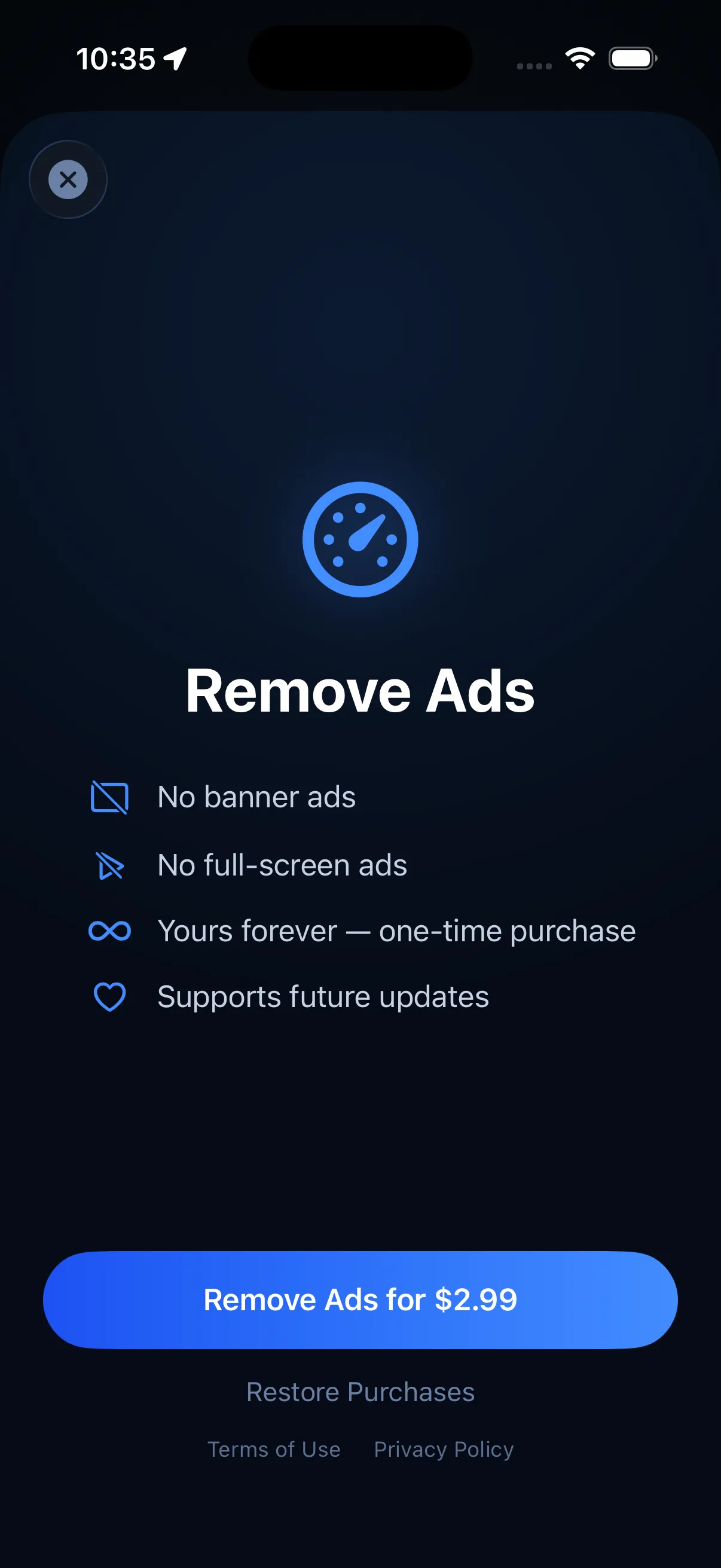
Remove Ads
Speedometer is free to download and use, supported by Google AdMob ads. Prefer a clean dashboard? A single one-time purchase removes all ads — the banner and the full-screen ads — for good. It's not a subscription: pay once and it's yours.
- ✓ No banner ads — nothing across the bottom of your dashboard
- ✓ No full-screen ads — uninterrupted, distraction-free gauges
- ✓ Yours forever — a one-time purchase, not a subscription
- ✓ Supports future updates — helps keep the app growing
One-time purchase, not a subscription. Already bought Remove Ads on another device? Tap Restore Purchases to unlock it instantly. The free version stays fully functional — every gauge works whether or not you remove the ads.
Accuracy & Safety
Please read this before you use Speedometer. This app is provided for informational and entertainment purposes only. It is not a certified or calibrated measuring instrument.
Accuracy
Speedometer relies on your iPhone's GPS and motion sensors, so its readings are estimates and can be inaccurate or delayed. Speed, altitude, heading and G-force values may be affected by GPS signal quality, buildings, tunnels, weather, tall terrain, device calibration and how the phone is positioned. Never rely on this app for speed, altitude, navigation or any measurement where accuracy matters — always defer to your vehicle's own certified speedometer and official instruments.
⚠️ Do not use while driving. Do not hold, tap, watch or interact with your phone — or this app — while operating a vehicle. Looking at a display takes your eyes off the road and is dangerous and, in many places, illegal.
Keep your eyes on the road. If you want to see a reading in a vehicle, have a passenger operate the app, or mount your phone and only glance at it when it is safe and legal to do so. Always obey speed limits and all traffic laws, and drive according to conditions.
No liability
By using Speedometer you agree that the developer is not responsible for any loss, damage, injury, fine or consequence arising from your use of, or reliance on, the app or its readings. Use the app responsibly and at your own risk.
Privacy Policy
Last updated: July 2026
1. Introduction
This Privacy Policy describes how Speedometer ("the App," "we," "our," or "us") handles information. The App reads your device's GPS and motion sensors to display your speed, altitude, heading and G-force in real time.
We respect your privacy. This policy explains what data the App and its service providers process, and what stays on your device.
2. Location & Sensor Data
Speedometer's core features — showing speed, altitude and heading — depend on your device's location services and motion sensors.
- The App requests "When In Use" location access to calculate your GPS speed, altitude and compass heading.
- Speed, altitude, heading and G-force are computed and displayed on your device in real time. The App does not save a history of your location or transmit your location to our servers, and we do not have access to it.
- You can grant, change or revoke location permission at any time in Settings → Privacy & Security → Location Services → Speedometer. Denying access will prevent the speedometer, altitude and compass from working.
3. Advertising
The free version of Speedometer displays ads through Google AdMob. To serve ads, AdMob may collect and process certain information, such as a device advertising identifier, general device and usage data, and approximate location derived from your IP address.
You can review Google's practices here: Google Ads & Privacy. Purchasing Remove Ads removes all ads.
4. App Tracking Transparency
Where required, the App asks for your permission via Apple's App Tracking Transparency prompt before any identifier is used to deliver personalized ads. If you decline, ads remain non-personalized. You can change this choice any time in Settings → Privacy & Security → Tracking.
5. In-App Purchase
Remove Ads is a one-time, non-consumable in-app purchase processed by Apple through the App Store. We do not receive or store your payment details. Purchase validation and restoration are handled by Apple's StoreKit, and you can restore a previous purchase at any time.
6. Children's Privacy
The App is not directed at children under 13 and does not knowingly collect personal information from them. The advertising described above is provided by third parties subject to their own policies.
7. Changes to This Privacy Policy
We may update this Privacy Policy periodically. Any updates will be reflected on this page with a new "Last Updated" date.
8. Contact Us
If you have any questions or concerns about this Privacy Policy, please contact:
Support
Need help with Speedometer? We're here to assist you.
For any questions, feedback, or support requests, please reach out to us at: