A Private Expense Tracker for Mac: Budgets & Savings Goals Without the Cloud
Most budgeting apps want your bank login, your email, and a subscription before they'll show you a single chart. If you'd rather keep your spending data off someone else's server, a private expense tracker mac users can run entirely on their own machine is worth a look.
Below is Money Gazelle Expense Tracker, an app I build for exactly this reason — no account screen, no cloud sync you didn't ask for — alongside a quiz app for when the money concepts themselves feel shaky rather than the numbers.
A private expense tracker Mac owners can actually trust
Money Gazelle keeps every transaction on your Mac. There's nothing to upload, nothing to log into, and no third party quietly reading your bank statements in the background. That matters if you've ever hesitated before typing a real number into a finance app.

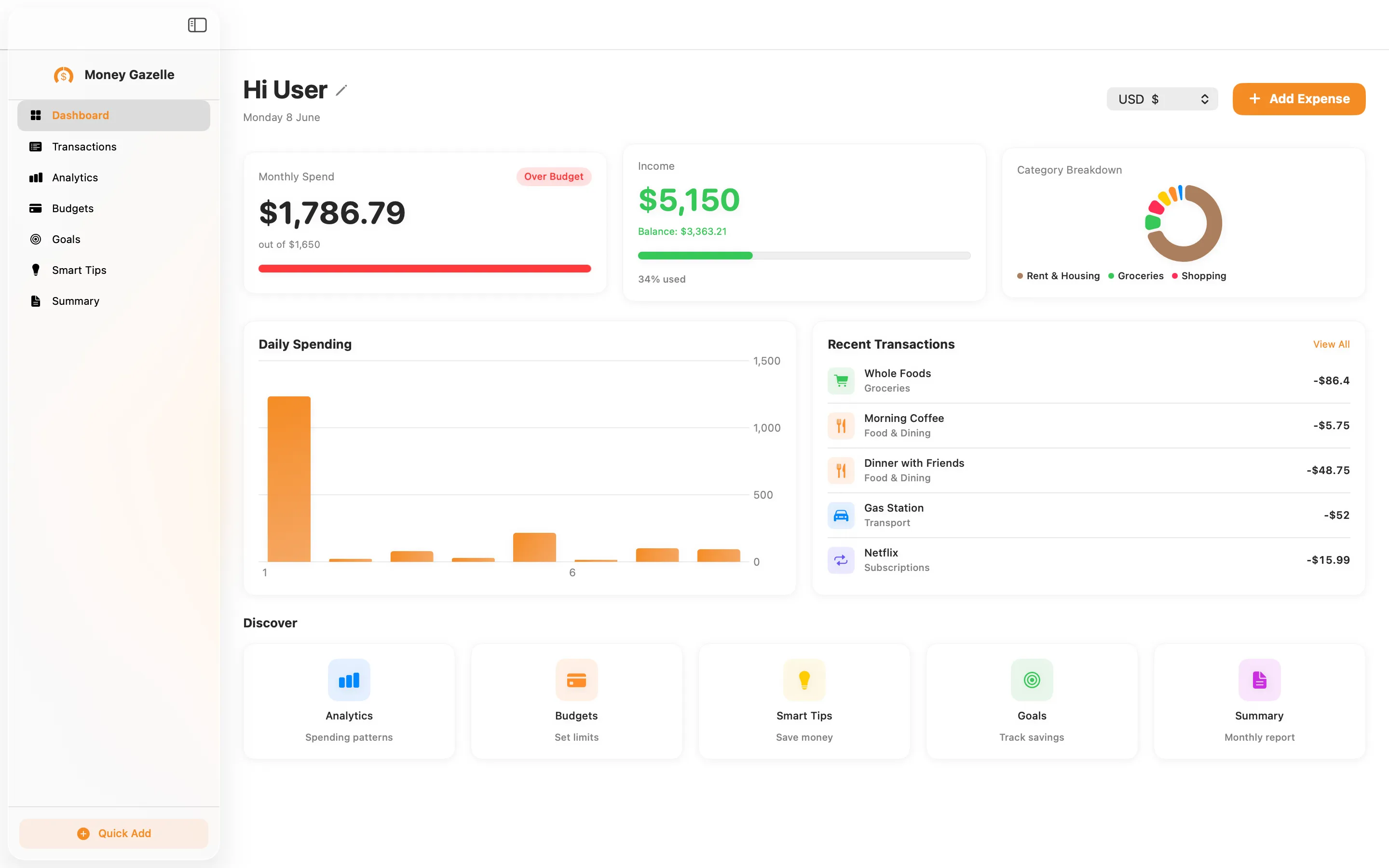
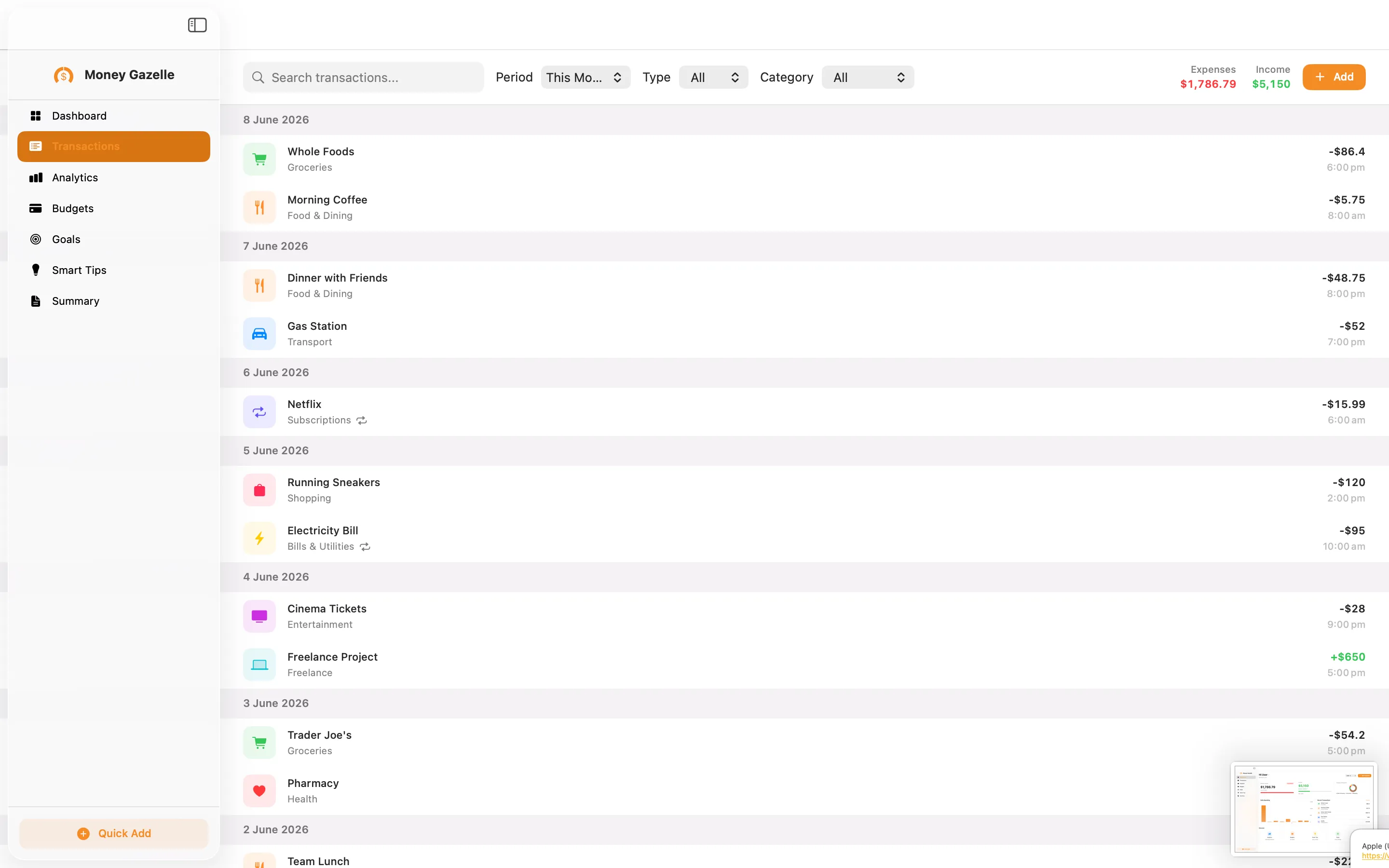
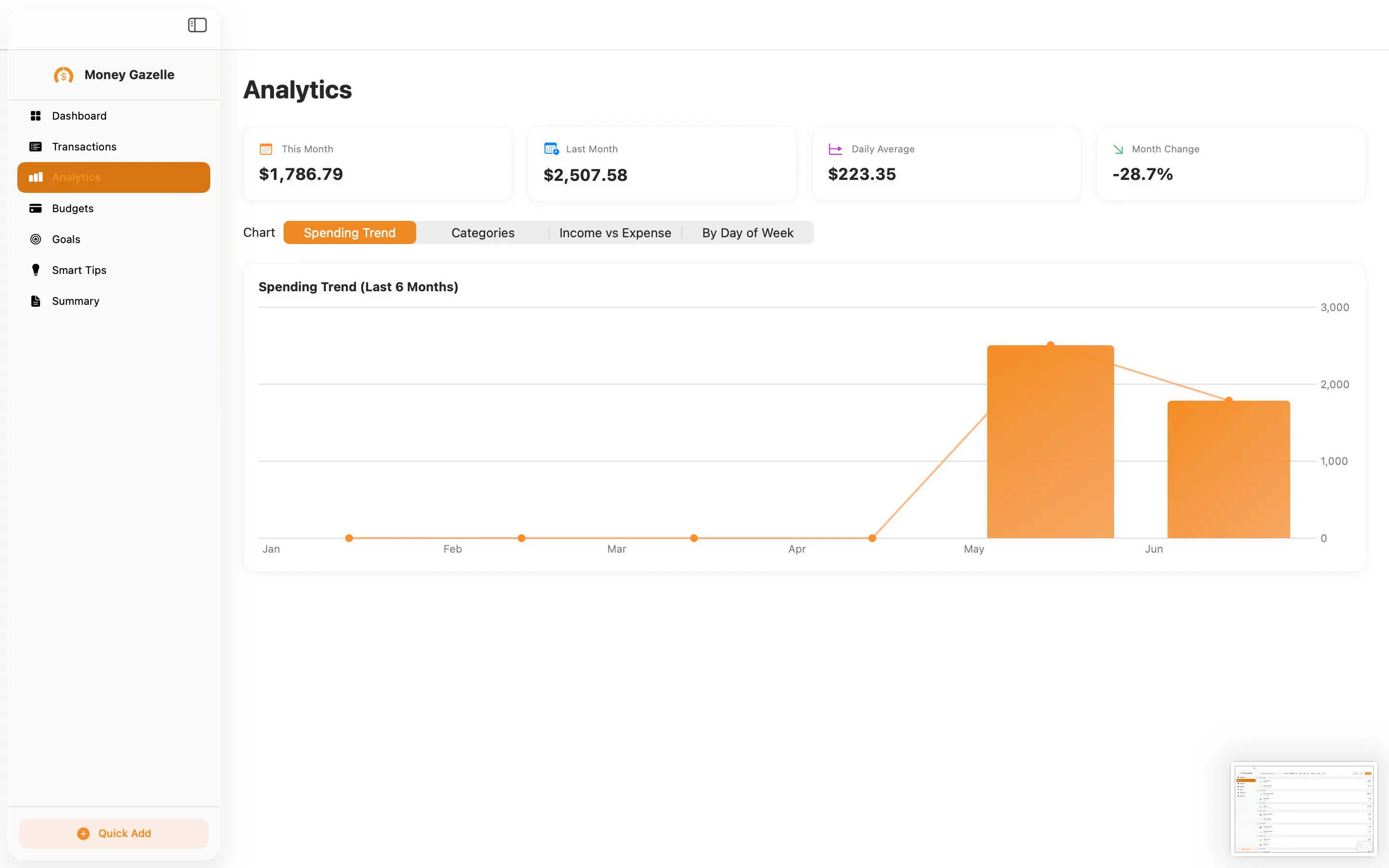
Money Gazelle Expense Tracker is a native macOS app for logging expenses and income, setting monthly budgets, and working towards savings goals, with on-device smart spending tips that never leave your Mac. There's no advertising and no tracking — your data is never shared, full stop. It's a one-off $12.99 rather than a subscription, so once you've paid you own it. For anyone who wants a clear, private picture of where money goes each month, it does the job without asking for your bank credentials.
When the numbers make sense but the concepts don't
Budgeting software only gets you so far if terms like APR, compound interest or amortisation still feel like a foreign language. That's where a bit of structured revision helps, even for adults.

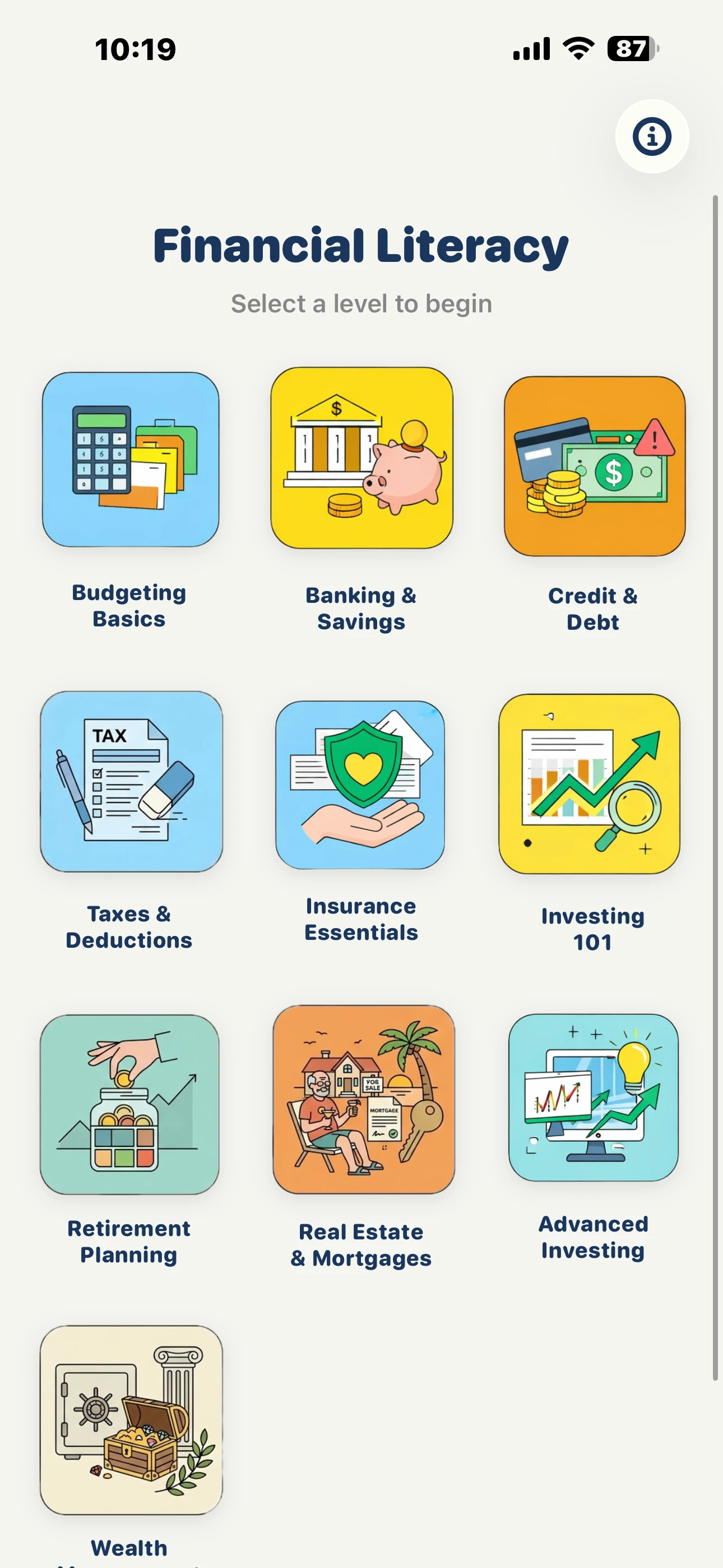
Financial Quiz builds essential money skills through 250 quiz questions spread across ten topics — budgeting, banking, credit, taxes, insurance, investing and more. It's a free iOS app, so you can work through a topic on your phone while the kettle boils rather than sitting down to a course. Pairing this quiz with the expense tracker gives you the day-to-day habit on the Mac and the theory behind it on your phone, without either app needing your bank details.
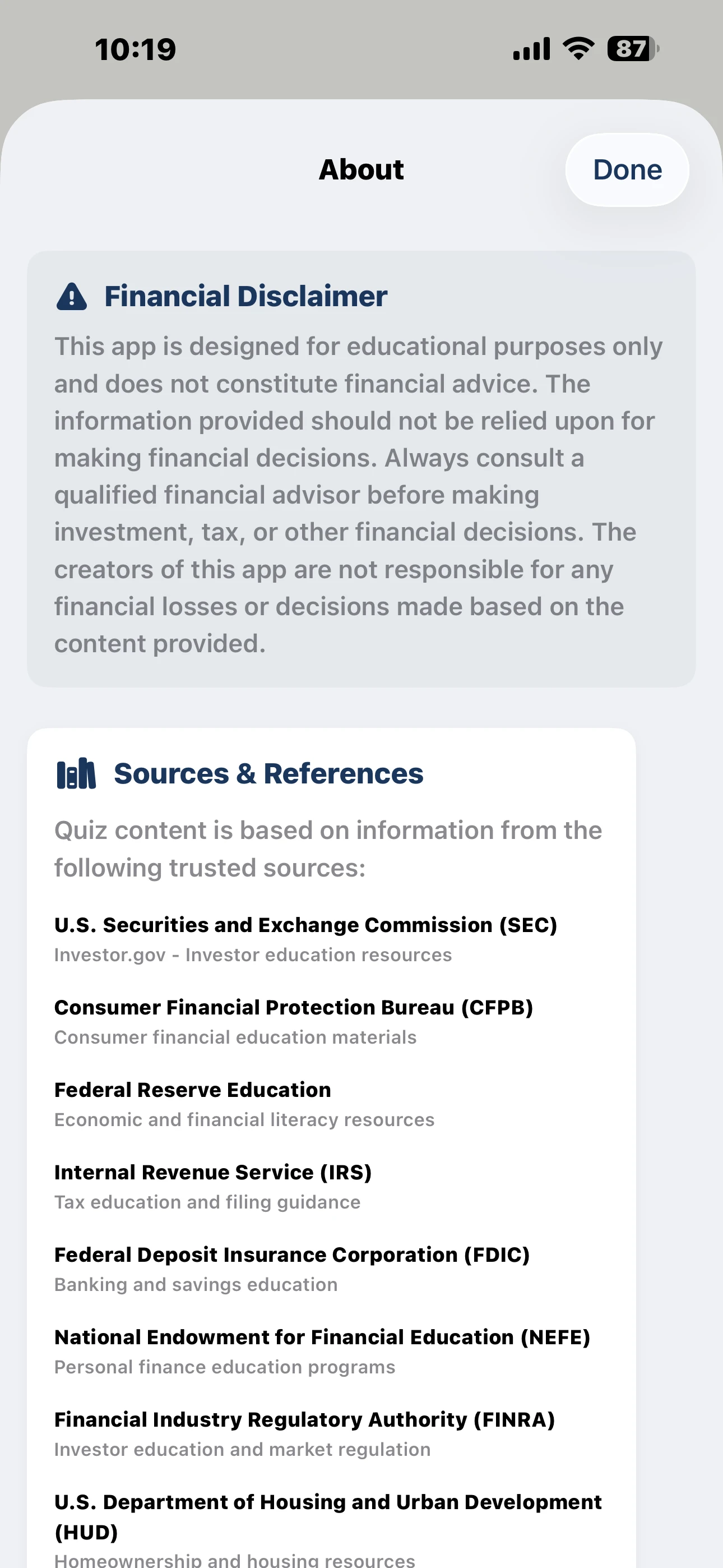
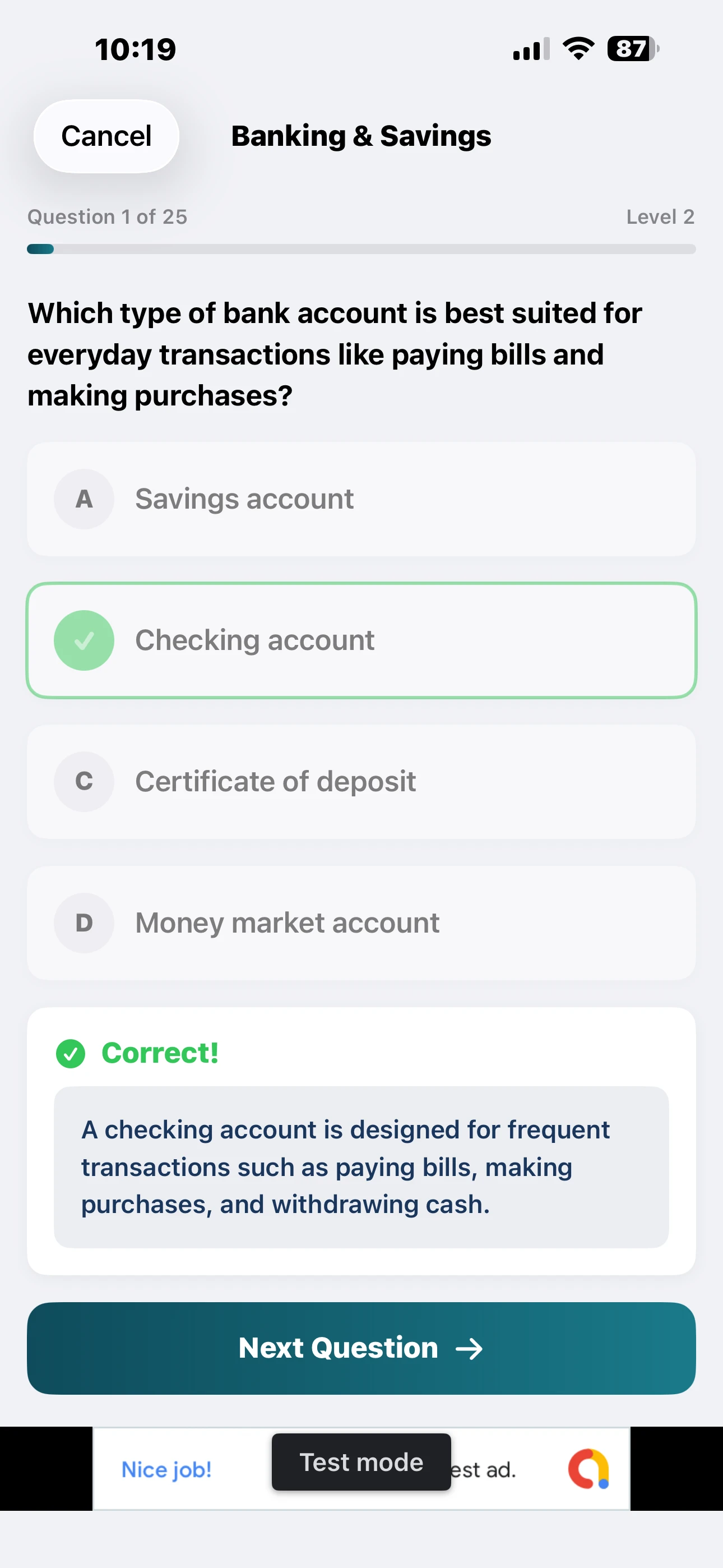
Between the two, you get a private ledger of what you're actually spending and a quicker route to understanding why budgets work the way they do. Neither app needs your data to leave your devices.
Frequently asked questions
Is there a free private expense tracker for Mac?
Money Gazelle Expense Tracker is a one-time $12.99 purchase rather than free, but there's no subscription after that and no ads. Financial Quiz, the companion app for learning the concepts, is free to download.
Does Money Gazelle sync my expenses to the cloud?
No. It's built to keep transactions, budgets and savings goals stored locally on your Mac, with no account required and no data shared with third parties.