Invoicing from Your iPhone: Bills, Receipts & Getting Paid as a Freelancer
Freelancing means chasing two things constantly: getting paid, and keeping track of what you spent to earn it. The invoice app iPhone freelancer routines actually need should cover both without turning into a second job.
I make three small apps that cover different parts of that admin trail — one for sending invoices, one for tracking what you spend, and one for pasting the same boilerplate text into forms without retyping it each time.
An invoice app iPhone freelancers can use mid-job
The slowest part of freelance invoicing is usually the invoice itself — building it, remembering your own bank details, chasing the client who forgot. Doing it from your phone the moment a job finishes cuts that delay right down.
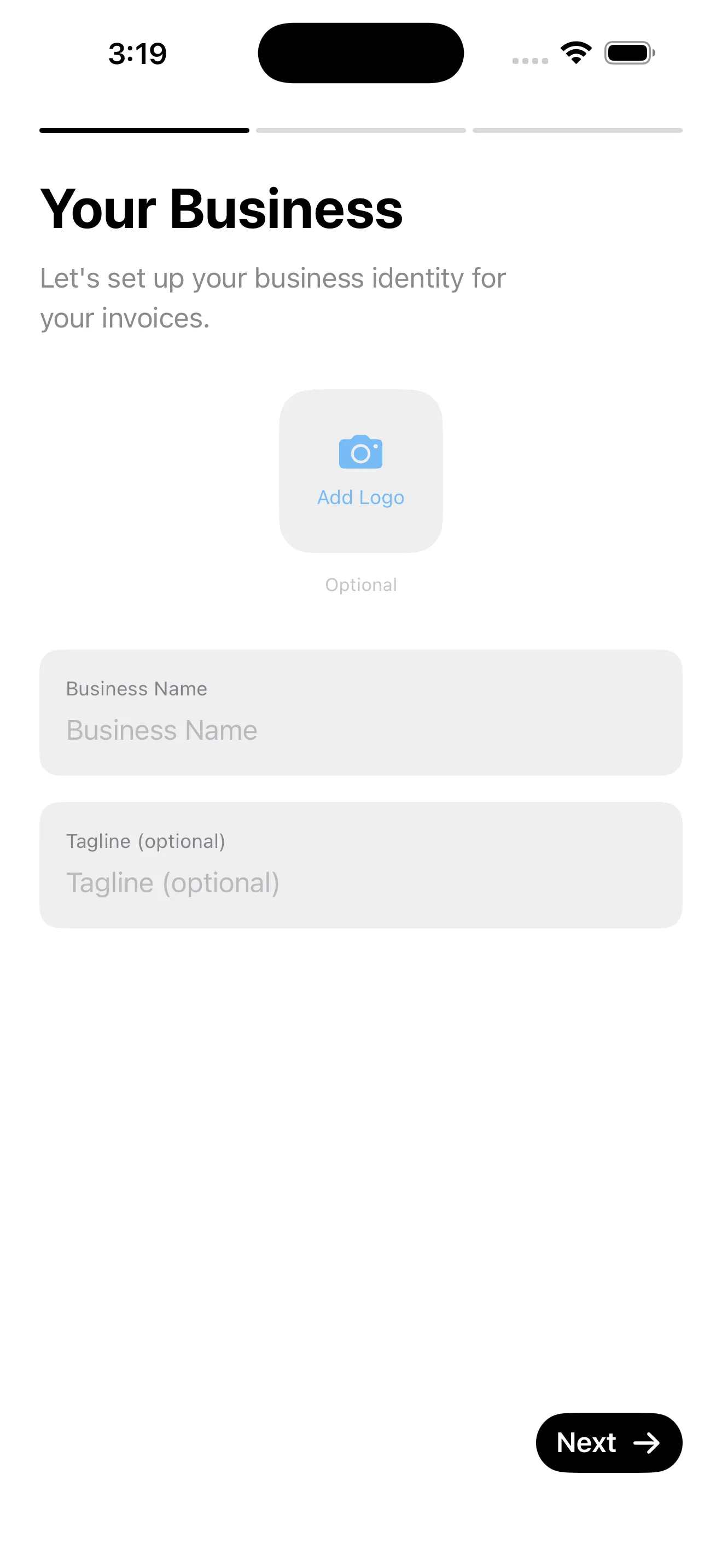
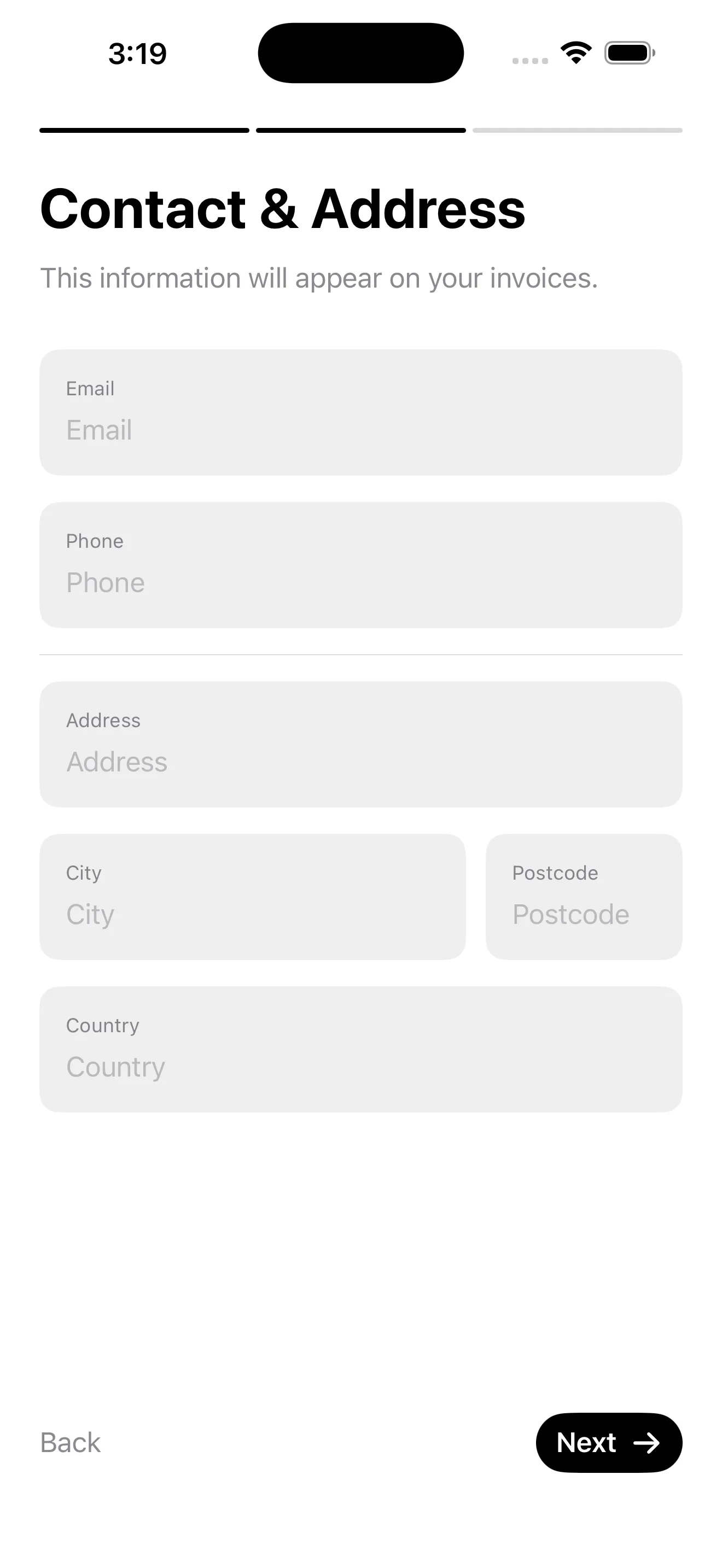
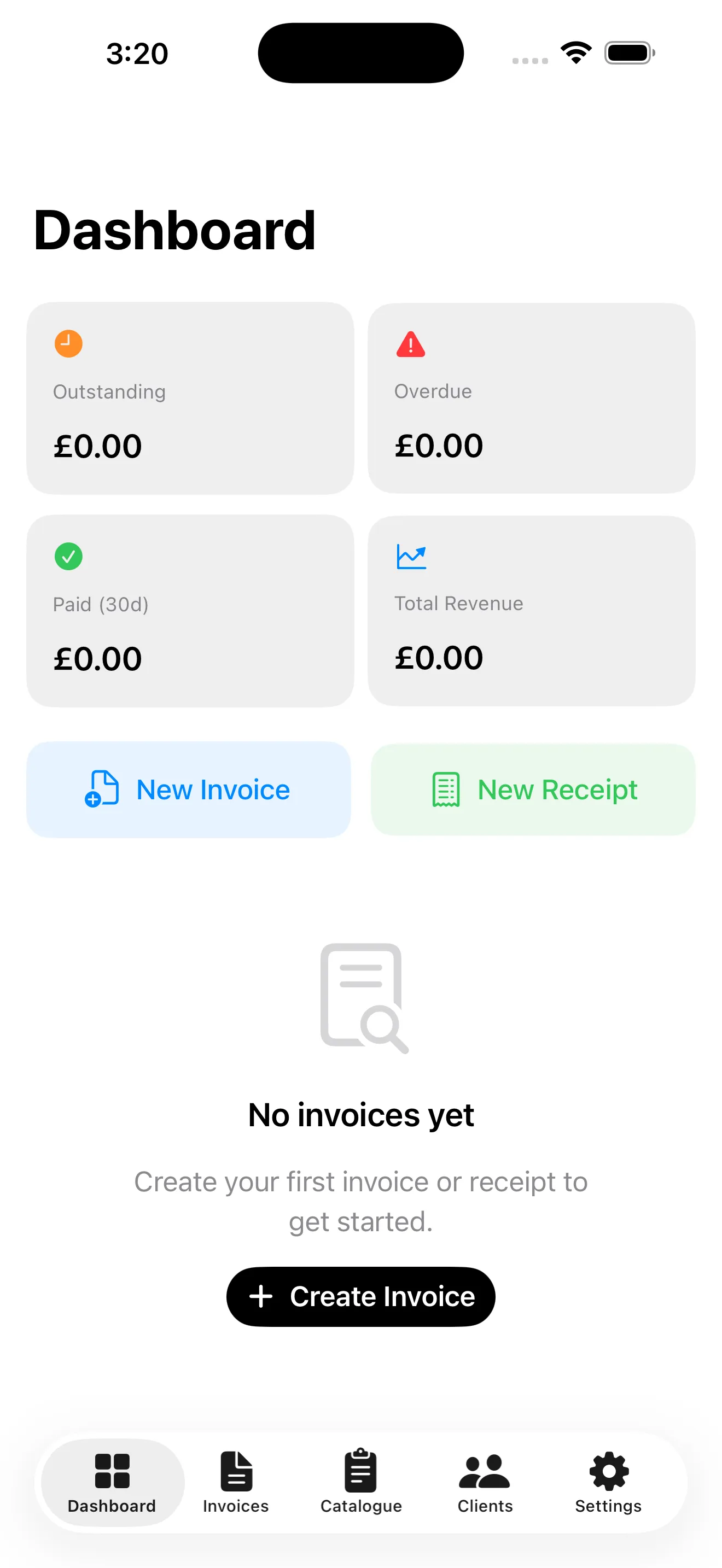
Invoices & Receipts turns an iPhone or iPad into a proper billing studio. You build invoices and receipts from a reusable catalogue of items, track what's outstanding, overdue and paid at a glance, and export polished PDFs using six designer templates with your own brand colours and signature. It's free to use with ads, or you can upgrade to Pro to remove them, unlock every template and lift the limits — handy once invoicing becomes a regular part of the job rather than an occasional favour.
Where the money actually goes
Invoicing only tells half the story. Freelancers also need to know what they spent on software, travel or materials before tax season arrives with no warning.

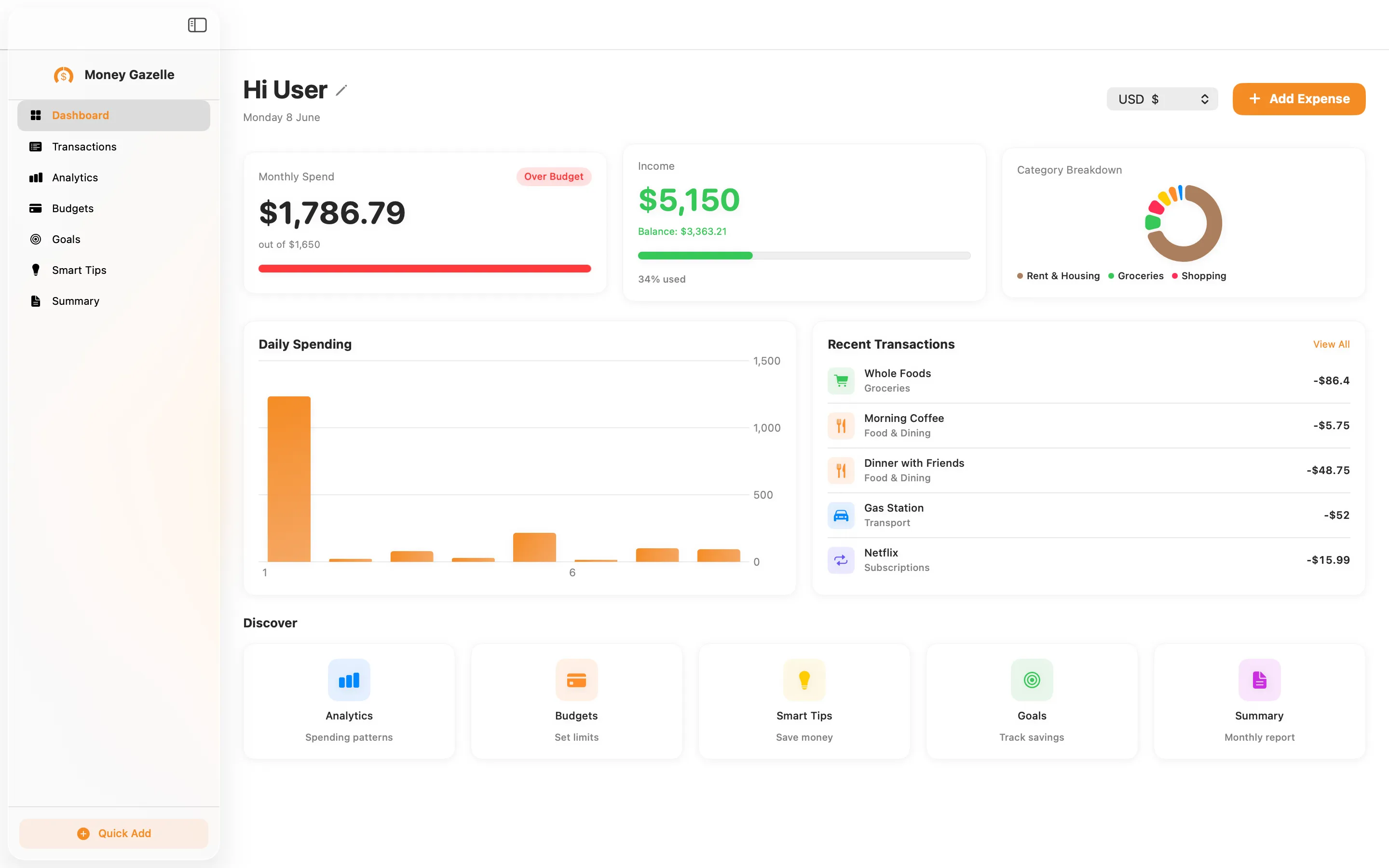
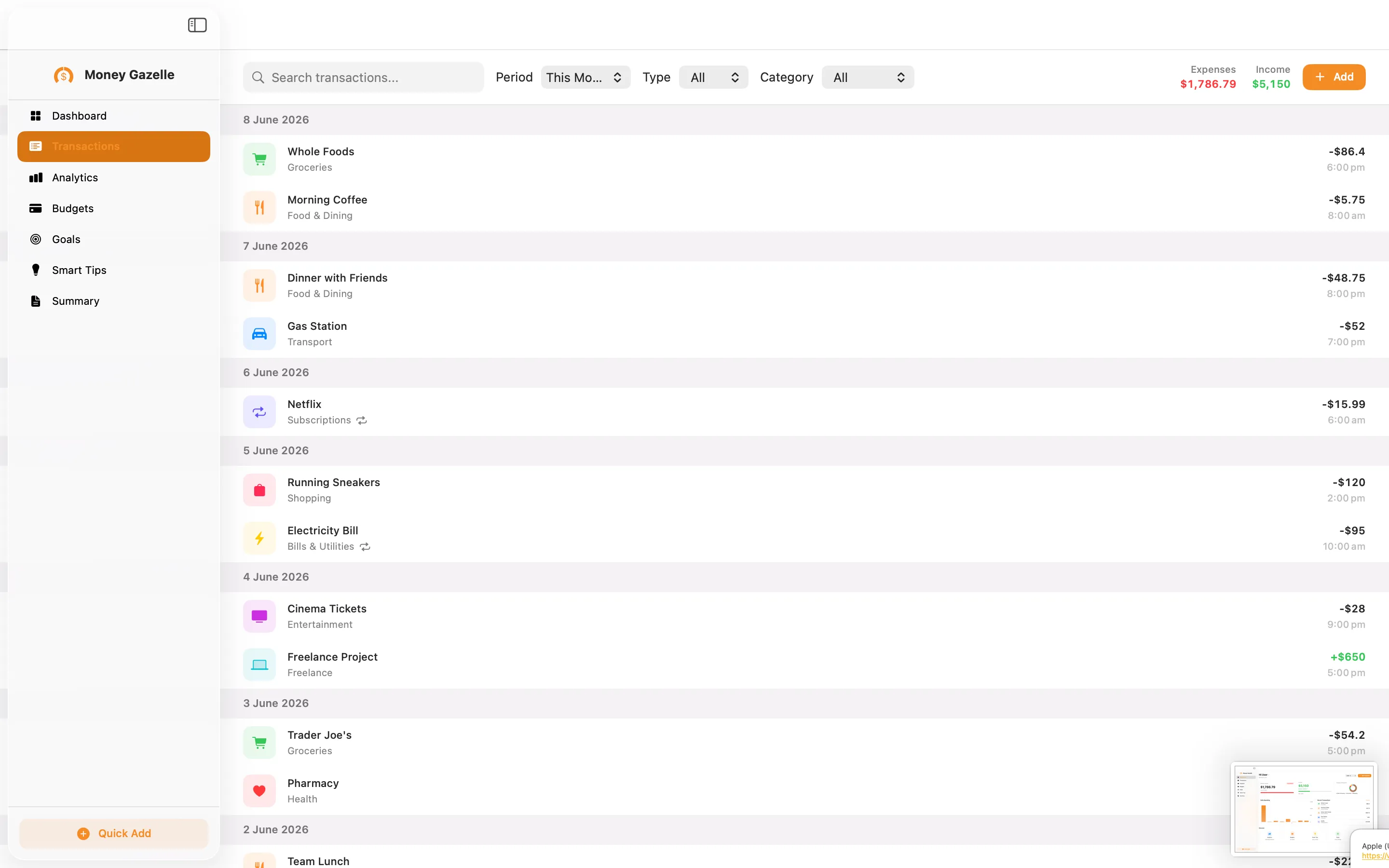
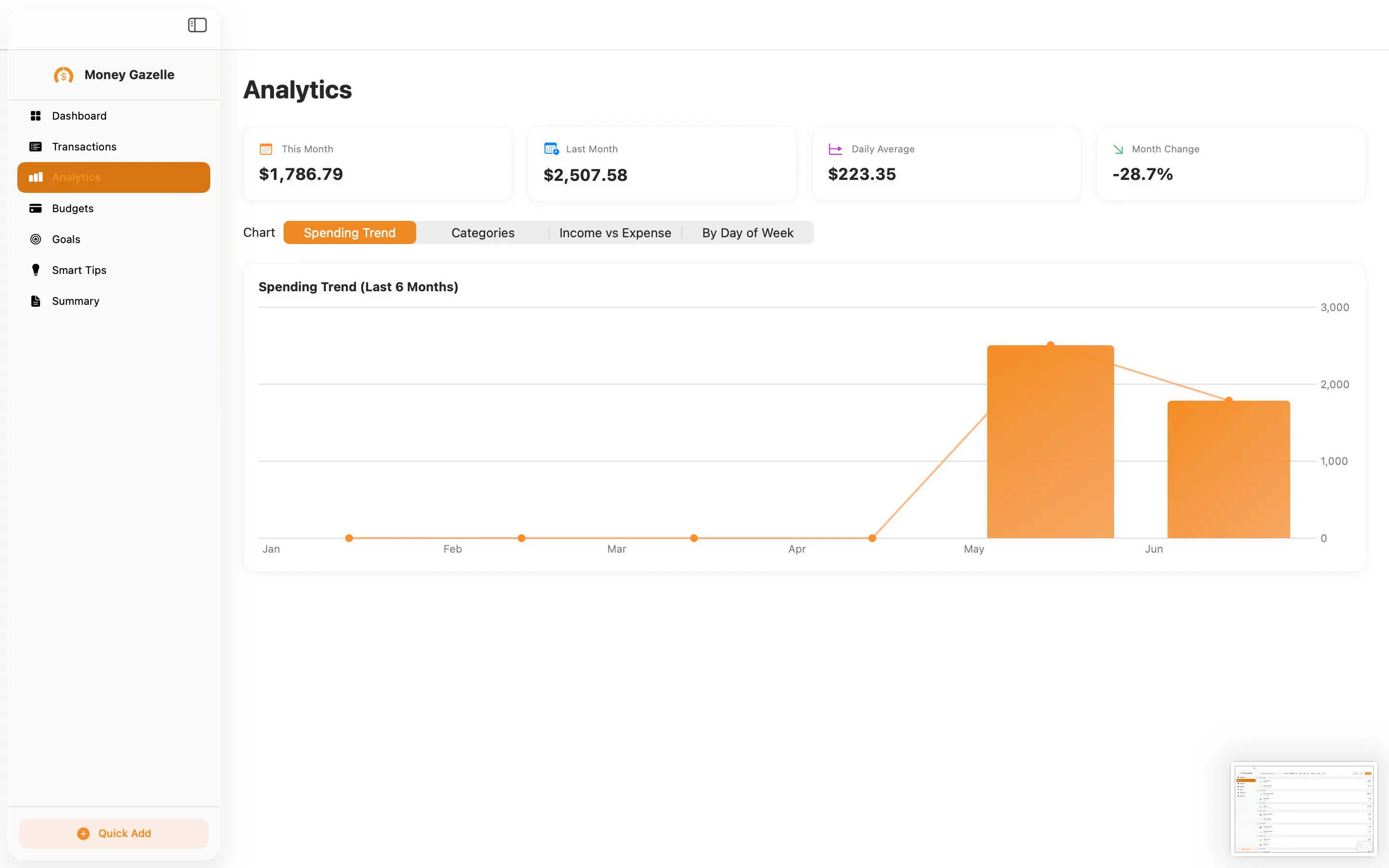
Money Gazelle Expense Tracker handles that other half on the Mac side — logging expenses and income, setting budgets, and working towards savings goals with on-device tips, all without ads or tracking. Data stays on your Mac rather than a server somewhere, which matters if your expenses include client-specific detail you'd rather not upload. It's a one-time $12.99, not a subscription.
Cutting out the repetitive typing in between
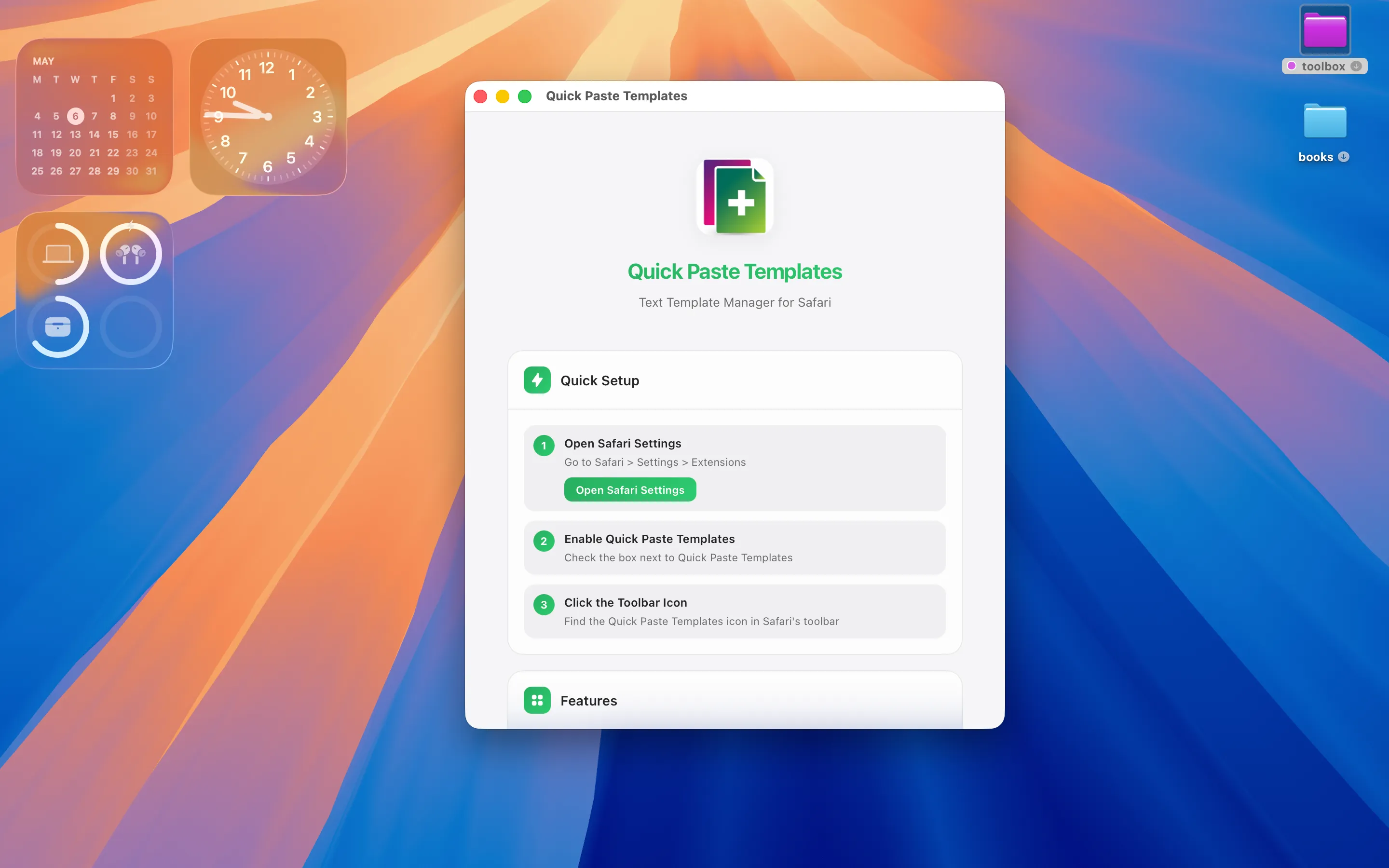
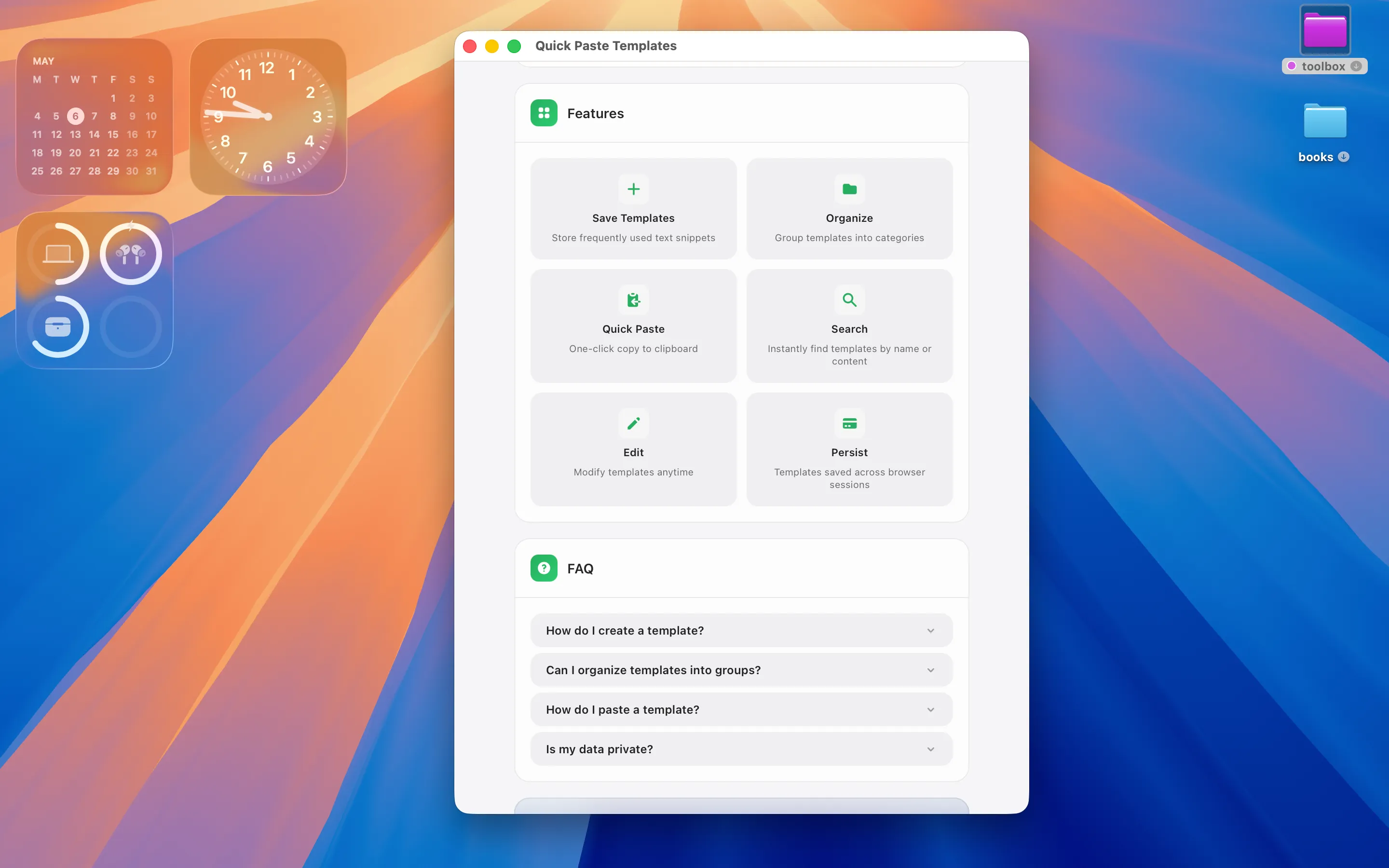
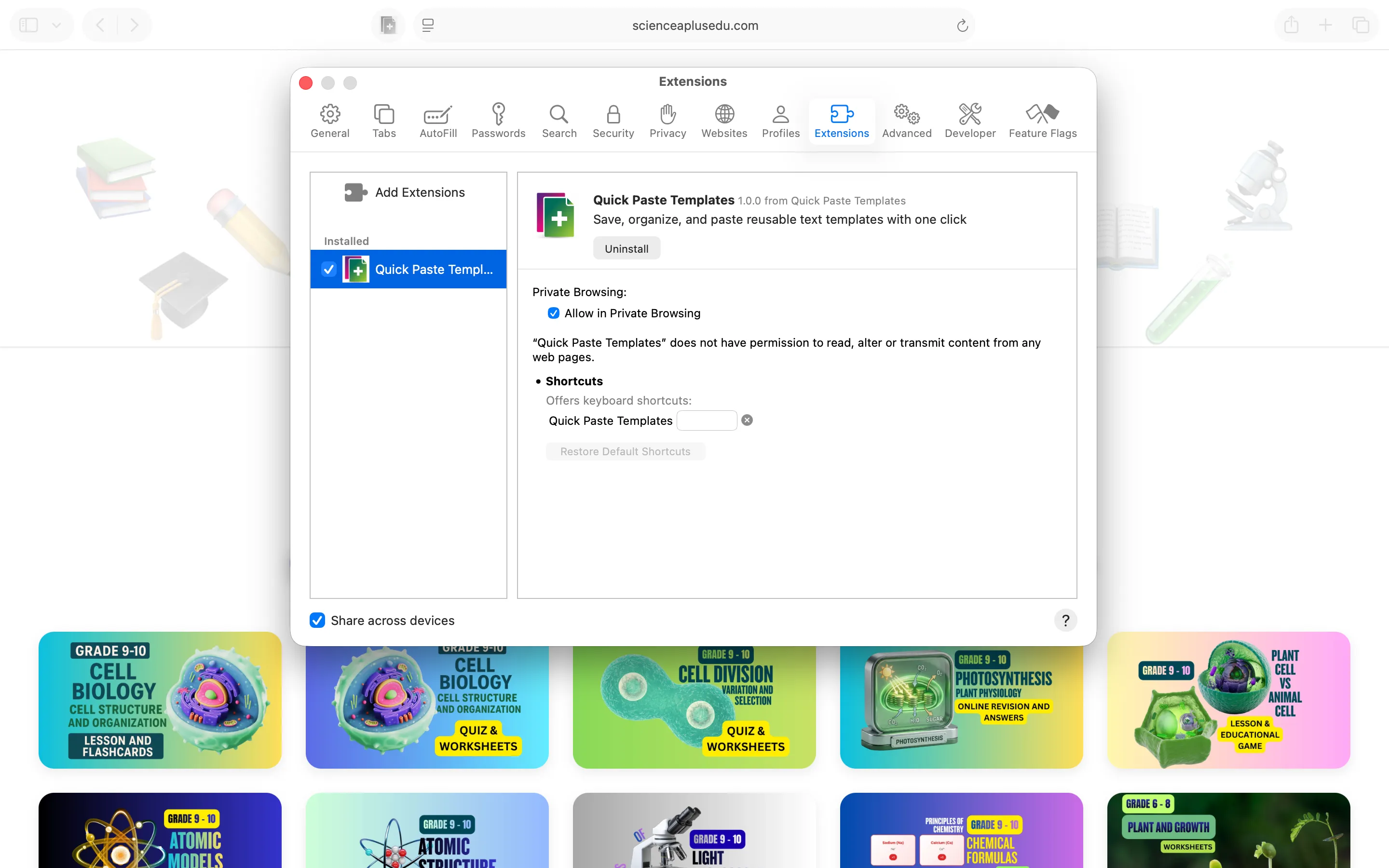
Quick Paste Templates is a Mac app and Safari extension that stores reusable text snippets — your standard terms, a client email opener, your VAT number — in colour-coded folders, then pastes them into any Safari page in one click. It exists to solve one recurring annoyance: retyping the same three paragraphs into client portals every week. No telemetry, no ads, no account needed.
None of these three replace an accountant, but together they cover invoicing, expense tracking and the small repetitive admin that eats a freelancer's morning.
Frequently asked questions
Is there a free invoice app for iPhone freelancers?
Invoices & Receipts is free to download and use with ads; a Pro upgrade removes them and unlocks every template if you send invoices often.
Can I track both invoices and expenses without a subscription?
Yes — Invoices & Receipts and Money Gazelle Expense Tracker are separate one-time purchases (a Pro upgrade and $12.99 respectively) rather than recurring subscriptions.