An App Icon Workflow for Indie Developers: One Image, Every Size
Every app store wants icons at a slightly different size, and resizing each one by hand in an image editor gets old after the second submission. If you've searched resize app icons mac hoping for something faster than opening Preview a dozen times, this workflow is built for exactly that.
I build three small Mac utilities that fit together into one icon workflow — resizing, batch conversion, and upscaling for when the source image isn't quite big enough to begin with.
How to resize app icons mac developers actually reach for
The core problem is simple: one source image, a dozen required sizes, and no reason to open a design tool just to export each one manually.

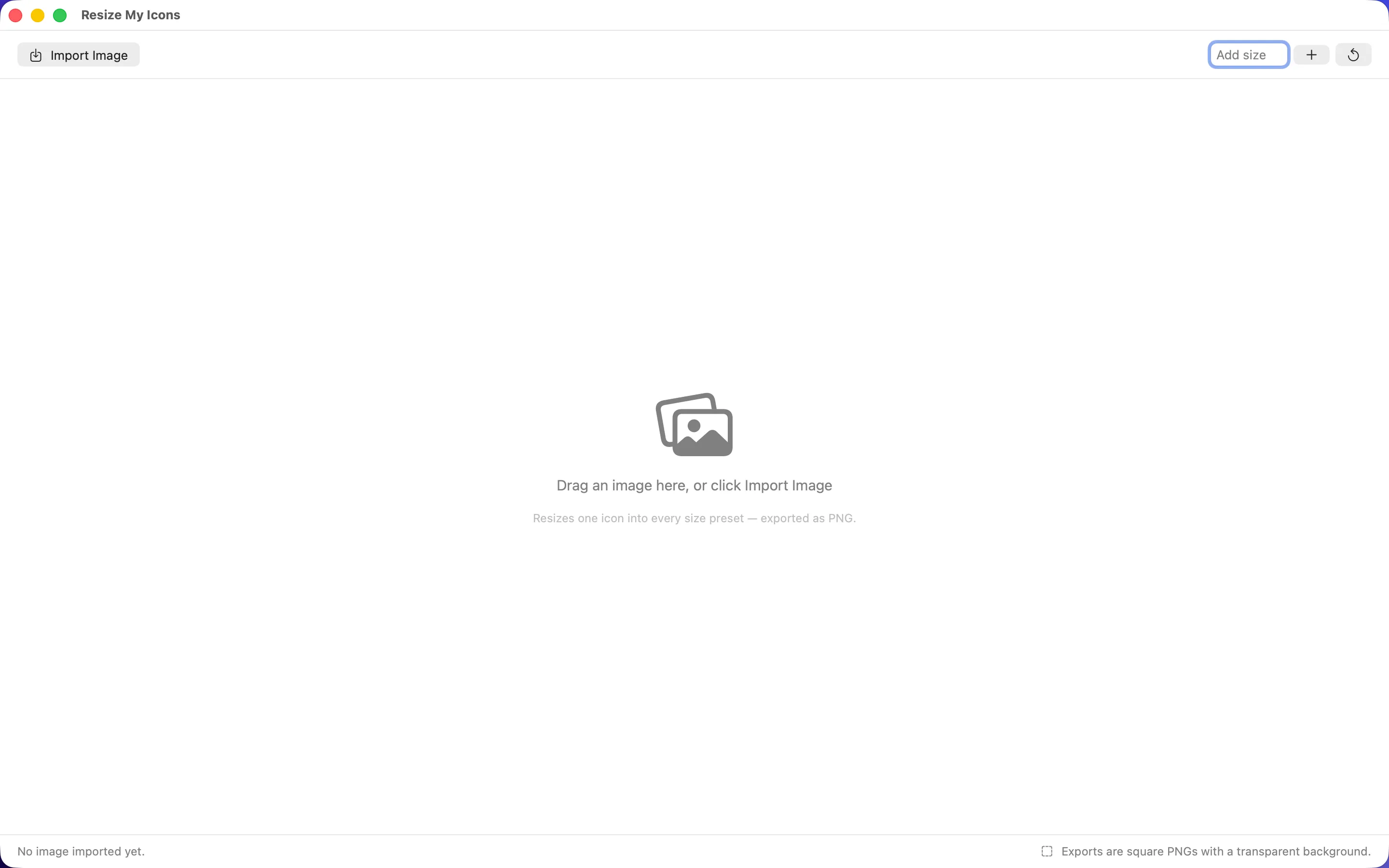
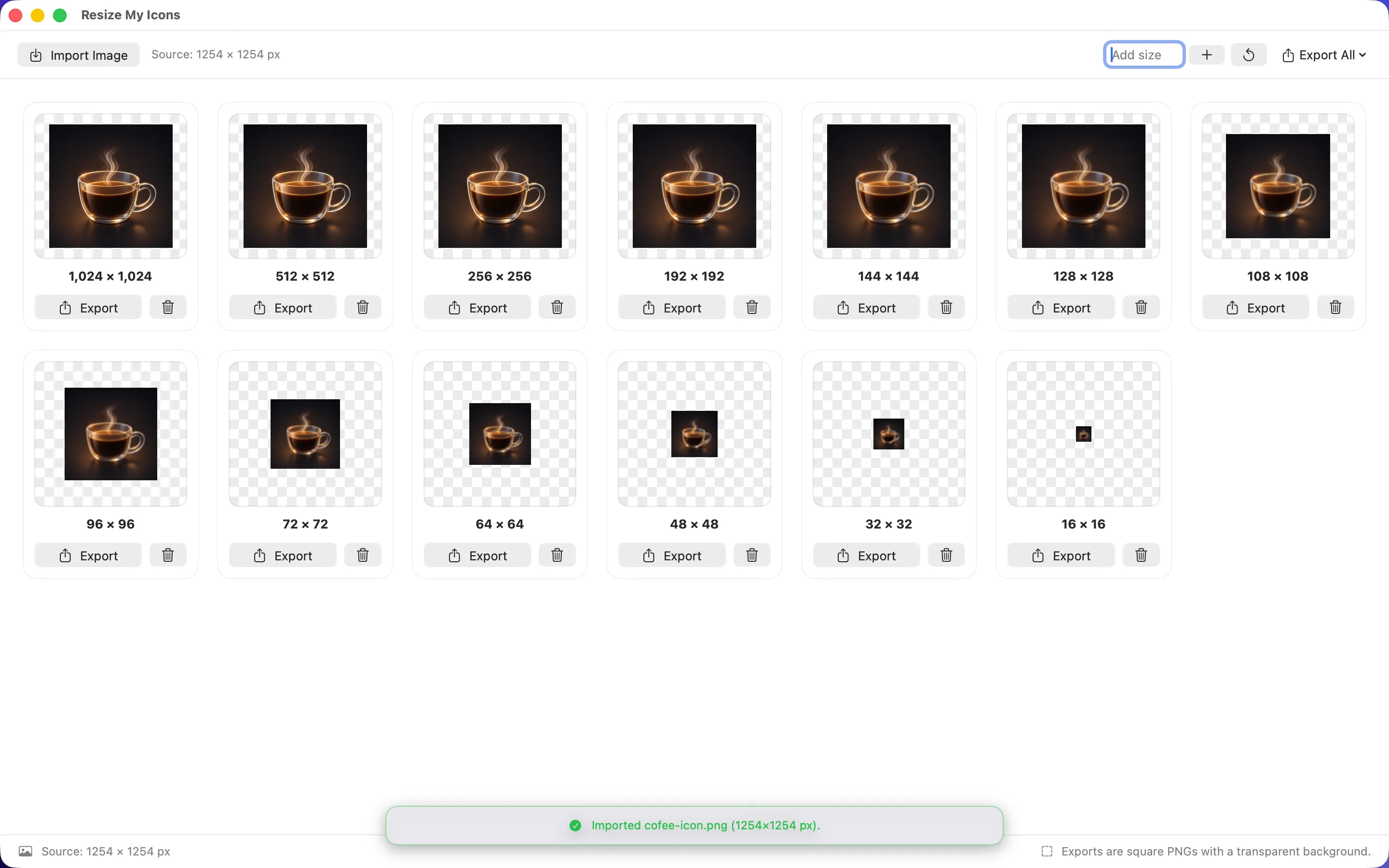
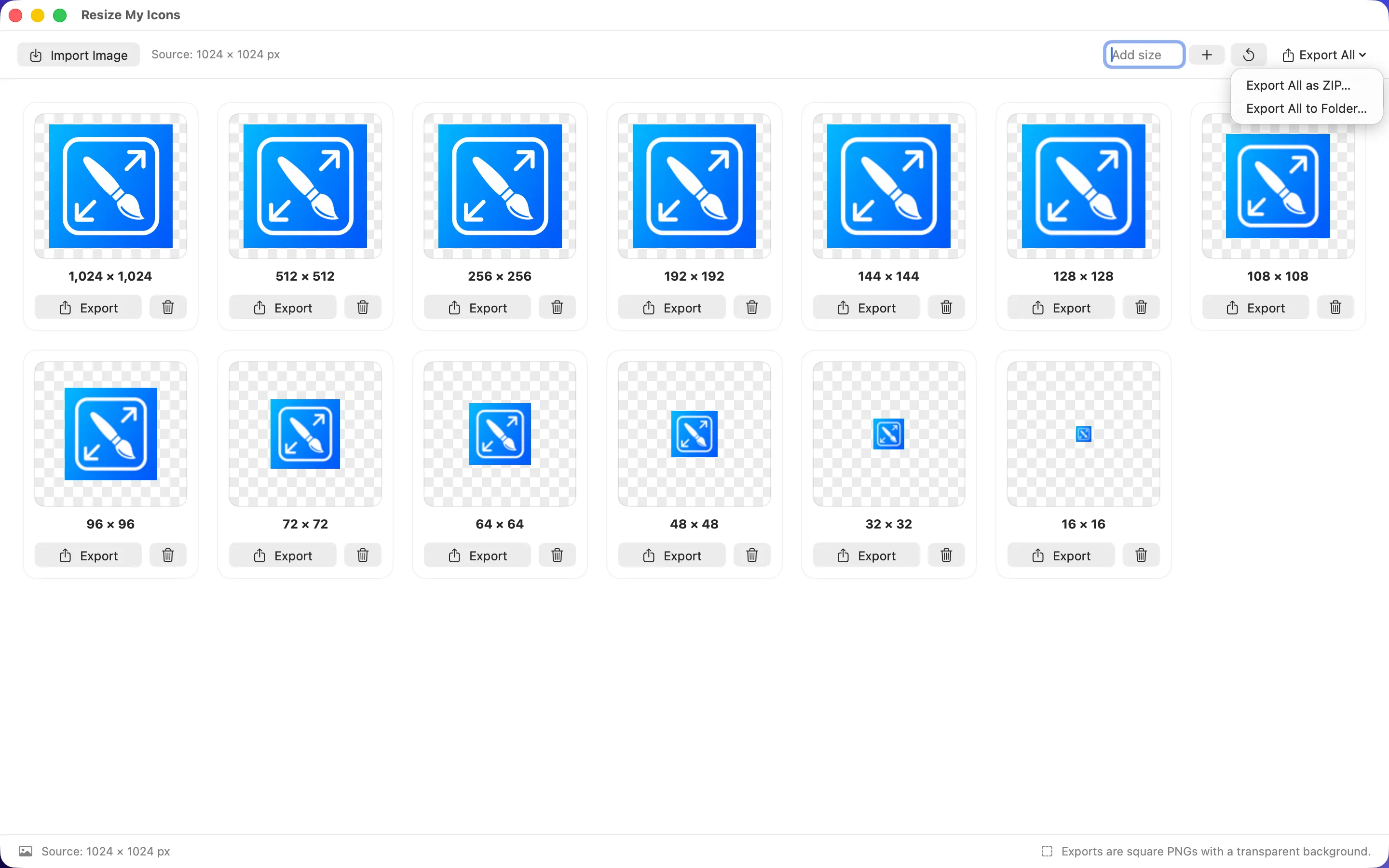
Resize My Icons is a privacy-first macOS utility that turns one image into every icon size needed, exported as square, transparent PNGs. Drag in an image, add custom sizes, and export one file, a folder, or a ZIP of the lot. There's no ad, no upload step, and no tracking — the image never leaves the Mac it's dropped onto.
Batch-processing the rest of your image assets
Icons are rarely the only images an indie project needs — screenshots, marketing assets, and store graphics usually need converting or renaming too.

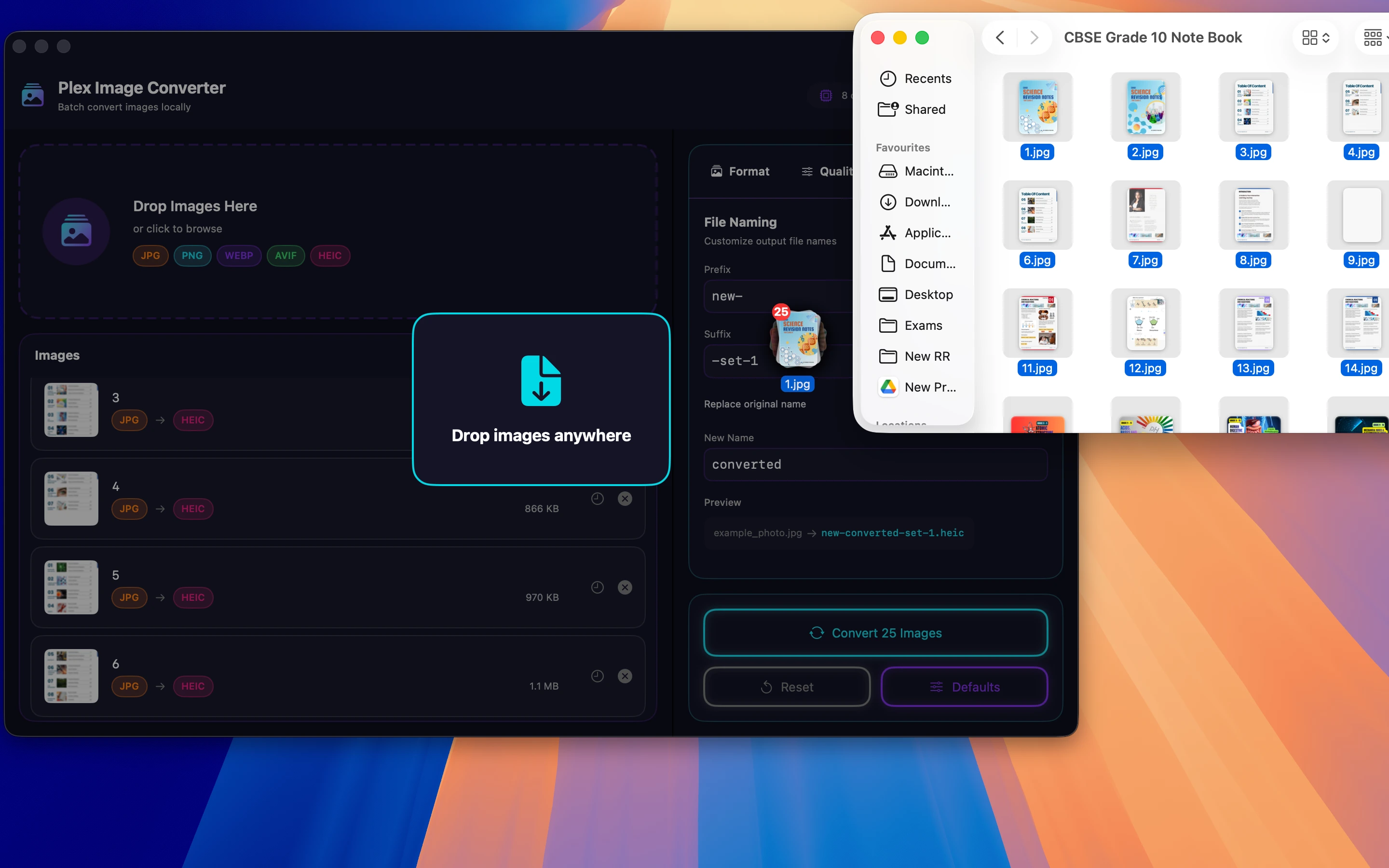
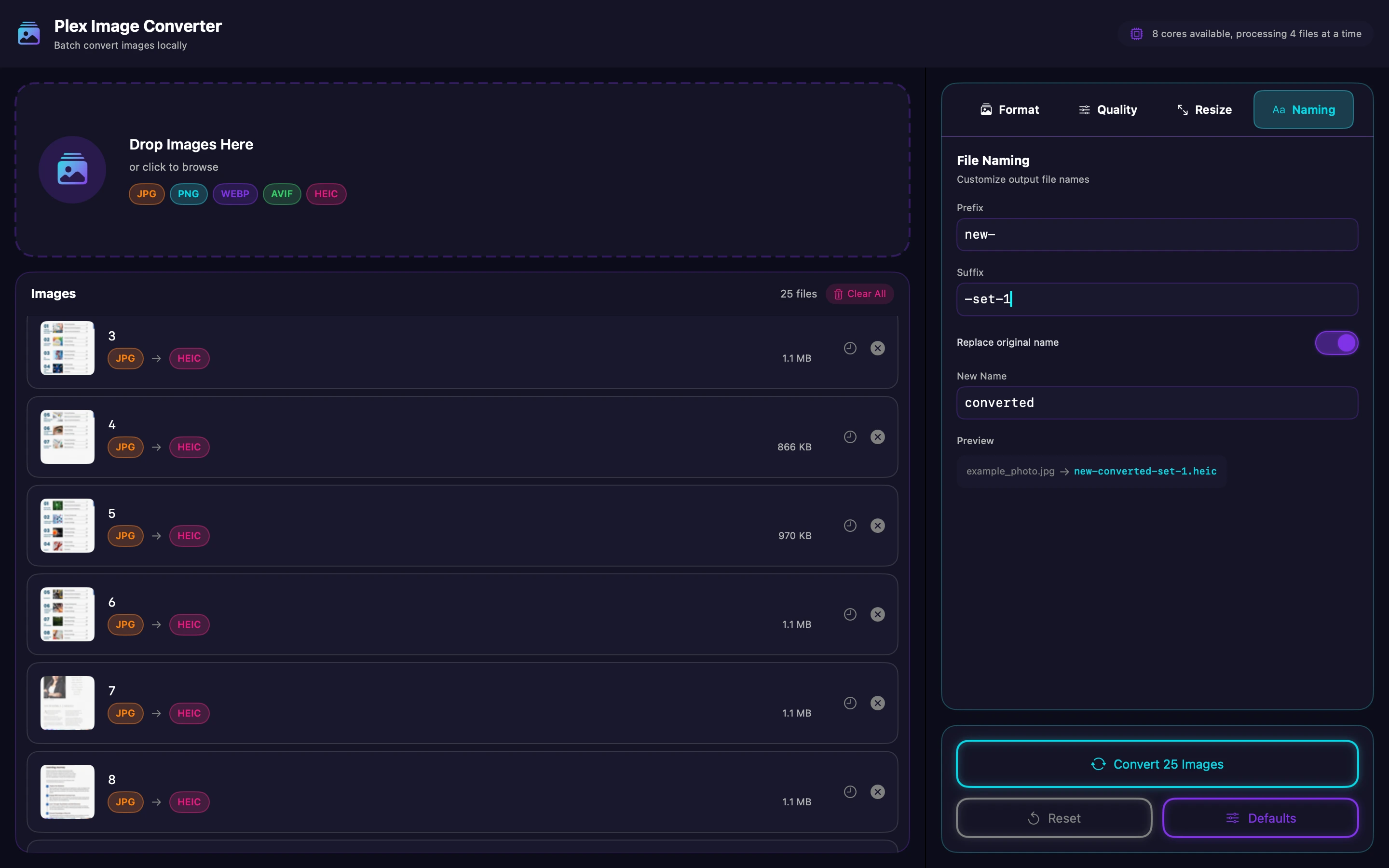
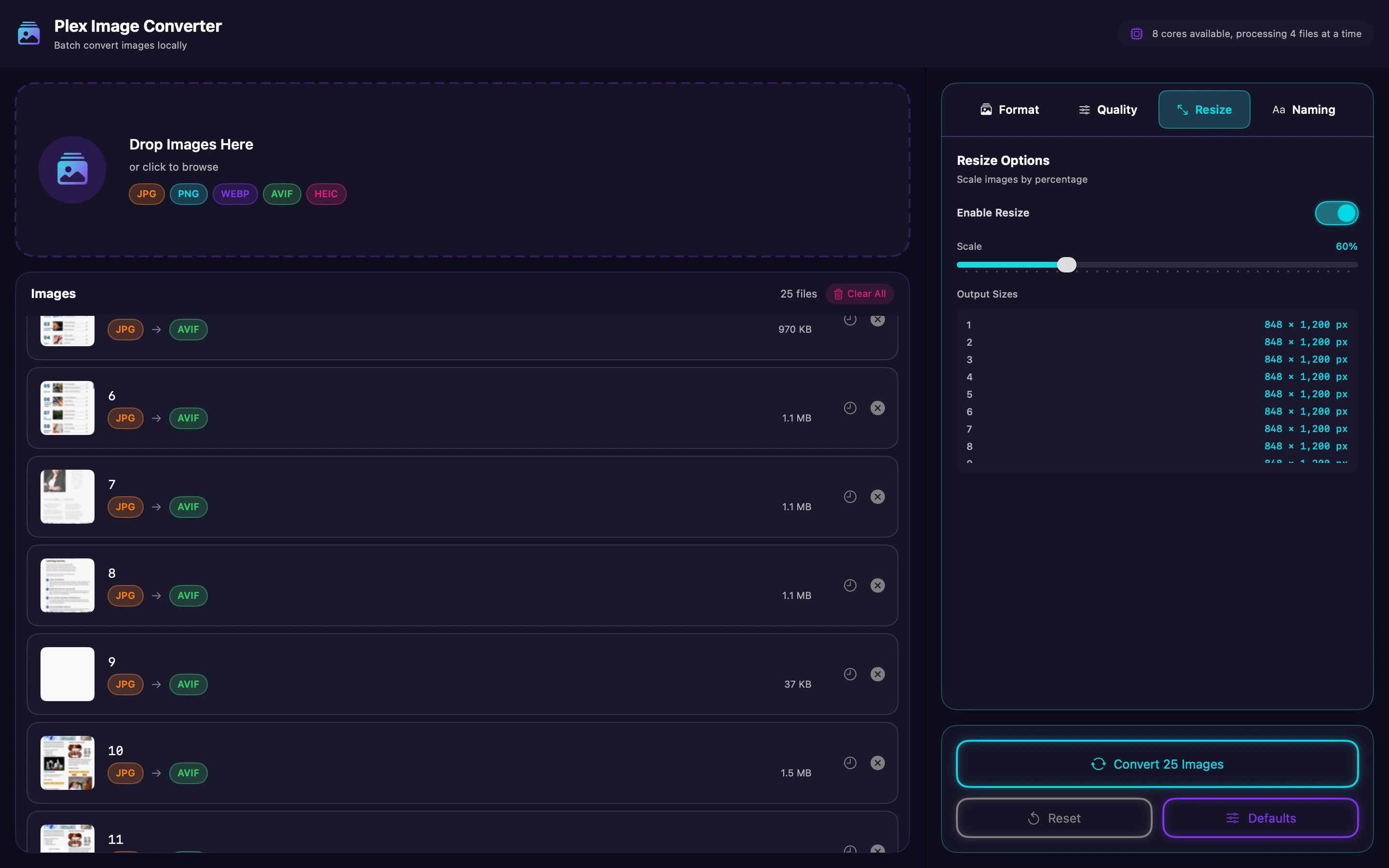
Plex Image Converter batch-converts images locally on macOS, which is useful for the screenshots and marketing assets that pile up around an app launch alongside the icon itself, all processed on the Mac rather than through an online converter.
When the source image needs a boost first

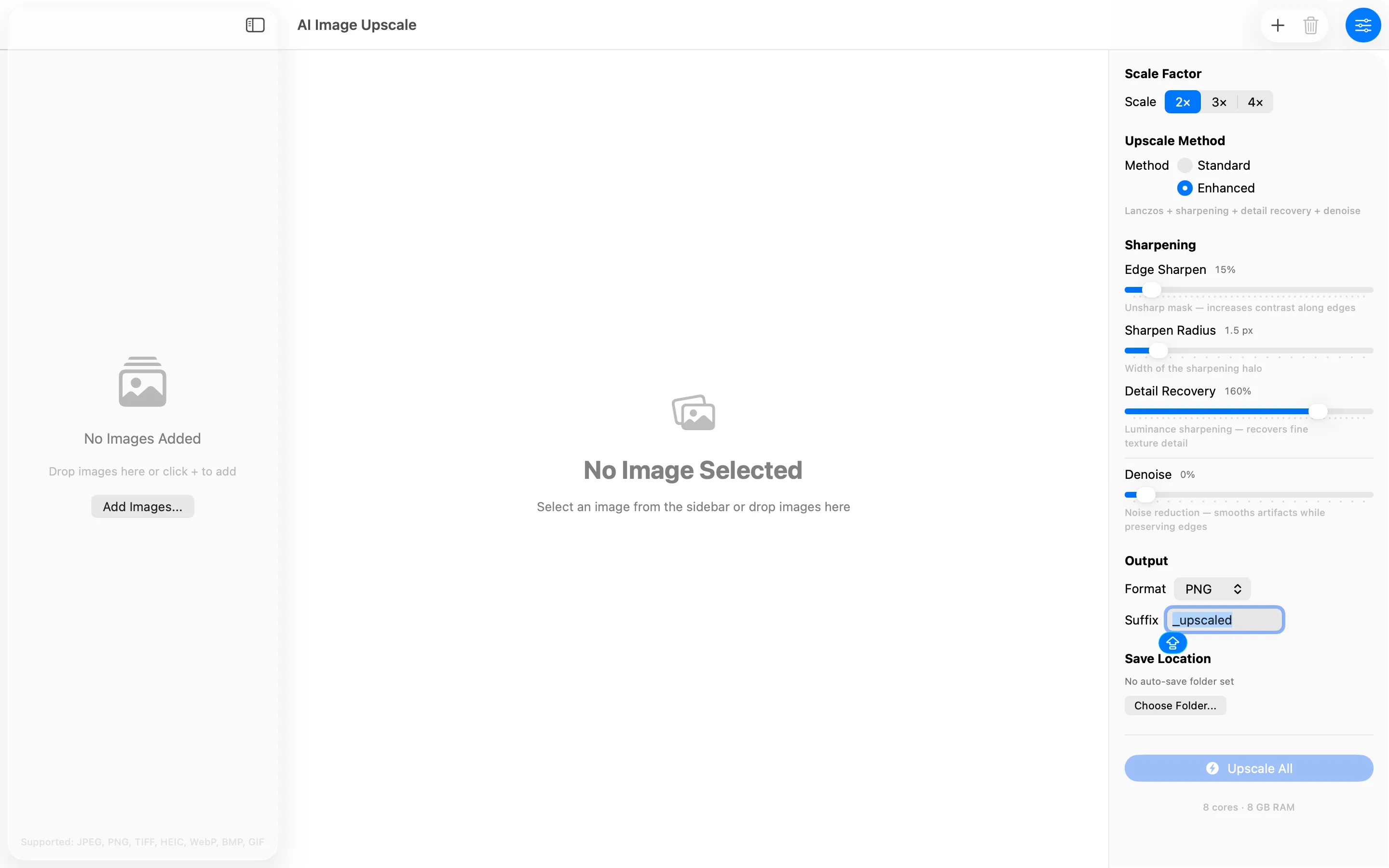
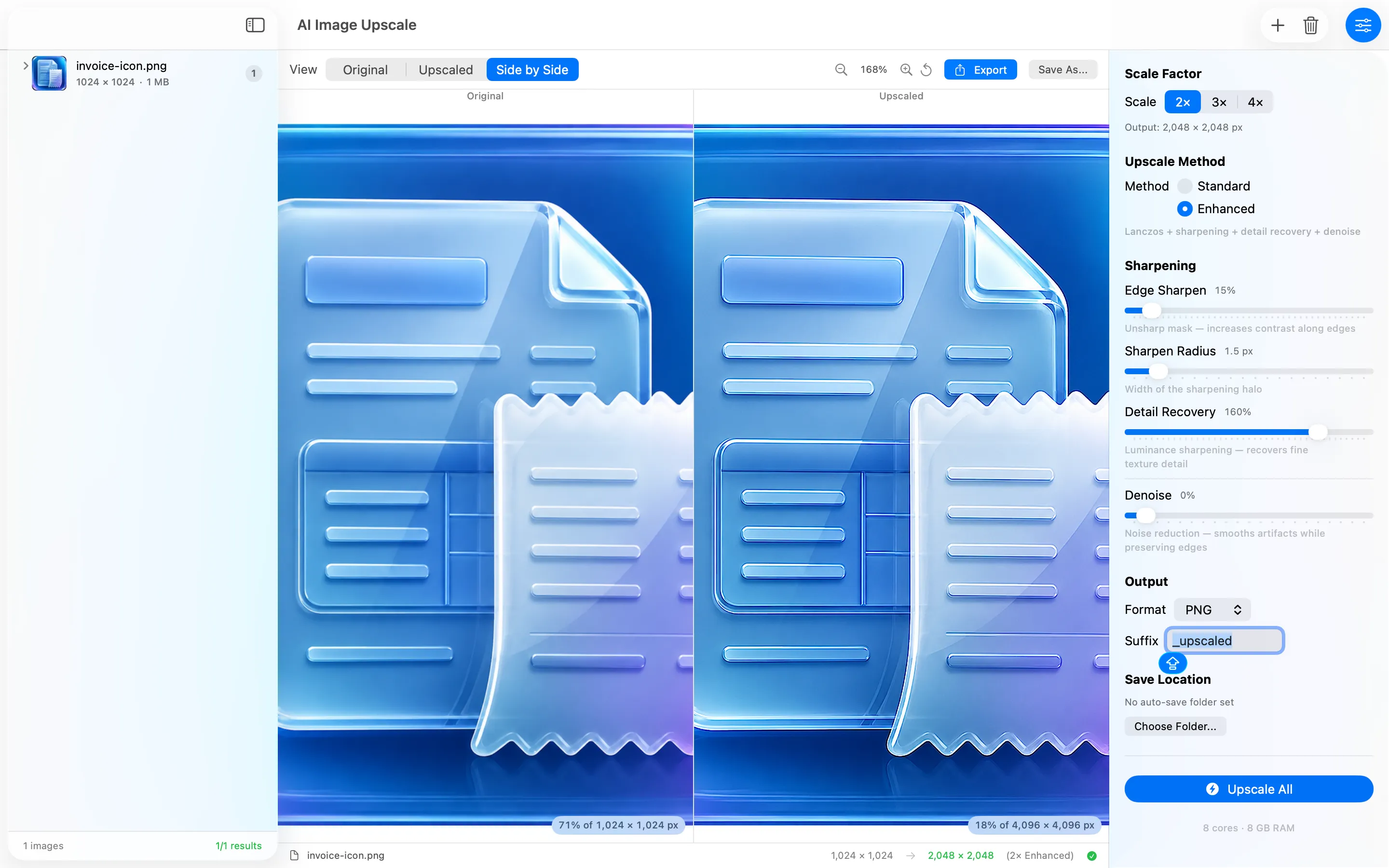
AI Image Upscale is a privacy-first Mac app that upscales images 2x, 3x, or 4x with Lanczos resampling, sharpening, detail recovery, and denoise, entirely on-device with no accounts or uploads. It's the one to reach for when a logo or source graphic was only ever exported small, before running it through Resize My Icons for the actual icon set.
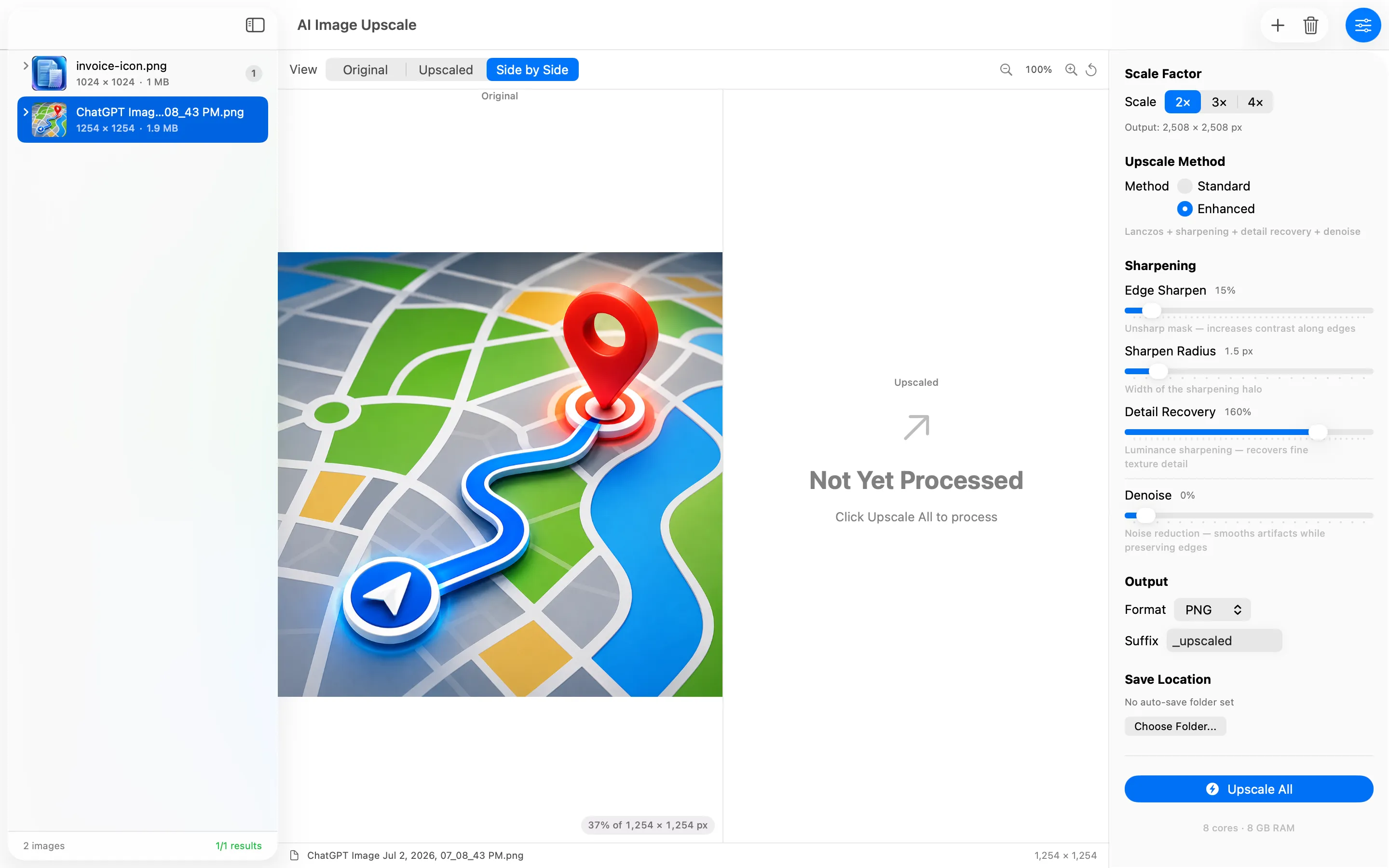
One image, upscaled if it needs it, batch-converted where necessary, and resized into every icon size a store submission asks for — all without leaving the Mac.
Frequently asked questions
Is there a Mac app to resize app icons into every required size at once?
Resize My Icons turns one image into every icon size needed, exporting square, transparent PNGs individually, as a folder, or as a ZIP.
What if my source image is too small to resize cleanly?
AI Image Upscale can scale it up 2x to 4x with detail recovery and denoise first, before running it through the icon resizer.