How to Convert PDF to EPUB on iPhone and Mac (Offline, No Uploads)
A PDF doesn't reflow on a phone screen the way an ebook does, which makes long documents annoying to read on the move. If you've searched convert PDF to EPUB iPhone hoping for something offline, that's exactly what these tools are built to do, whether the document starts on your phone or your Mac.
I make a converter for iPhone and a matching one for Mac, plus a PDF editor for cleaning up a document before conversion, so the whole process stays on your own devices from start to finish.
Convert PDF to EPUB iPhone-first, entirely offline
Doing the conversion on-device rather than through a web service means the document never leaves your phone — useful for anything personal or work-related that you'd rather not hand to a third-party server, and it also means the conversion works without a signal.
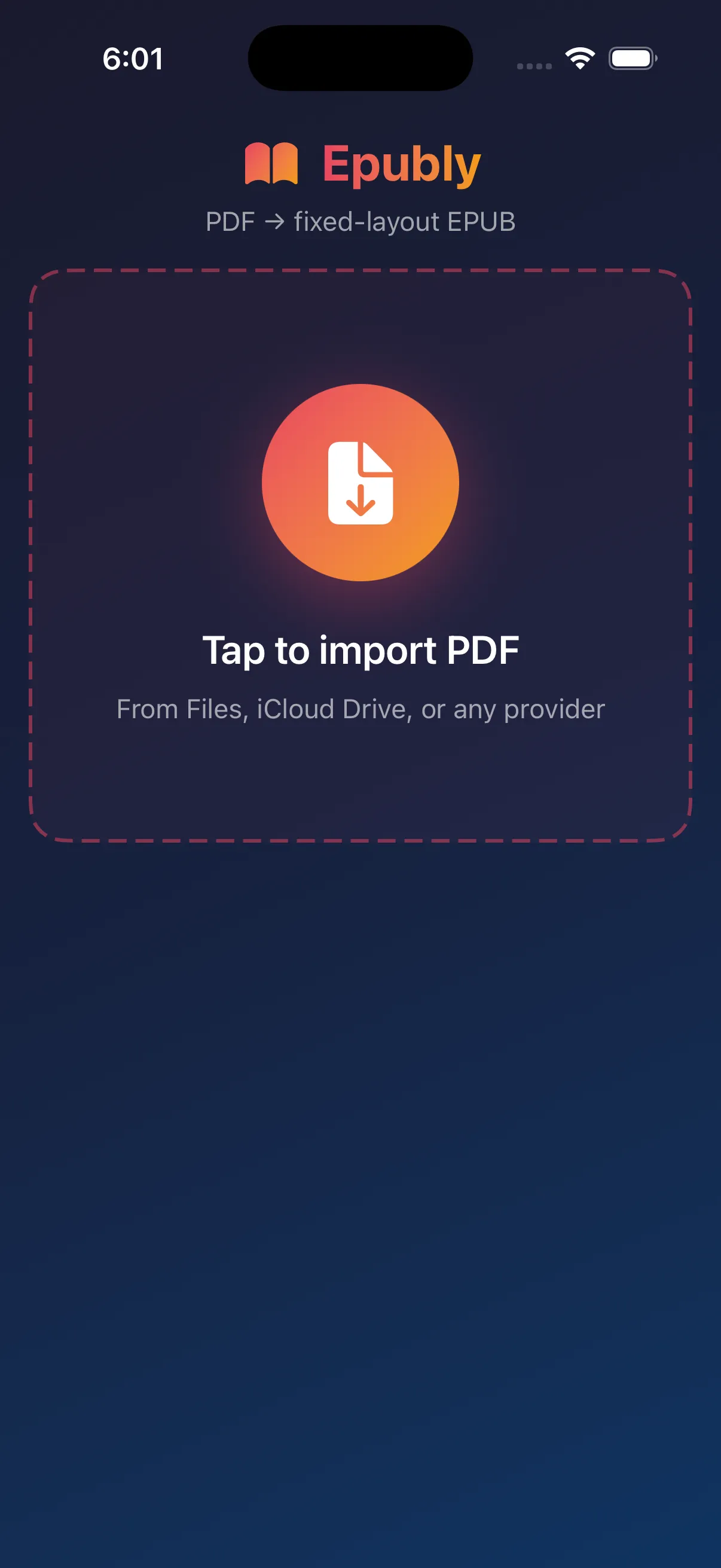
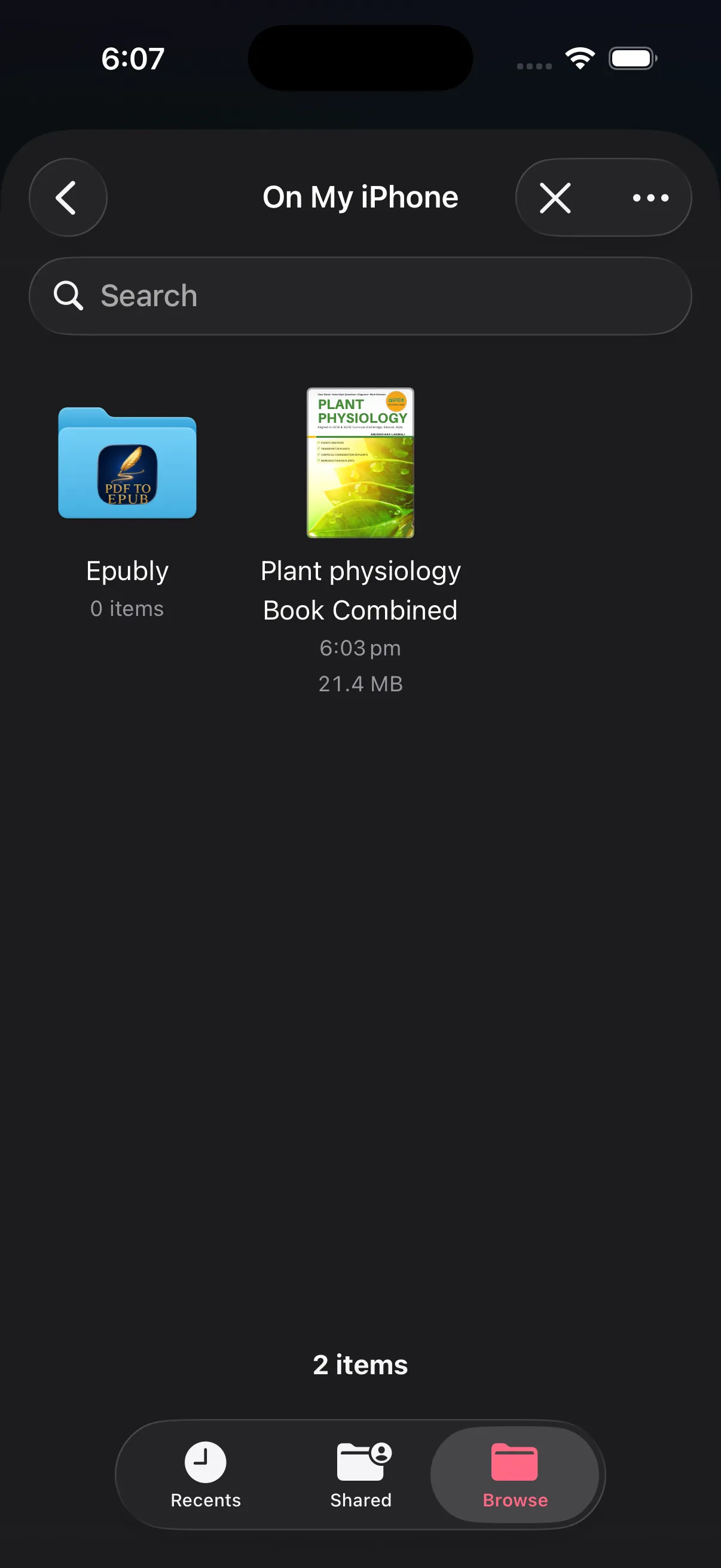
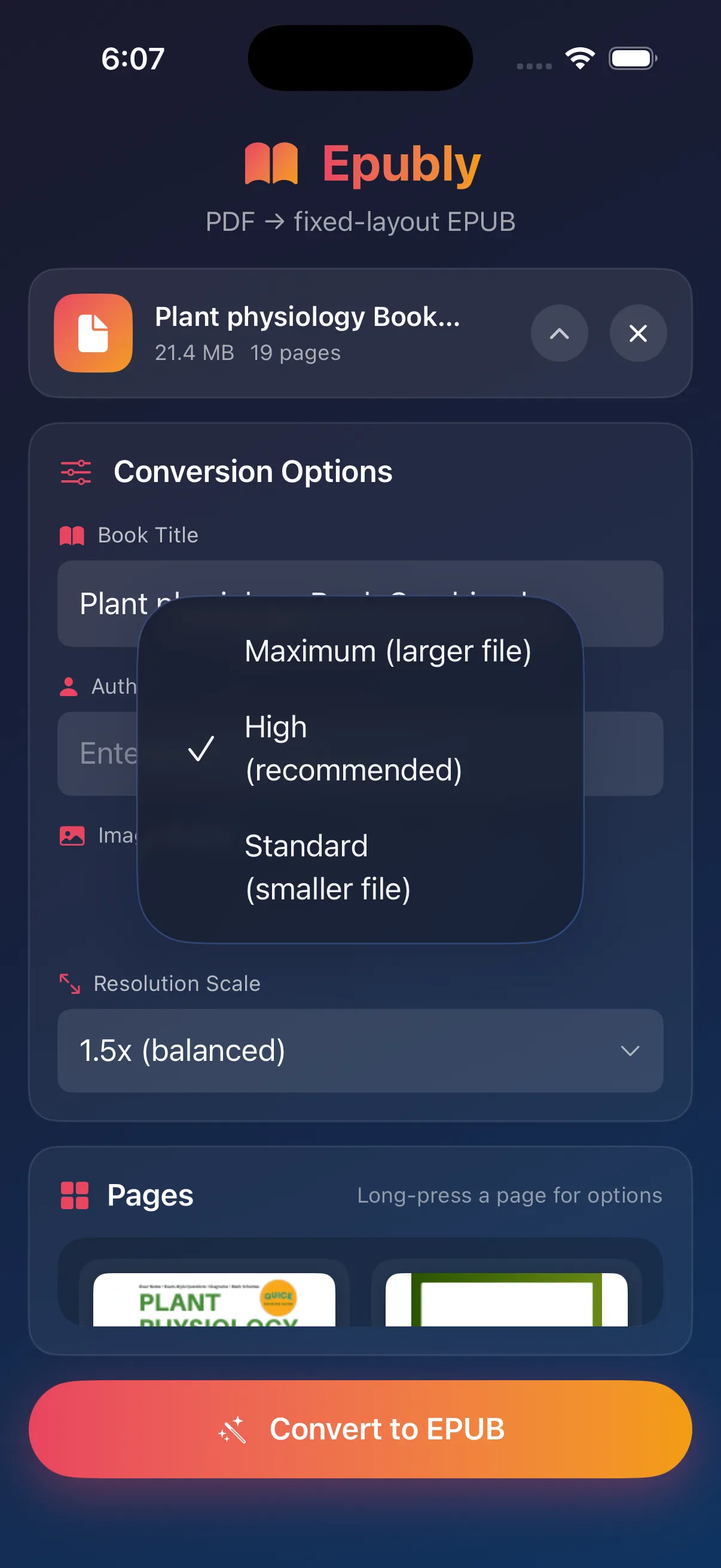
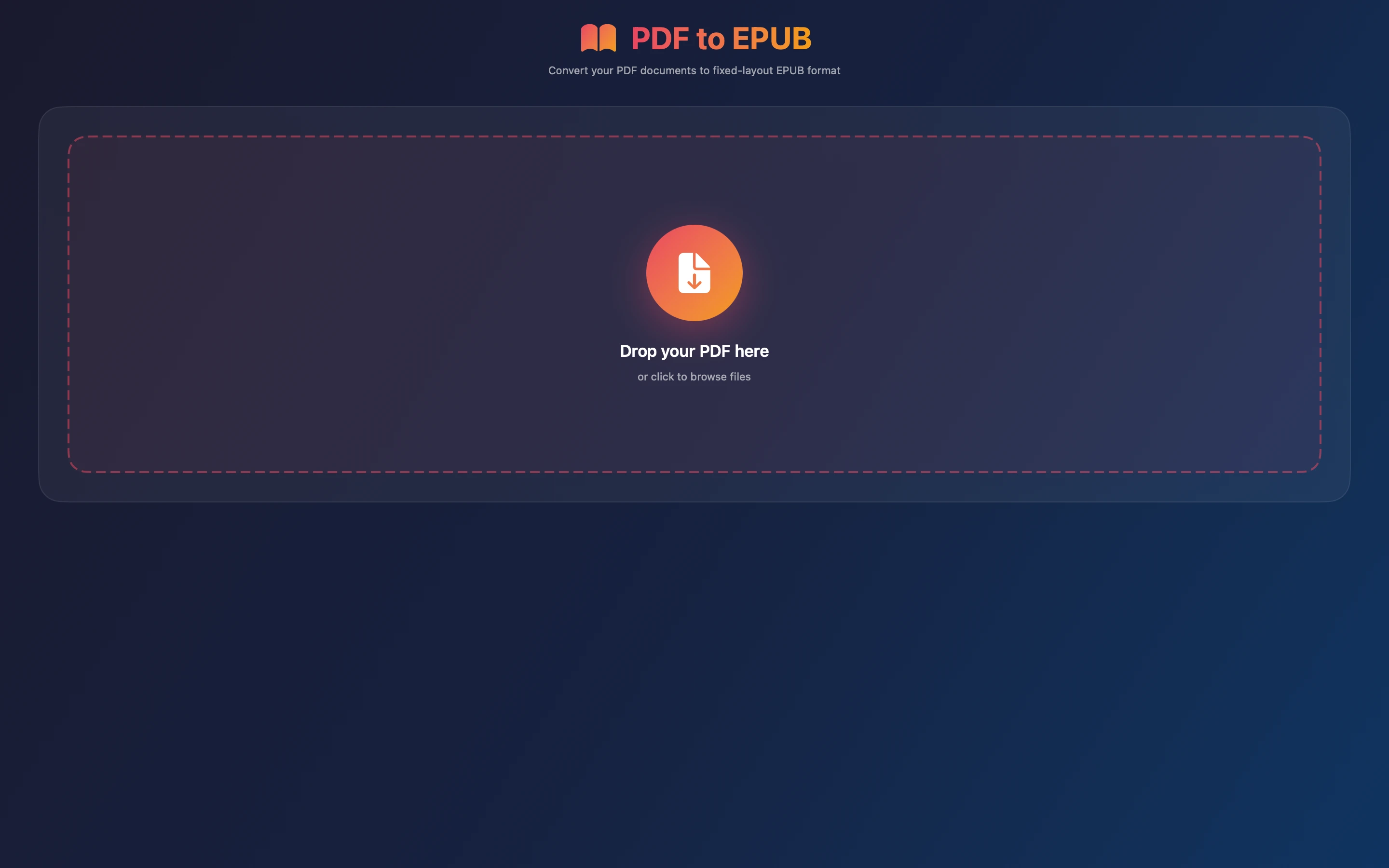
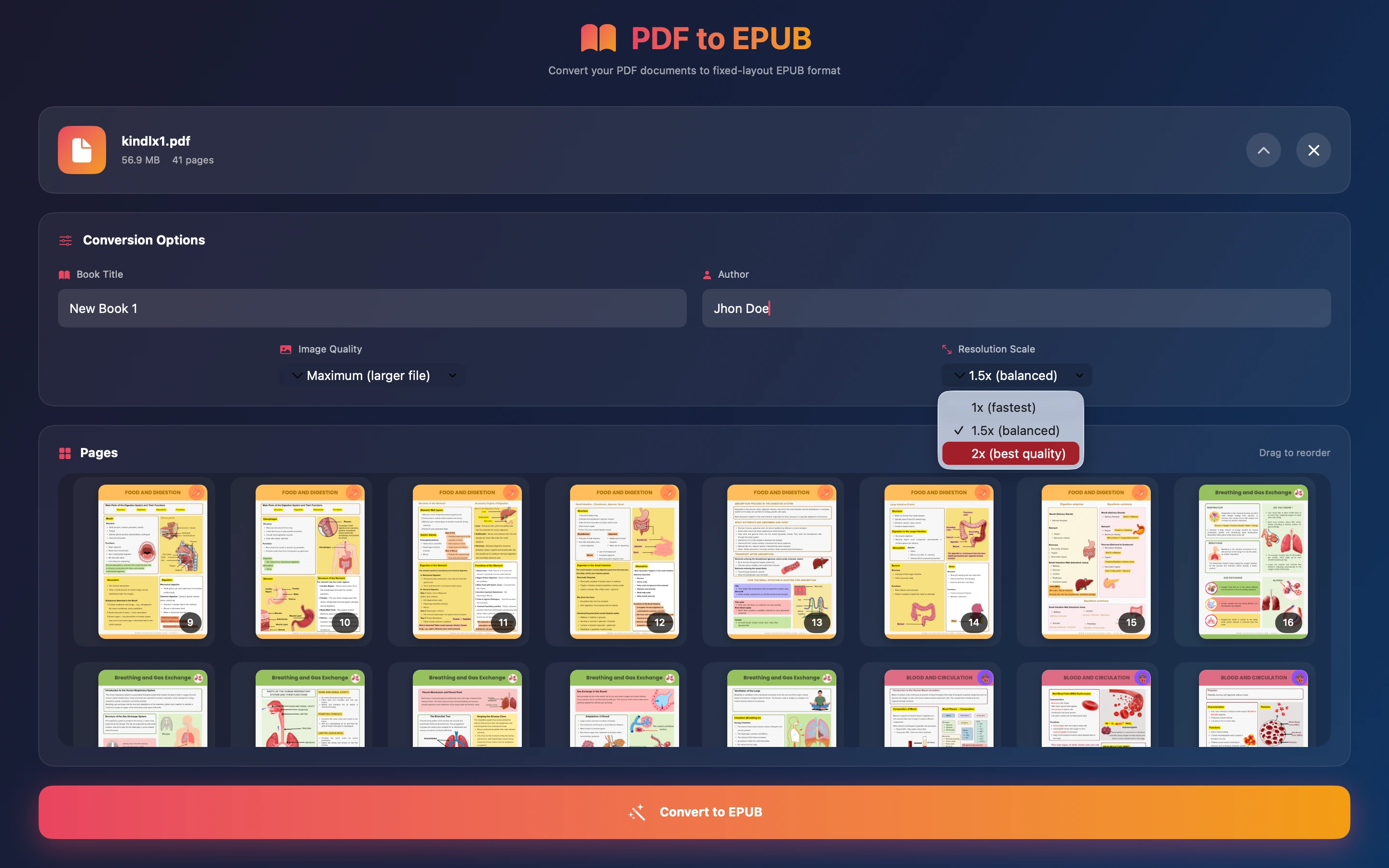
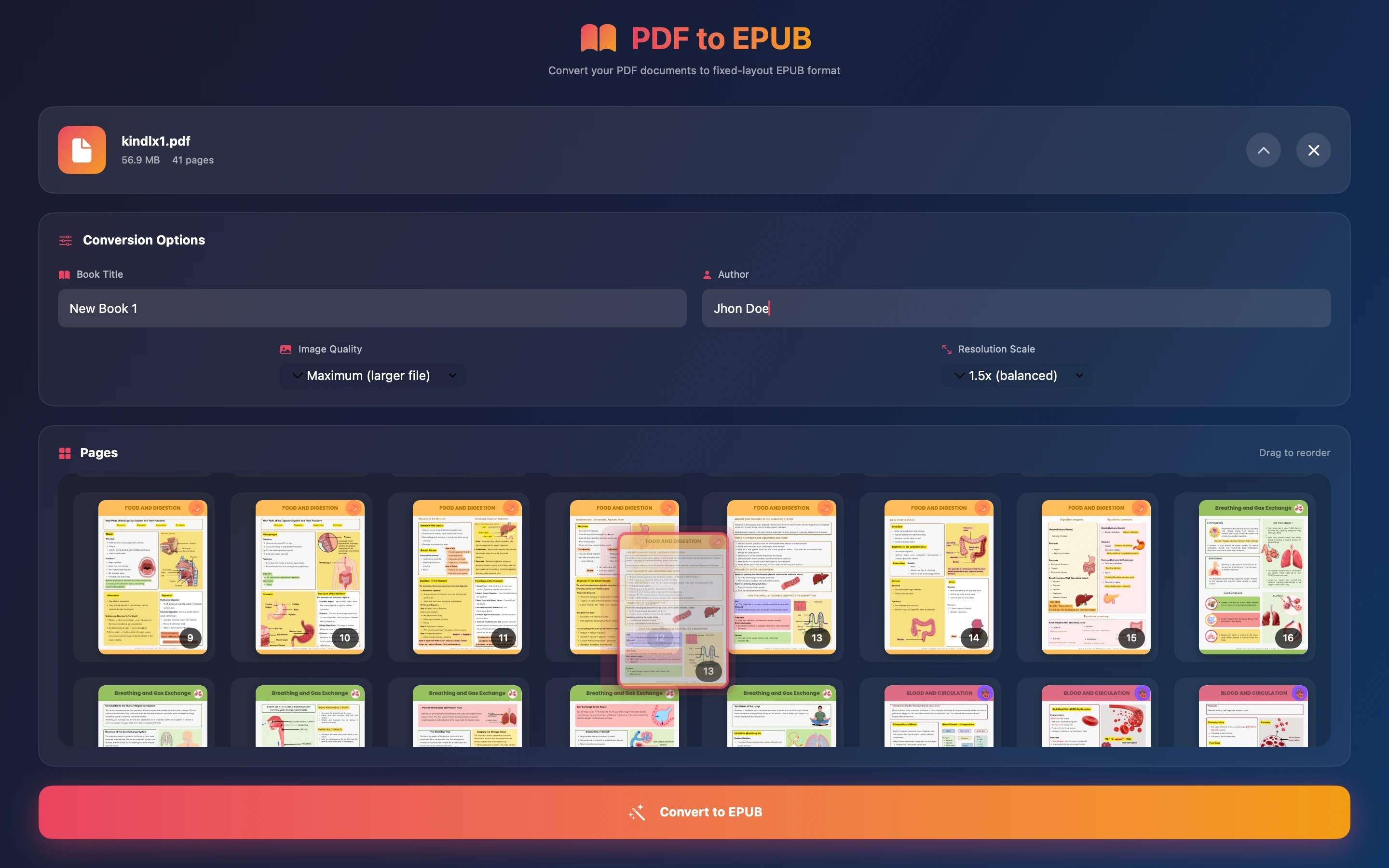
Epubly turns any PDF into a fixed-layout EPUB right on an iPhone or iPad. You can reorder and delete pages, set the title and author, and choose the output quality, all offline. It's a one-time purchase with no ads and no tracking, so a document stays on the device from start to finish rather than passing through a cloud conversion service.
The same conversion on a bigger screen
Some PDFs are easier to sort through on a Mac, particularly longer documents with pages to reorder or delete before conversion, where a trackpad and a bigger screen beat scrolling on a phone.

Epubly One is the Mac counterpart, a dedicated PDF-to-EPUB converter for macOS. It's the app to reach for when a document is already sitting on a Mac and there's no reason to move it to a phone first just to convert it.
Tidying up the PDF beforehand
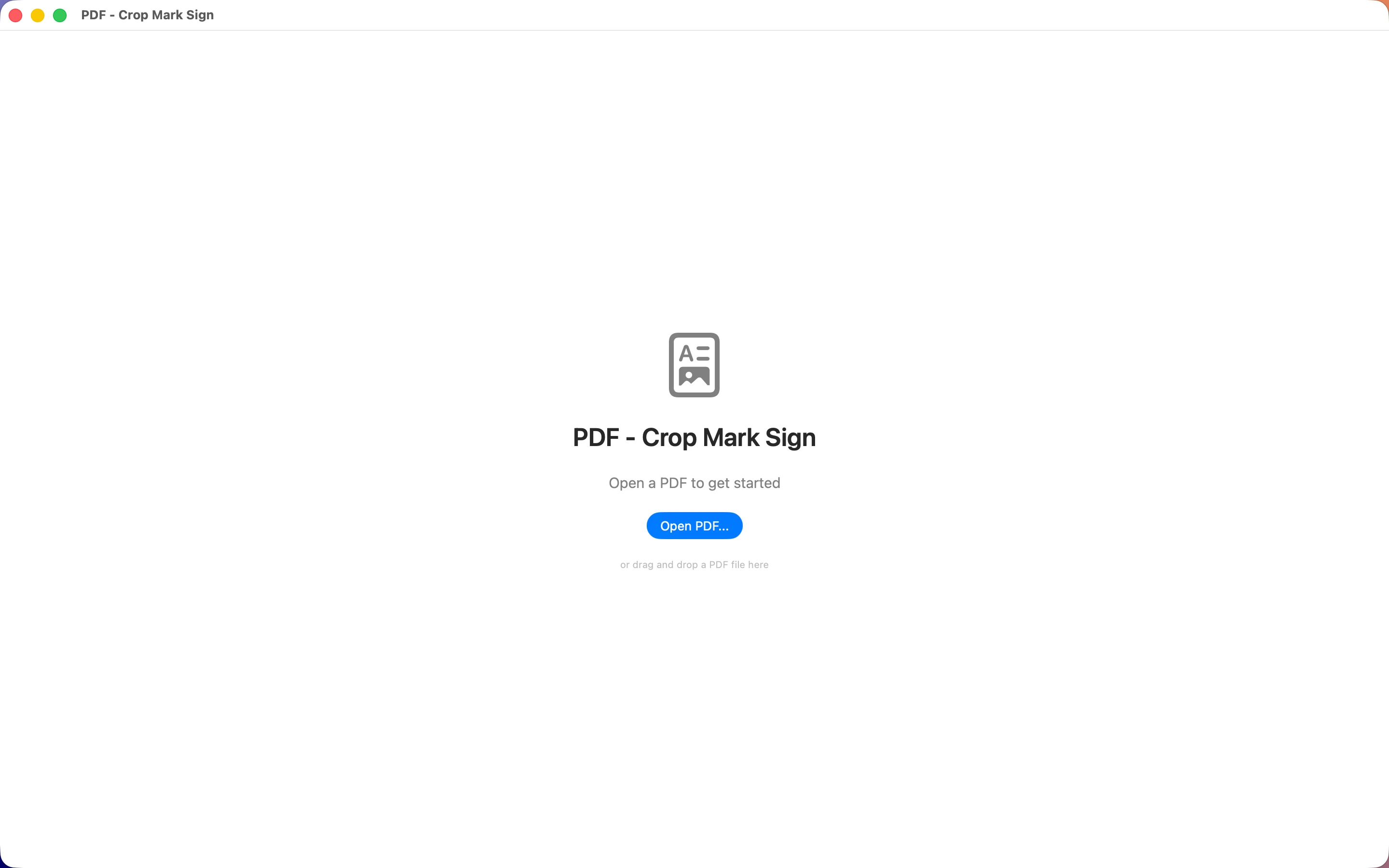
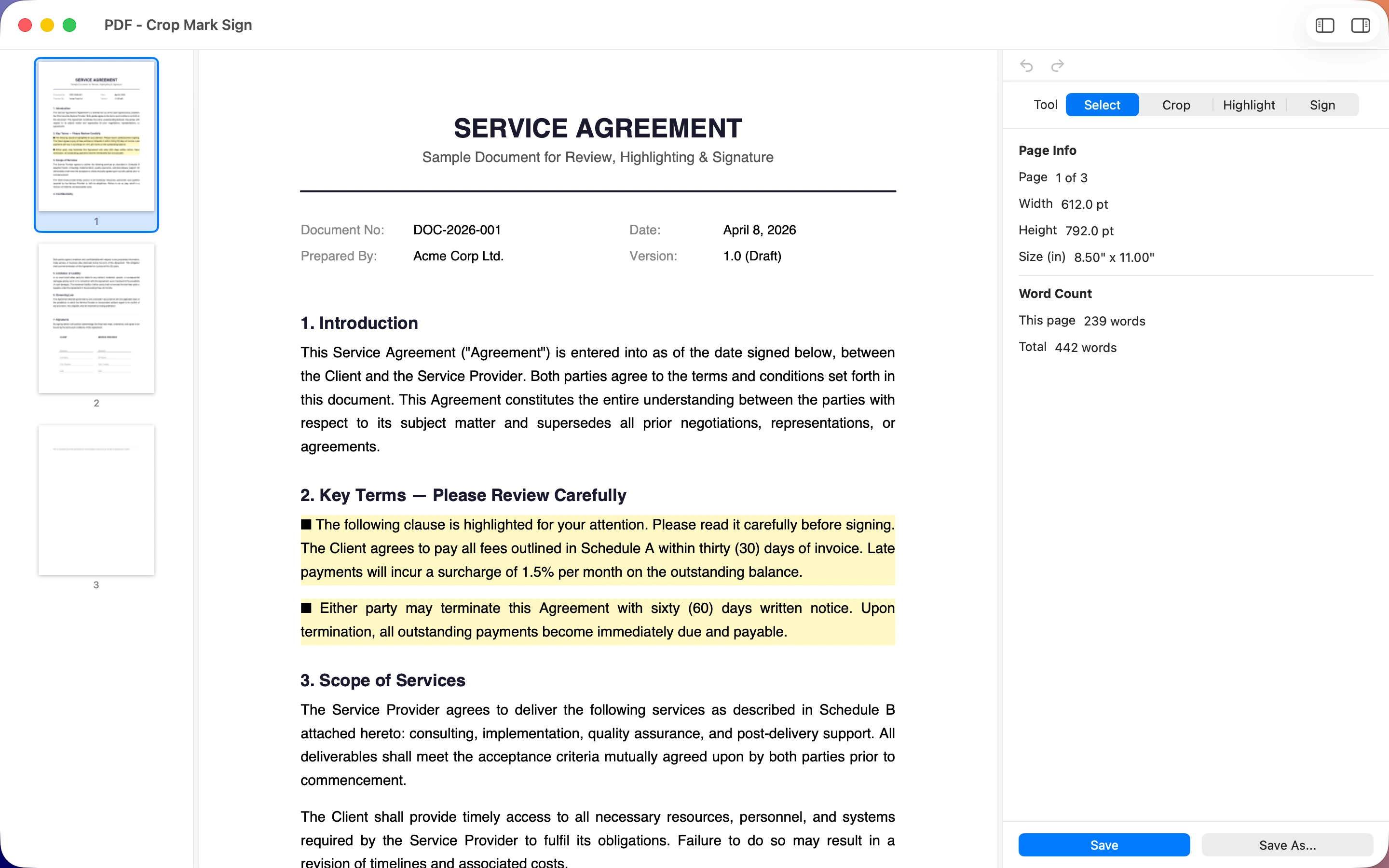
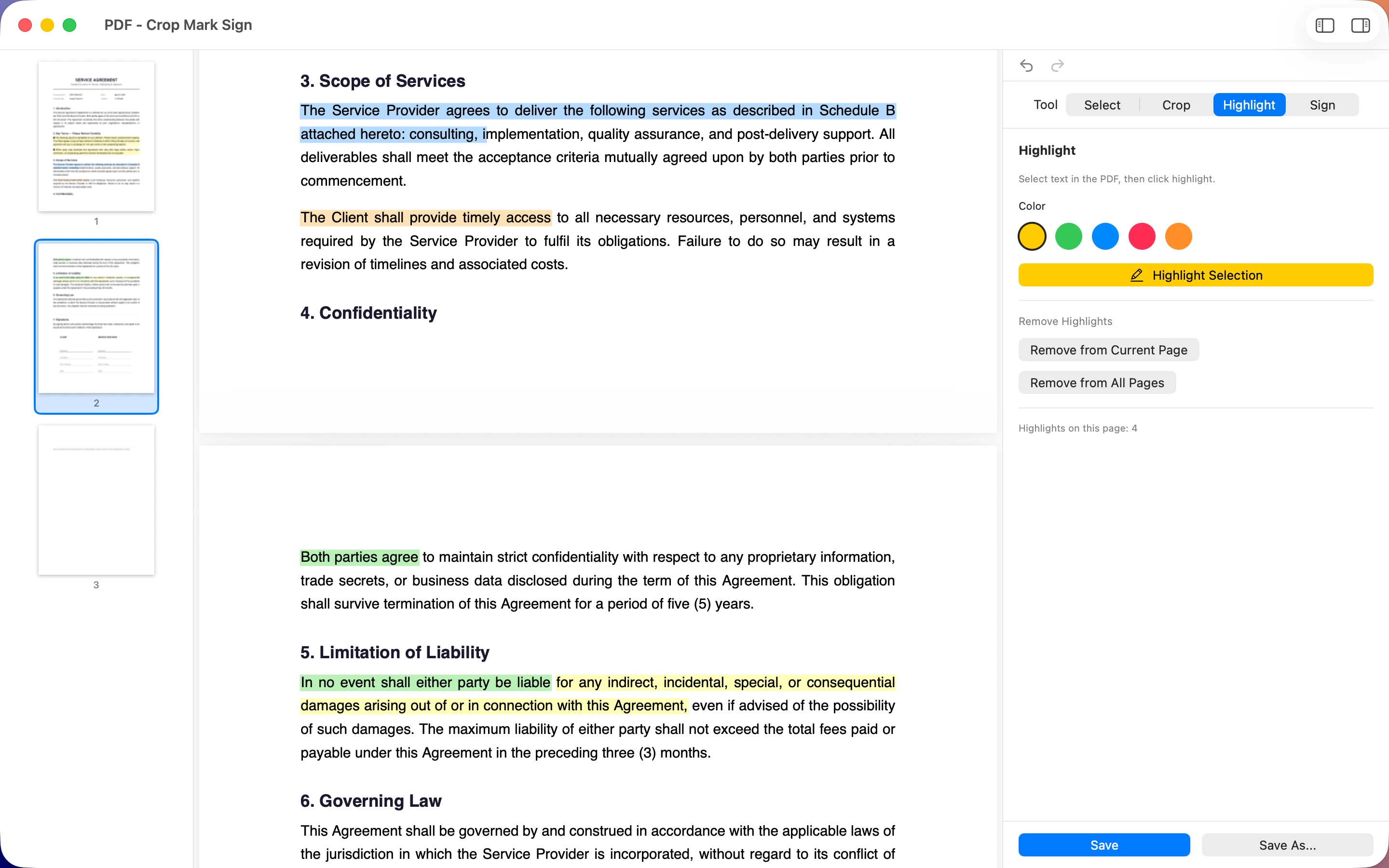
PDF - Crop Mark Sign is a Mac PDF editor for cropping pages, adding marks, and signing documents before conversion. Running a messy PDF through it first — trimming scanned margins or adding a signature — means the EPUB that comes out the other end is cleaner too, without stray blank edges or missing pages.
Whether the PDF starts on your phone or your Mac, converting it offline means the file itself never has to leave your own devices, from the first page to the finished EPUB.
Frequently asked questions
Can I convert a PDF to EPUB on iPhone without uploading it anywhere?
Yes — Epubly converts PDFs to EPUB entirely on-device on iPhone and iPad, with no upload step involved.
Is there a Mac version of the PDF to EPUB converter?
Epubly One is the Mac version, built as a dedicated PDF-to-EPUB converter for macOS.