Making Pixel Art on iPhone: Layers, Mirror Mode & Palettes for Beginners
Pixel art looks simple until you're staring at a blank grid wondering where to start. The pixel art app iPhone beginners actually finish something in should make the first few pieces easy to complete, not just easy to open.
I make a drawing app built around that beginner stage, along with two tools that help once a piece is done — one for scaling artwork up cleanly, one for sharing it with a caption that fits.
A pixel art app iPhone beginners can start with today
Beginners usually get stuck on symmetry and color choice more than technique. Tools that handle the repetitive parts automatically let you focus on the actual drawing.
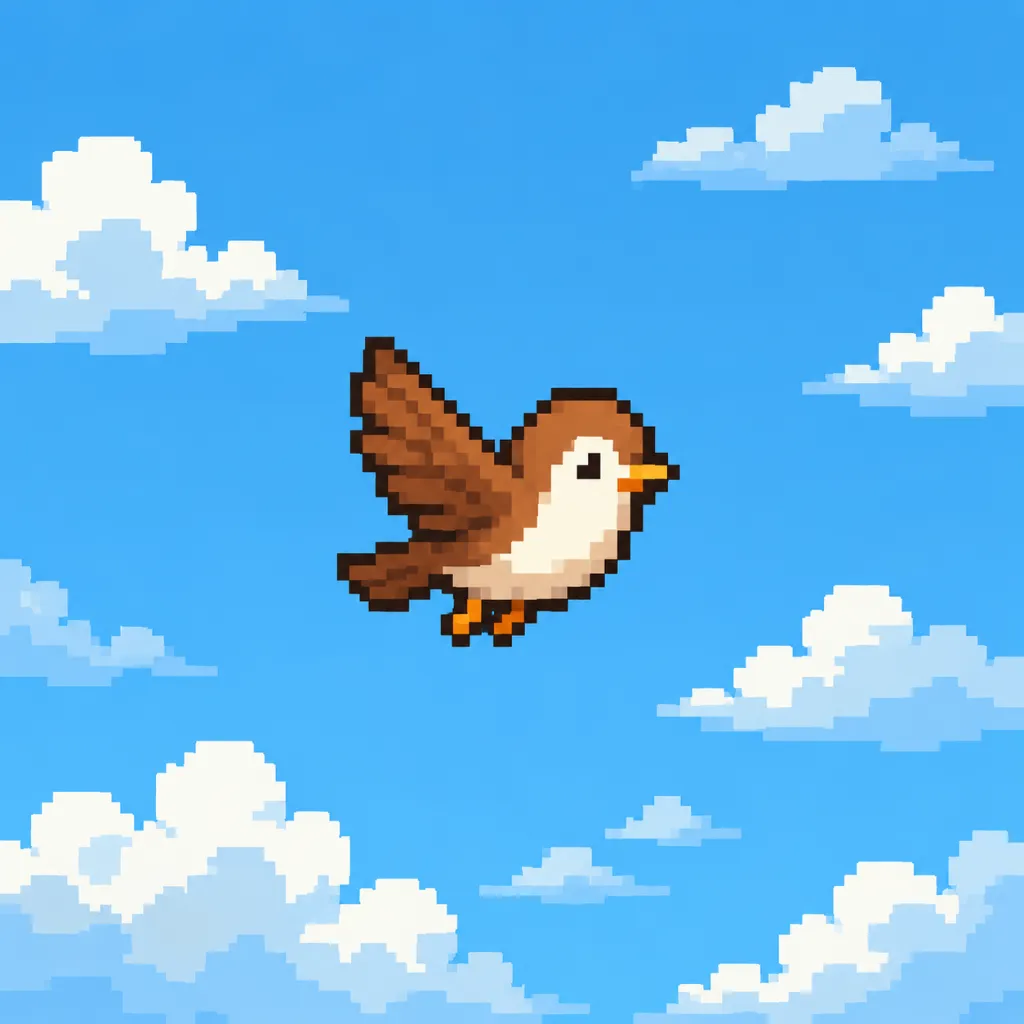
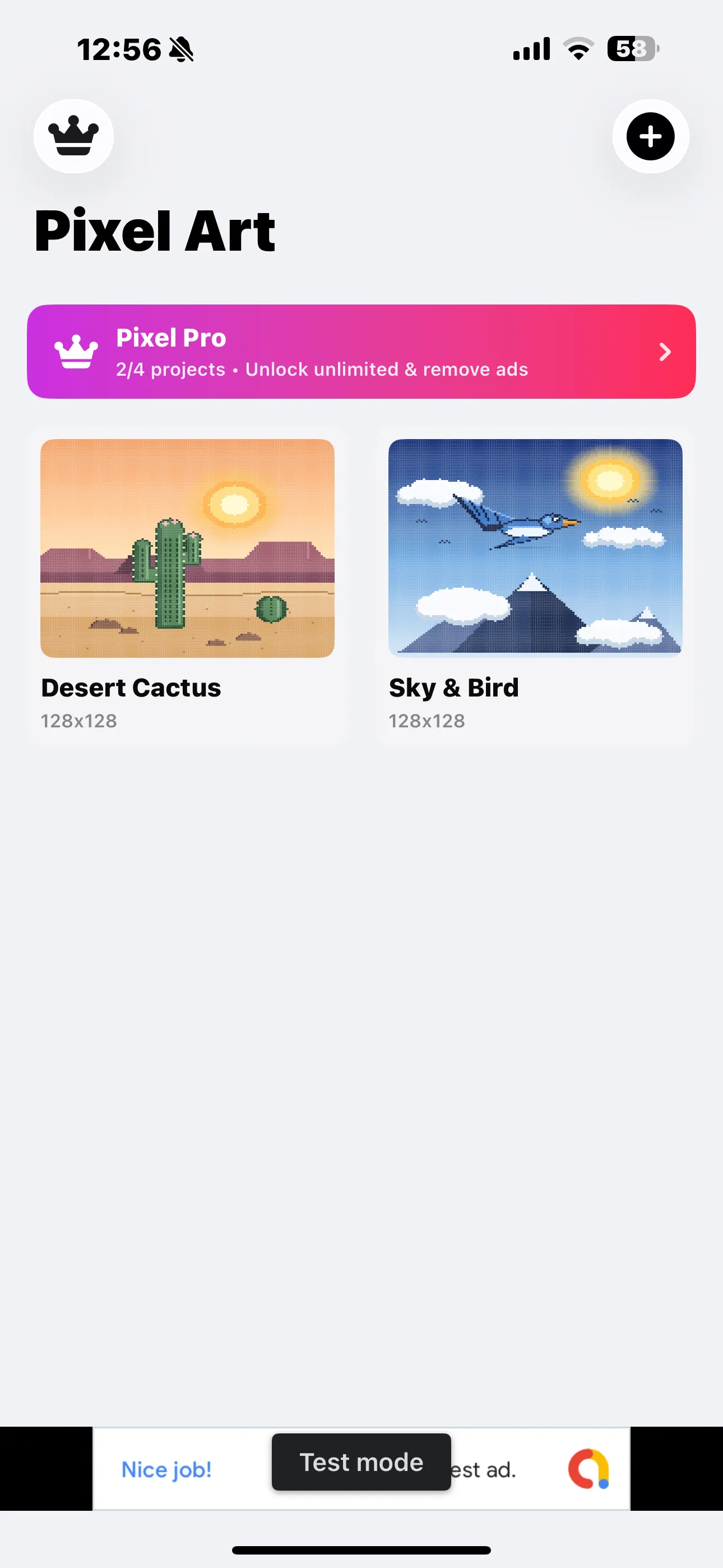
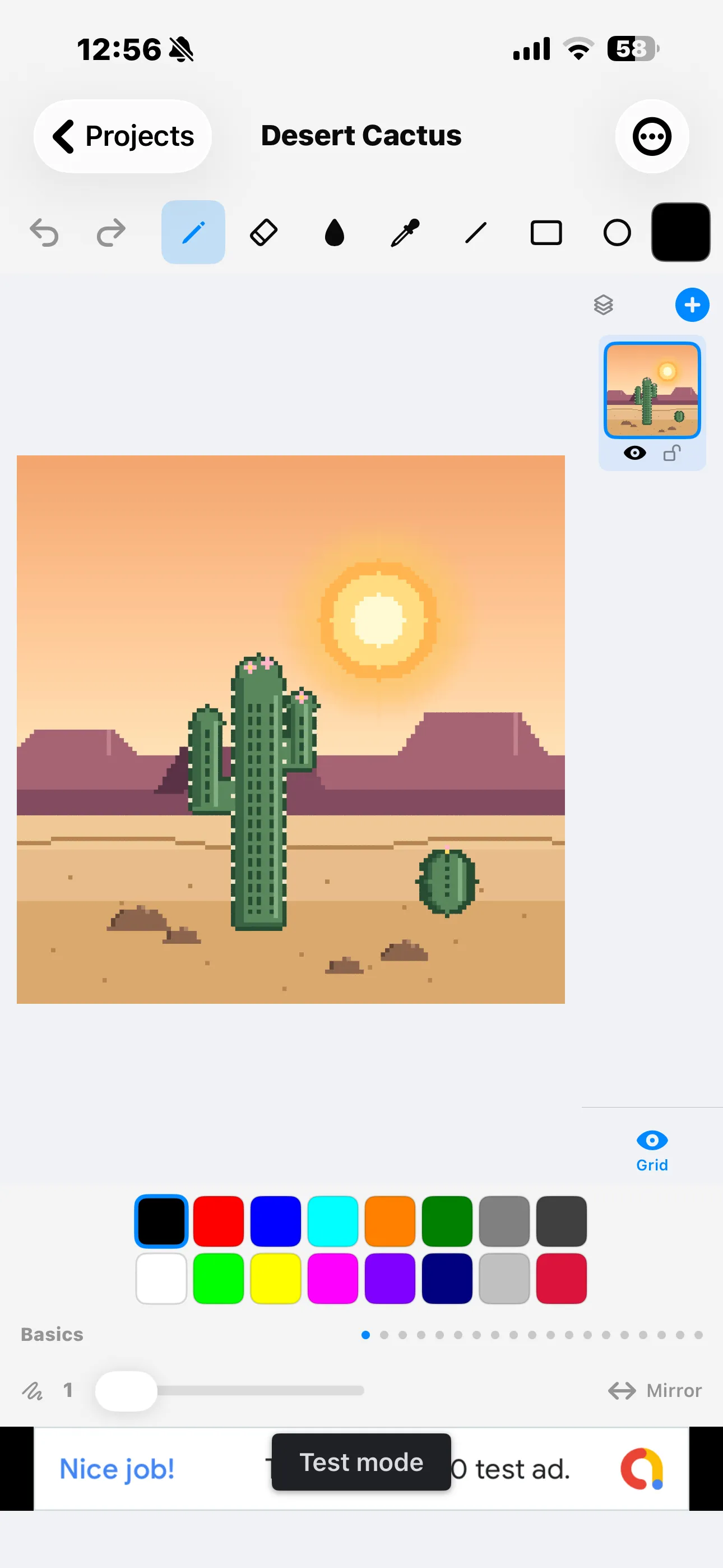
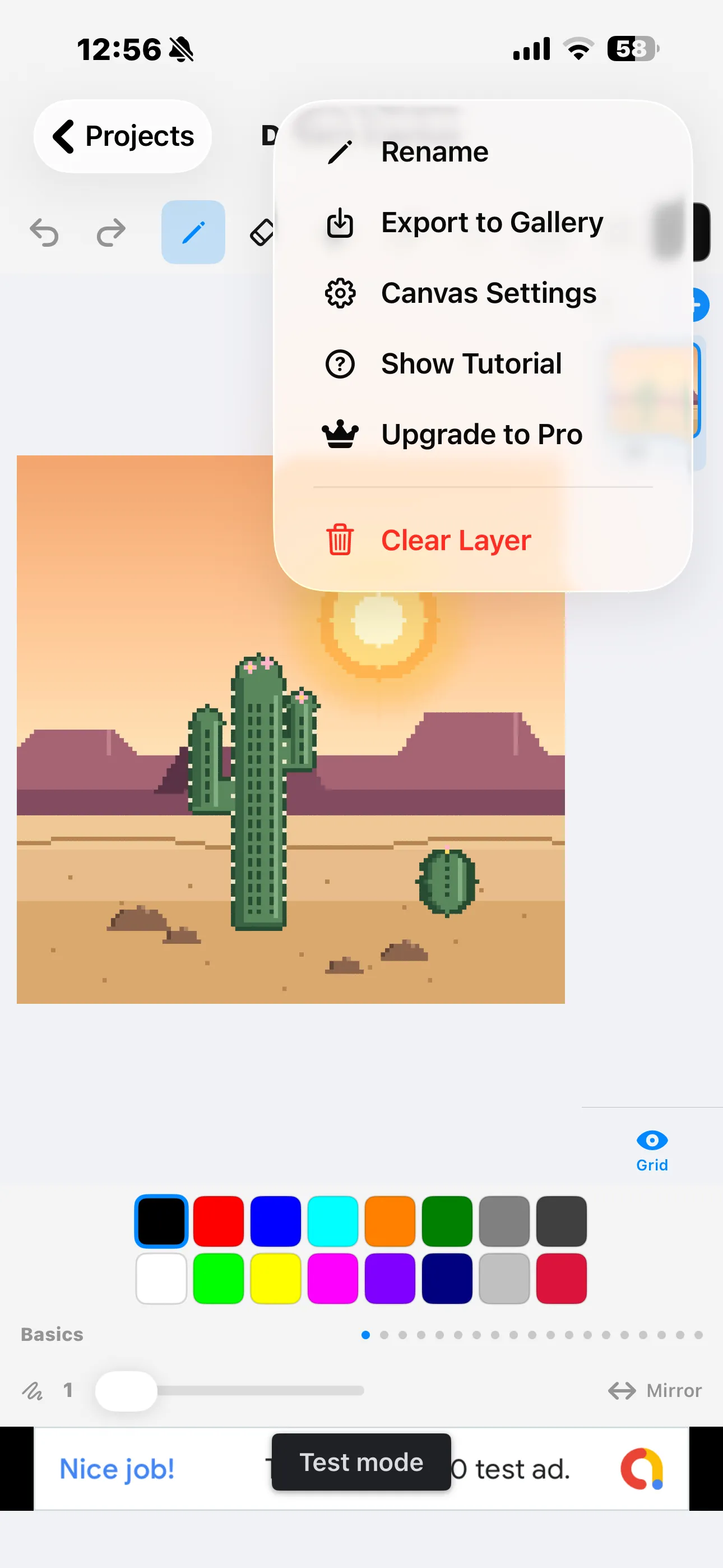
Simple Pixel Arts Maker is a free iPhone and iPad app built for exactly this stage, with layers, a mirror mode for symmetrical designs, color palettes, and PNG export when a piece is finished. It's free to use with ads, and a single $2.99 in-app purchase unlocks Pixel Pro for unlimited projects, unlimited layers, and no ads — worth it once you're making more than the occasional sprite.
Making small art look good at a larger size
Pixel art is drawn small on purpose, but sharing it or printing it often calls for a larger image without turning it blurry or muddy.
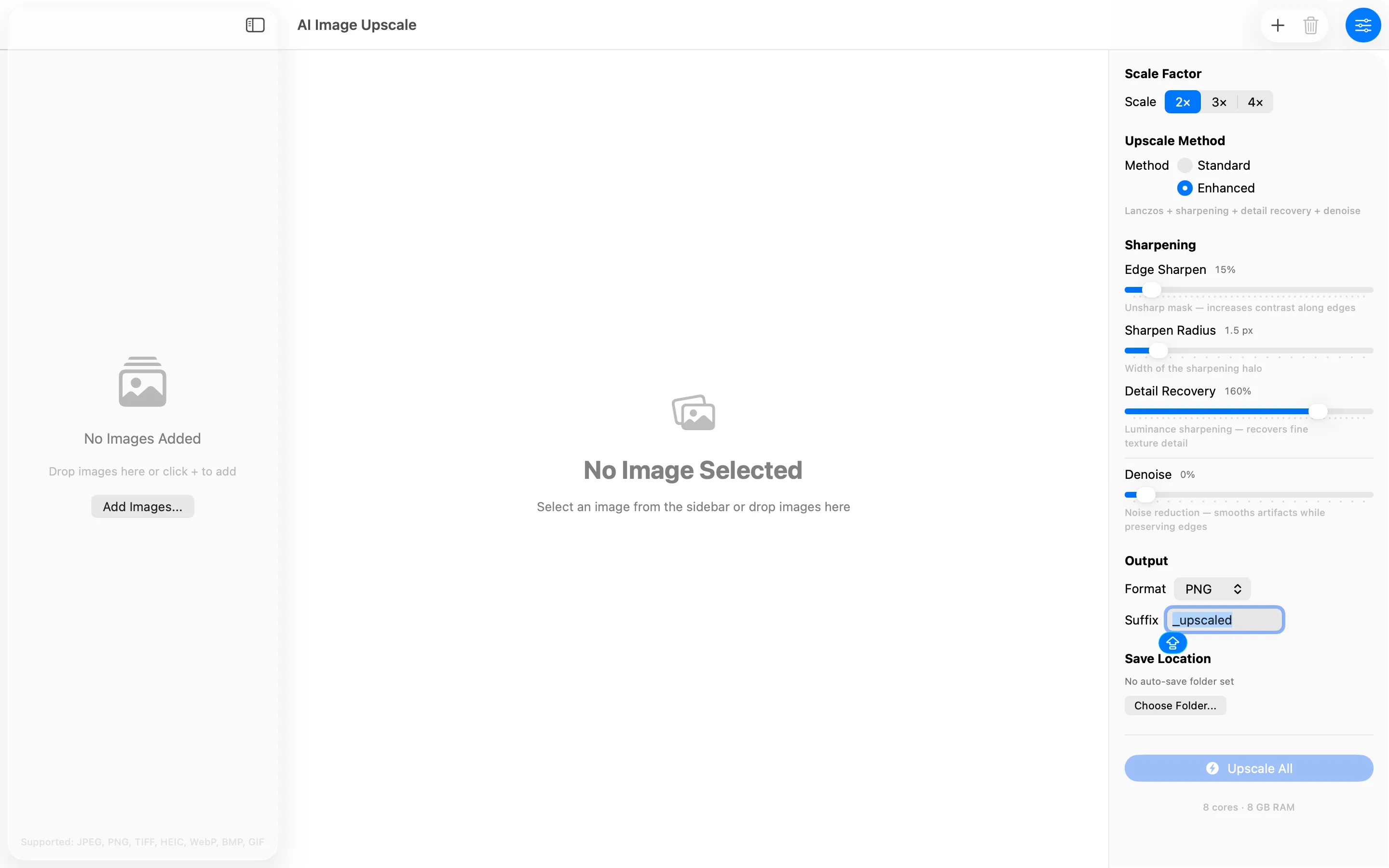
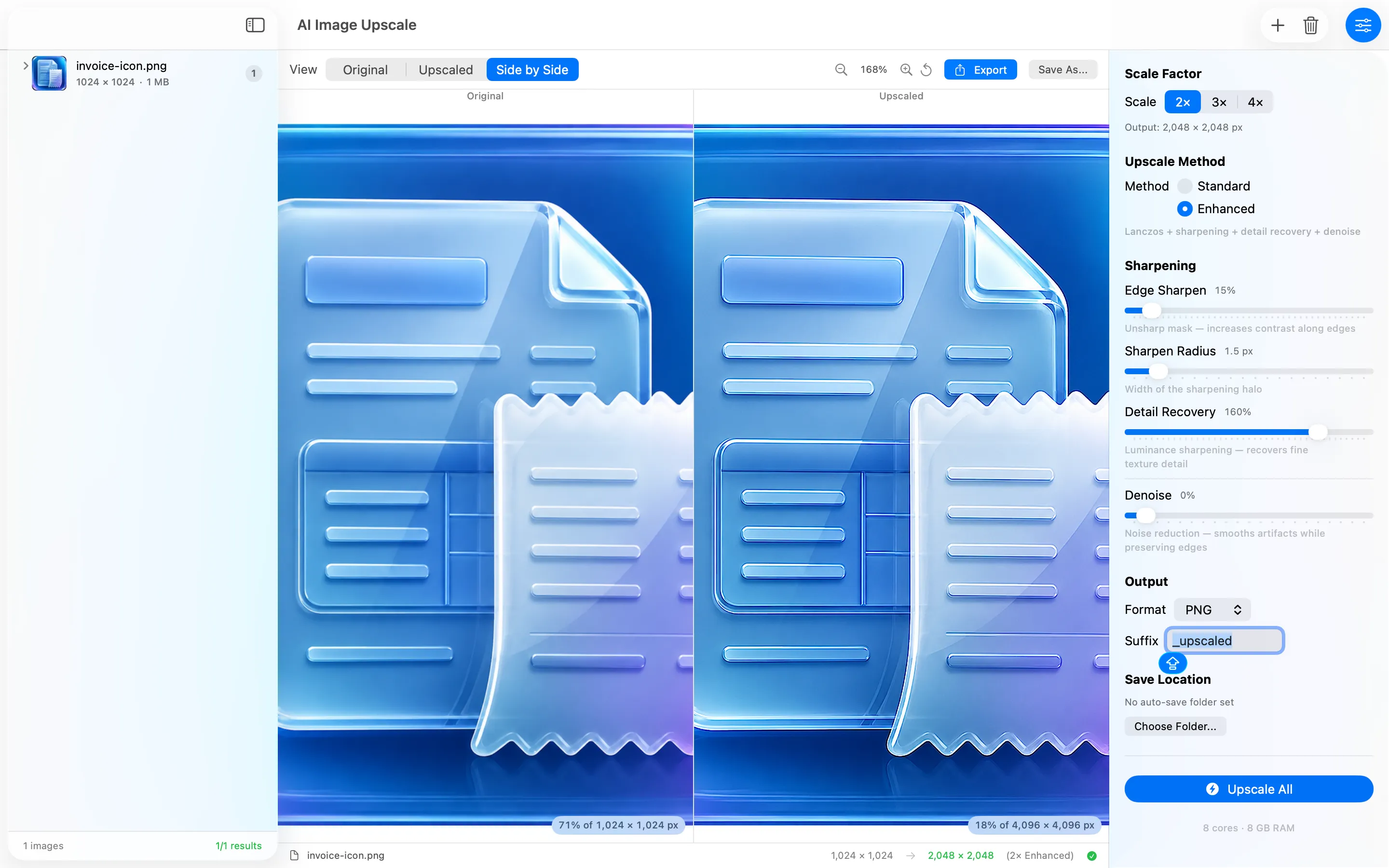
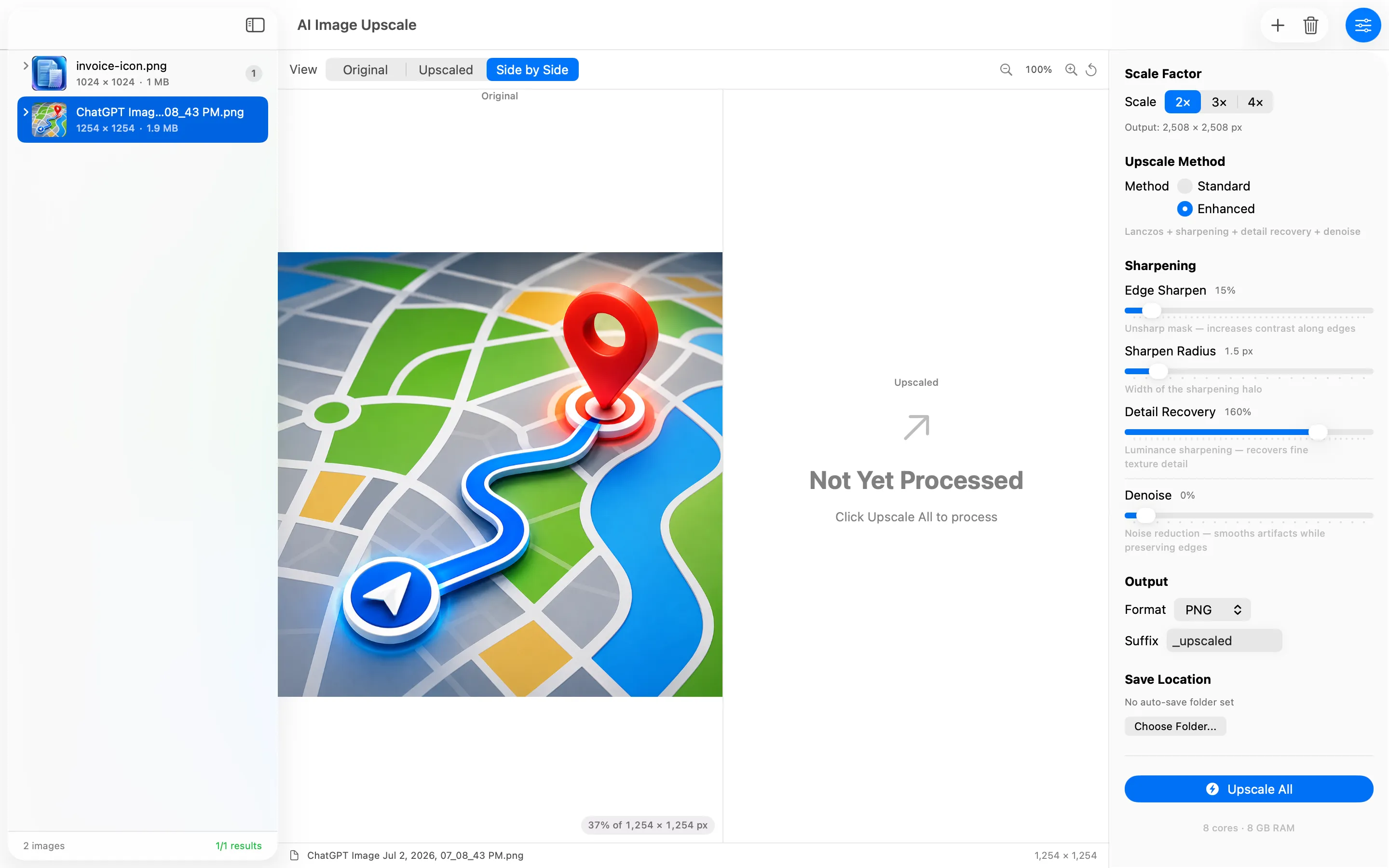
AI Image Upscale is a privacy-first Mac app that scales images 2x, 3x, or 4x using Lanczos resampling, sharpening, detail recovery, and denoise, done entirely on the Mac with no accounts, no analytics, and no uploads. Running a finished pixel art export through it before printing or posting keeps the piece looking crisp rather than soft at a bigger size.
Sharing it with the right words

Emoji & Caption Library is a Chrome extension with a ready-made collection of emoji and captions you can copy and paste for any occasion. Pairing a finished pixel art piece with a caption from this library is a quick way to post it without staring at an empty text box trying to think of something clever.
From a blank grid to a finished, shareable post, these three cover the stages beginners usually get stuck on.
Frequently asked questions
Is there a free pixel art app for iPhone?
Simple Pixel Arts Maker is free to download and use with ads, with an optional $2.99 upgrade for unlimited projects and layers.
How do I make pixel art look sharp at a larger size?
AI Image Upscale on Mac scales images up using Lanczos resampling and detail recovery, which keeps small pixel art pieces looking crisp rather than blurry when enlarged.