Batch Image Conversion & AI Upscaling on macOS, Fully Offline
Anyone who's tried to resize forty product photos one at a time in Preview knows why a proper batch image converter mac workflow matters. Doing image work file-by-file is the kind of task that eats an afternoon for no good reason.
I've built three small macOS apps that cover different parts of this problem — converting formats in bulk, upscaling low-resolution images, and turning a single picture into every icon size you need — and all three run entirely on-device.
A Batch Image Converter for Mac, Not a Cloud Upload
The first bottleneck is usually format: a folder full of HEIC or PNG files that need to become JPEGs, or the reverse.
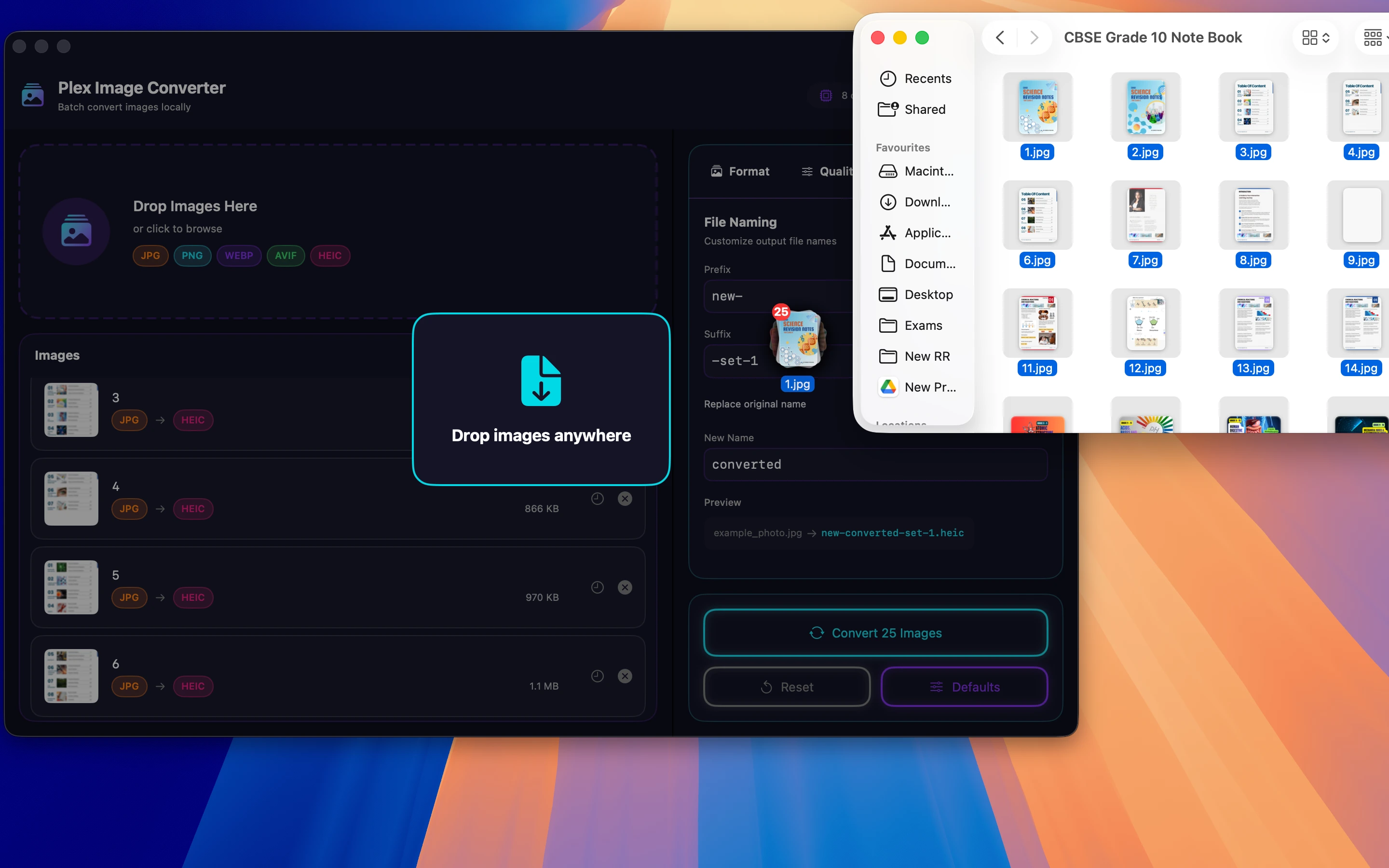
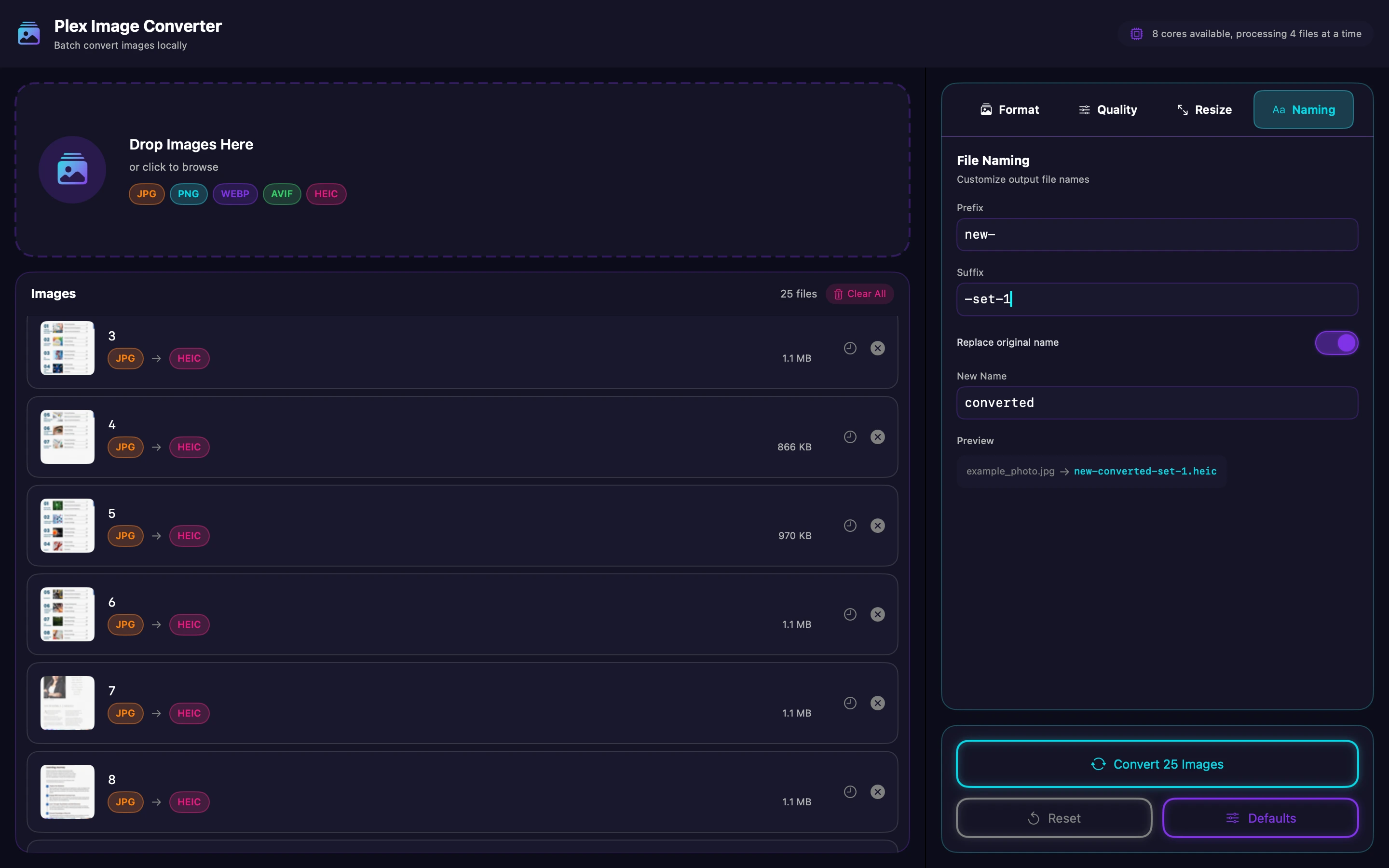
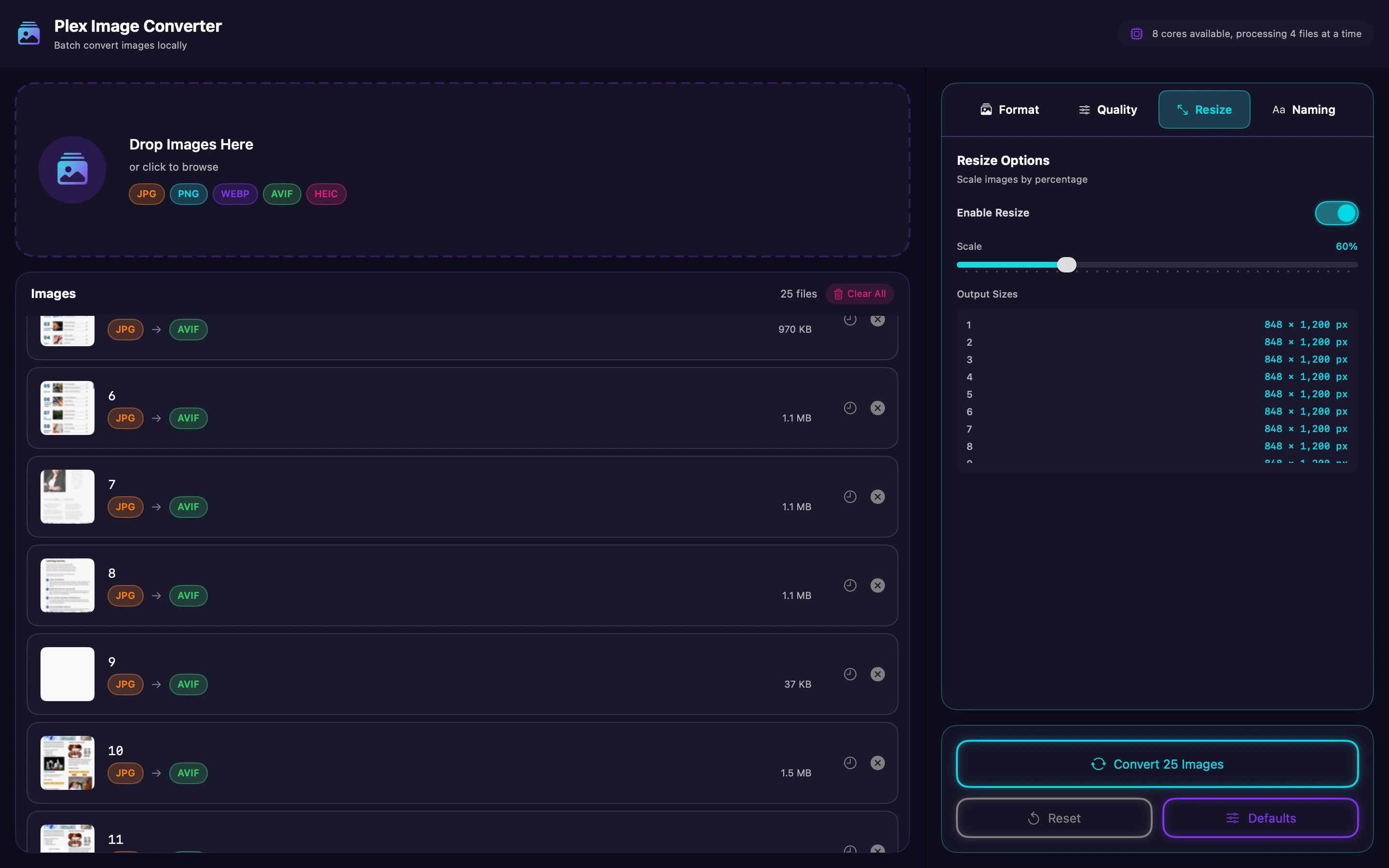
Plex Image Converter batch converts images locally on macOS — drag in a folder, convert the lot, batch rename and batch resize while you're at it. It's built for exactly the drag-and-drop bulk job that makes Preview painful: no opening files one at a time, no exporting each individually. Everything happens on your Mac, so nothing gets uploaded anywhere while you work through a folder of photos.
Upscaling Images That Are Too Small
Sometimes the problem isn't format, it's resolution — an old photo or a small product shot that needs to be bigger without turning to mush.

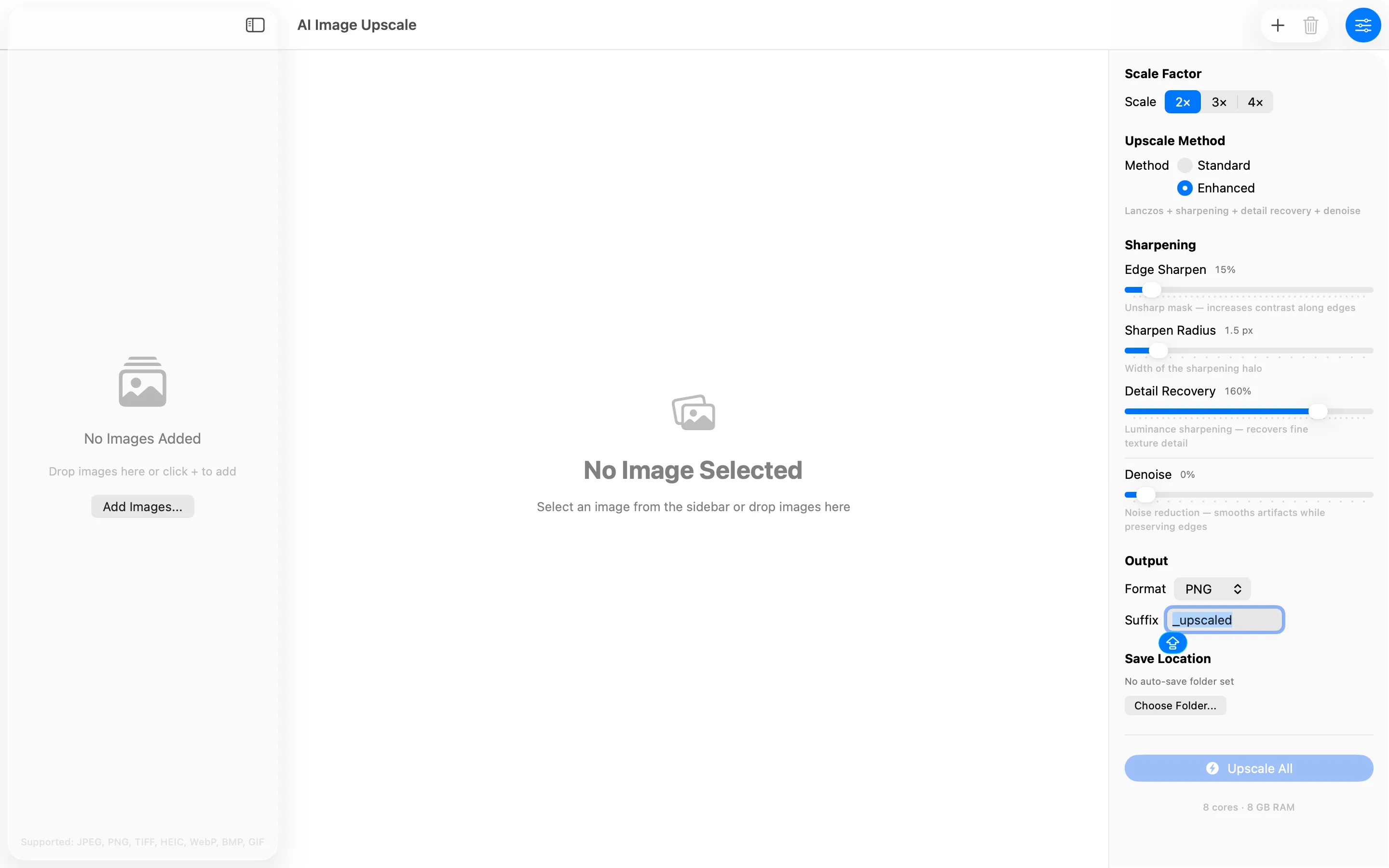
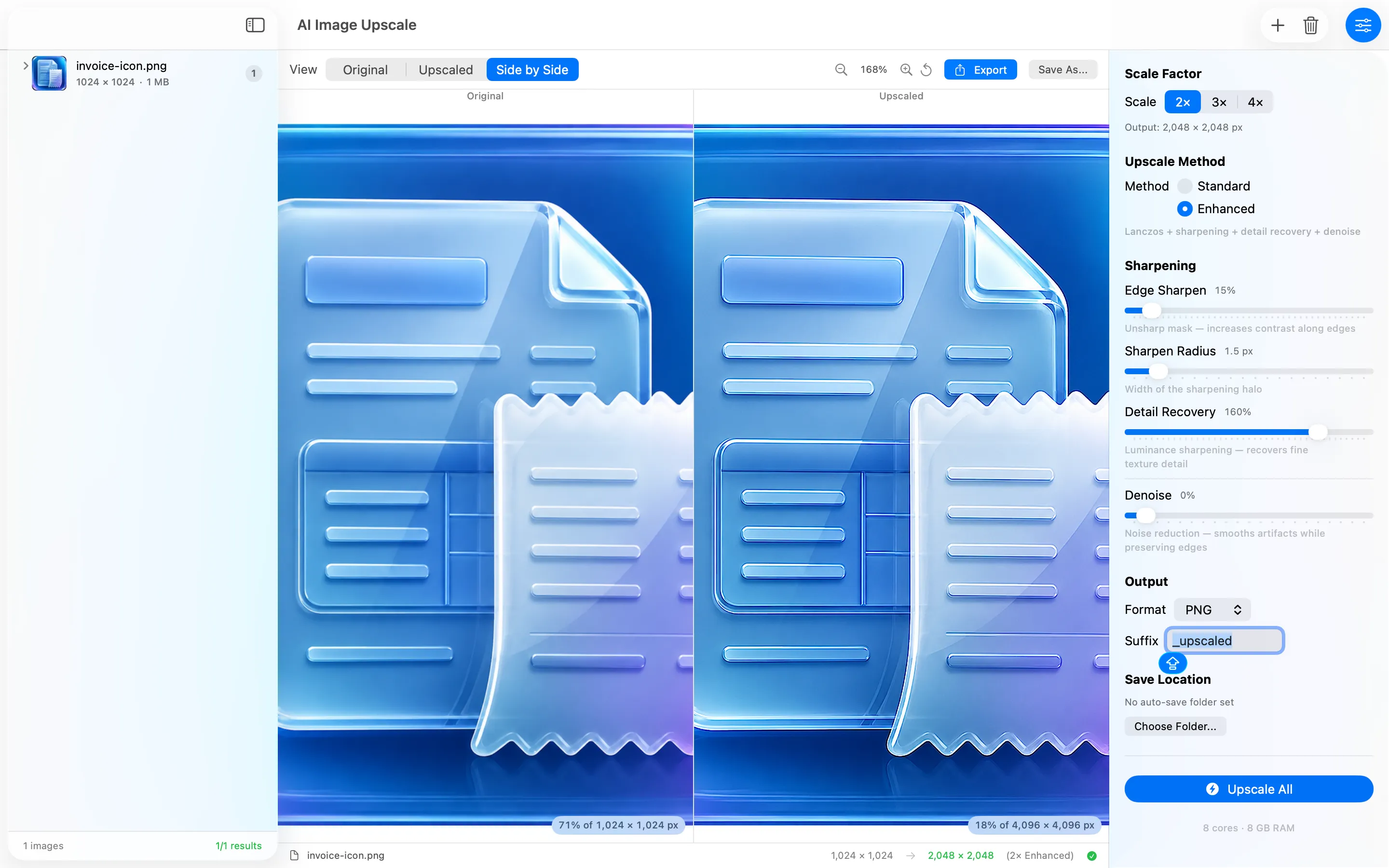
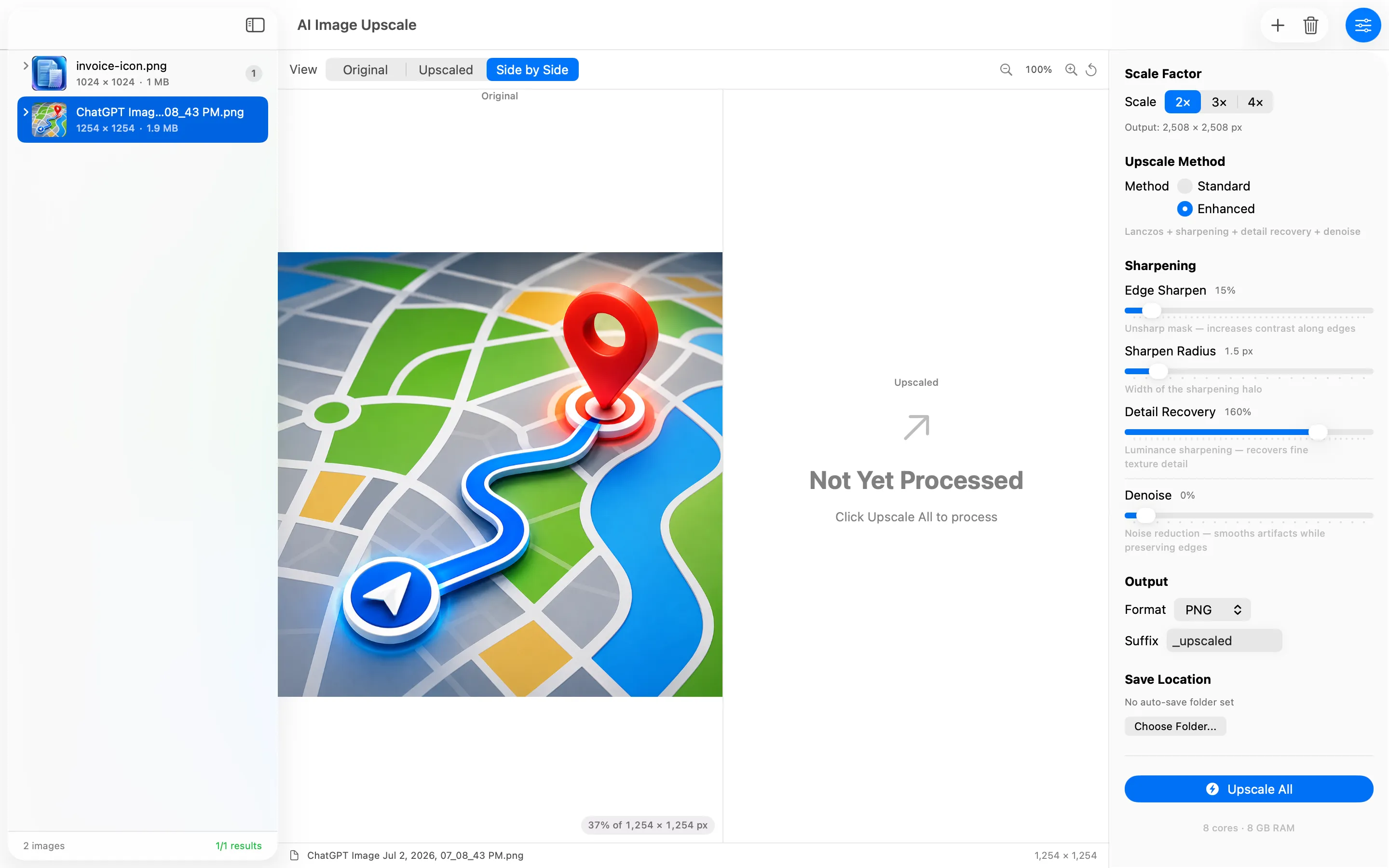
AI Image Upscale is a privacy-first macOS app that upscales photos 2x, 3x, or 4x using Lanczos resampling, sharpening, detail recovery, and denoise, entirely on your Mac. There's no account, no analytics, and no uploads — processing happens locally, which matters if the images are for a client or contain anything you'd rather not send to a server. It's a natural next step after a batch conversion, when a file is the right format but too small.
One Image, Every Icon Size You'll Ever Need
App icons and favicons need the same artwork exported at a dozen different sizes, which is tedious to do by hand.

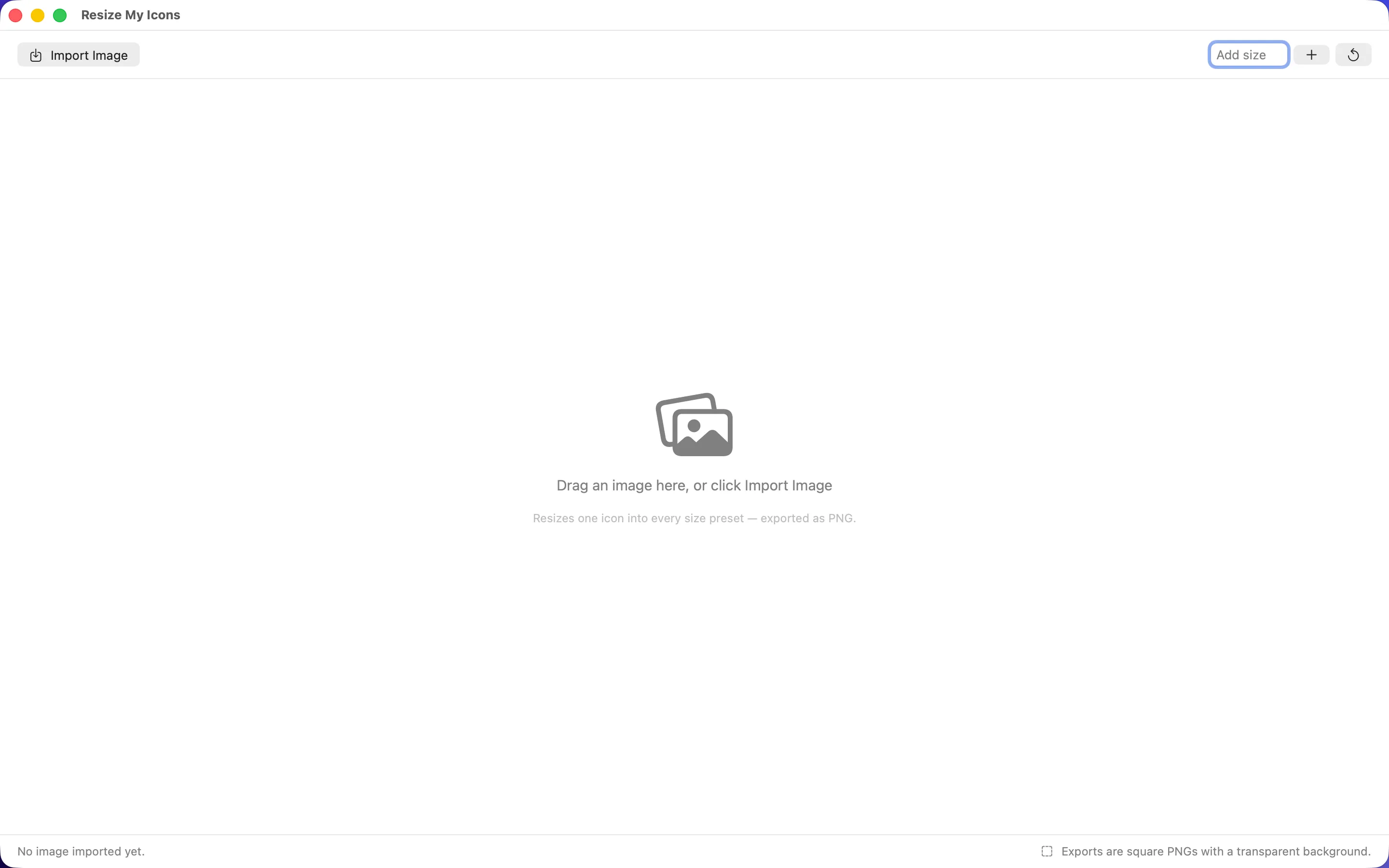
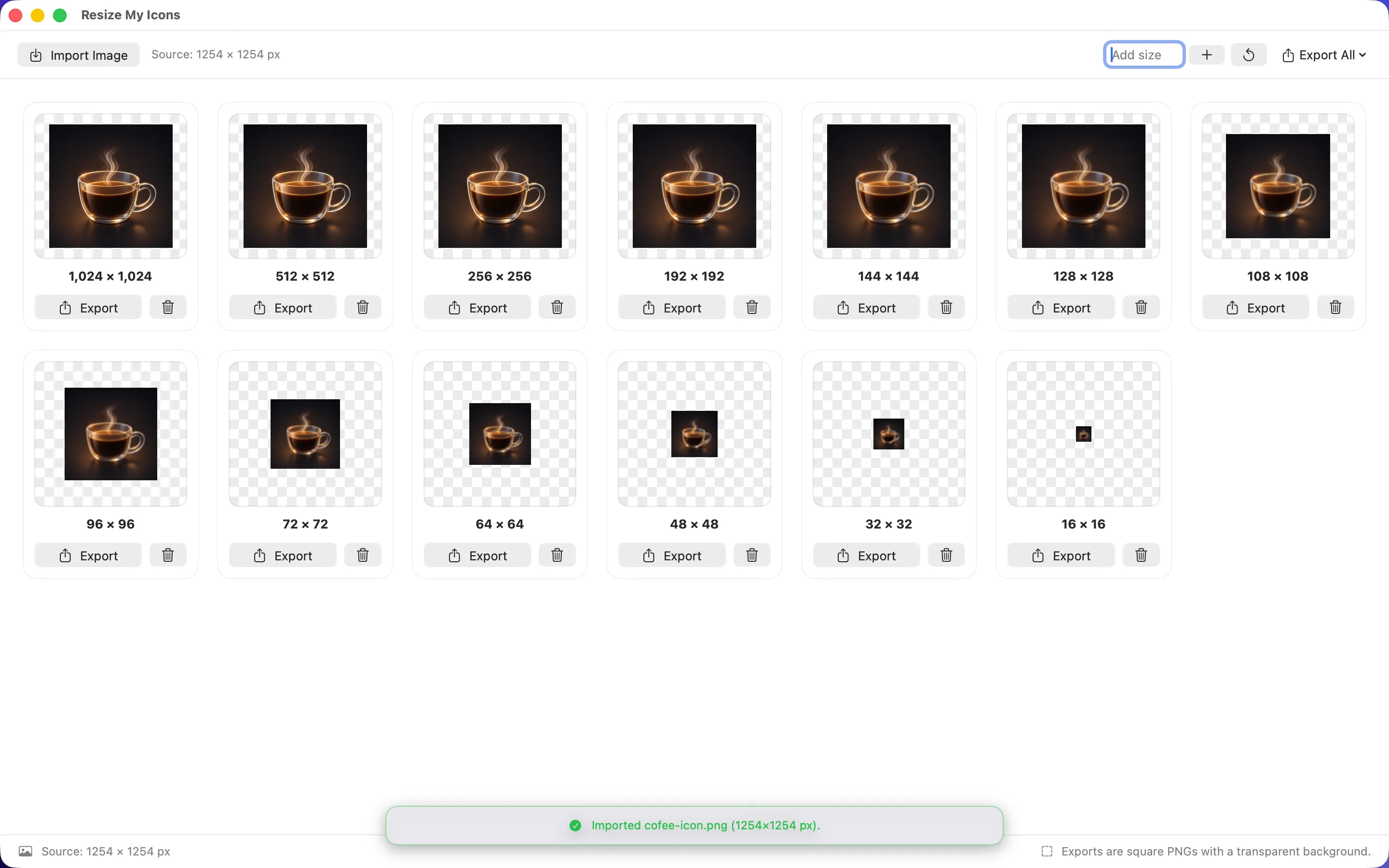
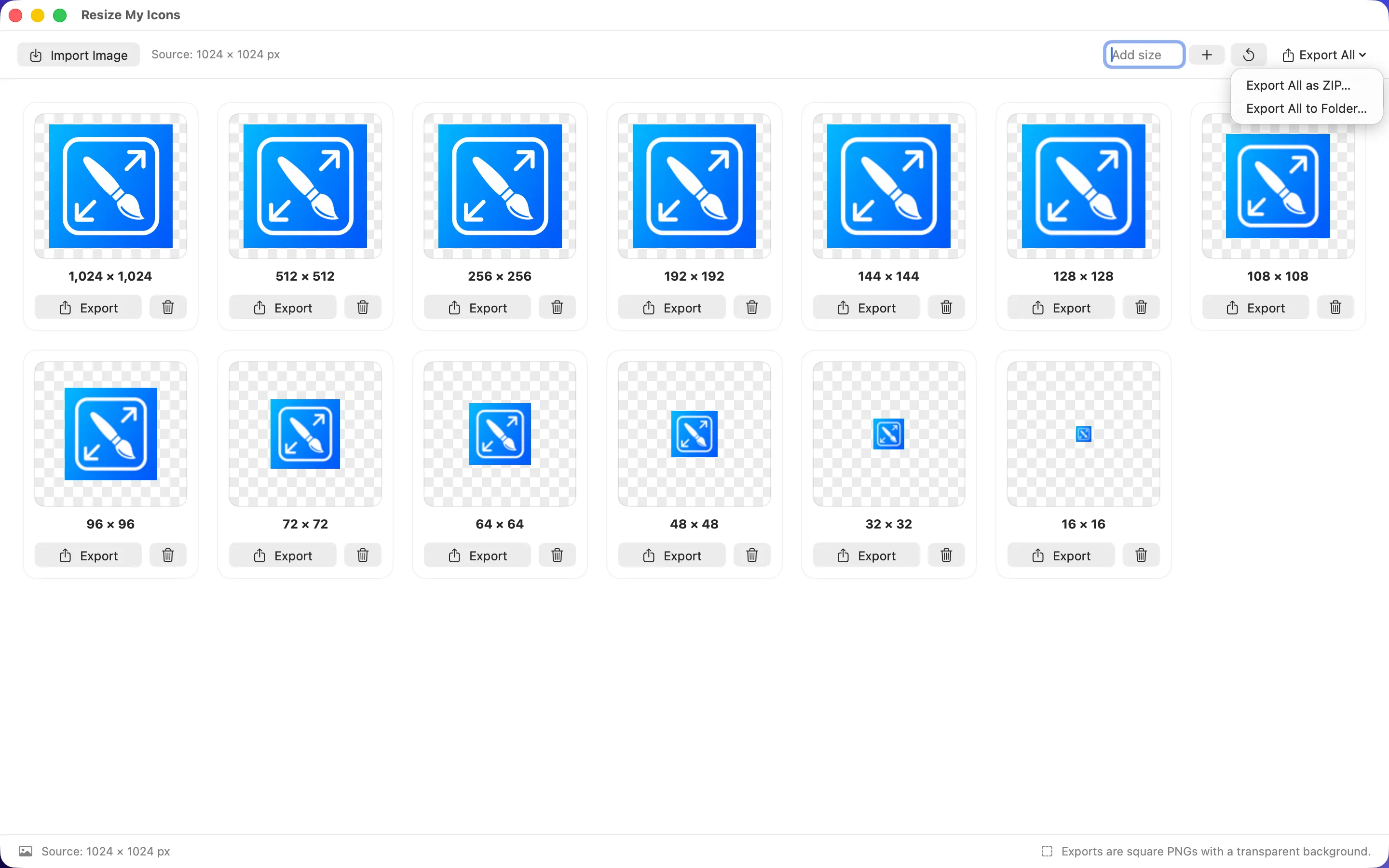
Resize My Icons is a privacy-first macOS utility that turns one image into every icon size you need, exported as square, transparent PNGs. Drag in an image, add custom sizes, and export one file, a folder, or a ZIP — no ads, no uploads, no tracking. For anyone shipping an app or a website, it removes the manual resizing step that usually happens in a design tool instead.
Full disclosure: these are all apps I've built myself, and I tend to use them in that order — convert, upscale, resize — often in the same afternoon.
Frequently asked questions
Is there a Mac app that can batch convert images without uploading them online?
Plex Image Converter batch converts, renames, and resizes images locally on macOS, so files never leave your Mac during the process.
Can I upscale a low-resolution photo on a Mac without a subscription?
AI Image Upscale processes images entirely on-device with a one-time app purchase rather than a subscription — check its Mac App Store listing for current pricing.