PDF Tools for Mac: Crop, Mark, Sign — and Convert to EPUB
PDF work on a Mac usually means one of two headaches: marking up a document — cropping it, adding a signature, dropping in an annotation — or turning one into something more readable, like an EPUB. If you've typed pdf crop sign mac app into a search bar looking for the first, you're in the right place, and I'll cover the second too.
Both jobs come up constantly for freelancers, students, and anyone who deals with contracts, forms, or scanned reading material. I built an app for each, and they pair well together.
A PDF Crop, Mark and Sign App for Mac
Preview can technically sign a PDF, but cropping and layering annotations on top gets fiddly fast.
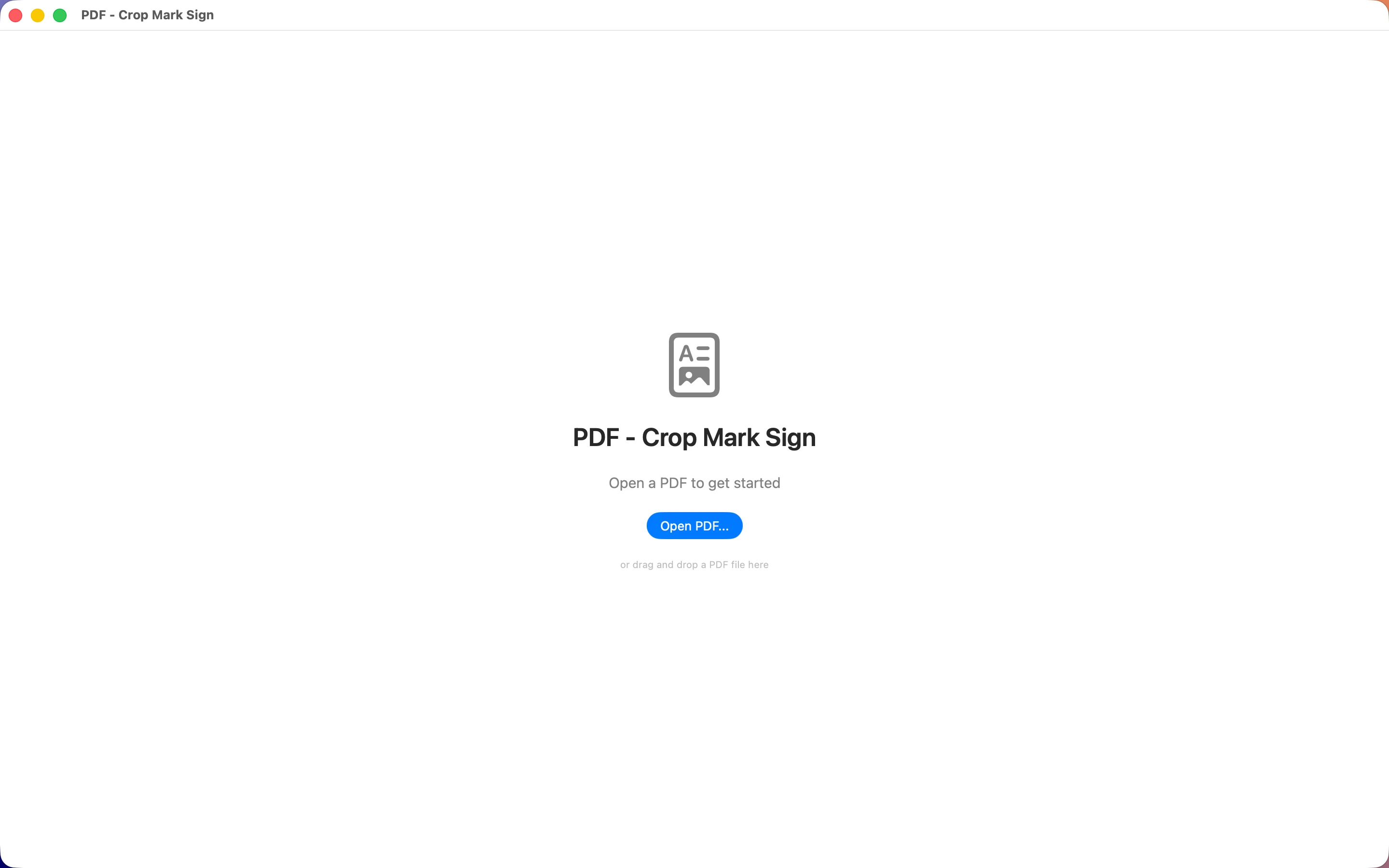
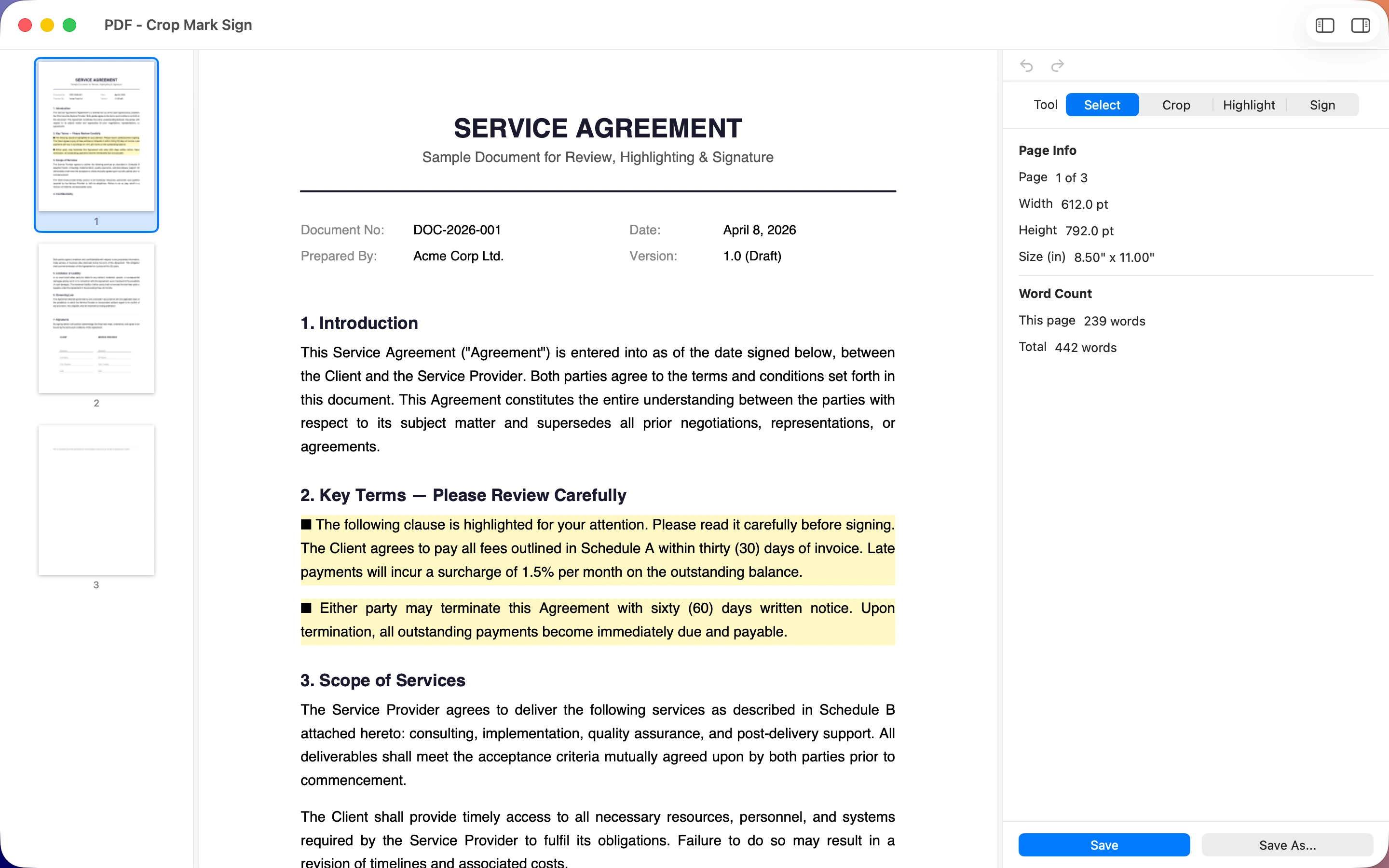
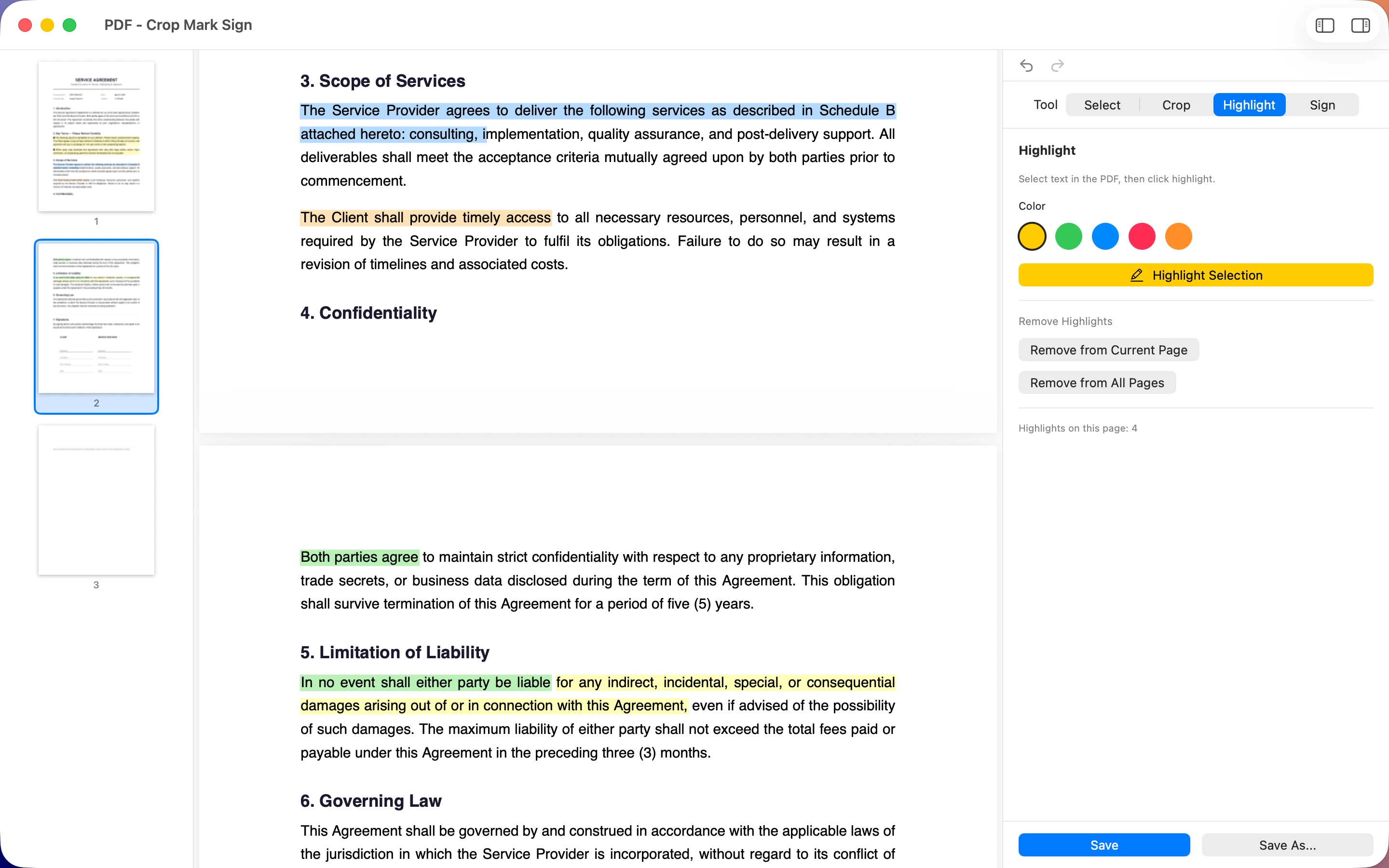
PDF - Crop Mark Sign is a dedicated PDF editor for macOS, built for exactly the tasks its name promises: cropping pages down to what matters, marking up documents with annotations, and adding your signature before you send something back. Instead of juggling Preview's cropping tool and a separate signing step, it keeps the whole workflow — trim, mark, sign — in one place, which matters when you're doing it for the third contract of the week.
Once a PDF Is Marked Up, Turn It Into an EPUB
Not every PDF is meant to stay a PDF. Long scanned documents and ebooks read far better reflowed.

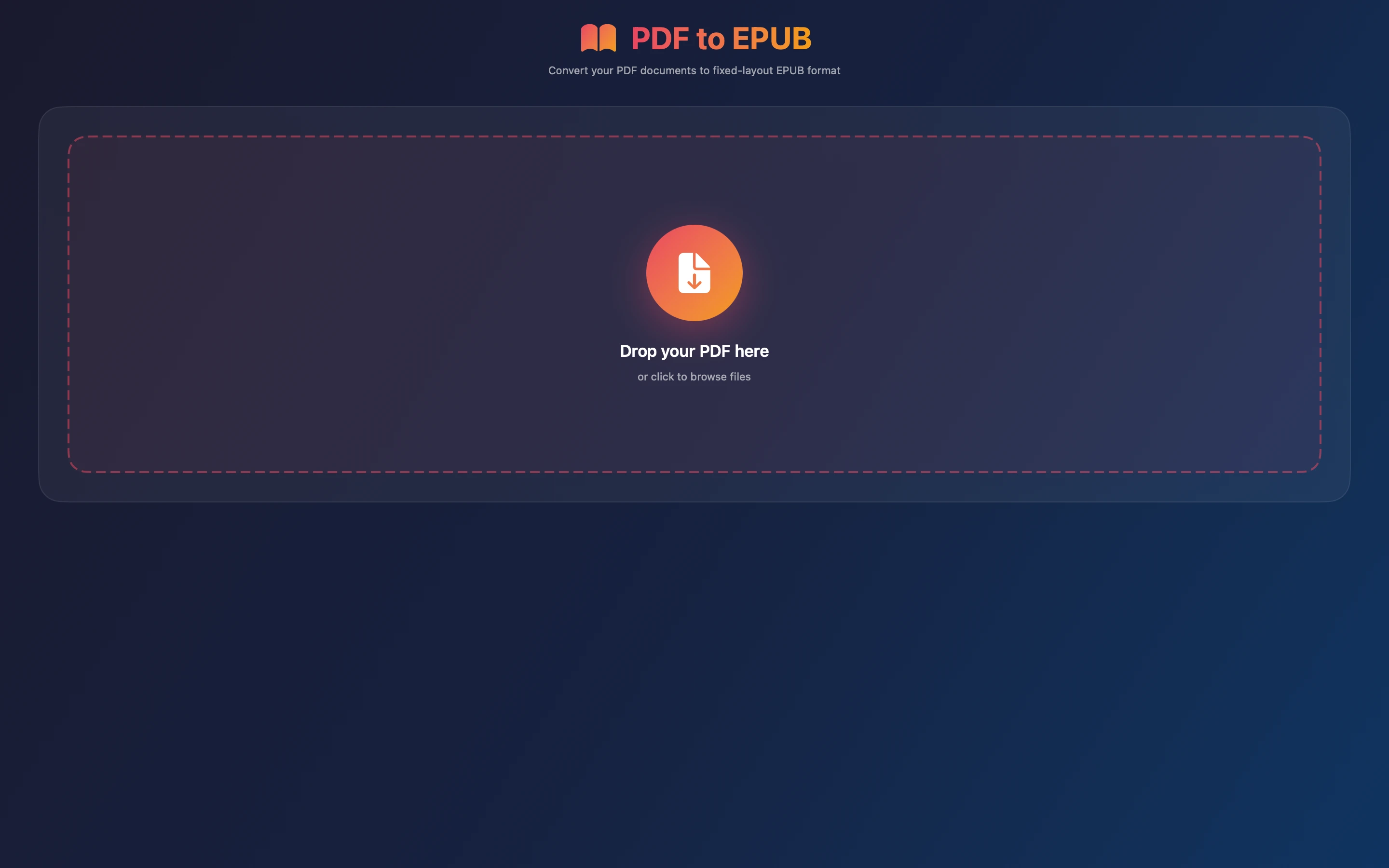
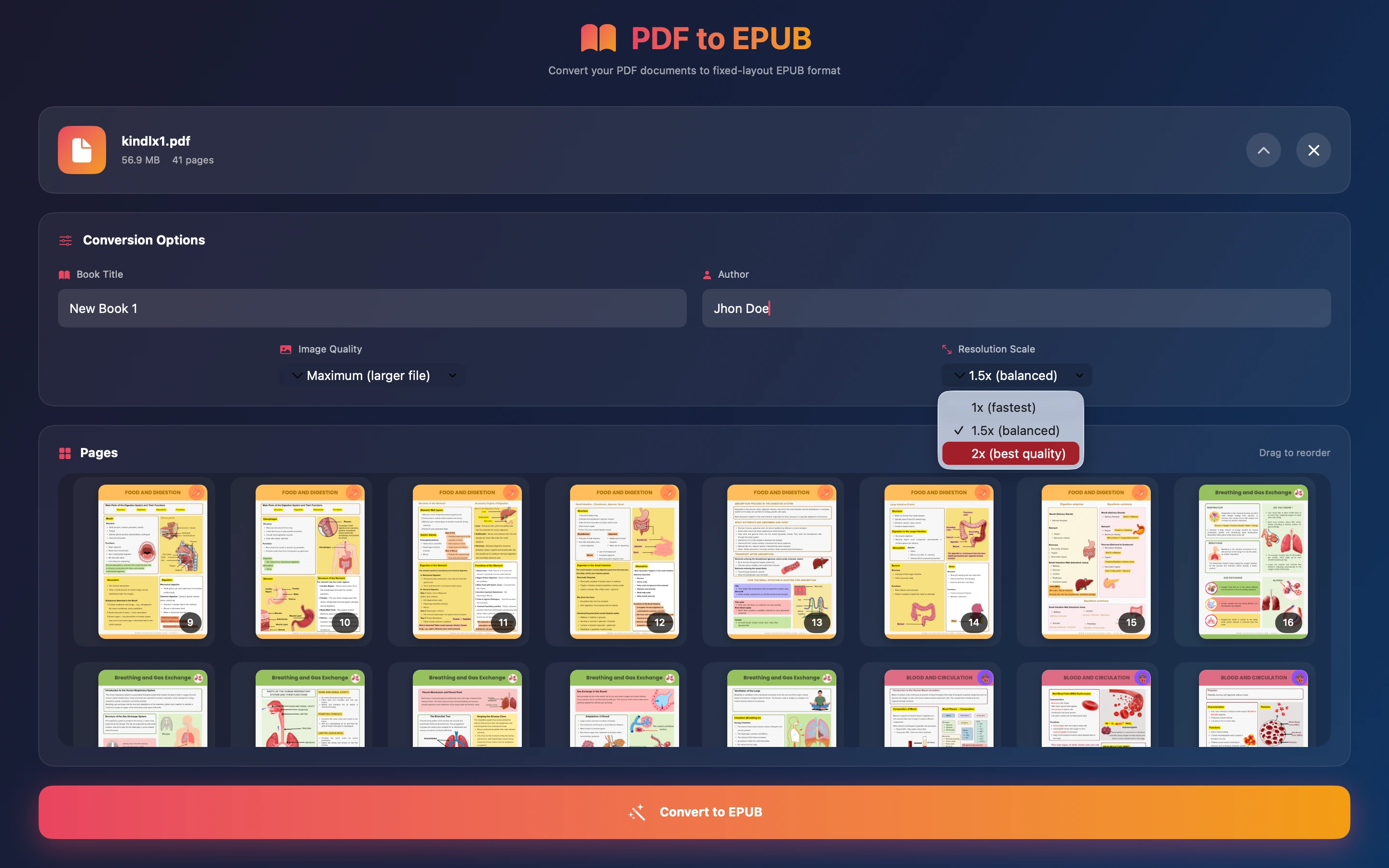
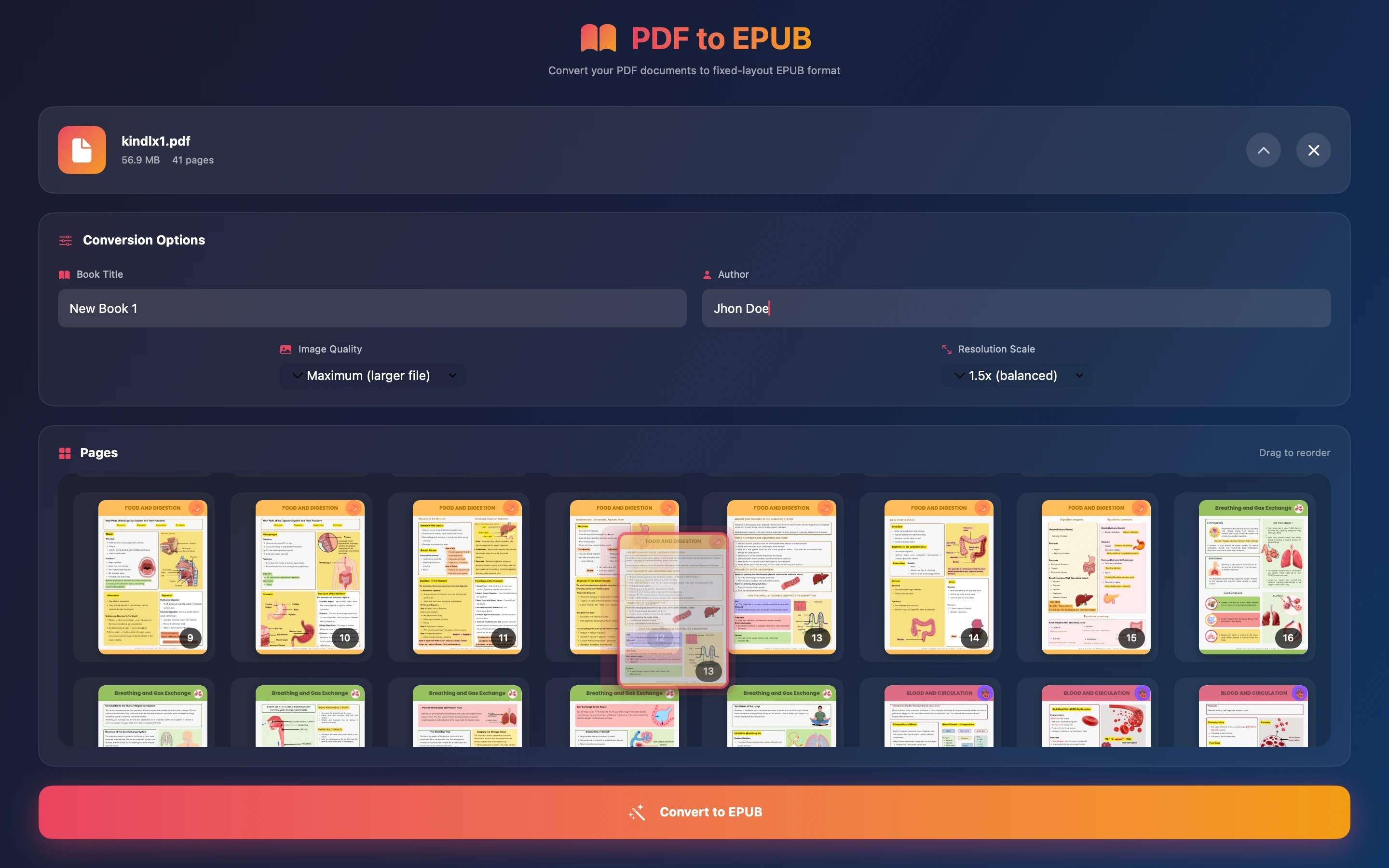
Epubly One converts PDF to EPUB on macOS, which matters once you've signed or annotated a document and want to actually read it comfortably on an e-reader or in Books rather than pinch-zooming around a fixed page layout. It's a natural second step after PDF - Crop Mark Sign: finish the paperwork, then convert the reference material you actually want to sit down and read.
Full disclosure: I build both of these apps, which is why they're designed to complement rather than duplicate each other — one for marking documents up, one for converting them into something more readable.
Frequently asked questions
Is there a Mac app that can crop and sign a PDF in one place?
PDF - Crop Mark Sign is a macOS PDF editor built around exactly that combination — cropping pages, adding marks and annotations, and signing — without switching between separate tools.
Can I convert a PDF to EPUB on a Mac without uploading it anywhere?
Epubly One converts PDF to EPUB locally on macOS; see its Mac App Store listing for full details on how the conversion works.