Colour-Coded Notes on iPhone & Mac: Notes, Journals & To-Dos
A color coded notes app works best when the colors actually mean something instead of just looking nice — Work, Urgent, Leisure, whatever categories your life actually has. That's the whole premise behind Color Notes on iPhone and Color Tag Notes on Mac, and I've added a private journal app to the mix for a slightly different kind of daily writing.
The two note apps aren't the same app on two platforms — they're separate, but built around the same color-first idea, so the habit carries over if you use both a Mac and an iPhone.
A Color Coded Notes App for iPhone
On a phone, notes pile up fast, and a plain list is the first thing to become useless once there are fifty of them.
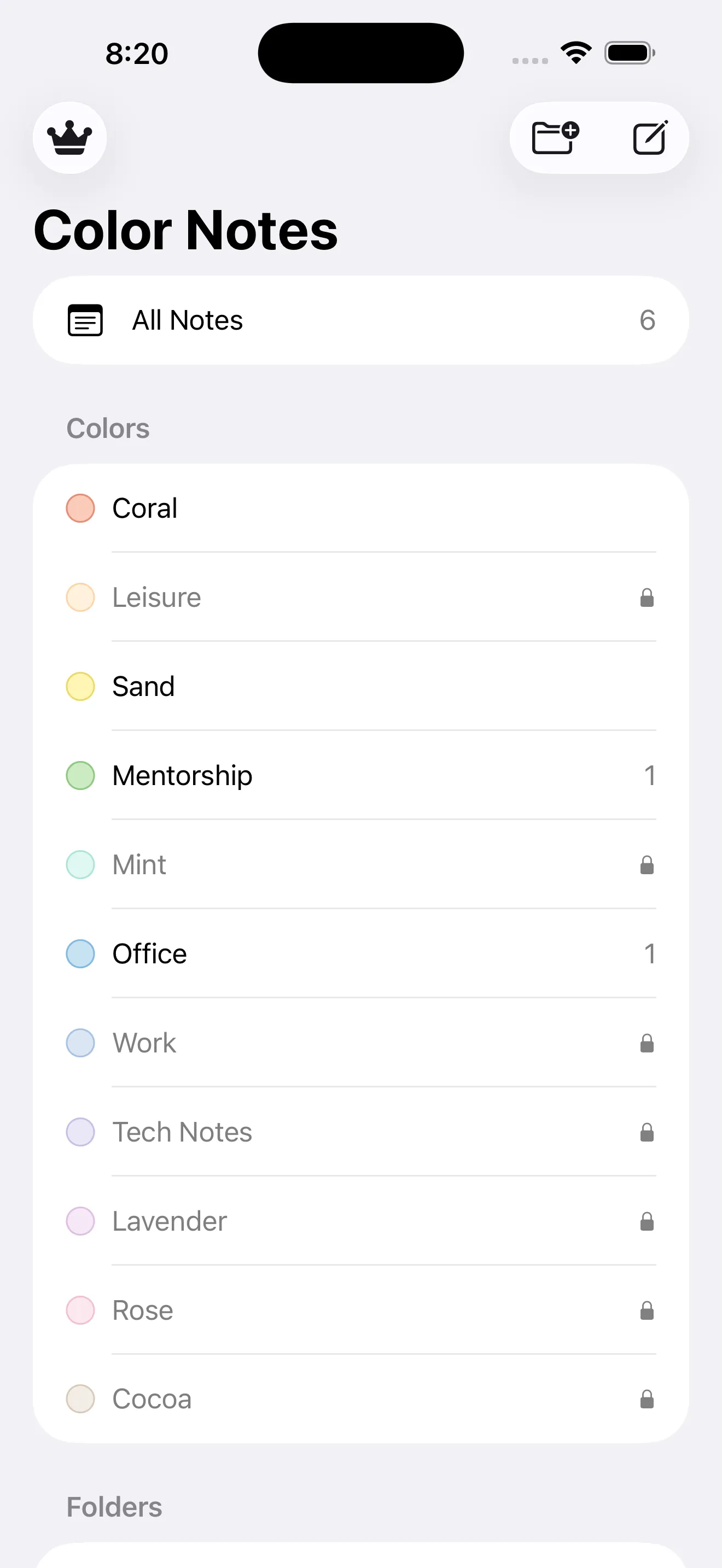
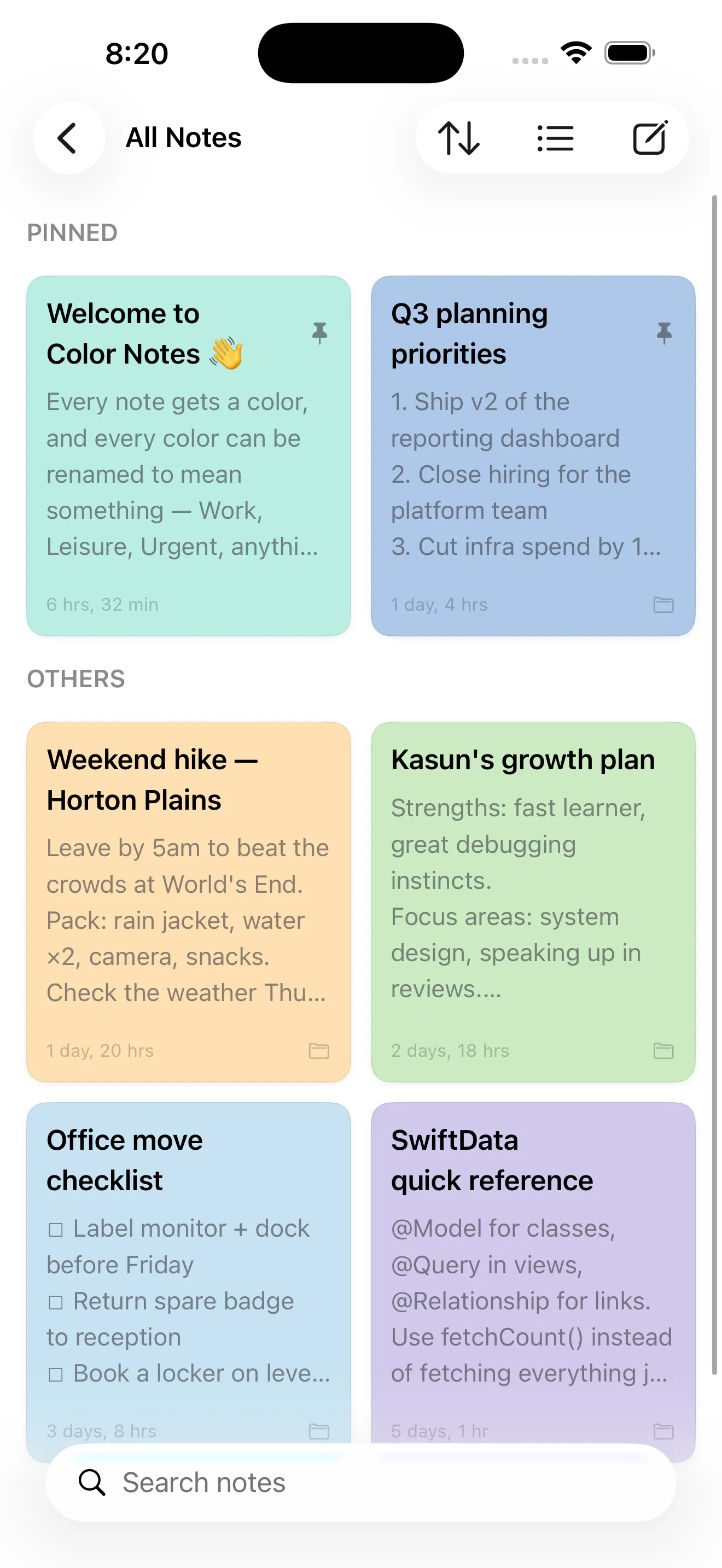
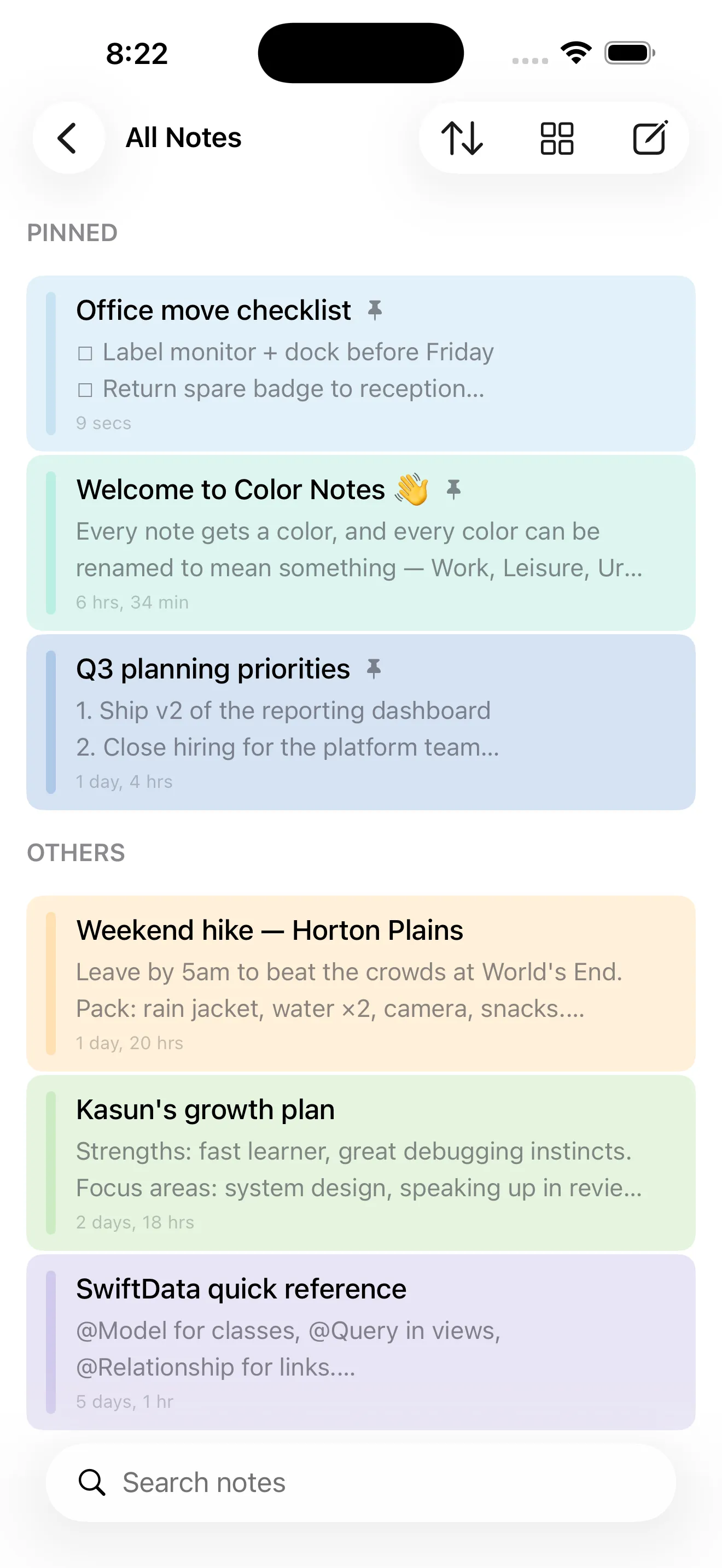
Color Notes gives every note a color, and every color can be renamed to mean something — Work, Leisure, Urgent, or whatever categories fit your life. Folders, pins and search sit on top of that for actually finding things again, and everything stays stored privately on the device. It's free with ads, and a one-time $2.99 Pro purchase unlocks all 12 colors, unlimited notes and removes the ads.
The Same Idea, Built Natively for Mac
Color tagging is just as useful at a desk as on a phone, but a Mac app should feel like a Mac app rather than a stretched-out phone screen.
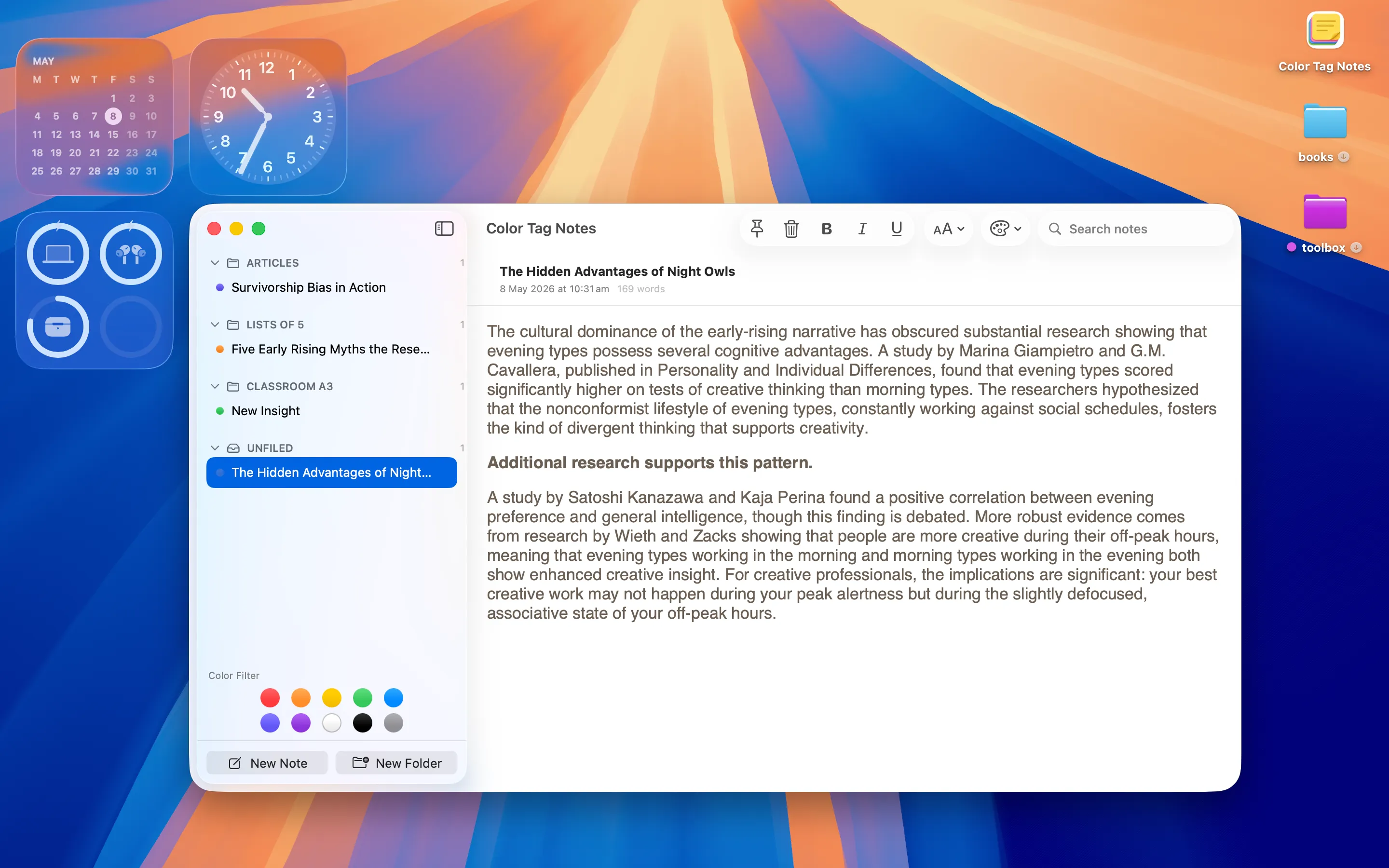
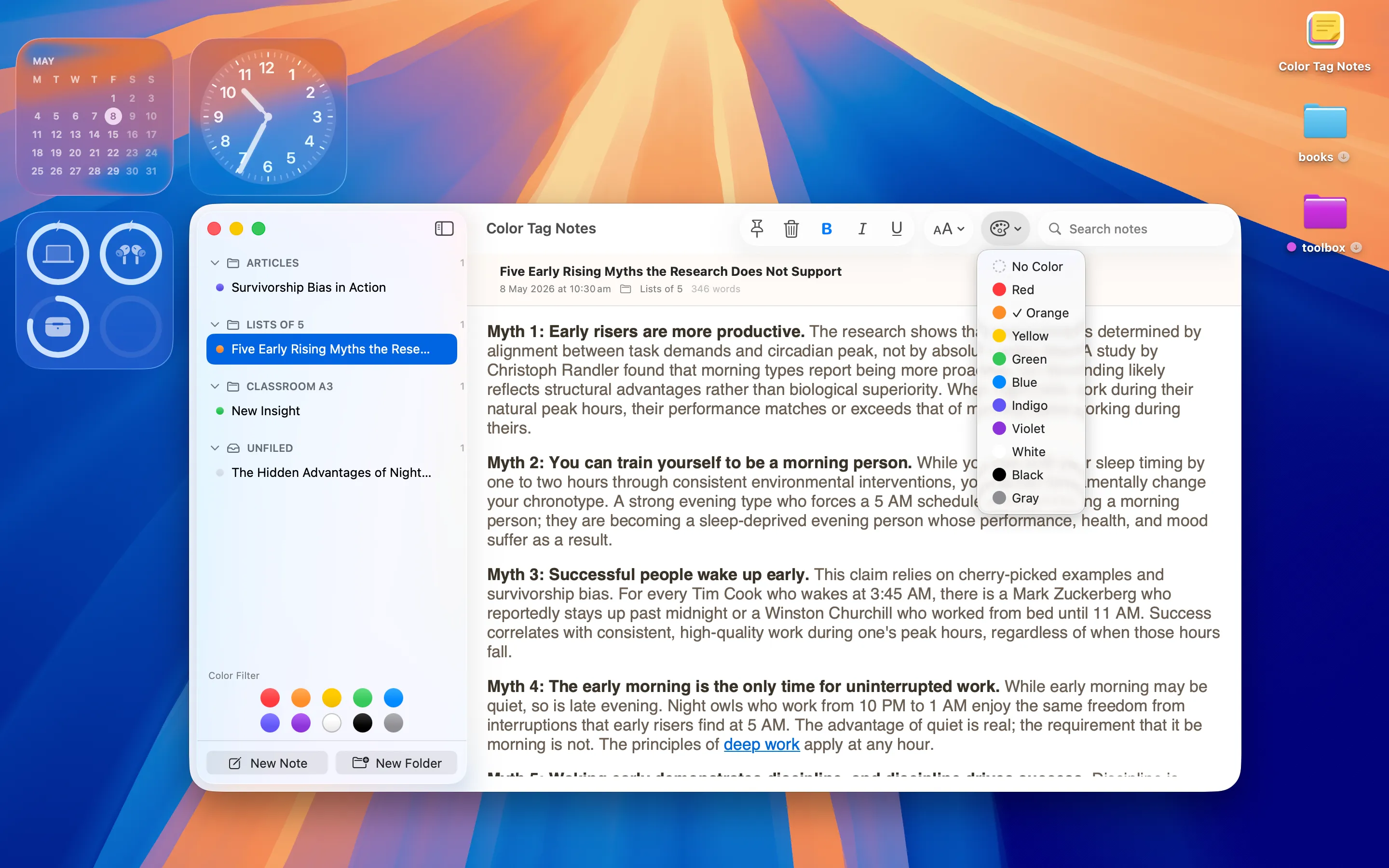
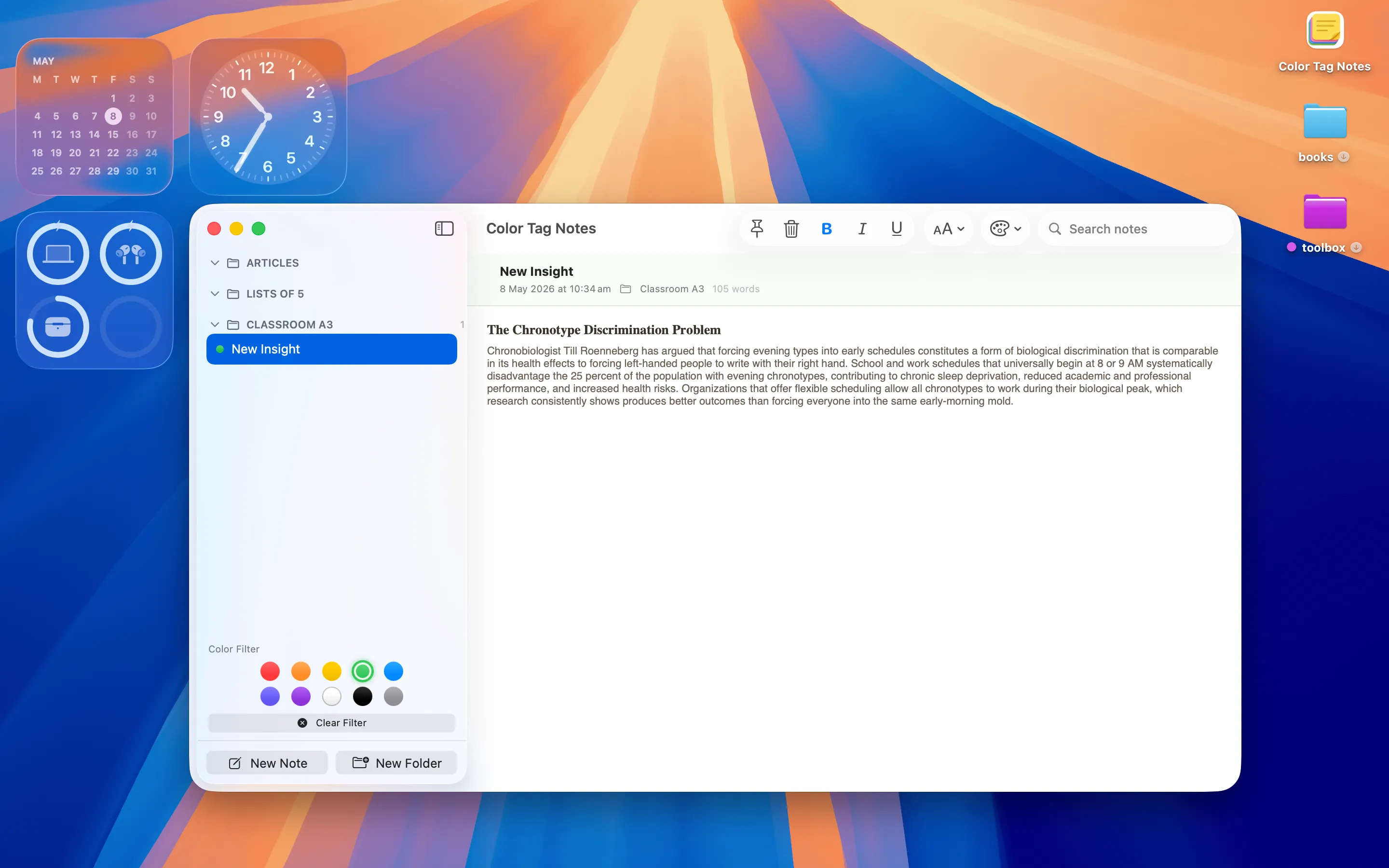
Color Tag Notes is a privacy-first macOS note-taking app with color tagging, folders, pinning, basic rich-text formatting, and a clean read view. It's SwiftUI native, with no ads and no tracking, built for people who want the color-coded approach on a bigger screen rather than an iPhone app just blown up to fit. It doesn't sync with Color Notes directly, but the underlying habit — colors that mean something — is the same.
A Different Kind of Private Daily Writing
Not every note needs a color category — sometimes what you want is a quieter, ongoing journal instead.

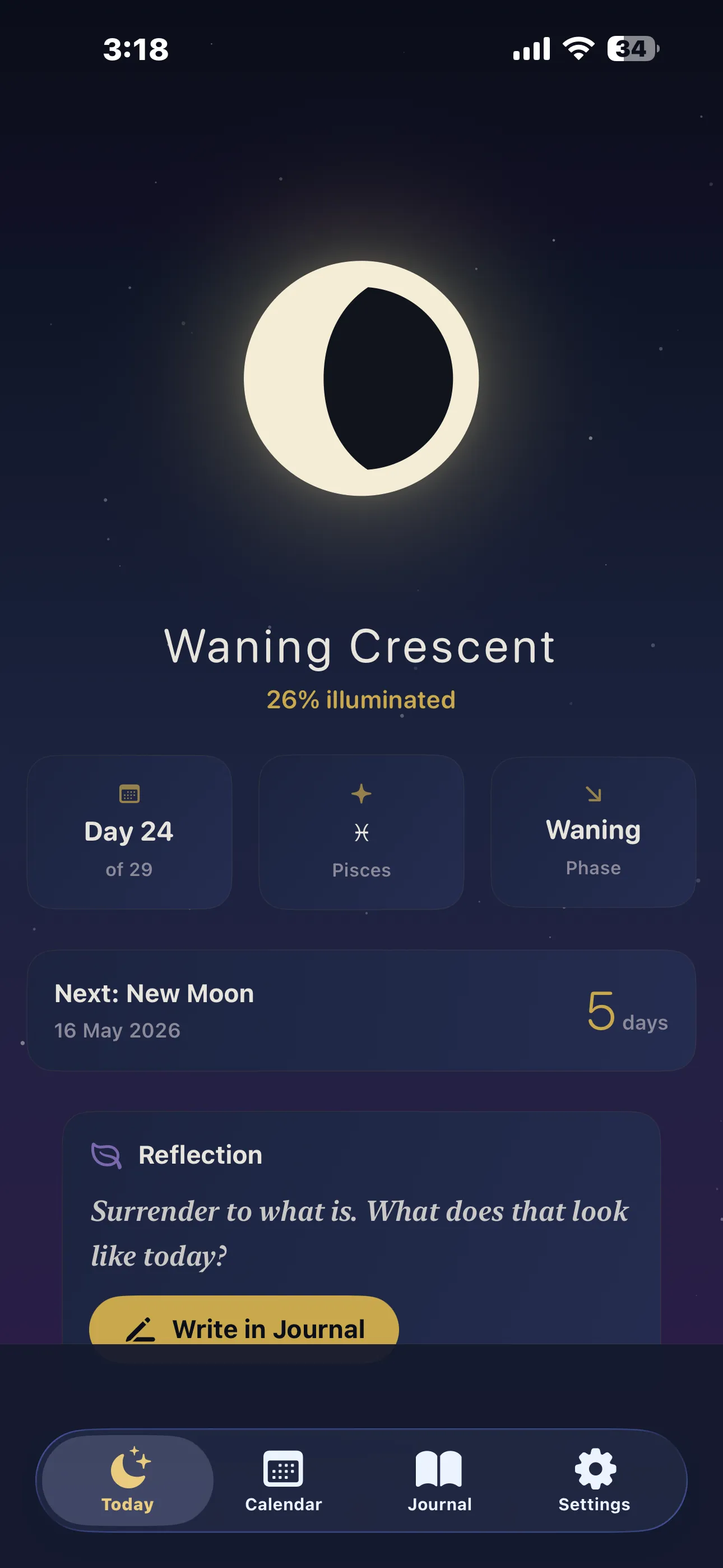
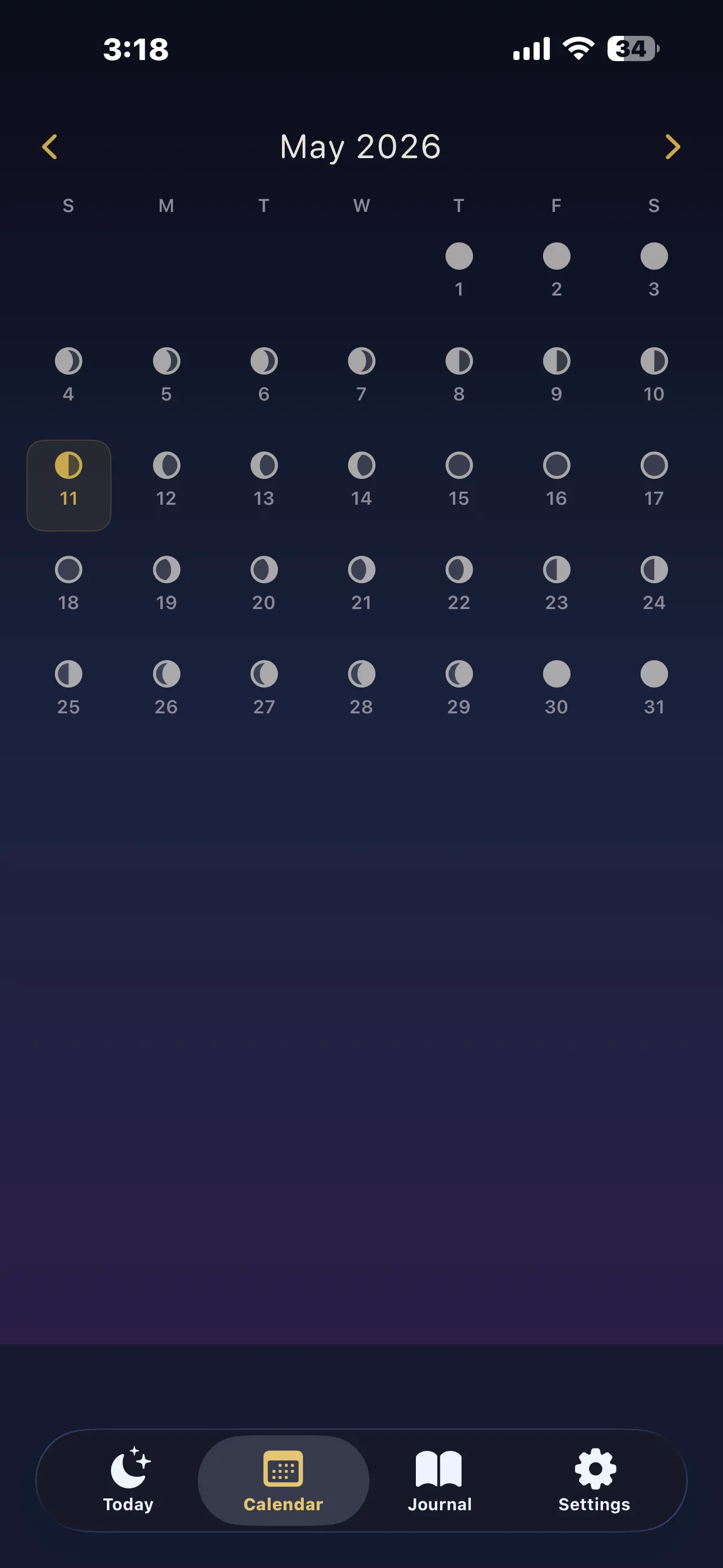
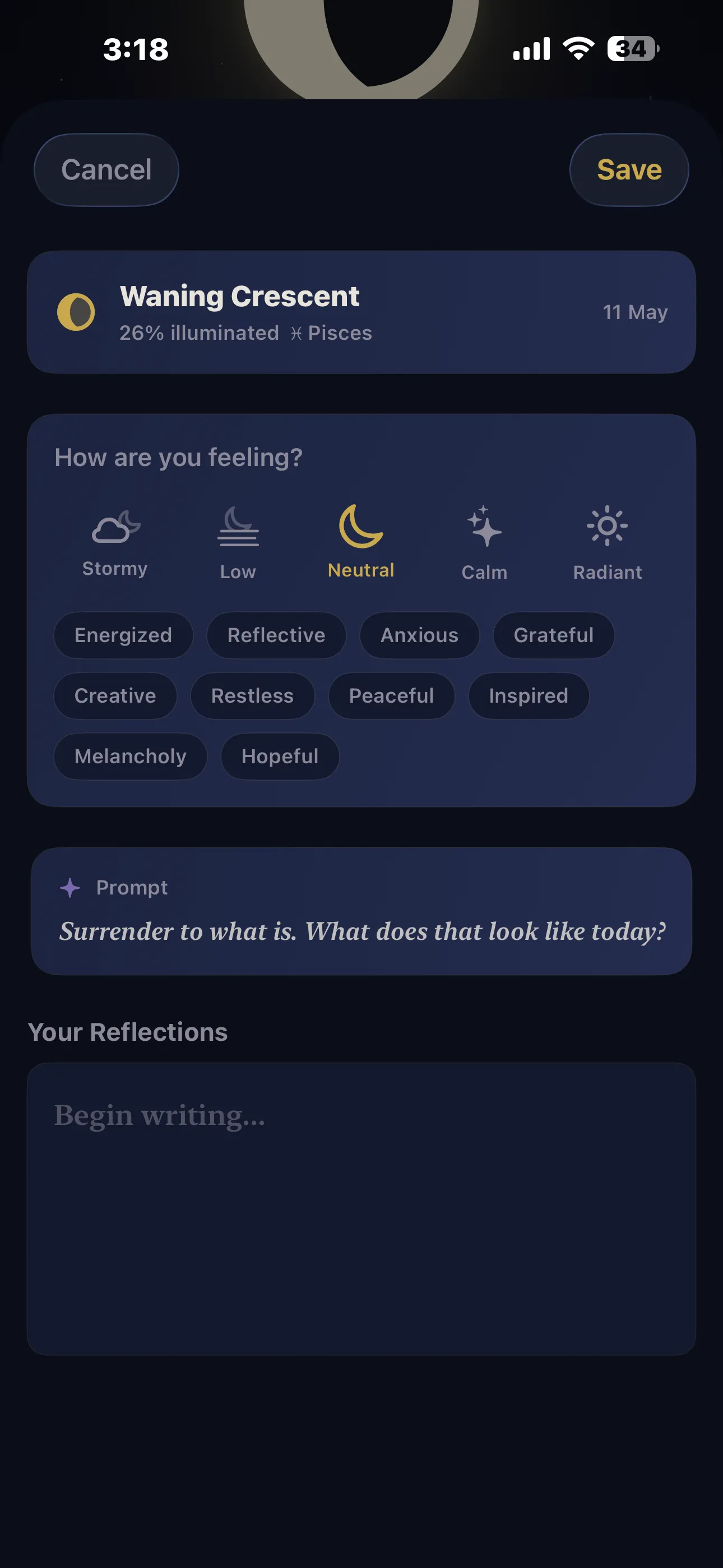
Luna Journal is a free app that shows tonight's moon phase and a full-month lunar calendar, alongside a quiet, private journal stamped with the phase and zodiac of every entry day. It's less about organizing information and more about a daily writing habit with a bit of atmosphere attached, which makes it a nice change of pace from color-tagged, task-like notes.
I build all three of these apps. If you're after a working system, start with Color Notes or Color Tag Notes depending on your device; if you just want somewhere quiet to write each night, Luna Journal is the better fit.
Frequently asked questions
Is there a free color coded notes app for iPhone?
Color Notes is free with ads, letting you assign and rename colors for every note; a one-time $2.99 Pro purchase unlocks all 12 colors, unlimited notes and removes ads.
Is there a Mac notes app with color tags and no ads?
Color Tag Notes is a privacy-first macOS app with color tagging, folders and pinning, built natively in SwiftUI with no ads and no tracking.