Your iPhone as a Toolbox: Bubble Level, Magnet Meter & a Smarter Torch
A phone can replace a surprising number of small tools if the right app is behind it — a bubble level app iphone owners reach for instead of a physical spirit level is one obvious example, and I've built three apps that turn a phone into exactly that kind of pocket toolbox.
None of these need a subscription, and none of them ask for much beyond the sensors already built into the phone — the accelerometer for levelling, the magnetometer for finding metal, and the LED flash for light. Here's what each one does.
Bubble Level App iPhone: Levelling Without a Physical Vial
A real bubble level is hard to beat for feel, but it's also one more thing to own and misplace, which is where a phone version earns its keep.
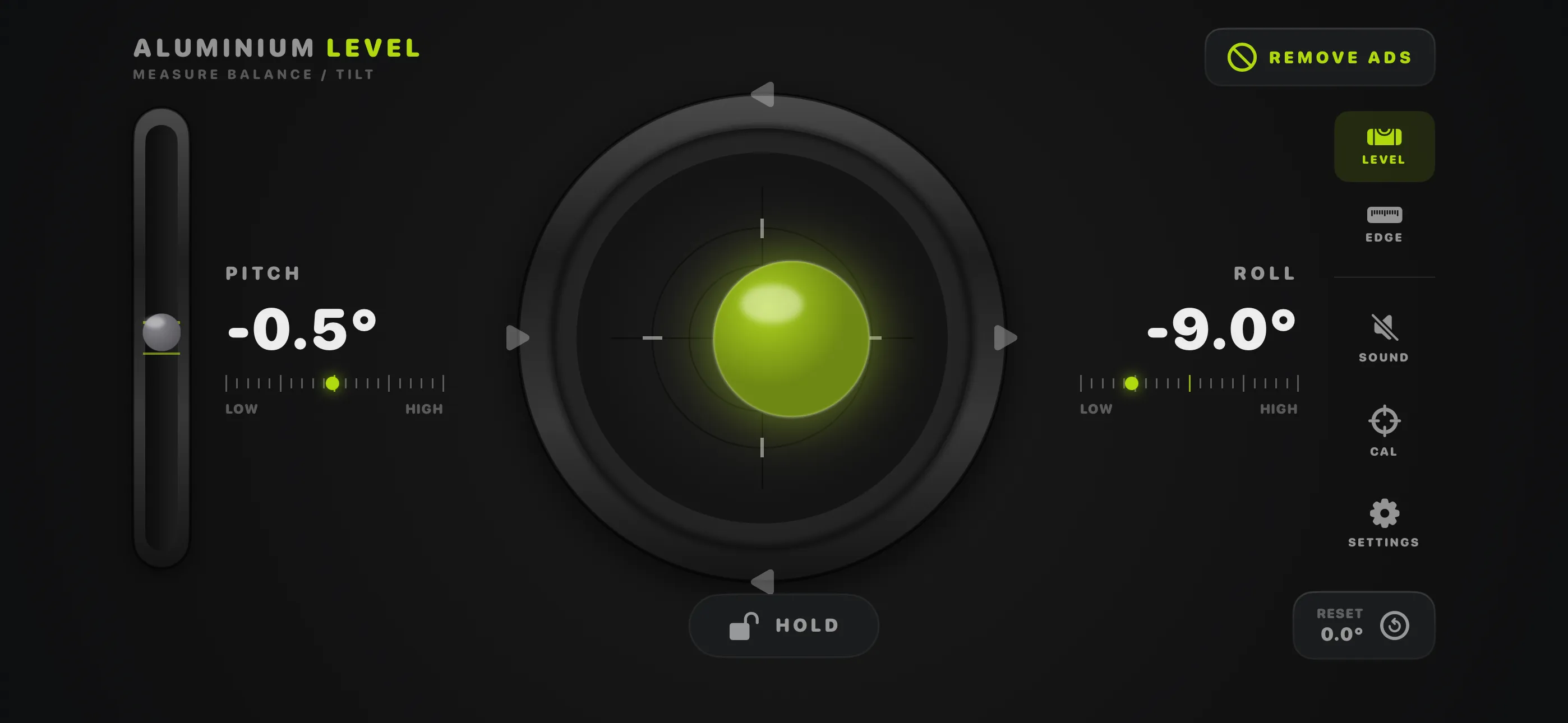
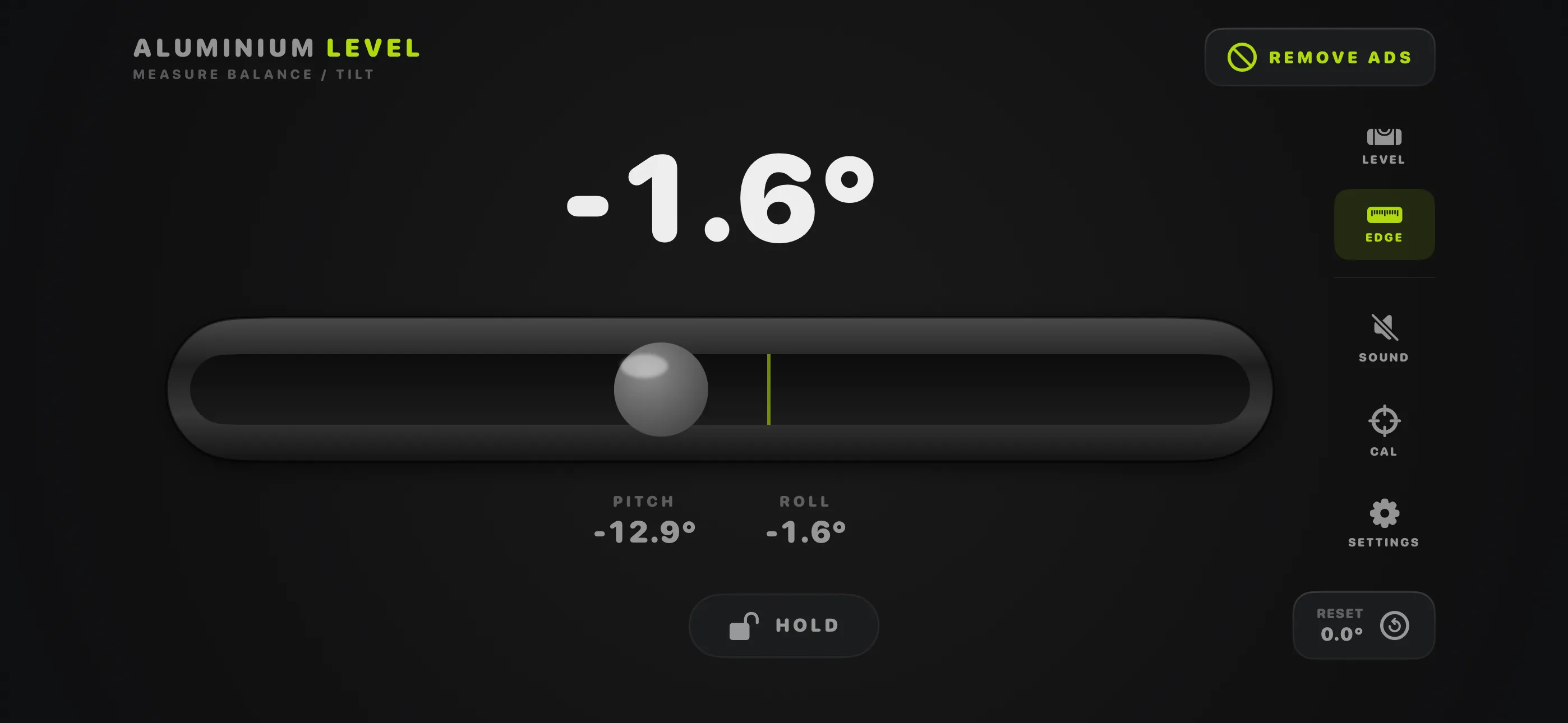
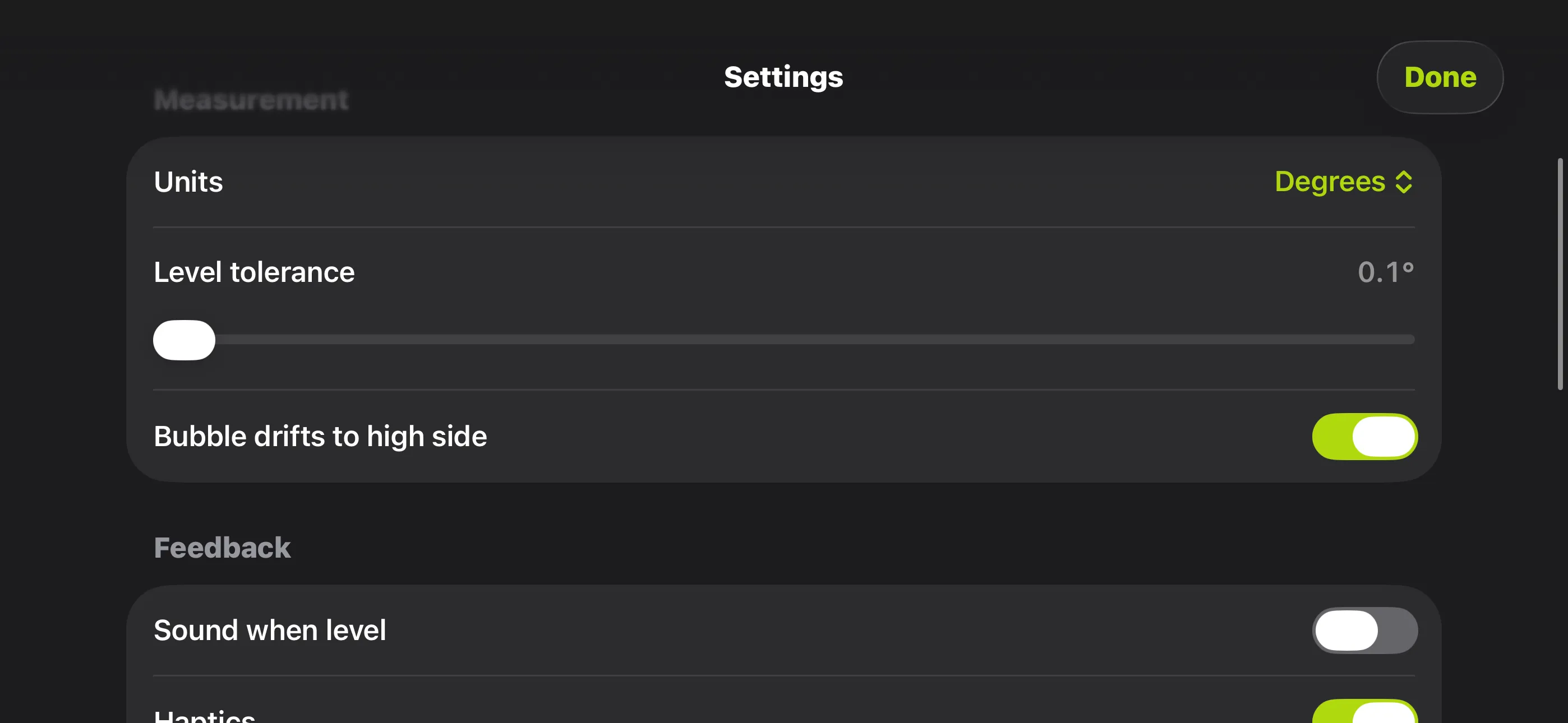
Level turns an iPhone or iPad into a precise digital bubble level, with a mechanical-feeling bubble vial that measures pitch and roll, plus an Edge mode for laying the phone on its side. Live degree readouts, calibration, a hold function, sound and haptics all help keep readings accurate when you're hanging a shelf or squaring up a frame. It's free, with an optional one-time purchase to remove ads — no subscription involved.
Finding Hidden Metal Behind Walls
The magnetometer in a phone is usually just there for the compass, but it's sensitive enough to do more useful work than that.
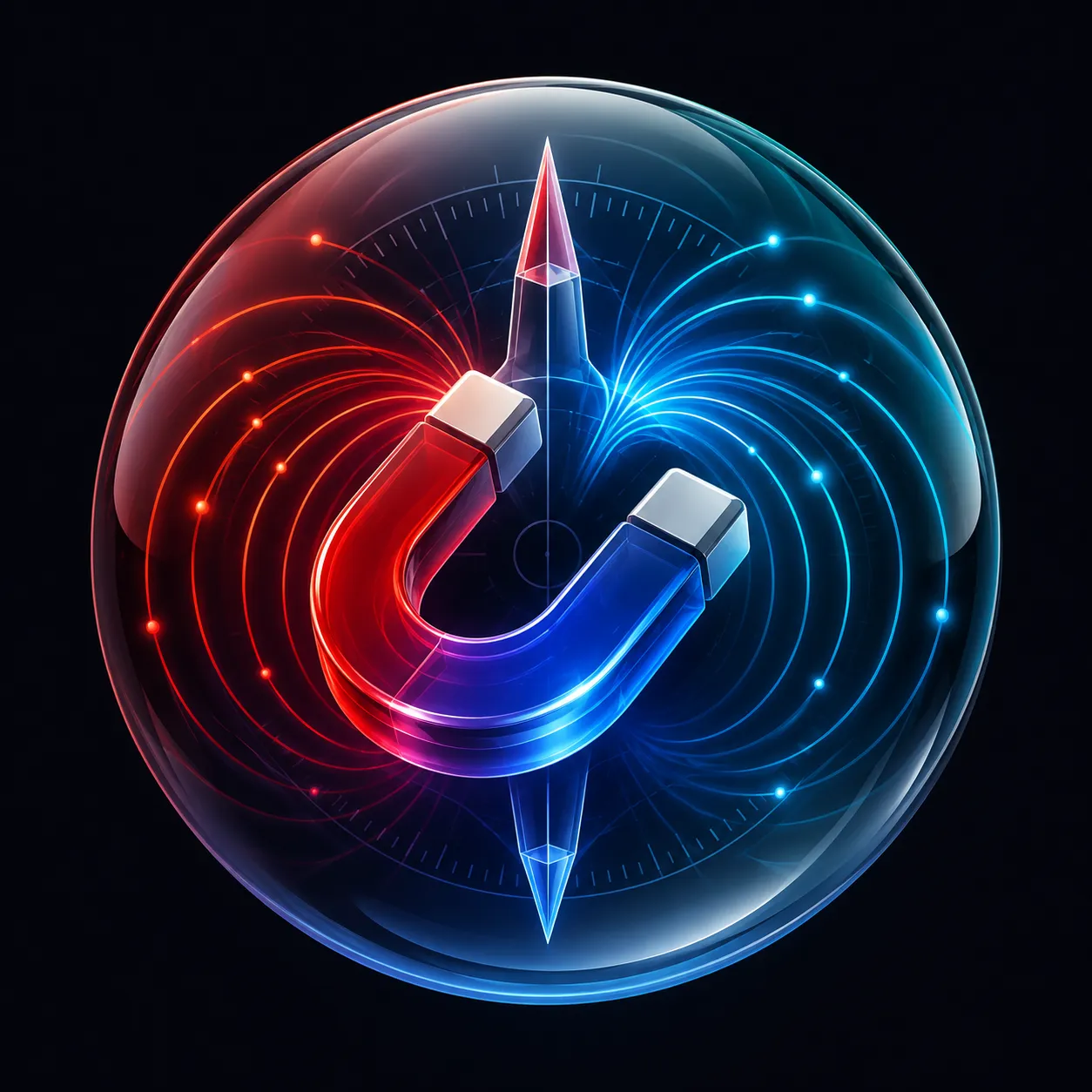
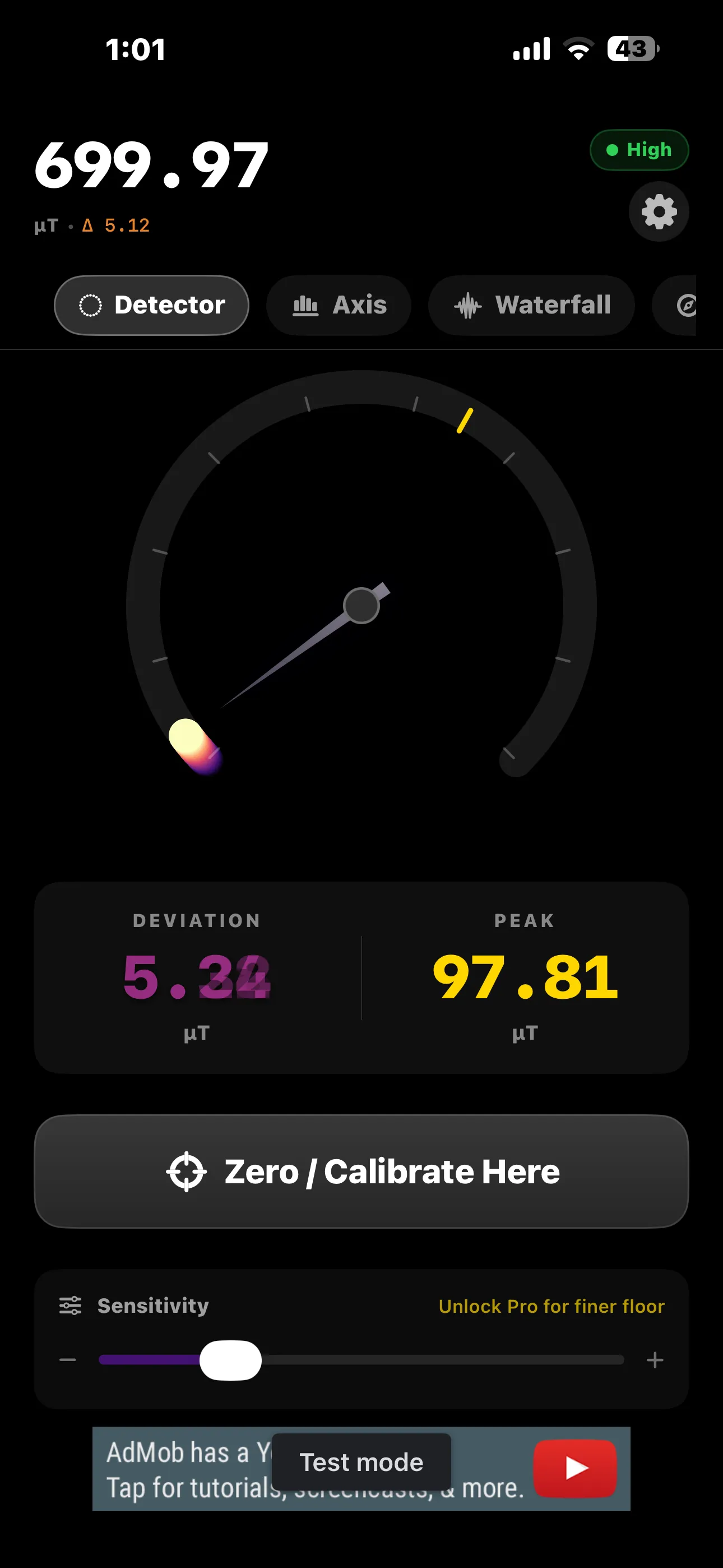
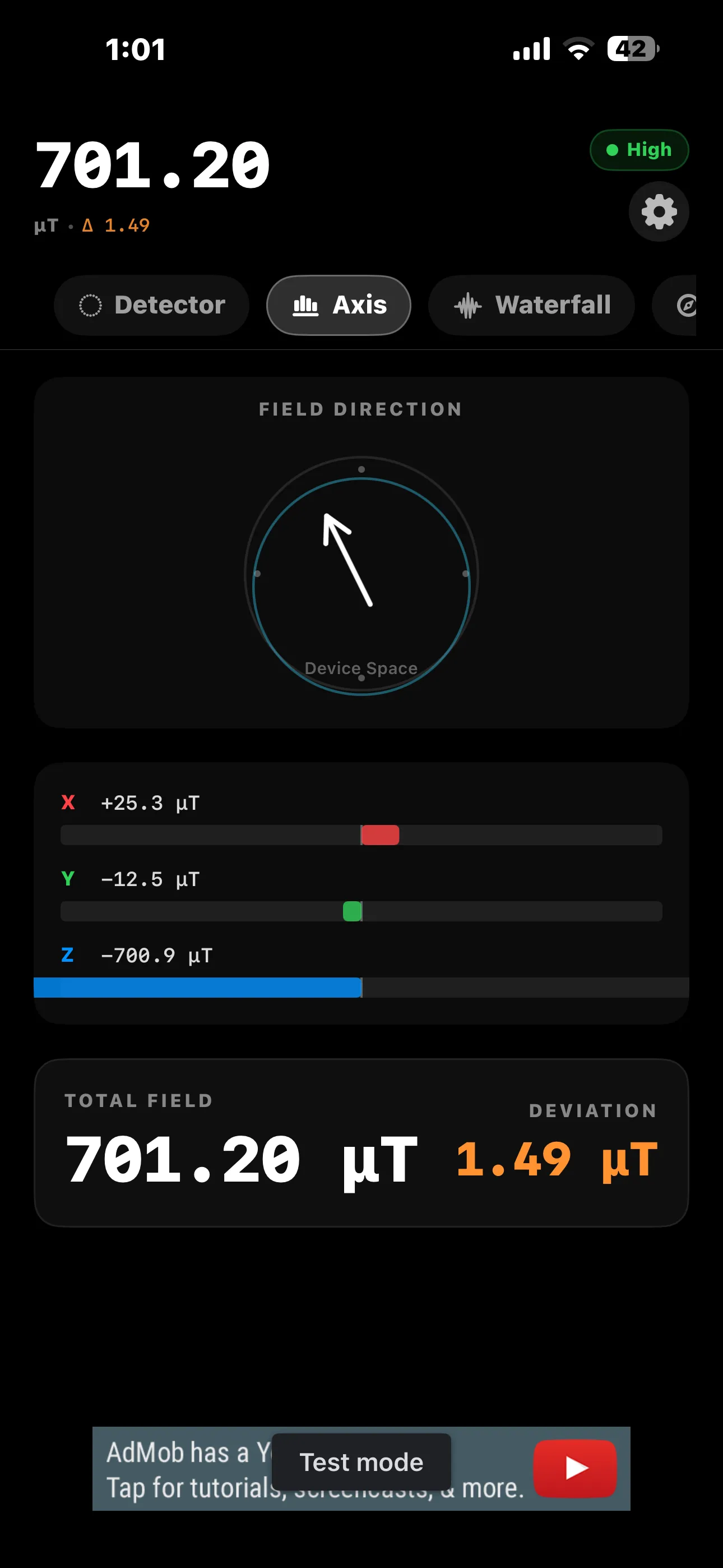
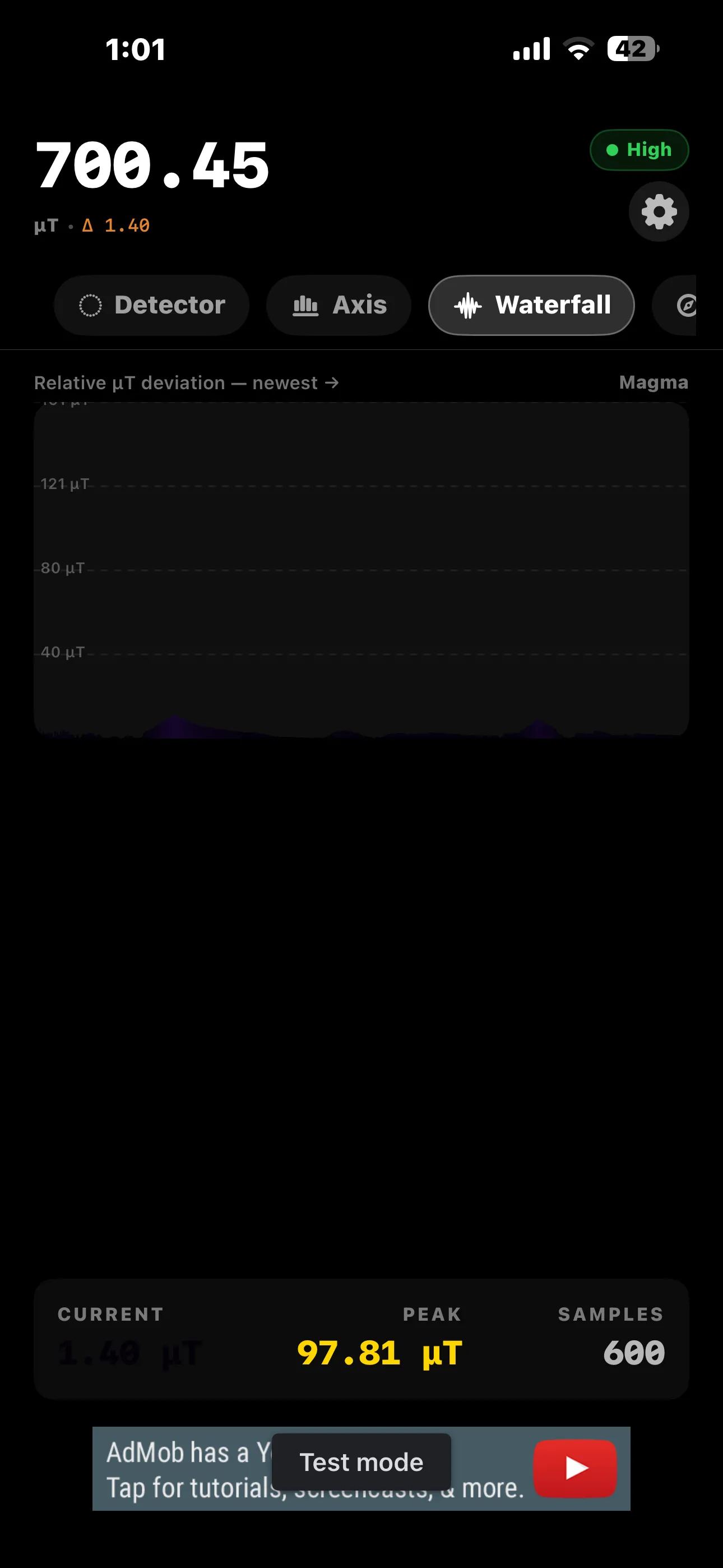
Magnet Meter turns the same sensor into a magnetic field detector, useful for finding magnets, hidden steel studs, screws and rebar behind drywall. It shows a live microtesla gauge, an axis view, a waterfall display and a compass, so you can watch the reading spike as you move closer to metal. Like Level, it's free to use with an optional one-time Pro upgrade rather than a subscription.
A Flashlight That Does More Than Flash
The last piece of the toolbox is the simplest tool of all — light — but there's room to make even that more useful.
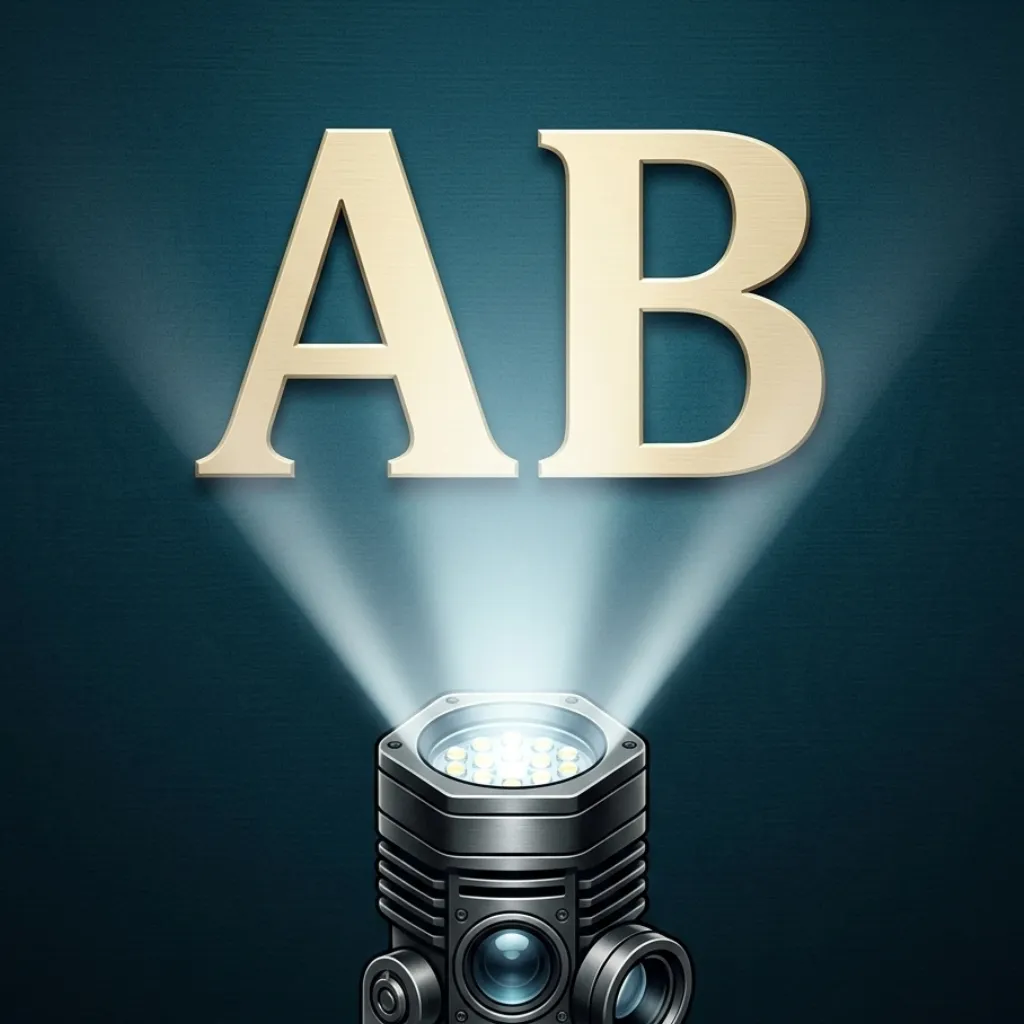
Torch AB is a flashlight app with a strobe mode and neon text, for when a plain steady beam isn't quite what the situation calls for — flagging someone down, marking your spot, or just making the torch visible from further away. It rounds out the toolbox alongside Level and Magnet Meter as the third sensor-based tool worth having on hand.
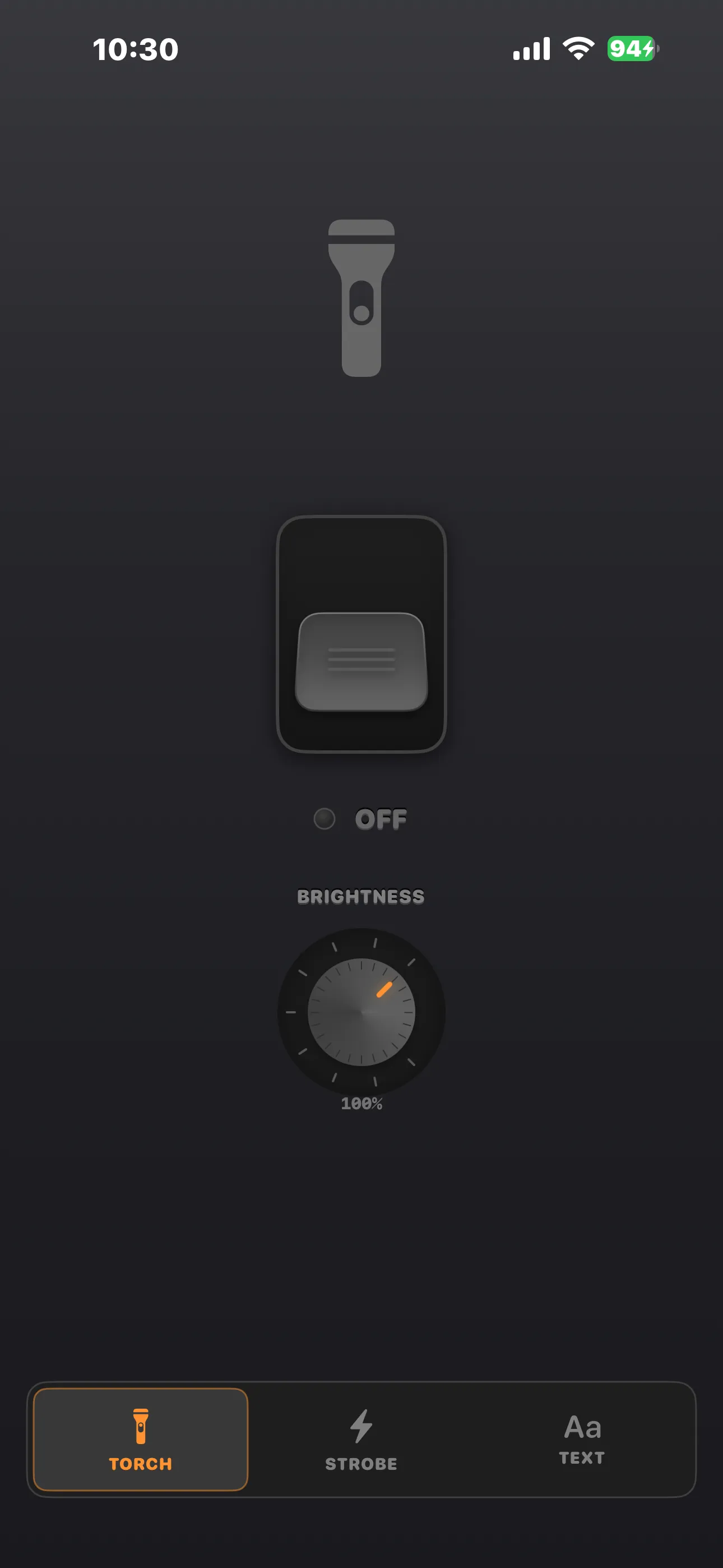
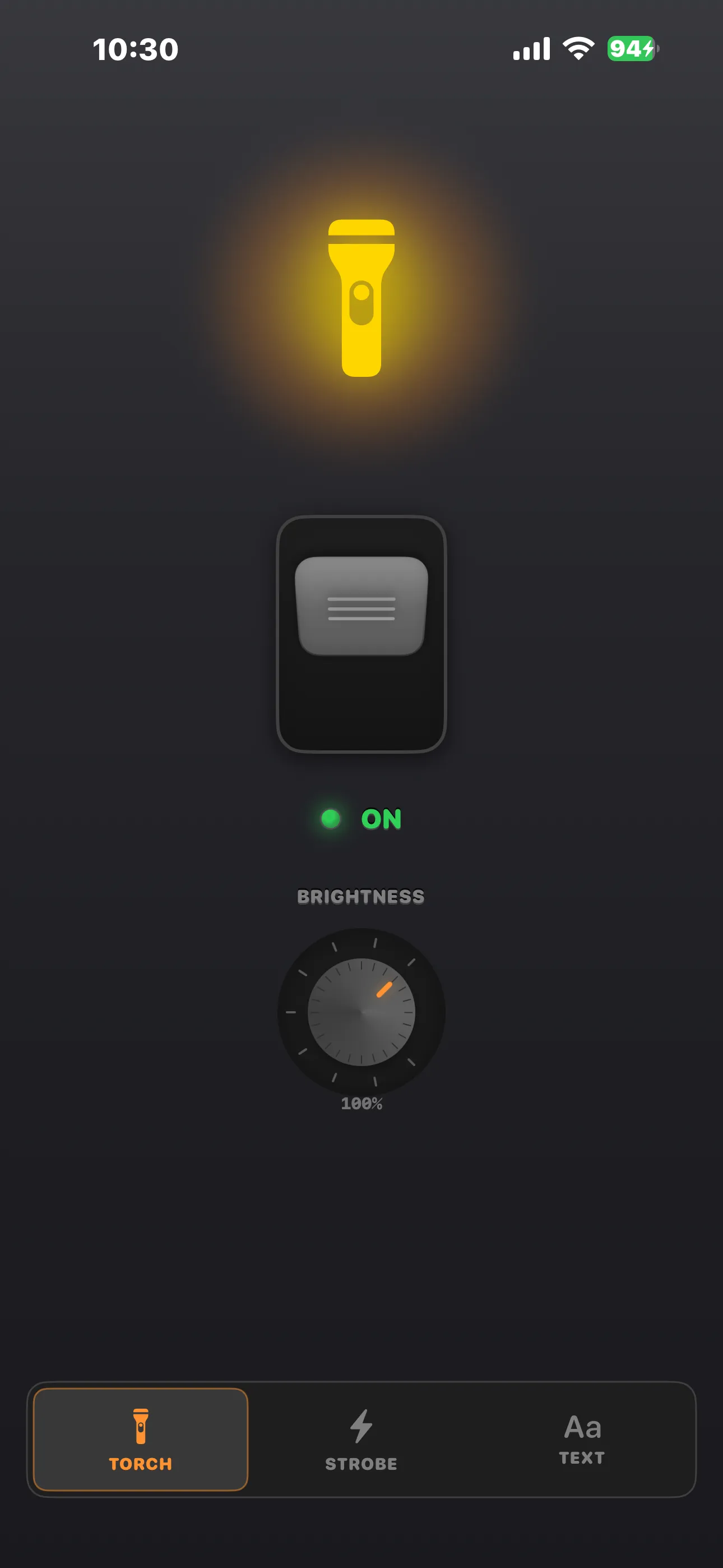
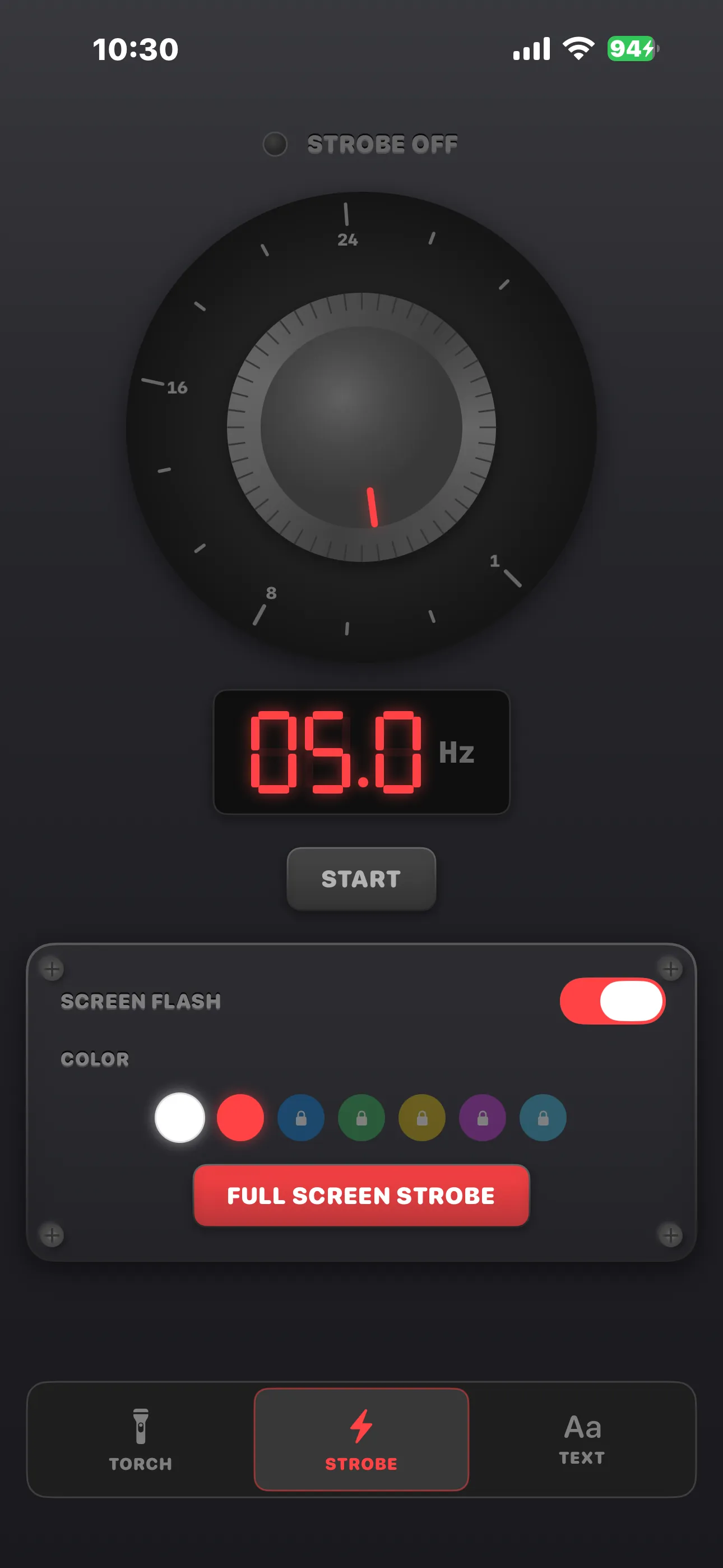
I build all three of these apps, and they came from the same instinct — that a modern phone already has the sensors for jobs people still reach for a separate gadget to do. Between the three, most small around-the-house measuring and finding tasks are covered without buying anything extra.
Frequently asked questions
Is there a free bubble level app for iPhone?
Level is free to use, with mechanical-feeling bubble vial measurements for pitch and roll and an Edge mode for laying the phone on its side — a one-time purchase removes ads if you want.
Can an iPhone detect magnets or metal behind a wall?
Yes — Magnet Meter uses the phone's built-in magnetometer to show a live magnetic field reading, which is sensitive enough to help locate magnets, steel studs, screws and rebar.