GPS Apps for the Road: A Dashboard Speedometer & a Route Recorder
A gps speedometer app iphone drivers and cyclists actually keep installed usually does one of two jobs well: show the current number in big digits, or remember where you went afterward. I built one app for each job rather than trying to cram both into a single cluttered screen.
Speed and Mark My Route were designed to be used together or separately — one is a live dashboard for the moment, the other a logbook for after the fact.
GPS Speedometer App iPhone: A Live Dashboard for the Windscreen
Watching your speed shouldn't mean glancing down at a tiny number buried in a maps app, which is the whole reason this one exists.
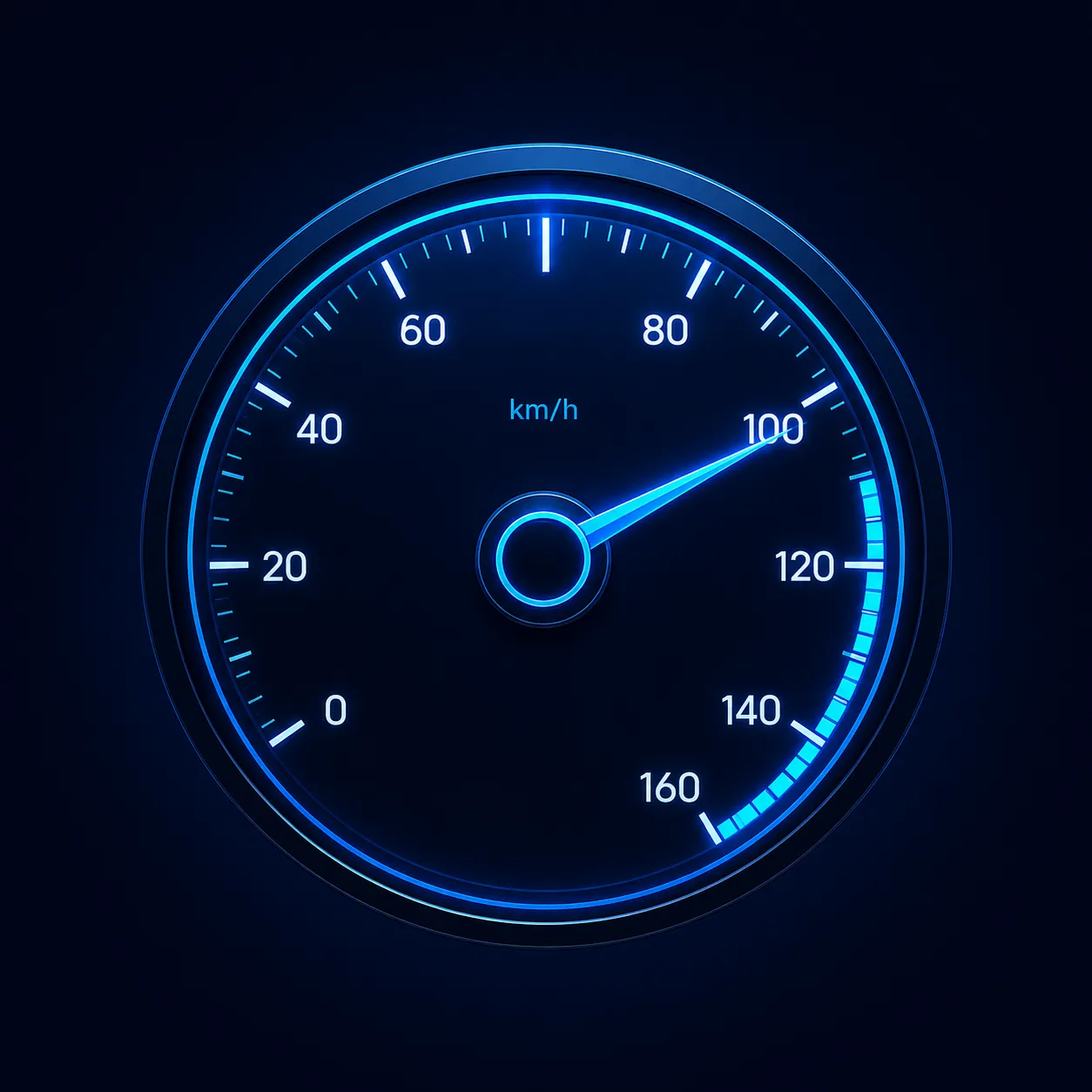
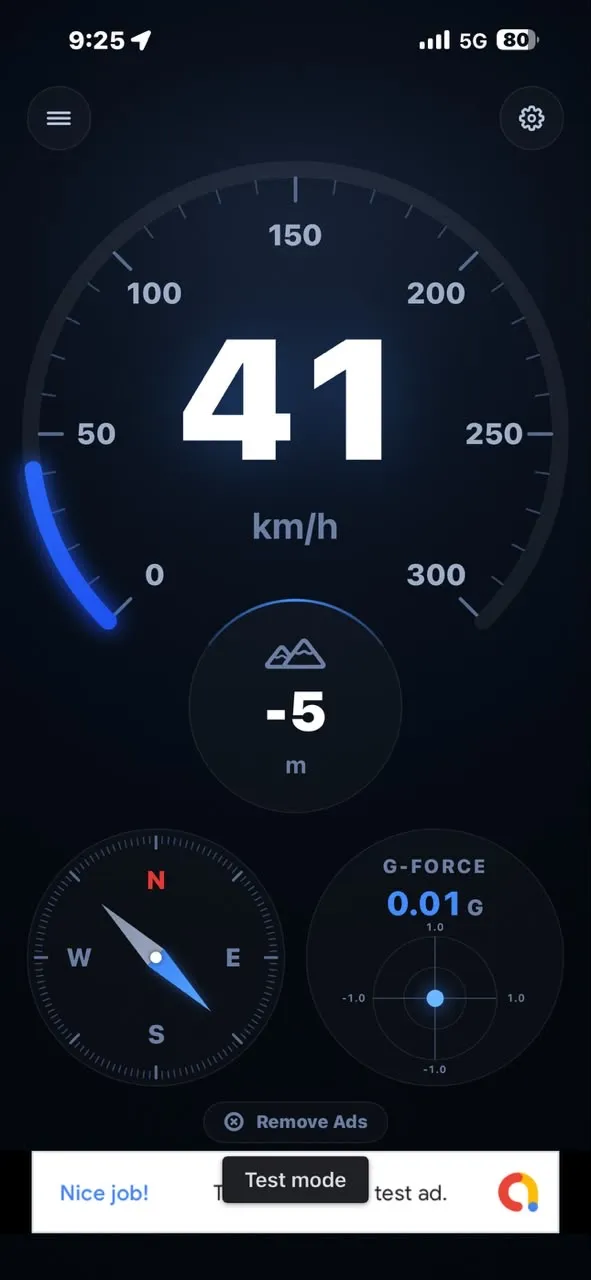
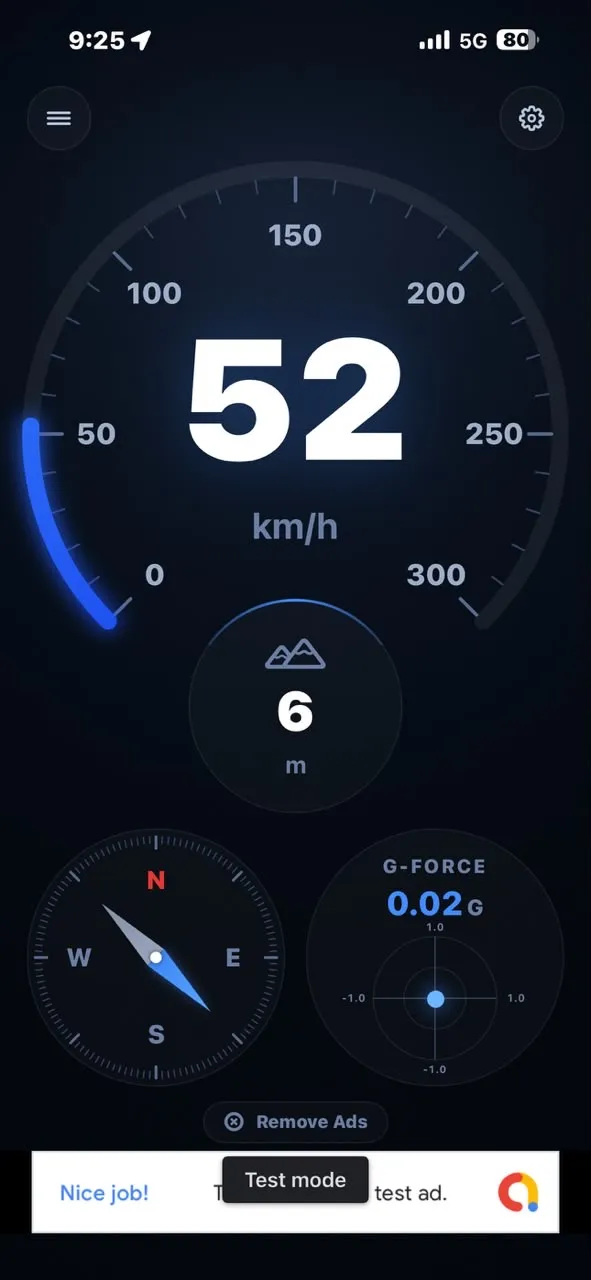
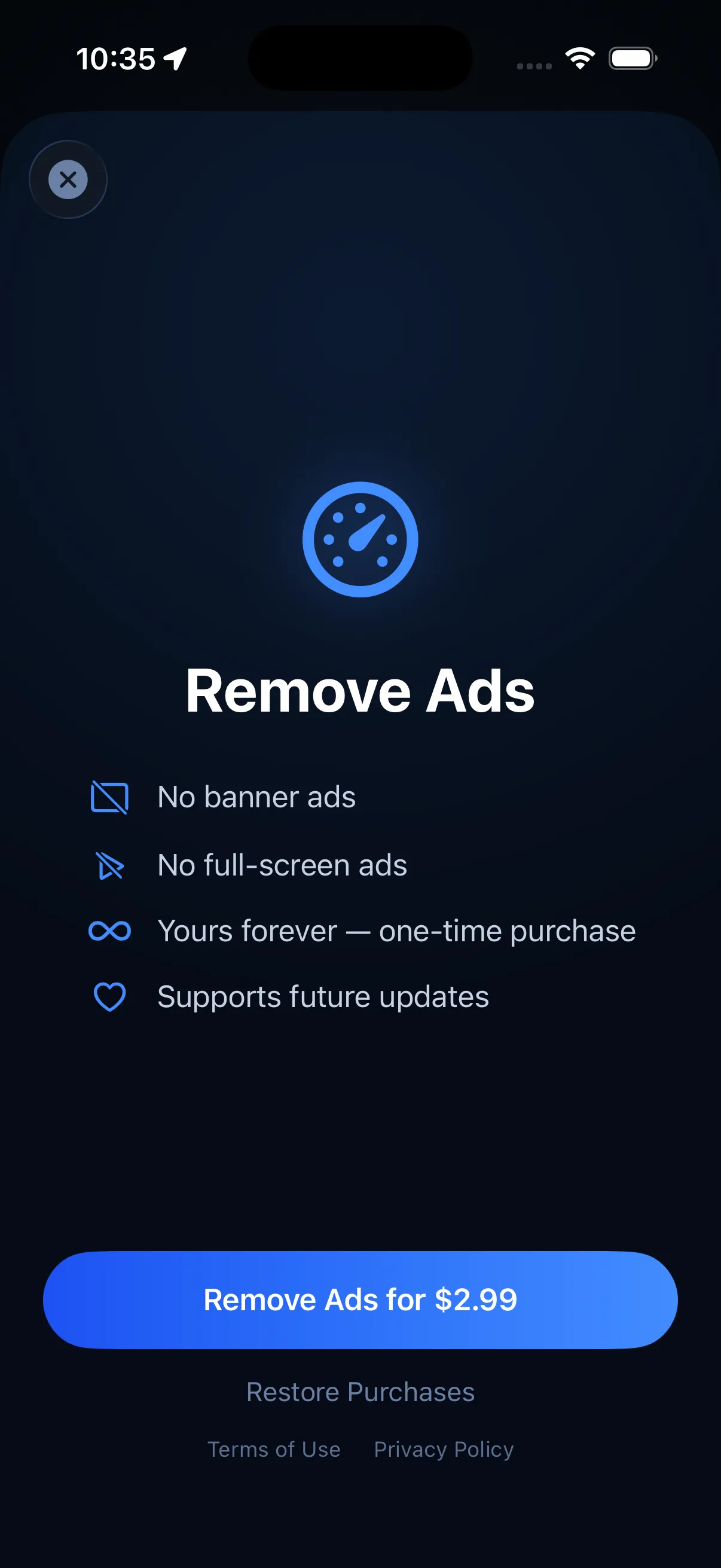
Speed turns an iPhone into a real-time dashboard with a large GPS speedometer in km/h or mph, a live G-force meter, altitude and a compass, all on one screen. It's built to be glanced at, not studied — big numbers, one screen, nothing to tap mid-drive. It's free with ads, and a one-time $2.99 purchase removes them. As the app itself notes, it's for informational and entertainment use only, not a substitute for your vehicle's own instruments.
Recording the Route After You've Driven It
A live speedometer is useful in the moment, but it doesn't remember anything once the trip's over — that's a separate job.
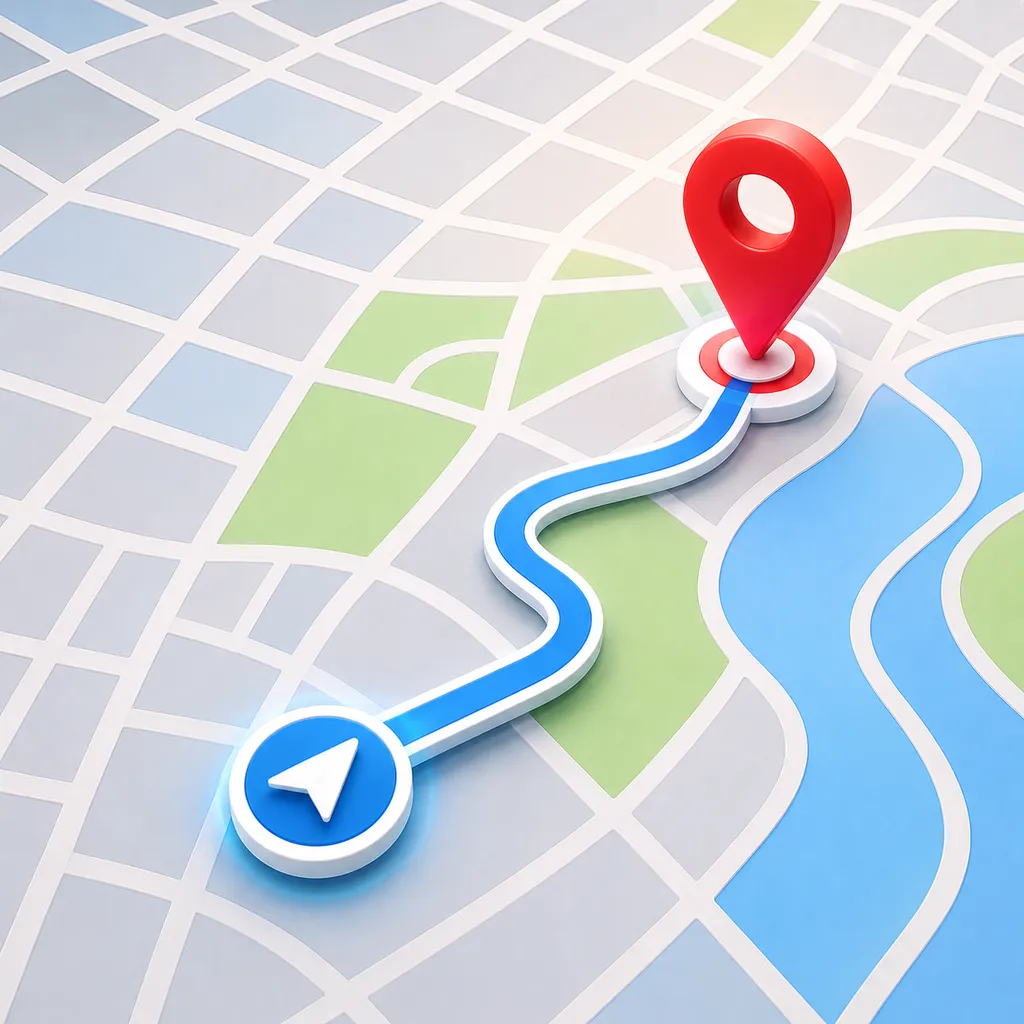
Mark My Route records the path you walk, run or drive, then saves it as a route you can revisit later, with distance, time, average speed and every point along the way logged. It's the app to reach for when you want a record afterward rather than just a number in the moment — retracing a hike, logging a regular run, or keeping a history of drives. It's free with ads, and a one-time $2.99 Pro upgrade removes them and lifts the saved-route limit.
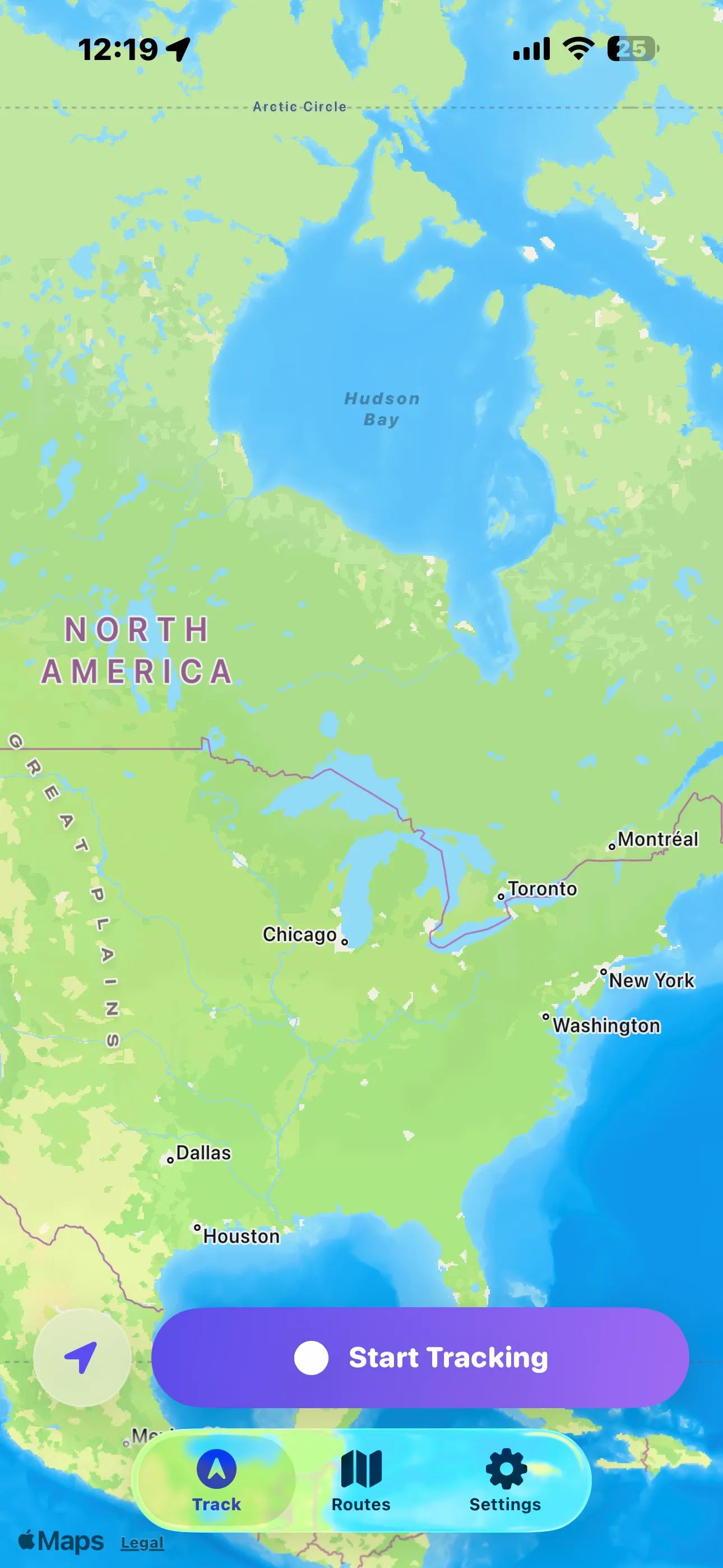
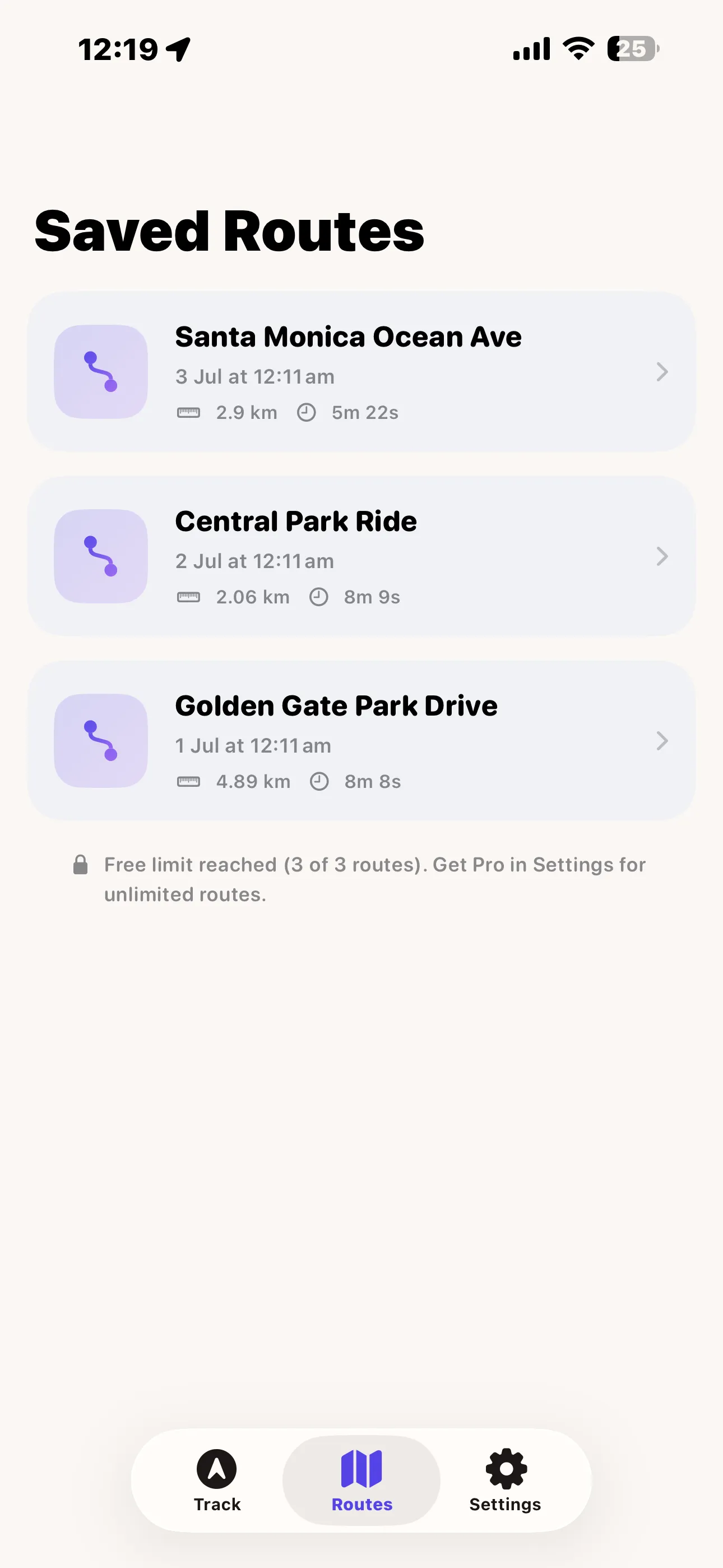
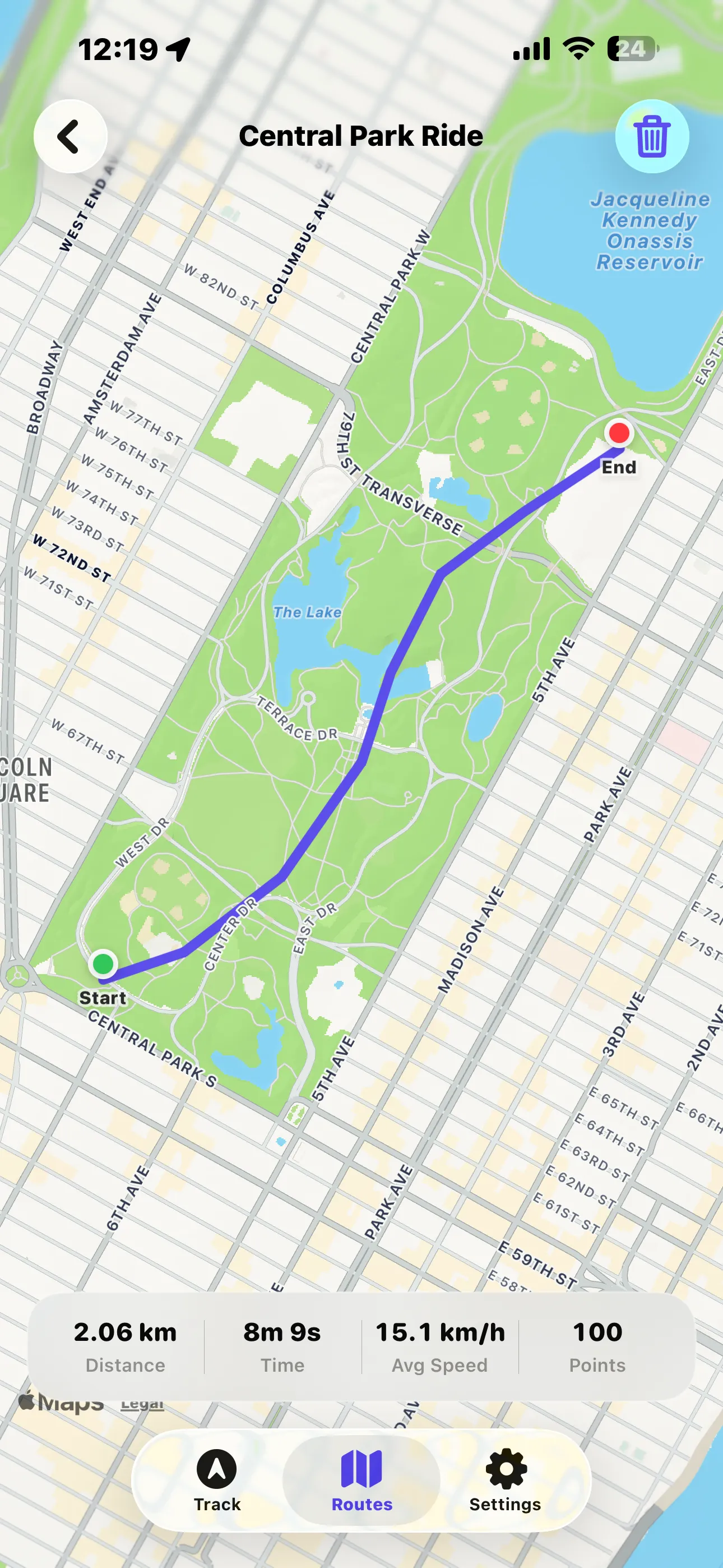
I build both of these apps, and I kept them as separate, focused tools on purpose rather than merging them into one bloated dashboard. Use Speed for the live number on the windscreen mount, and Mark My Route for the record once you've arrived.
Frequently asked questions
Is there a free GPS speedometer app for iPhone?
Speed is free with ads and shows a large GPS speedometer in km/h or mph alongside a G-force meter, altitude and compass — a one-time $2.99 purchase removes the ads.
What app records a driving or walking route on iPhone?
Mark My Route records your path as you walk, run or drive, then saves distance, time, average speed and the full route so you can revisit it later.