Send a Page to Your Phone: QR Codes Straight from a Safari Tab
Getting a link from your Mac to your phone shouldn't require messaging it to yourself and then deleting the message afterwards. A safari tab qr code extension solves this in about two seconds: turn the tab into a code, scan it, done.
I've built two related tools here — one that works directly on whatever tab is open in Safari, and one for generating a QR code from any text or link when there's no tab involved at all.
A Safari Tab QR Code Extension for Sending Pages to Your Phone
The most common case is simple: you're looking at a page on your Mac and want it on your phone.

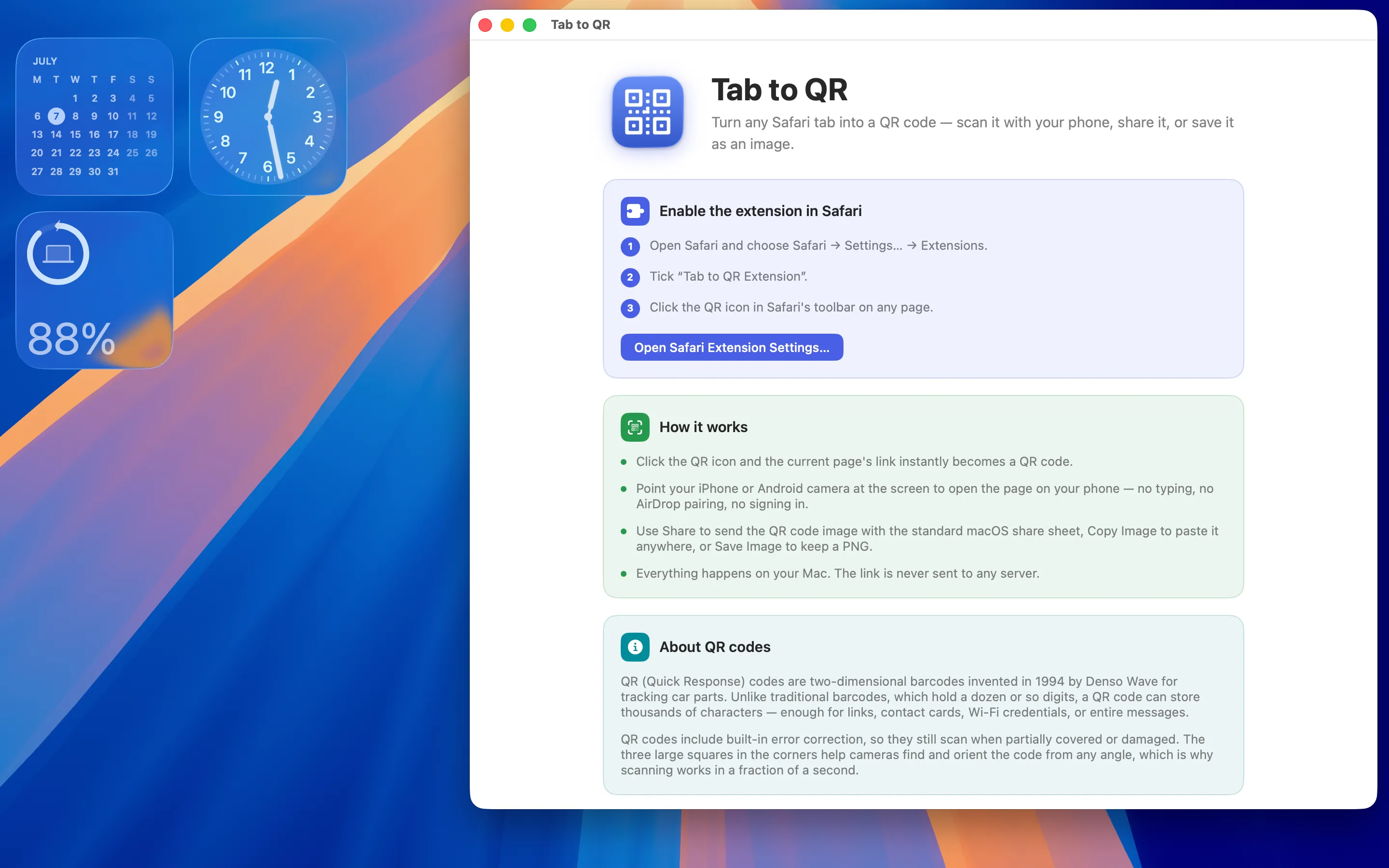
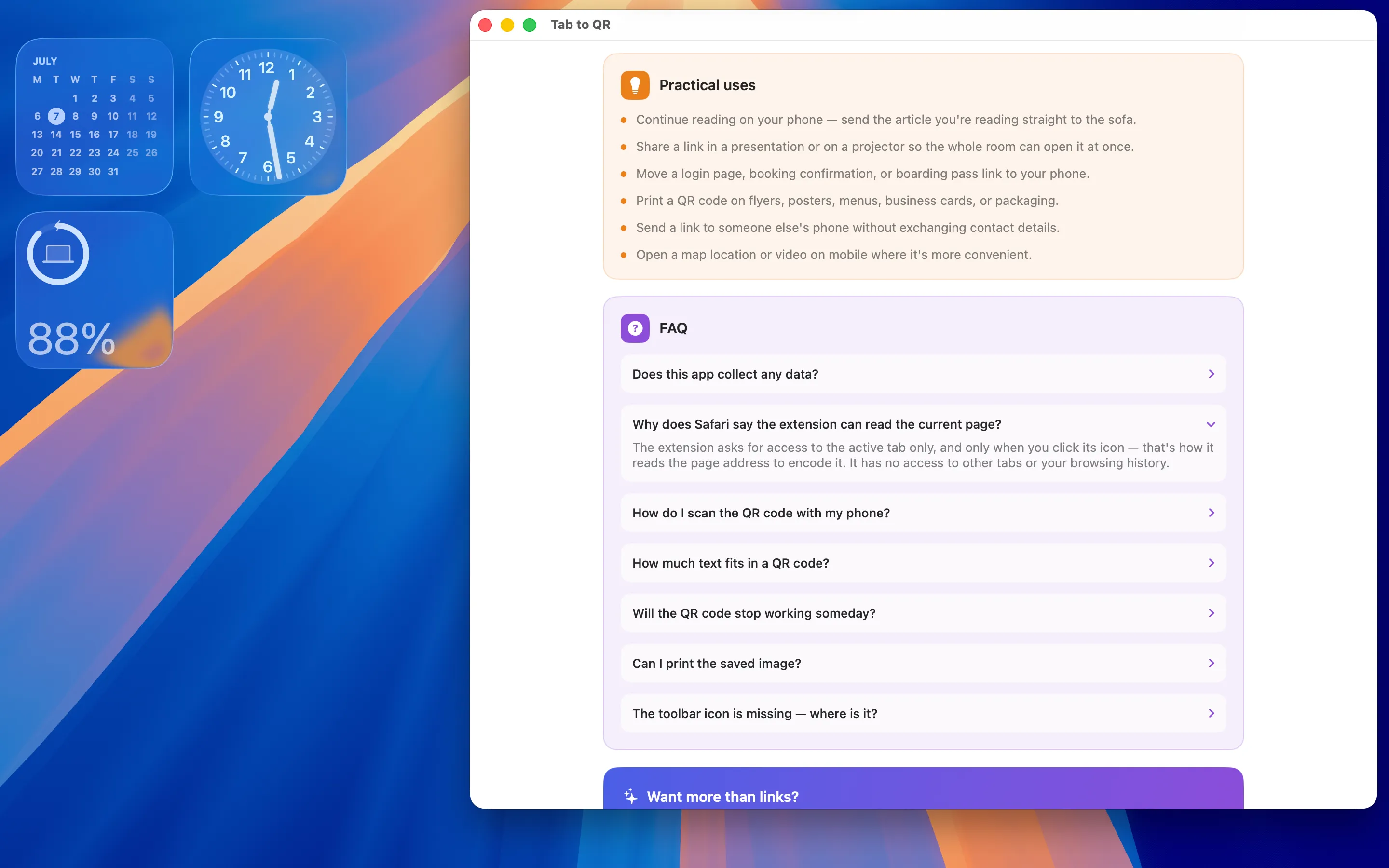
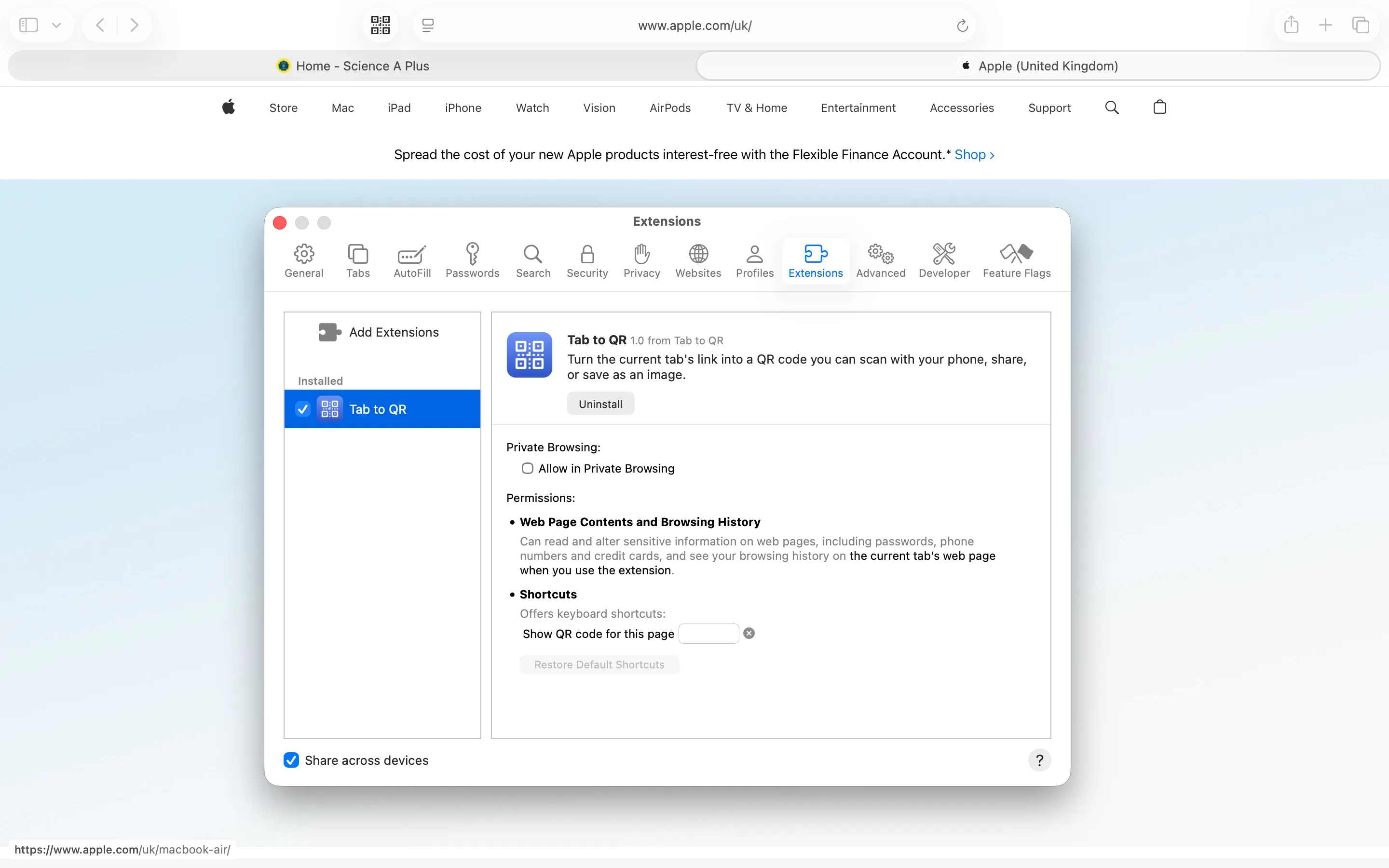
Tab to QR is a privacy-first Safari extension for Mac that turns the current tab into a QR code you can scan, share, copy, or save. No ads, no tracking, no accounts, a one-time purchase. Click the extension, point your phone's camera at the code, and the page opens — no message to yourself, no copying a URL into a chat app just to send it three metres across the room.
Generating a QR Code From Anything Else
Not every QR code starts life as an open browser tab — sometimes it's a Wi-Fi password or a bit of plain text.

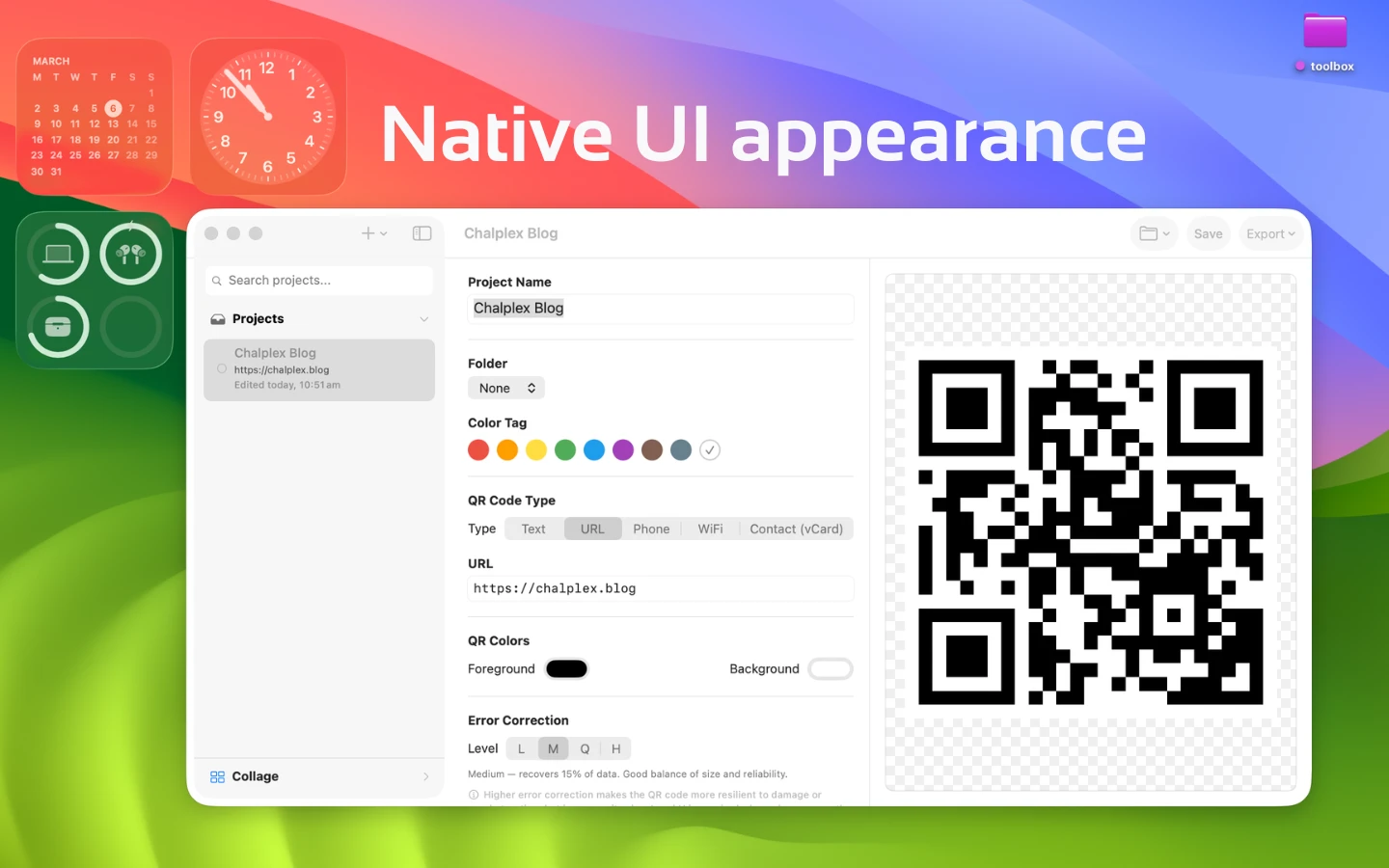
Gen QR - Code Maker is a QR code generator for macOS, built for the cases Tab to QR doesn't cover: text that isn't a URL, a code you want to save or print, or generating one outside of Safari entirely. Between the two, most QR code needs on a Mac end up covered without reaching for a website that quietly logs whatever you type into it.
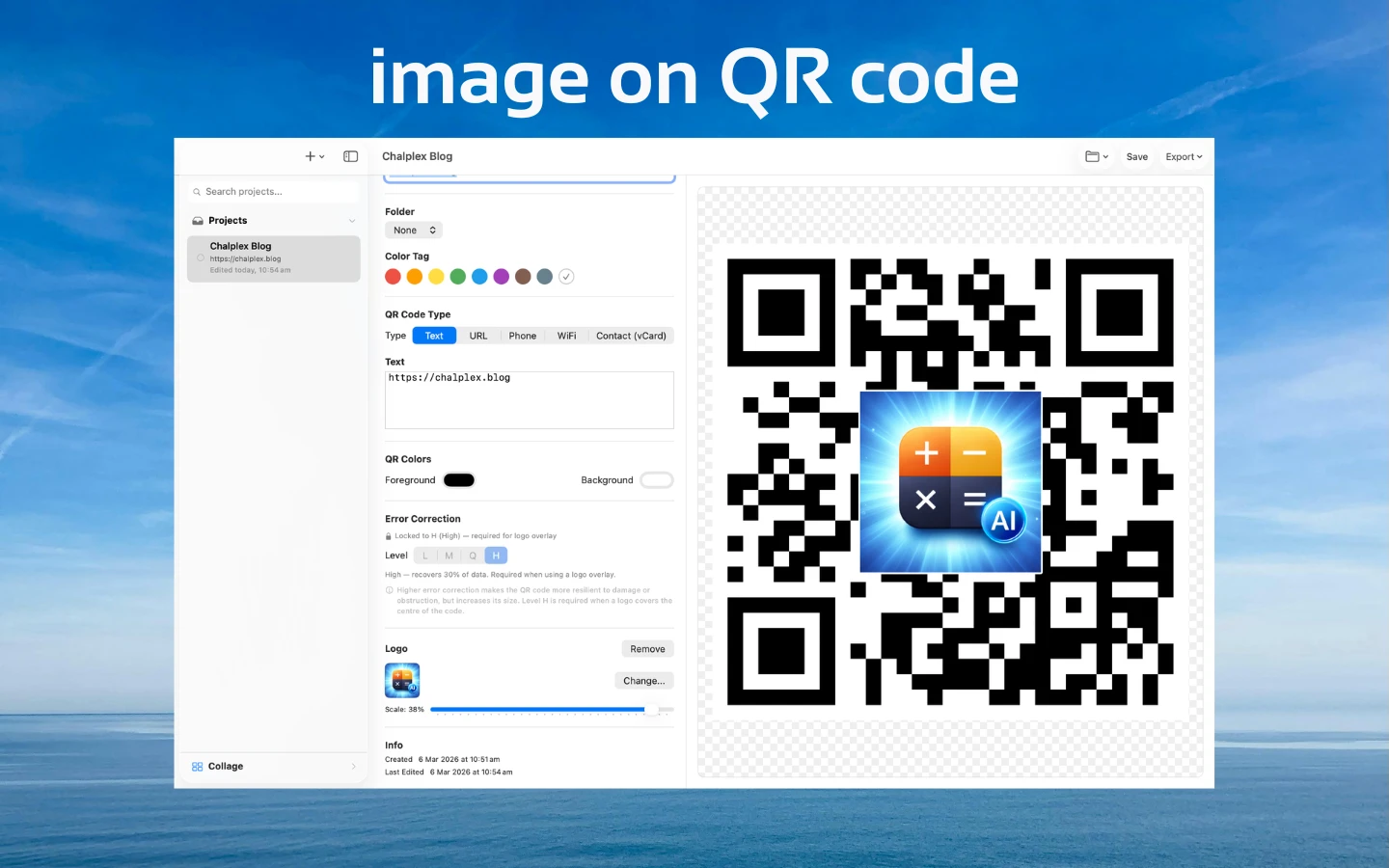
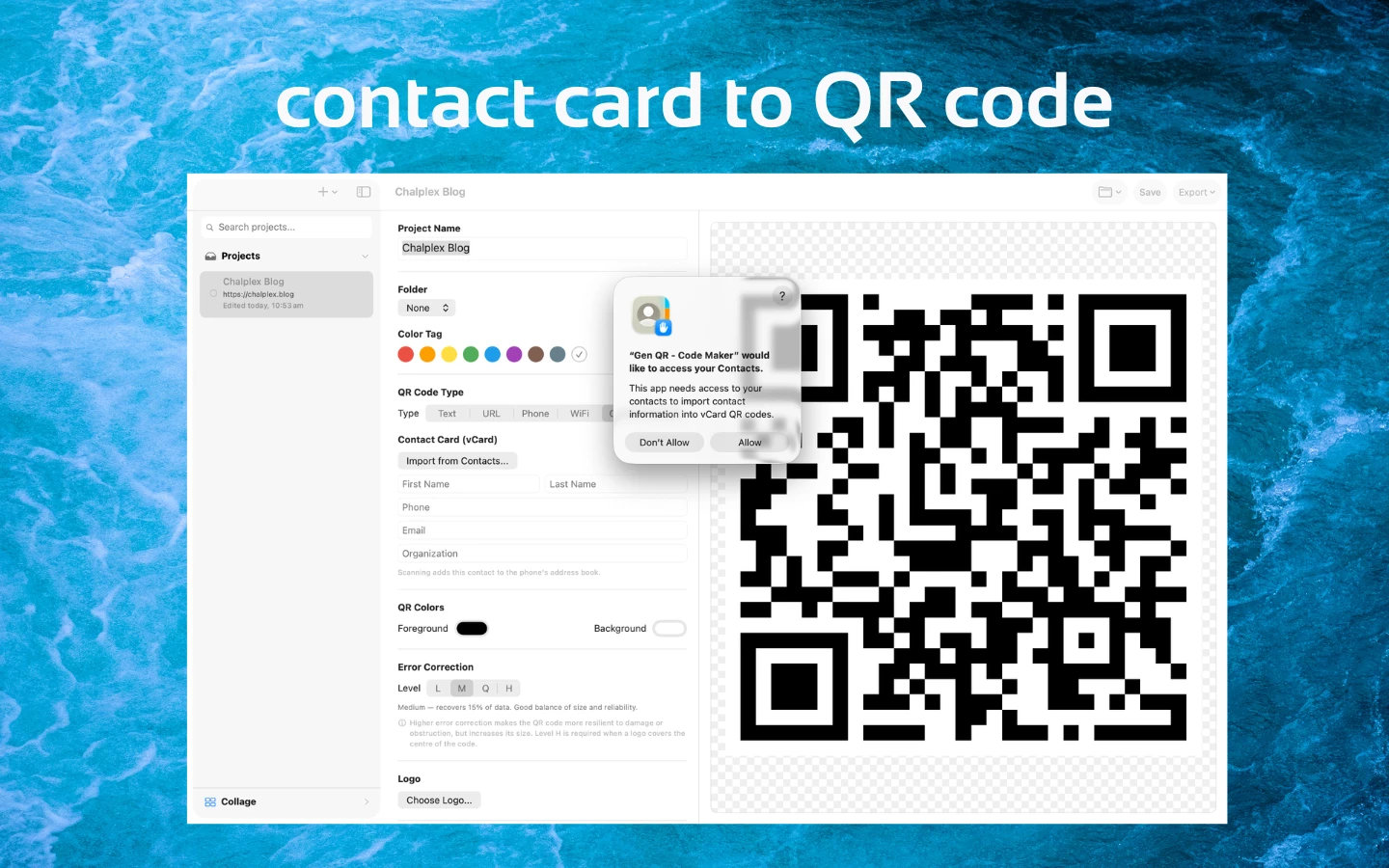
Full disclosure: I build both of these, deliberately split so the Safari-specific job and the general-purpose one don't get bundled into a single, more complicated app.
Frequently asked questions
Is there a Safari extension that turns the current tab into a QR code?
Tab to QR does exactly this — one click turns whatever tab is open into a scannable QR code you can save or share.
How do I make a QR code from plain text on a Mac?
Gen QR - Code Maker generates a QR code from text or links on macOS, for cases where there isn't a Safari tab to convert.