Stop Retyping: Reusable Text Snippets in Safari with Quick Paste Templates
Typing the same email reply, address, or support response for the tenth time this week is exactly what a safari text snippet extension exists to stop. A few clicks to save a template once, one click to paste it forever after.
I've built this for Safari and for Chrome, plus a smaller desktop tool for the notes that don't quite belong in either.
A Safari Text Snippet Extension for Repetitive Typing
Snippets only save time if pasting them is faster than typing, which means the tool has to live where you're actually typing.

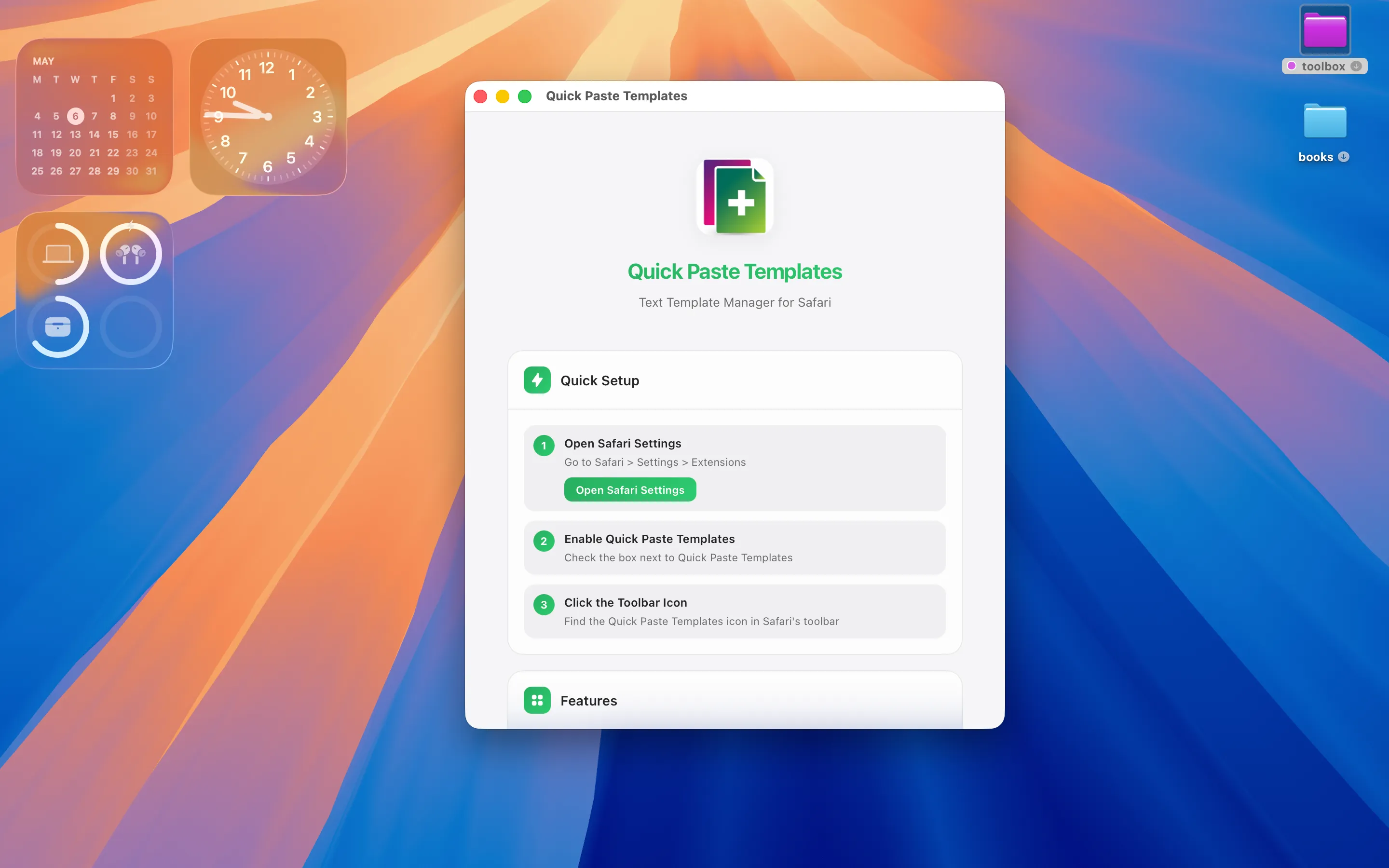
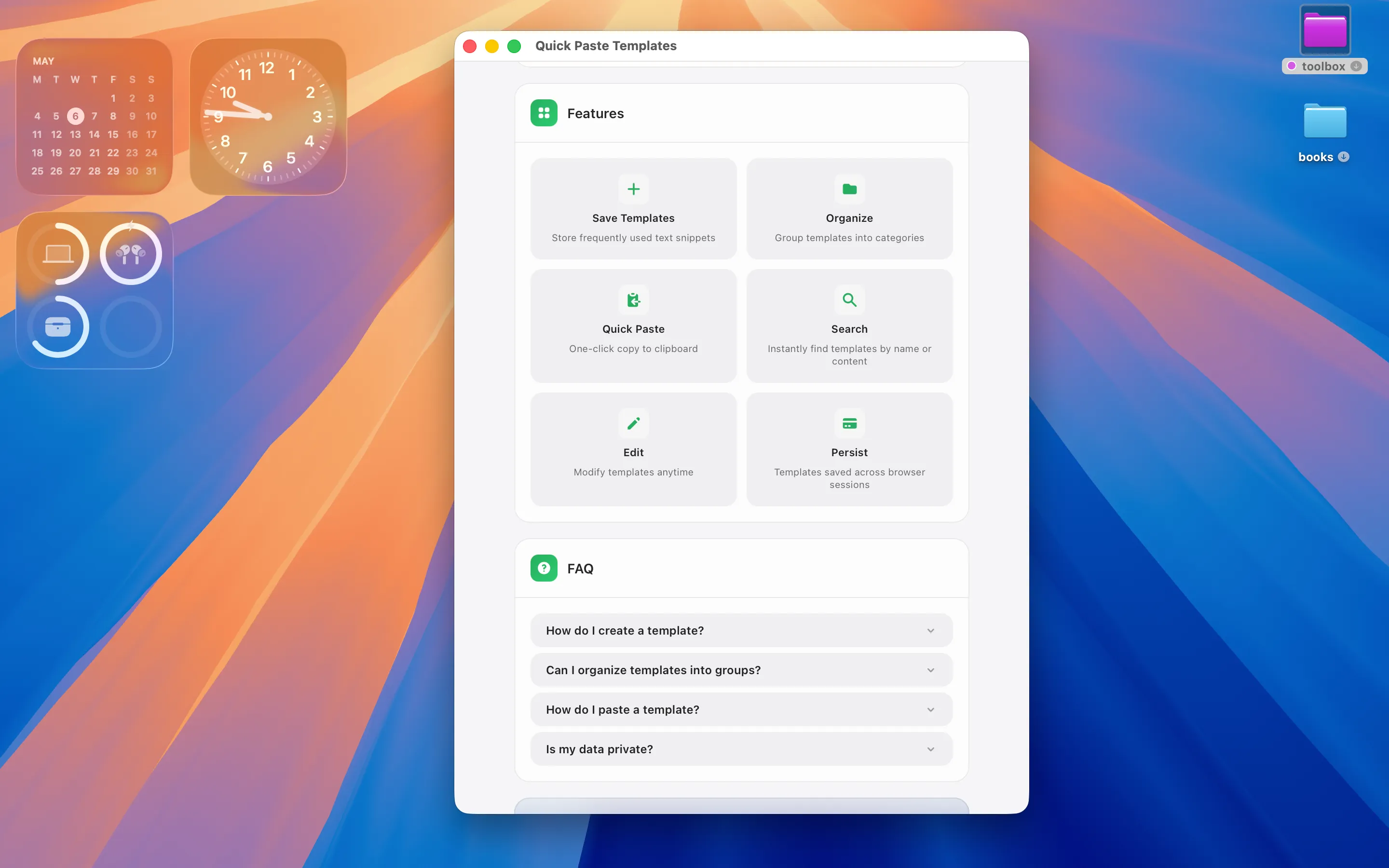
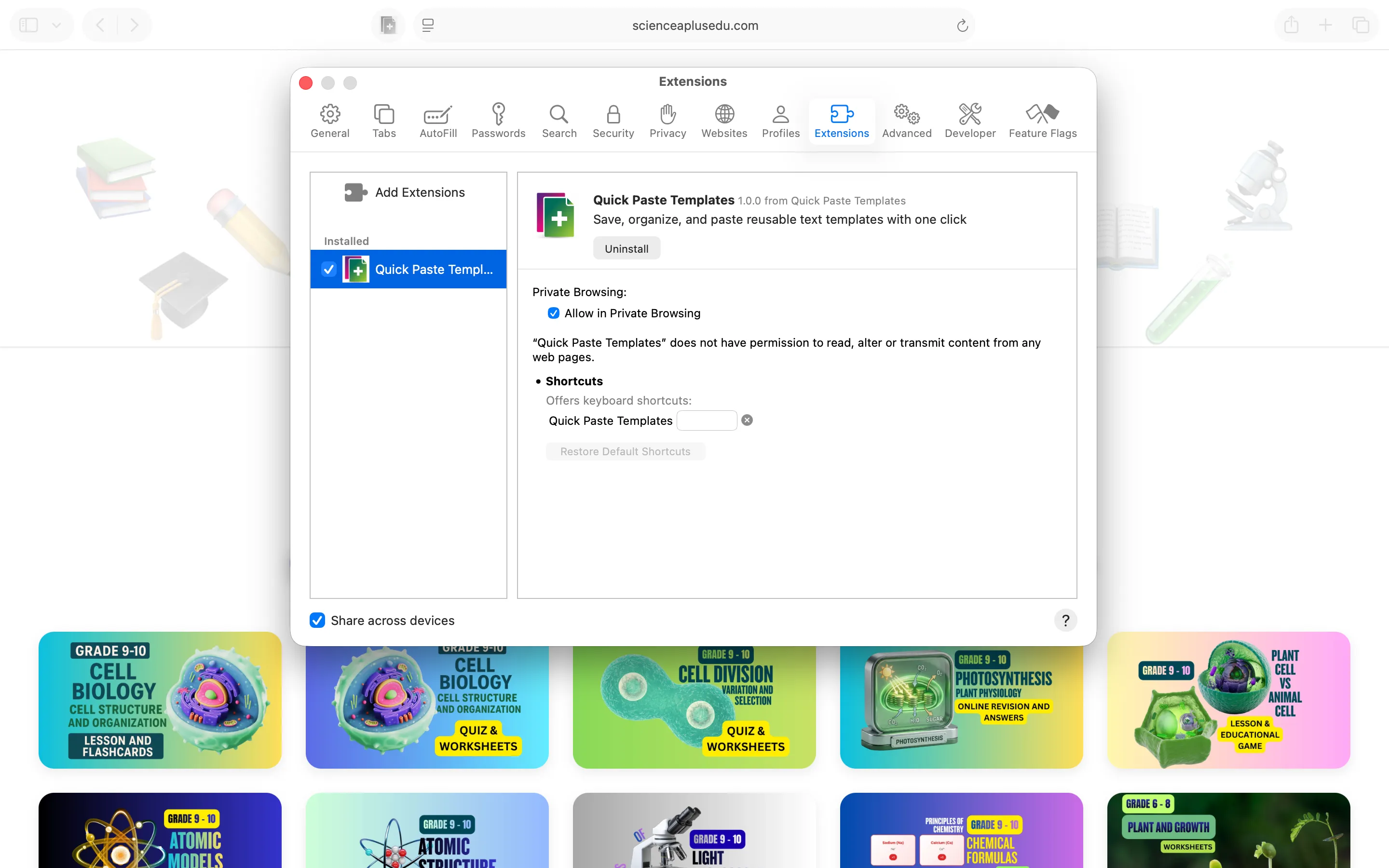
Quick Paste Templates is a privacy-first macOS app and Safari extension that stores reusable text snippets in colour-coded folders and pastes them into any Safari page in one click. No telemetry, no ads, no account. It's built for the repetitive typing that piles up over a week — standard replies, addresses, boilerplate — organised well enough that finding the right snippet doesn't take longer than just typing it out again.
The Same Idea, for Chrome
Not every browser tab is in Safari, and the same repetitive typing happens there too.

Quick Paste Templates for Chrome saves, organises, and pastes reusable text templates with one click, mirroring the Safari version for anyone who splits their browsing between the two. It's a separate extension built for Chrome specifically, so snippets saved in one don't automatically appear in the other.
For Notes That Aren't Quite Snippets Yet
Some text is still being drafted, not yet ready to save as a reusable template.
Nano Sticky is a minimal desktop sticky notes app for macOS, useful for the in-progress version of a line you might eventually turn into a saved snippet. It sits on the desktop rather than inside a browser, which makes it a reasonable staging area before something graduates into Quick Paste Templates.
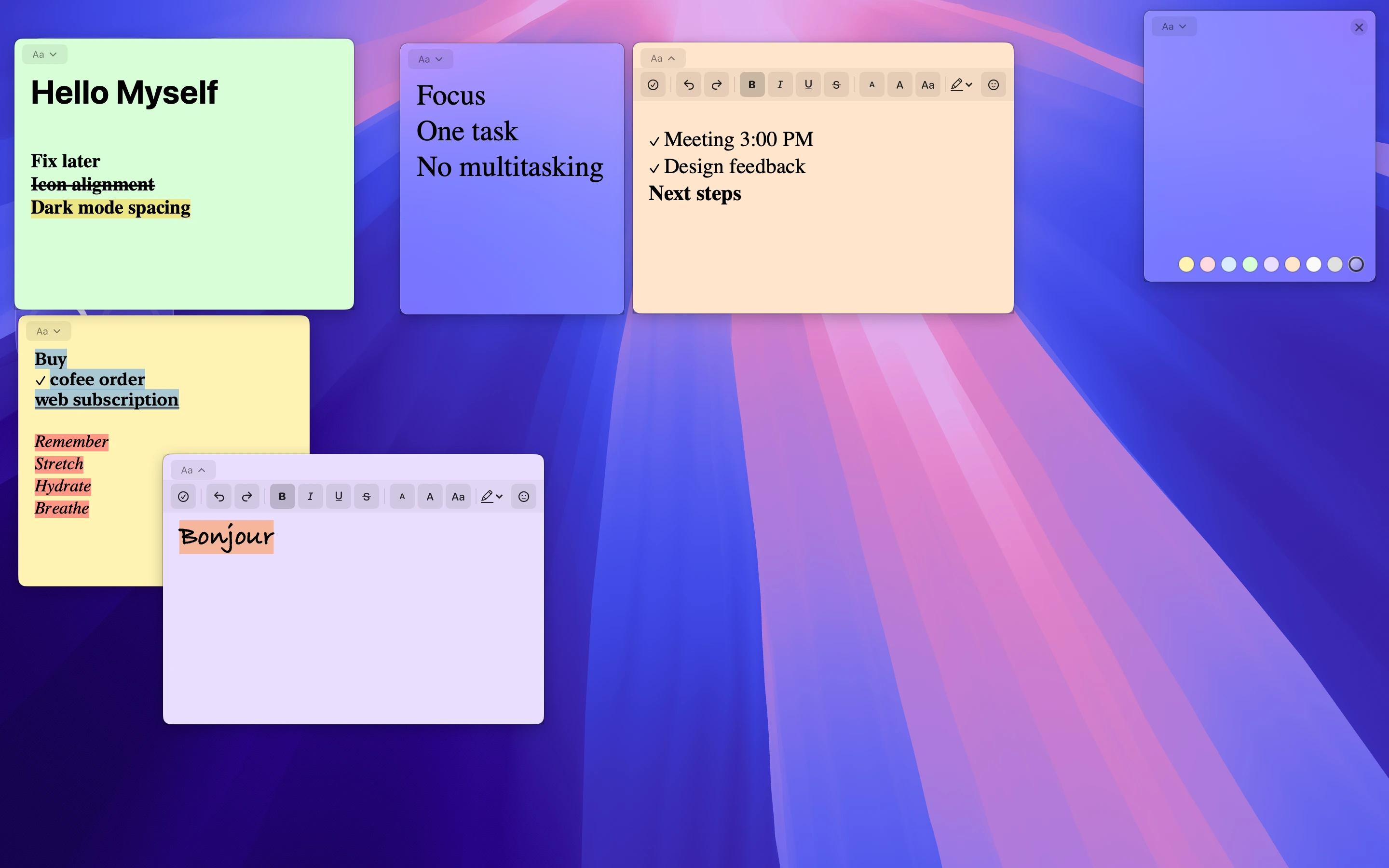
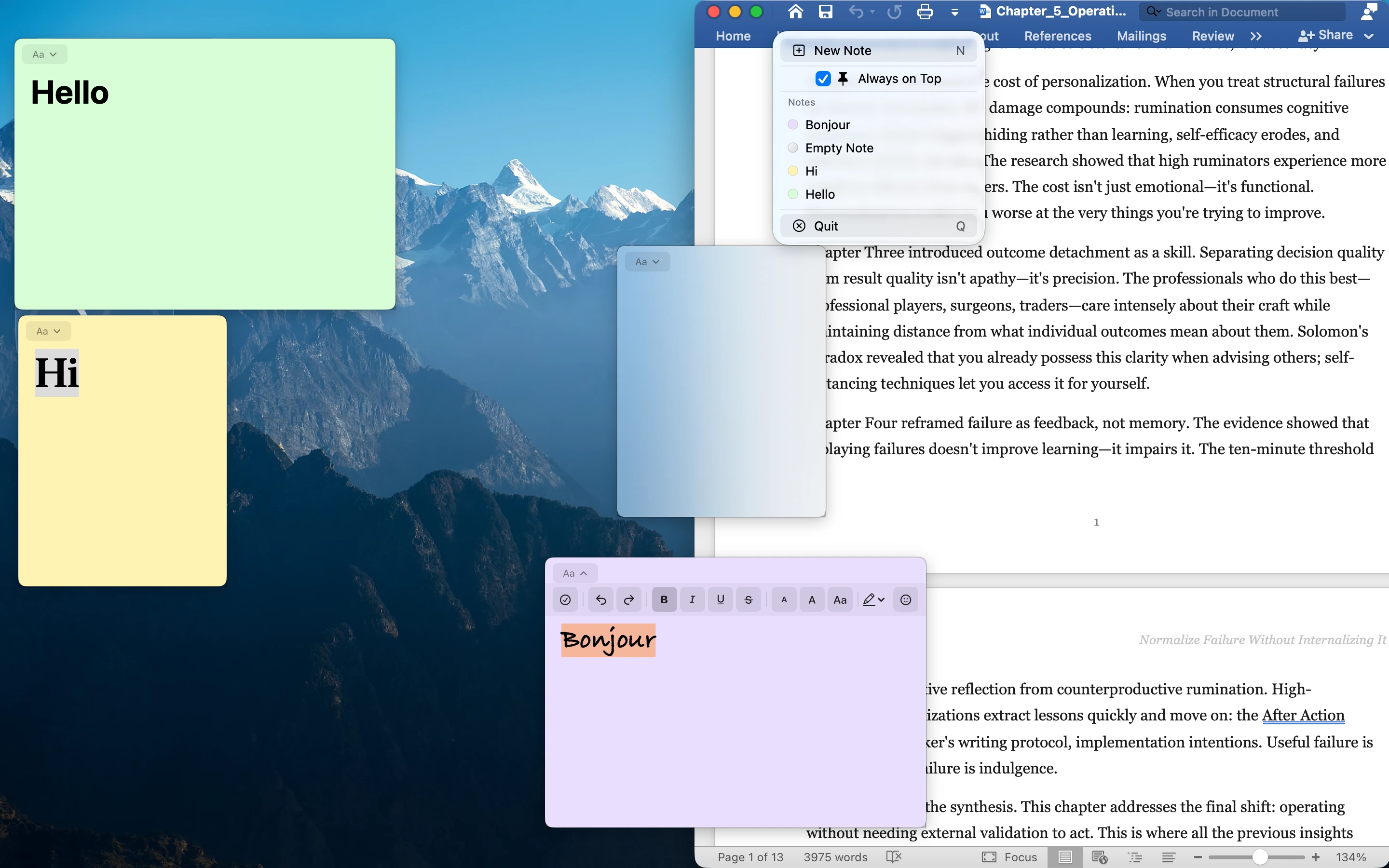
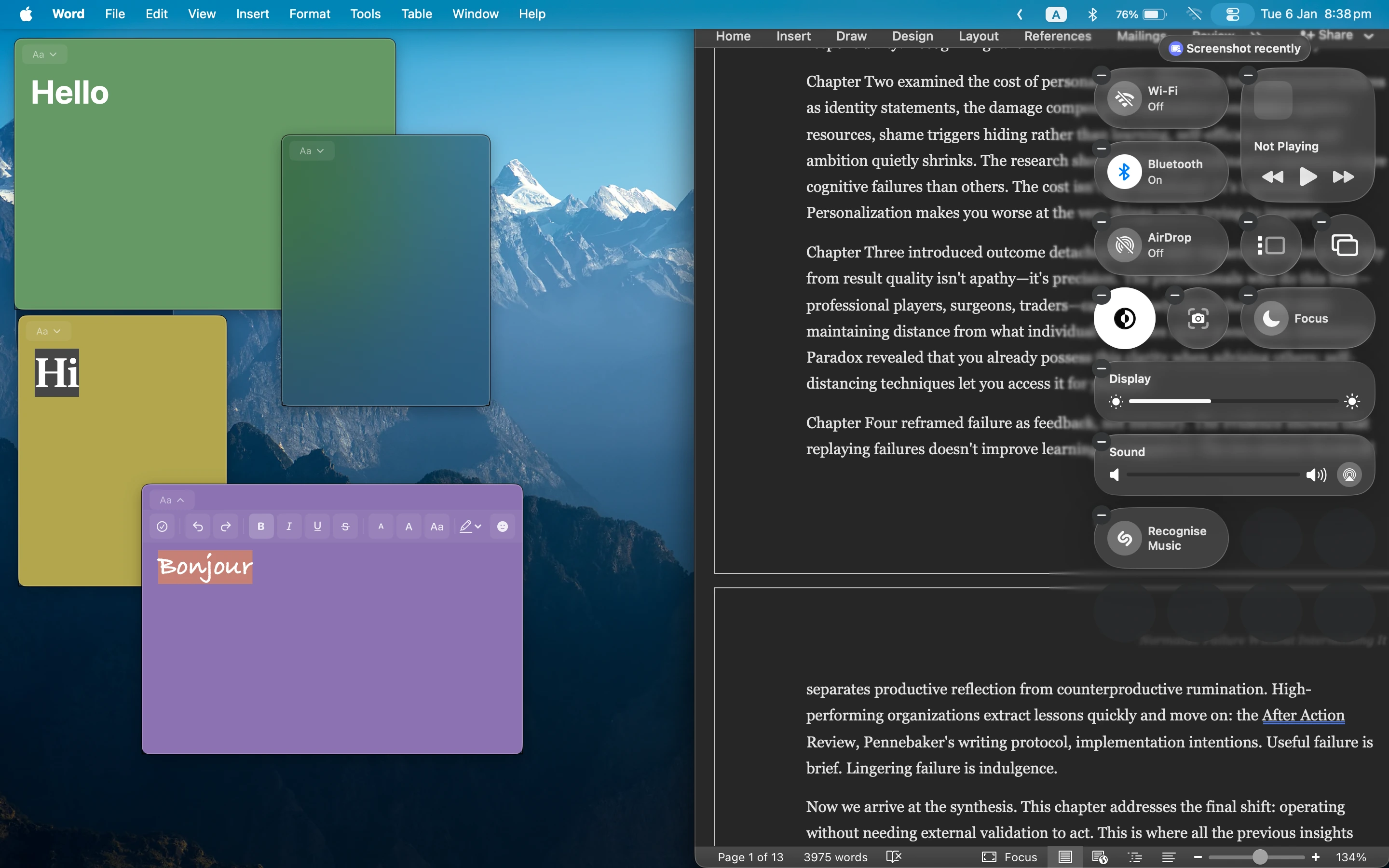
Full disclosure: I build all three of these, aimed at cutting out repetitive typing wherever it happens to show up — Safari, Chrome, or just a note on the desktop.
Frequently asked questions
Is there a Safari extension for saving and reusing text snippets?
Quick Paste Templates stores snippets in colour-coded folders and pastes them into Safari with one click, built specifically for repetitive typing.
Can I use the same snippet tool in both Safari and Chrome?
Quick Paste Templates exists as a separate extension for each browser, so you'd set snippets up individually in Safari and in Chrome.