How to Get Dark Mode on Every Website in Safari (Plus Warm Night Modes)
Some websites still haven't heard of dark mode, and the ones that have implement it inconsistently — a proper safari dark mode extension fixes that at the browser level instead of waiting for every site to catch up.
I built exactly that, plus two smaller habits I've folded into the same evening browsing routine: a moment of calm before the screen, and pages that scroll themselves so I'm not gripping a trackpad.
A Safari Dark Mode Extension for Sites That Won't Add Their Own
Waiting for a site to add its own dark mode means waiting indefinitely, in most cases.
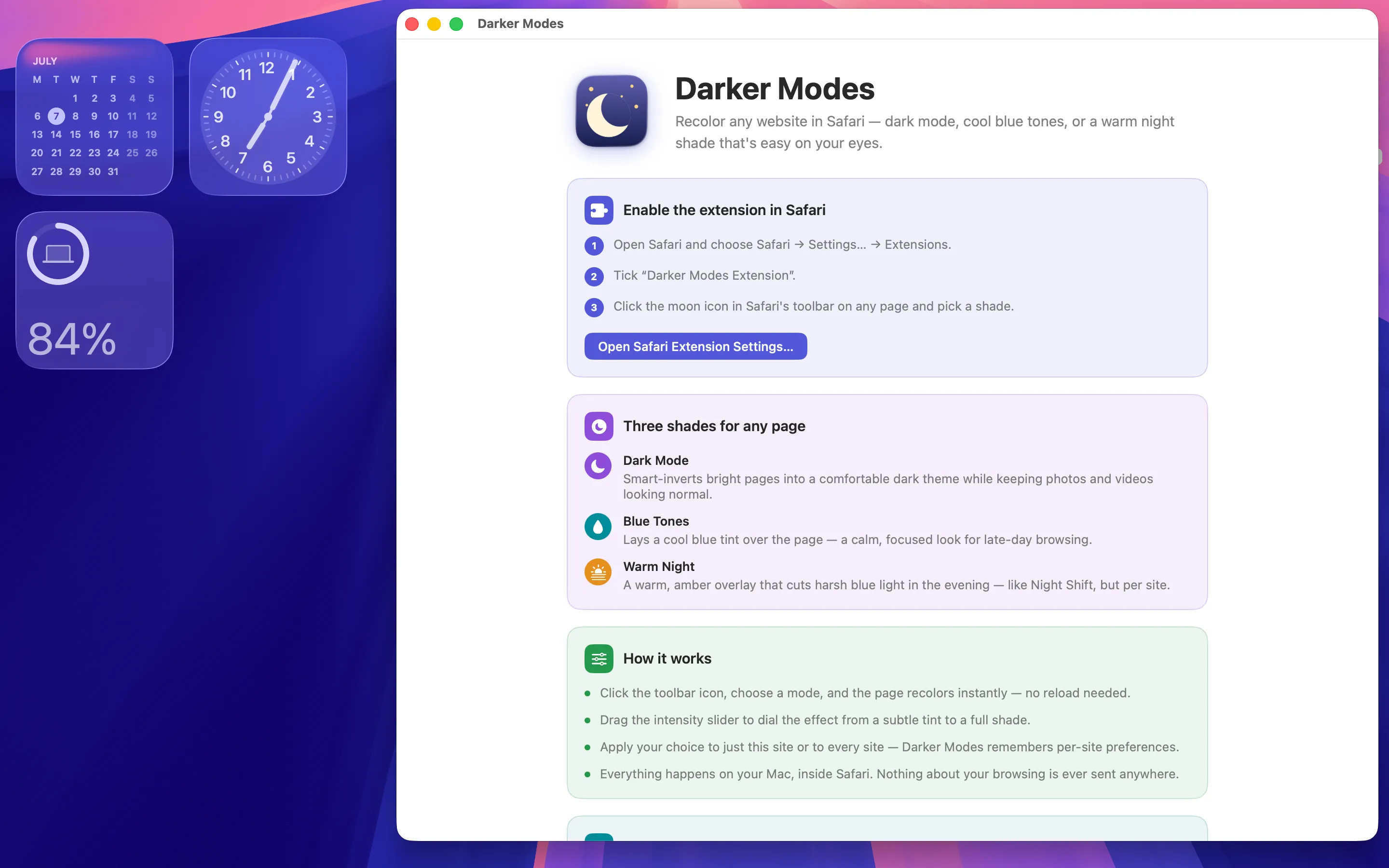
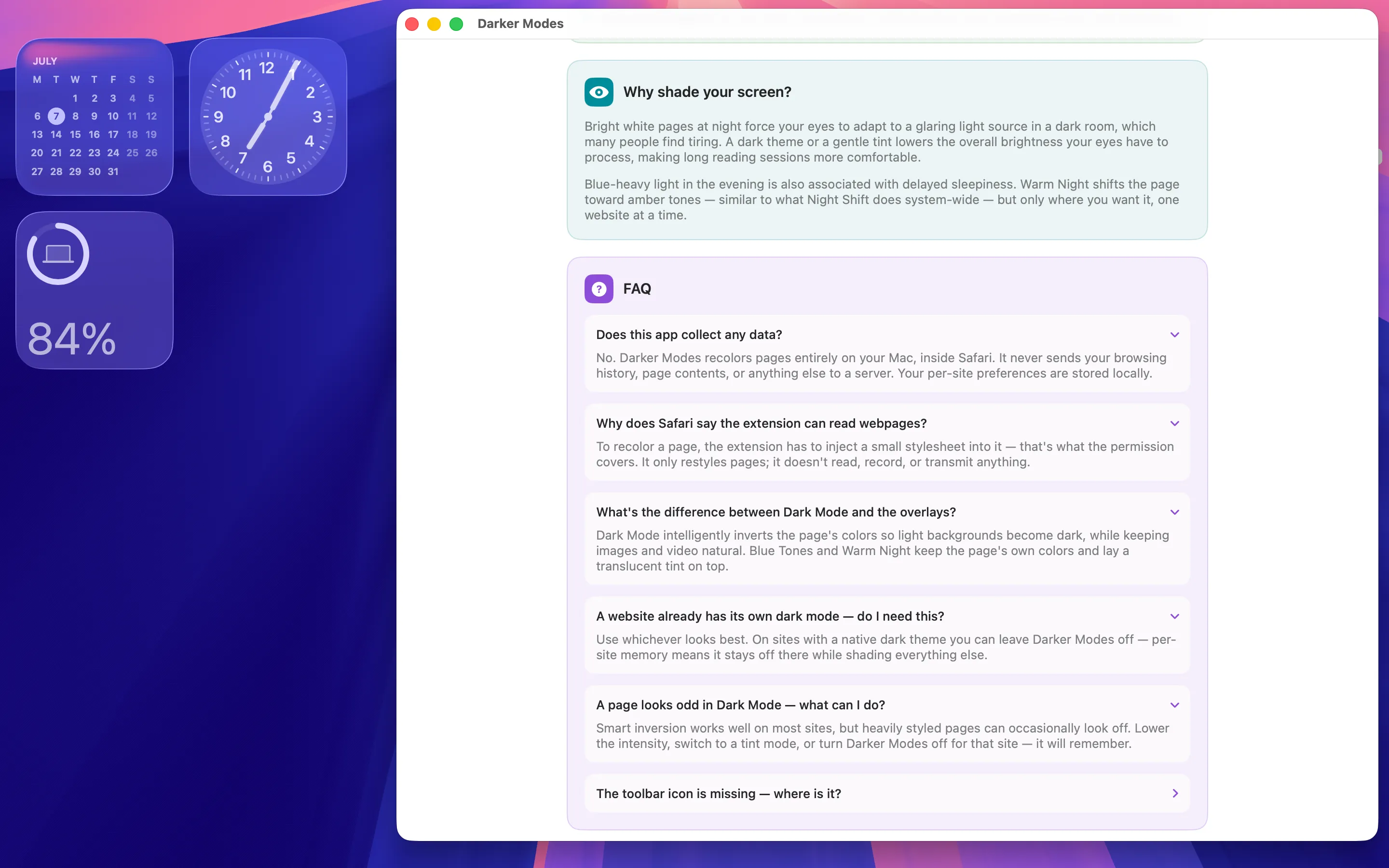
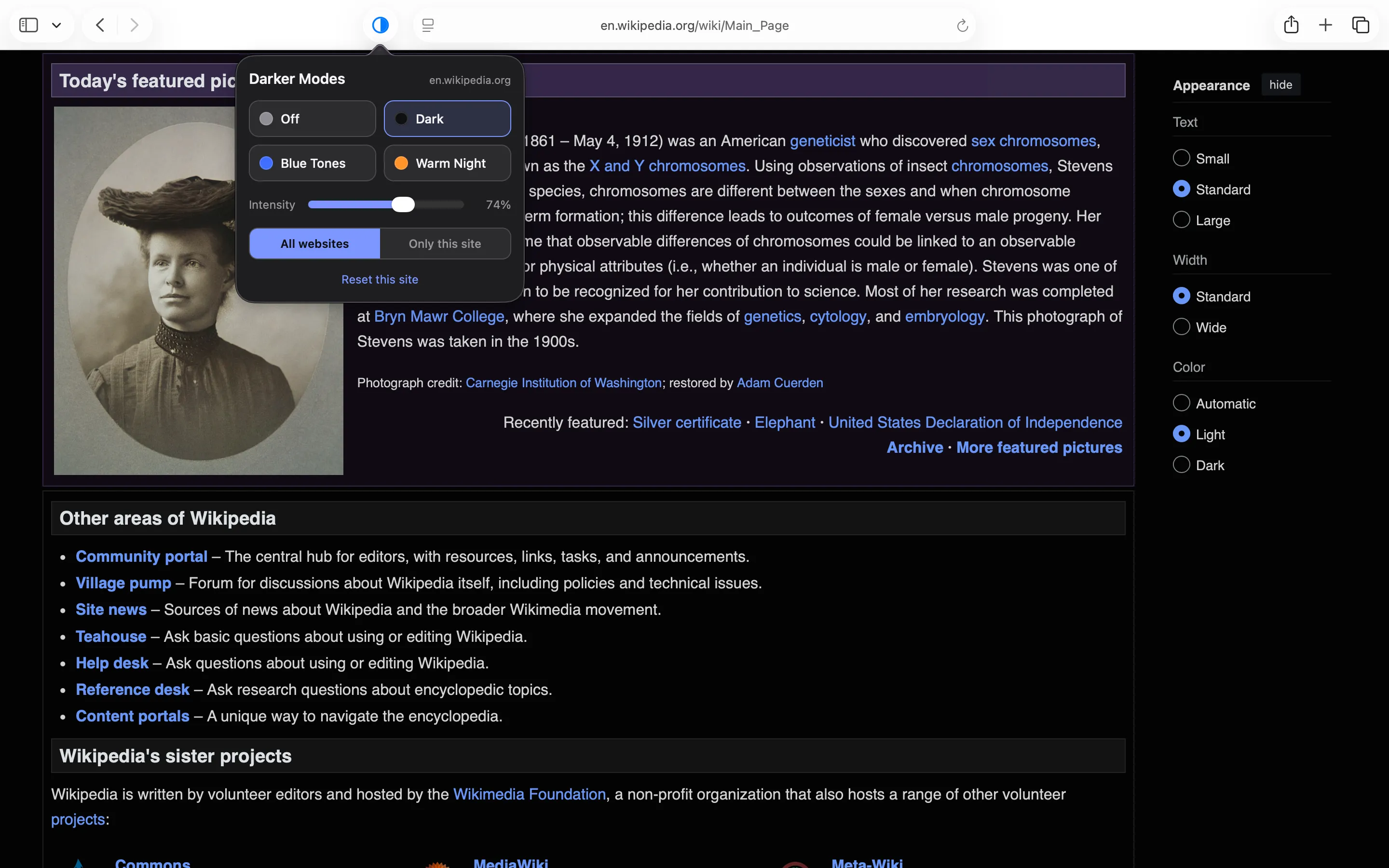
Darker Modes gives Safari on Mac three reading modes — Dark Mode, Blue Tones, and Warm Night — so every website gets easier on the eyes whether or not its own developers thought about it. It's privacy-first, with no ads, no tracking and no accounts, sold as a one-time purchase rather than a subscription. Switching modes takes one click, which matters at eleven at night when the last thing you want is to go digging through a settings menu.
A Moment of Calm Before You Start Reading
Dark mode helps the eyes; it doesn't do much for the mental habit of doomscrolling straight into a browser session.

Aura - Daily Mindfulness is a Chrome extension offering a personal space for daily intentions, affirmations, and mindful reflection. It's not a Safari tool, but I mention it because it fills the same slot in a browsing routine as dark mode does — a small, deliberate pause before the rest of the internet gets your attention.
Letting Long Pages Scroll Themselves
Dark, comfortable reading is only half the job if you're still hunched over a trackpad scrolling manually.

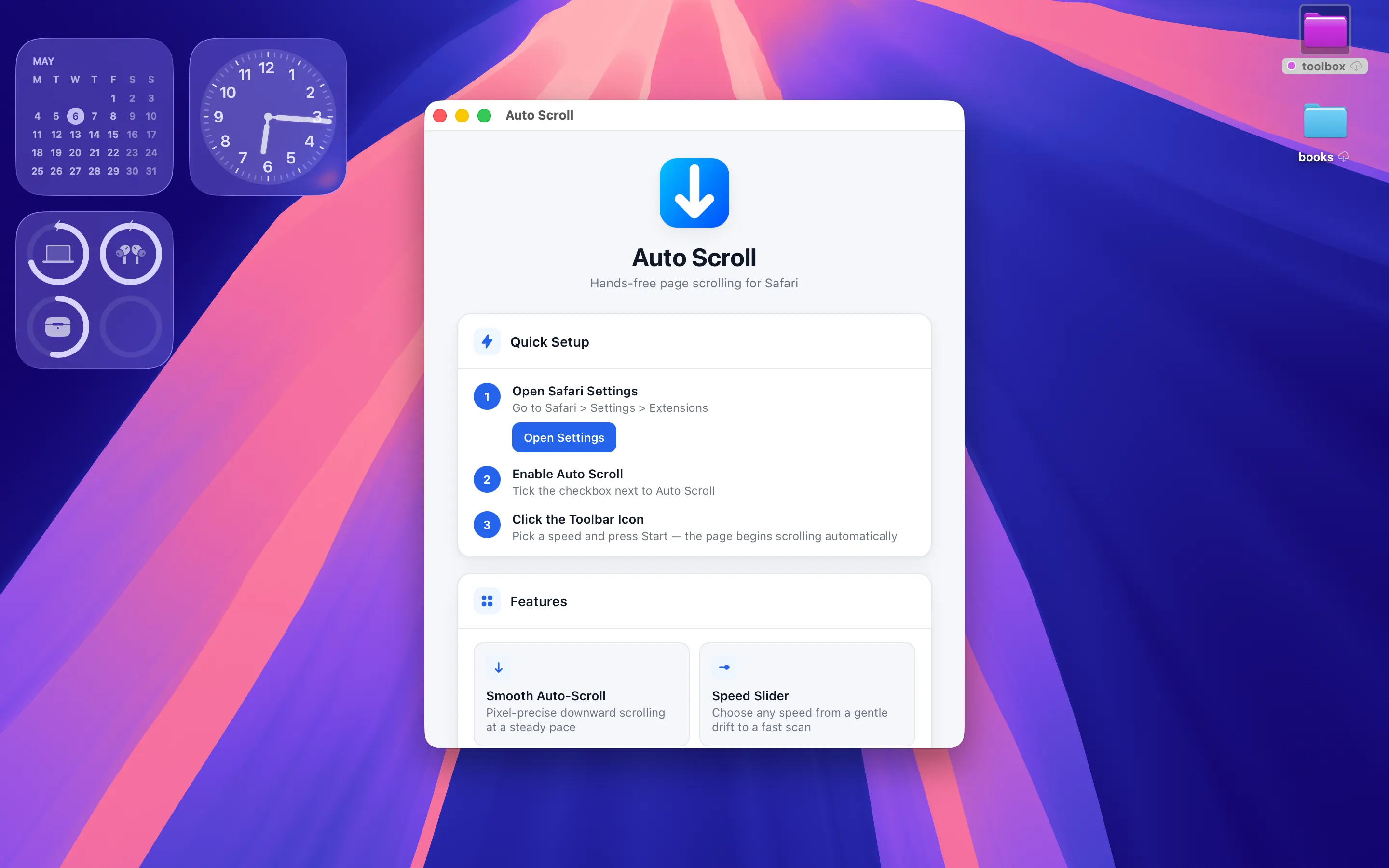
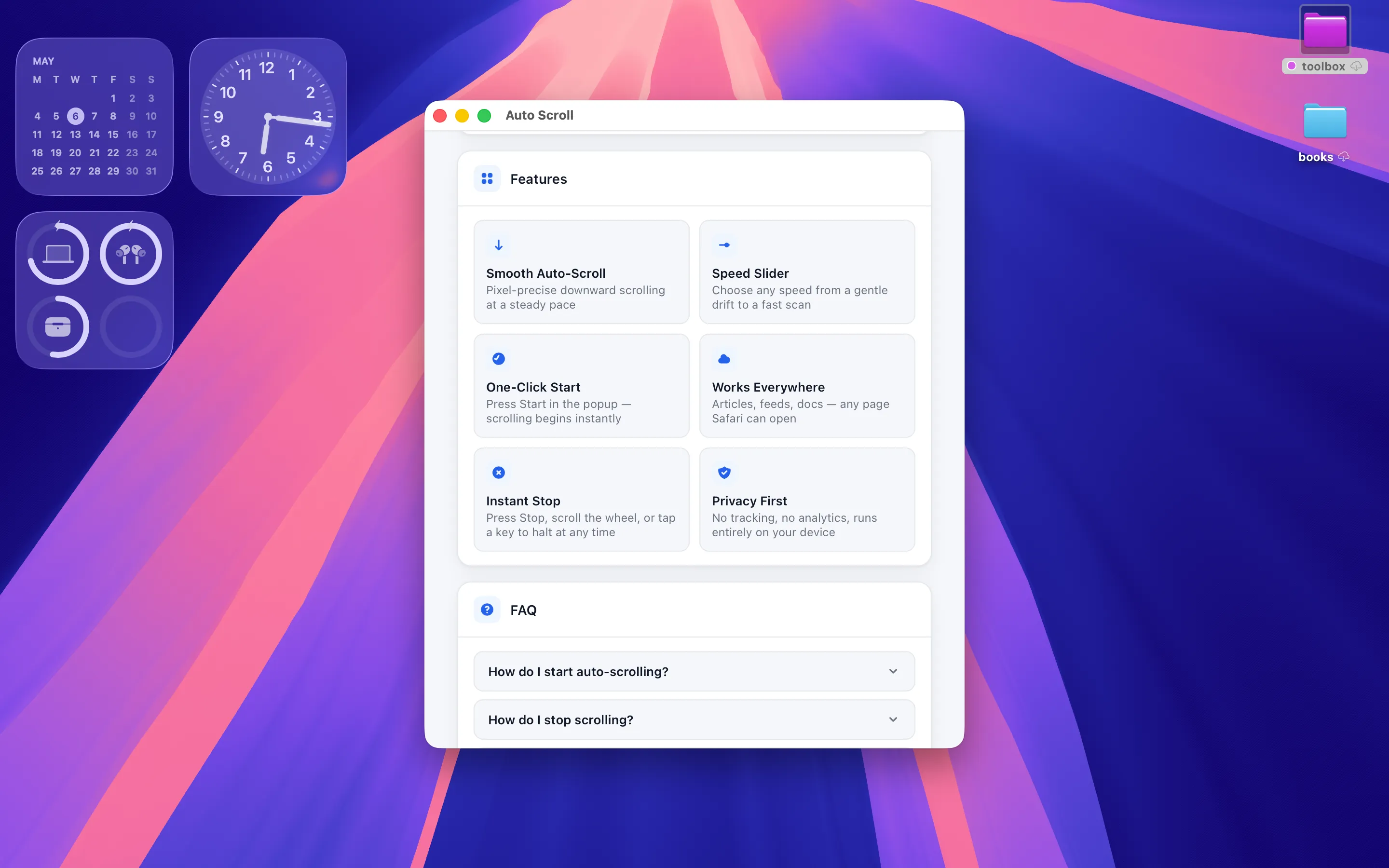
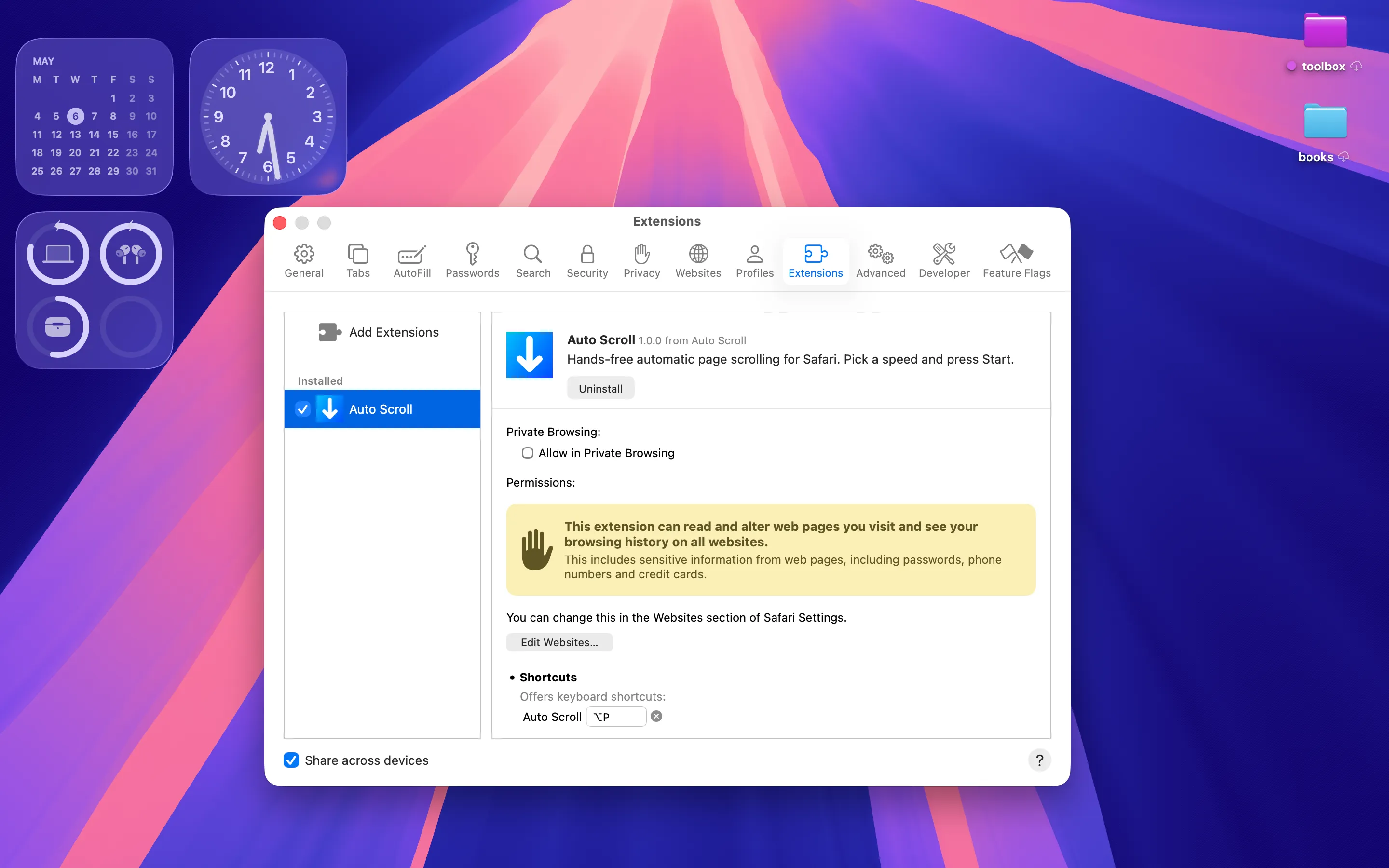
Auto Scroll Flow is a Safari extension for macOS that scrolls any web page for you at a speed you pick. It's privacy-first with no tracking, sold as a one-time purchase. Paired with Darker Modes, it turns reading a long article at night into something closer to watching text scroll past than actively wrestling a page — hands off the trackpad, eyes not straining against a bright background.
Full disclosure: I build the two Safari extensions here myself; the mindfulness extension is included because it fits the same evening routine, not because I'm pretending it does the same job.
Frequently asked questions
Is there a Safari extension that forces dark mode on every website?
Darker Modes adds Dark Mode, Blue Tones, and Warm Night reading modes across any site in Safari on Mac, regardless of the site's own support for dark mode.
Can a Safari extension scroll a page automatically while I read?
Auto Scroll Flow scrolls any web page at a speed you set, which pairs well with a dark reading mode for hands-off reading at night.