How to Keep Track of Claude Code --resume Session IDs on Mac
Claude Code's --resume flag is genuinely useful, but only if you can actually find the session ID you need afterwards. Losing track of claude code resume session ids in a scrollback buffer is a very specific, very avoidable kind of frustration.
I ran into this enough while working on my own apps that I built a small utility just for it, and it pairs naturally with two other tools I already had for notes and pasting text.
Where Your Claude Code Resume Session IDs Actually Live
Terminal scrollback isn't a filing system, and copying an ID into a random text file rarely ends well.

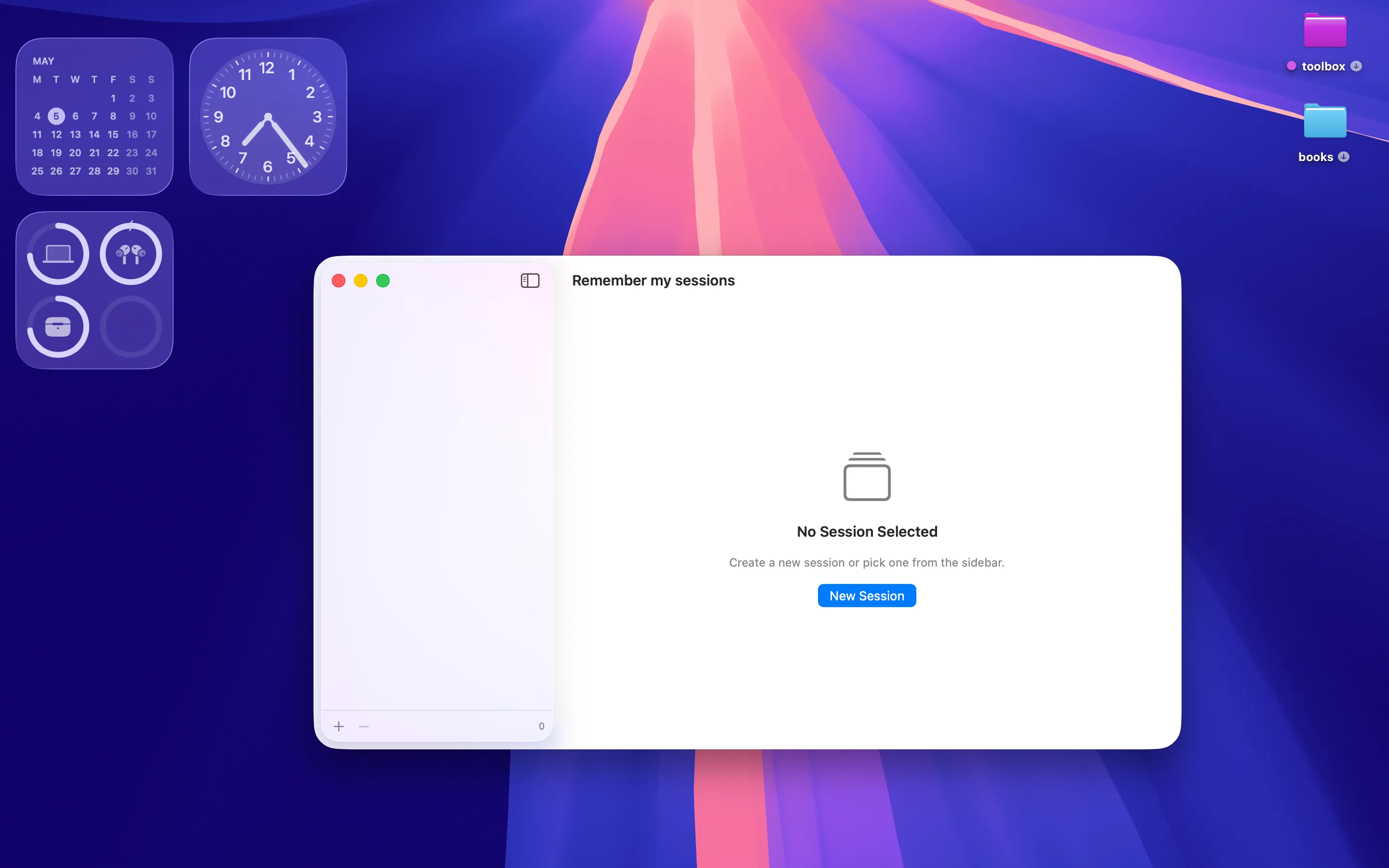
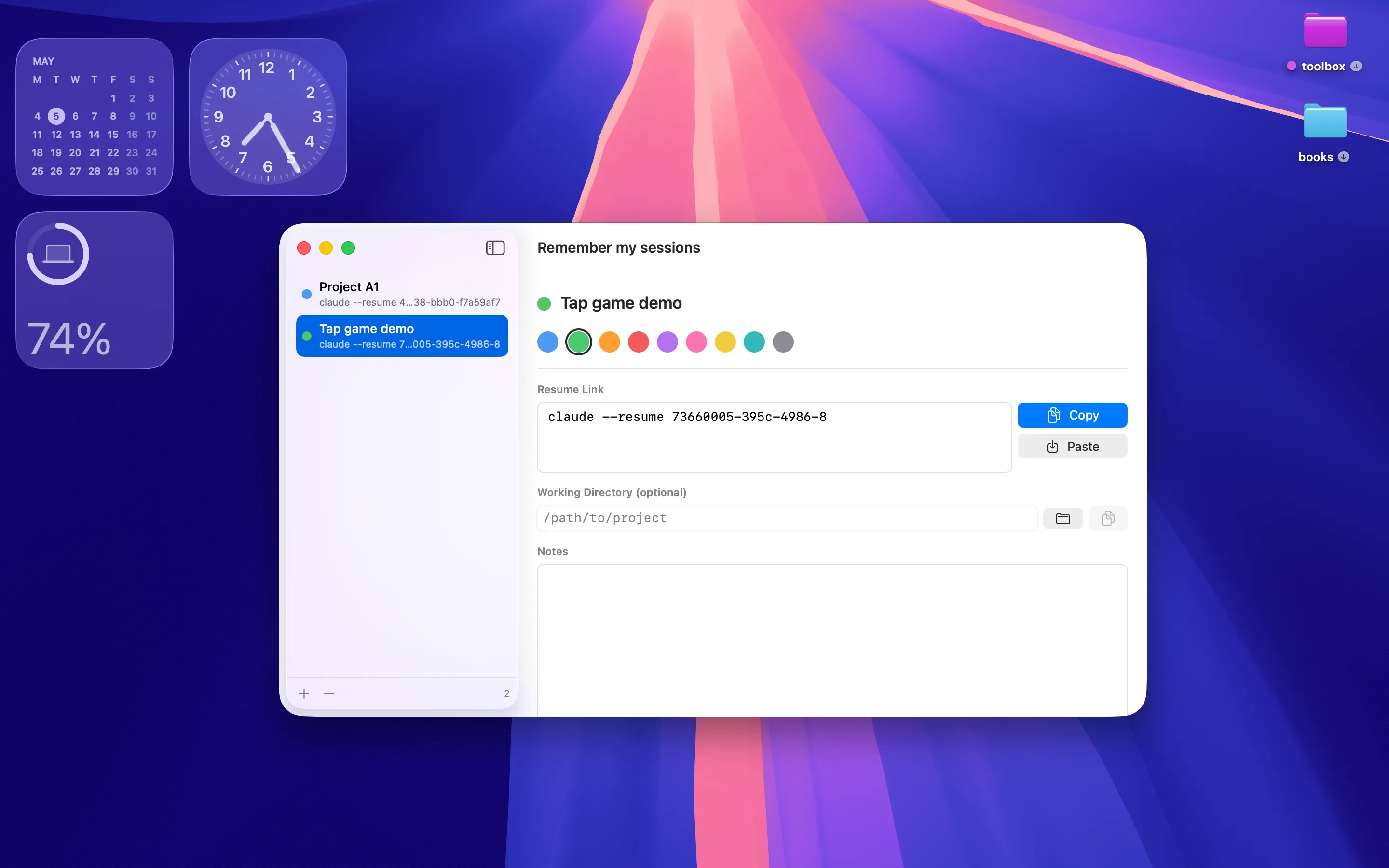
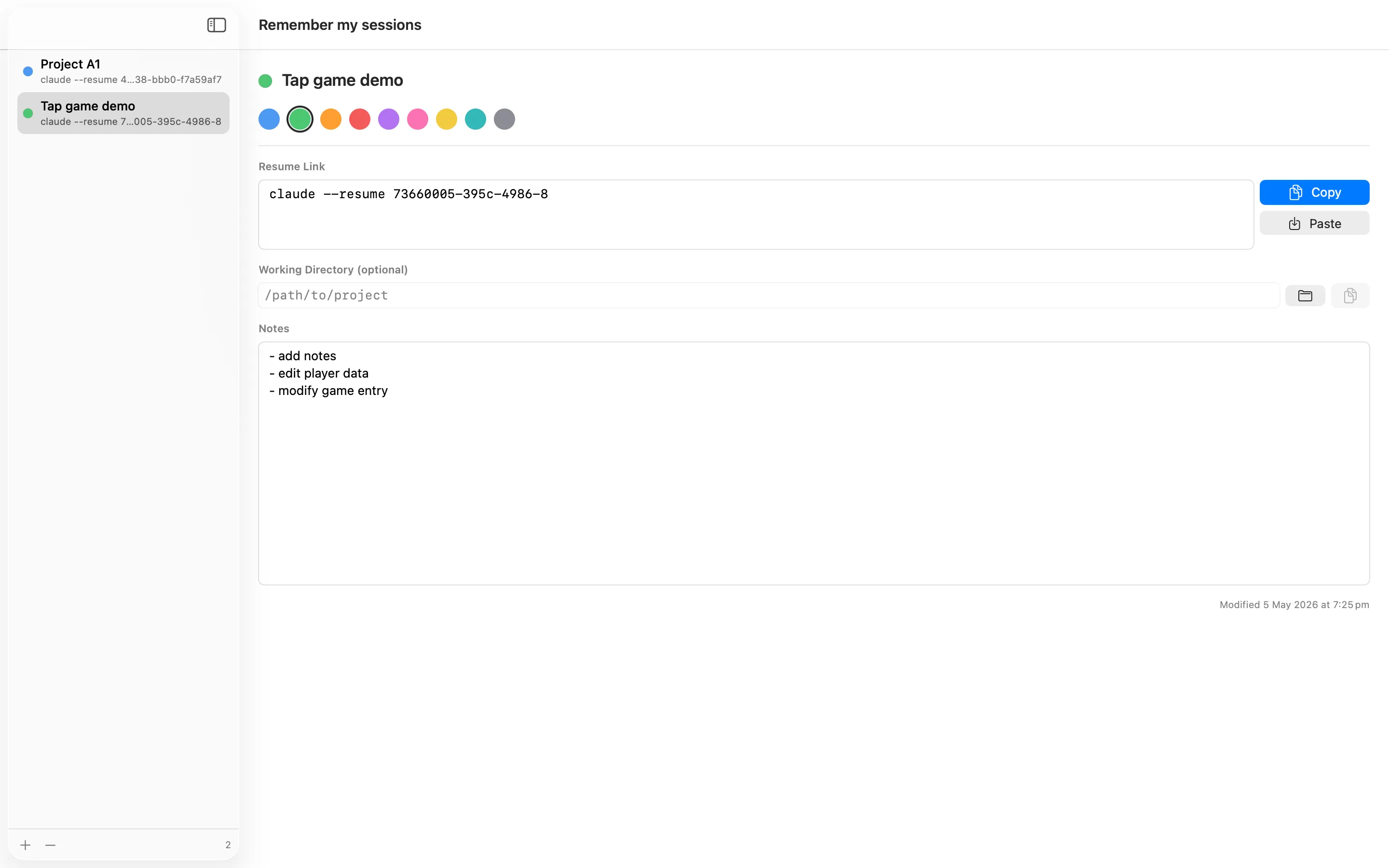
Remember my sessions is a privacy-first macOS utility that stores your Claude Code --resume session IDs as a colour-coded list, alongside progress notes, working directories, and one-tap copy. No telemetry, no ads, no account — it's built to sit quietly in the background of a coding workflow, so switching between three different projects mid-week doesn't mean hunting through terminal history to find the right session ID to resume.
For Longer Notes About Each Project
Session IDs are one thing; the surrounding context — what you were mid-way through, what broke — deserves more than a one-line note.
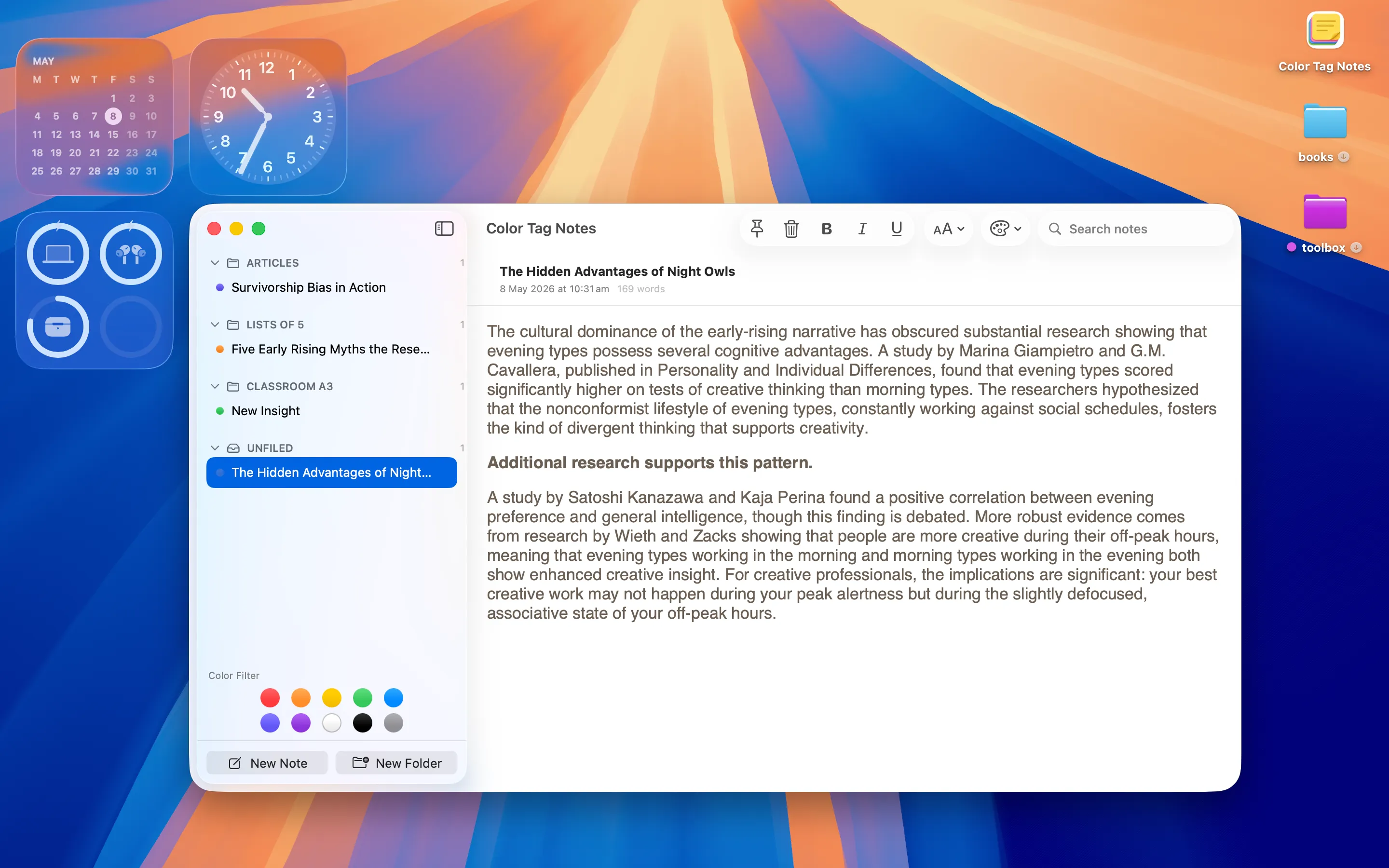
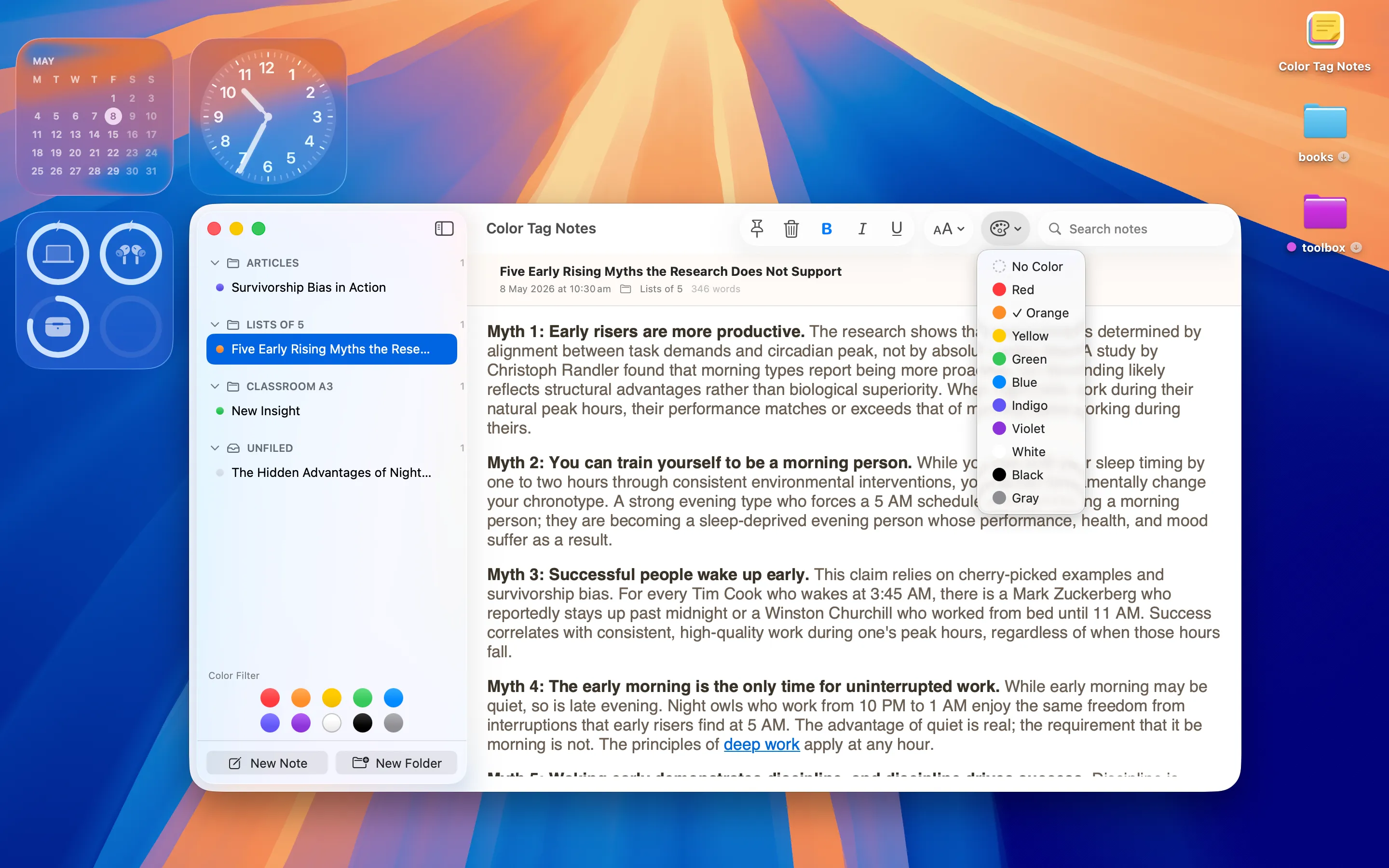
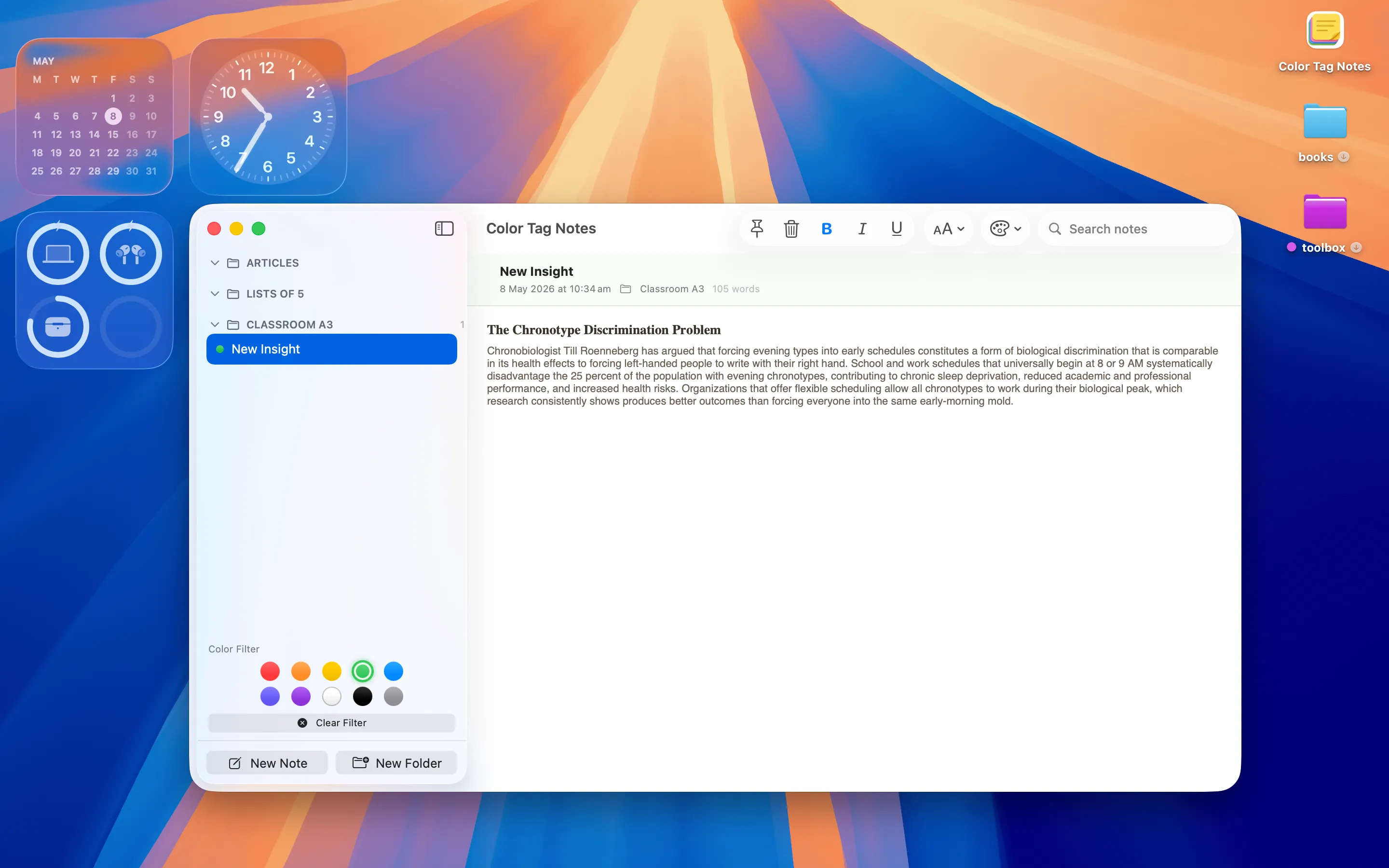
Color Tag Notes is a privacy-first macOS note-taking app with colour tagging, folders, pinning, basic rich-text formatting and a clean read view, SwiftUI native with no ads or tracking. Alongside Remember my sessions, it's where the longer project notes live — what a session was for, what's still outstanding — colour-coded by project so you can tell them apart at a glance.
Pasting Commands and Snippets Back In
Once you've found the session ID, you still have to type or paste the resume command correctly, every time.

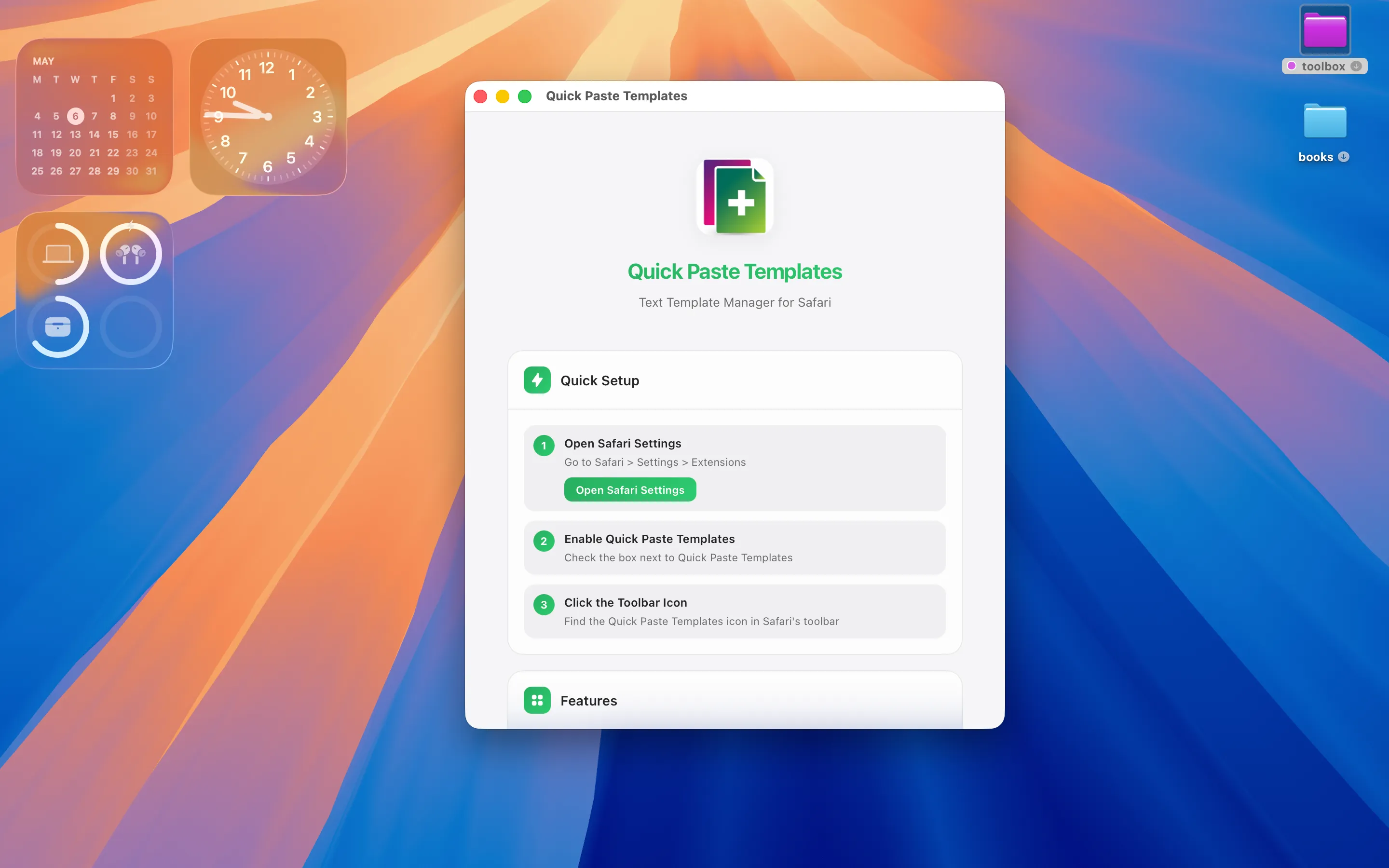
Quick Paste Templates is a privacy-first macOS app and Safari extension that stores reusable text snippets in colour-coded folders and pastes them into any Safari page in one click. It's handy for saving common command templates or notes you look up in Safari while working, keeping the whole session-tracking, note-taking and pasting workflow inside apps that don't phone home.
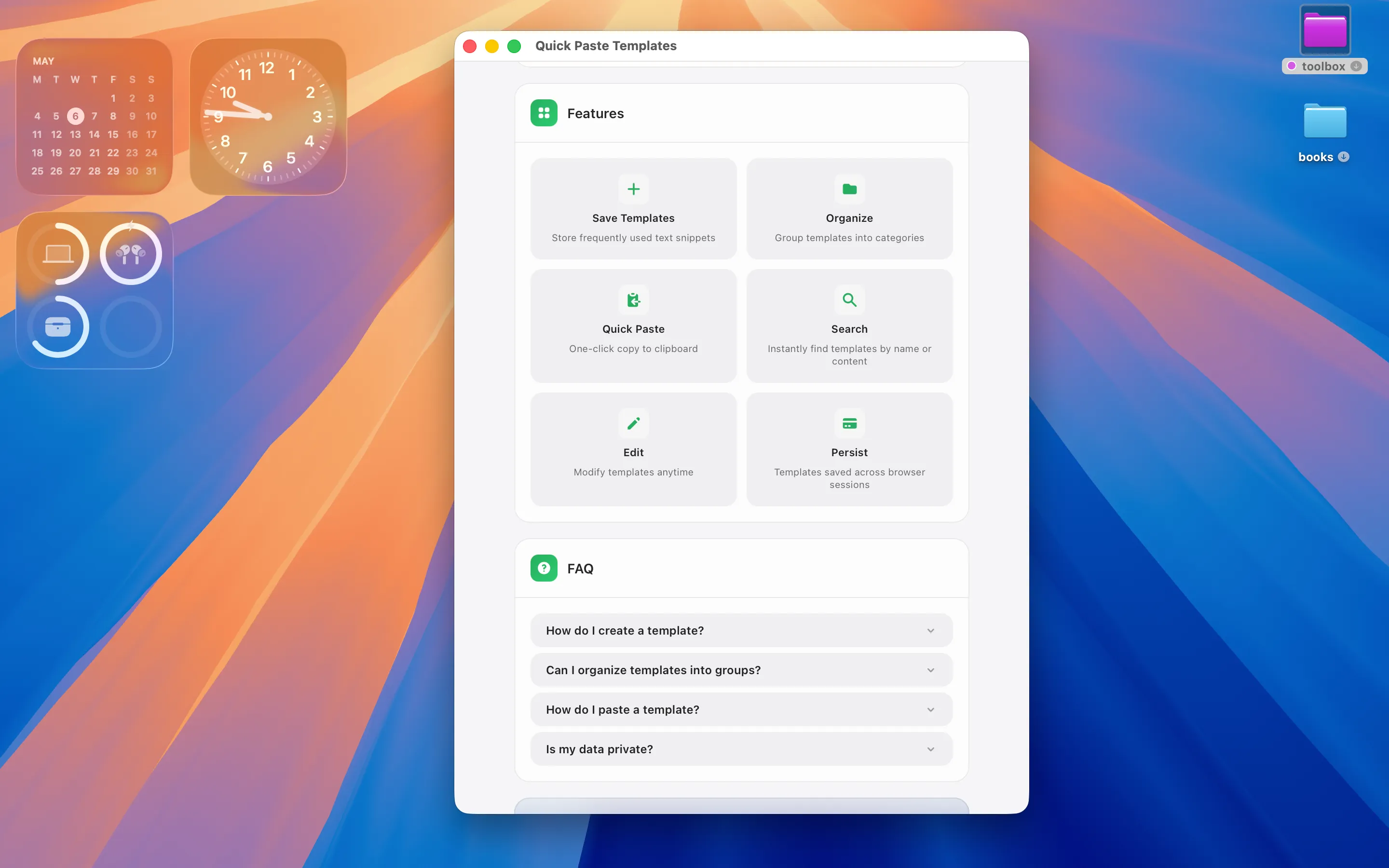
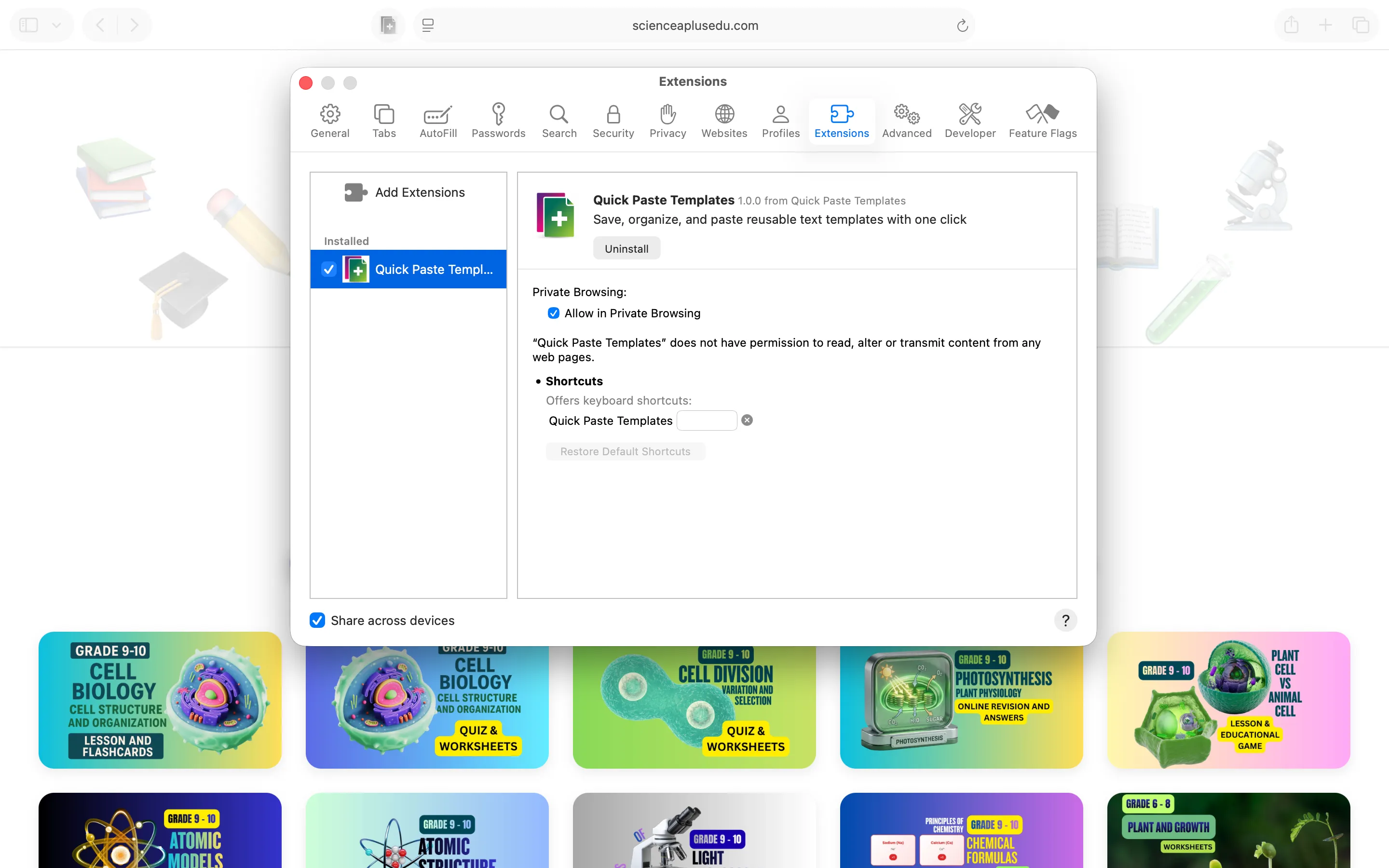
Full disclosure: I build all three, largely because I needed them myself while juggling my own Claude Code sessions across several app projects at once.
Frequently asked questions
Is there a Mac app for keeping track of Claude Code session IDs?
Remember my sessions stores --resume session IDs as a colour-coded list with notes and working directories, built specifically for this workflow.
How do I keep notes about what each coding session was doing?
Color Tag Notes lets you keep colour-coded, folder-organised notes alongside a session tracker, so the context isn't lost along with the ID.